

















 ChatGPTImaginode connected
You
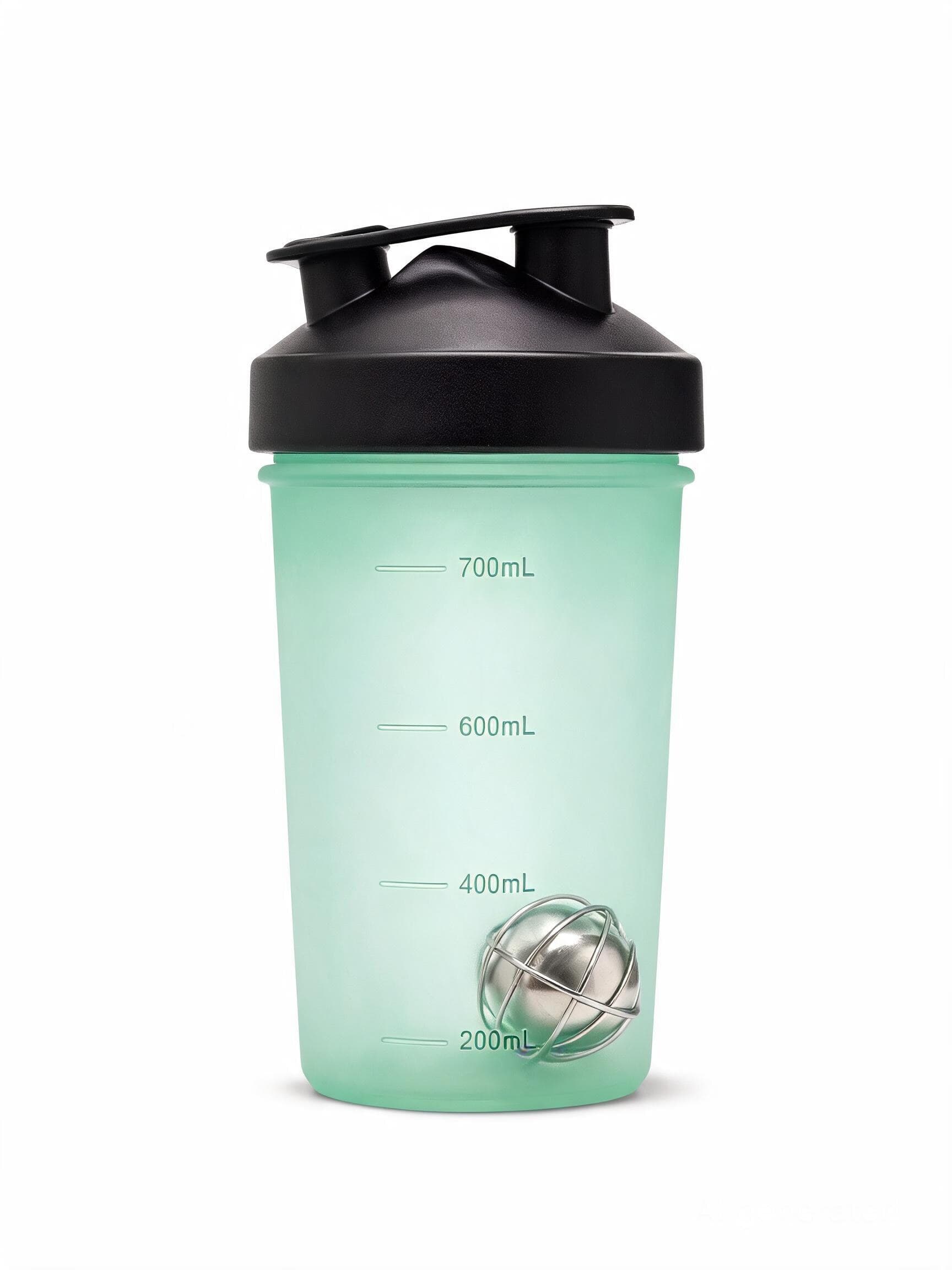
Shoot my shaker bottle in a studio, white background, soft shadow.
You
Now make that packshot rotate on itself, five seconds.
Official MCP server, sign in with your account
More than 133 image, video and sound models answer ChatGPT, Claude, Claude Code or Cursor. Connect your account once, ask, and the file lands in the conversation: on your credits, at the canvas price, with no key to paste.
ChatGPT Claude
Nothing to install, no key to paste, disconnect in one click from your profile.
Ten leading models among the 133 in the catalog, at the canvas price. Image, video and voice answer right in the conversation. Language models, GPT-6 Astra first, are used on the Imaginode canvas.
 VideoSeedance 2.5from 96 creditsTextGPT-6 Astrafrom 12 credits
 ImageNano Banana Profrom 19 credits
 VideoWan 3.0from 24 credits
 VideoKling V3from 91 credits
 VideoVeo 3.1 Fastfrom 72 creditsImageGPT Image 2.5 Sunburstfrom 3 credits
 ImageFlux 2 Maxfrom 10 creditsImageSeedream 5 Profrom 5 credits
 AudioElevenLabs v3from 3 credits
The full catalog, with the price of every option, can be read from the conversation: ask your assistant for the list of models.
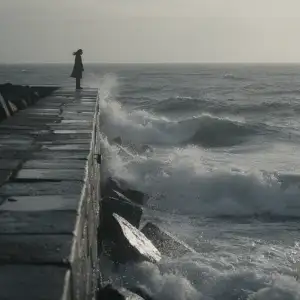
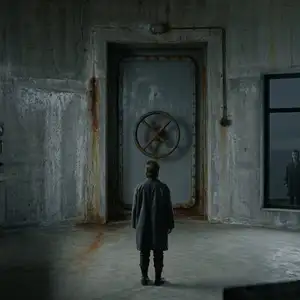
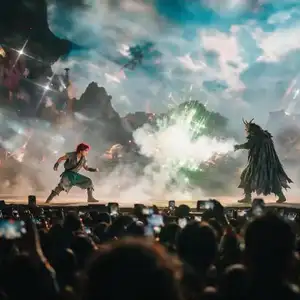
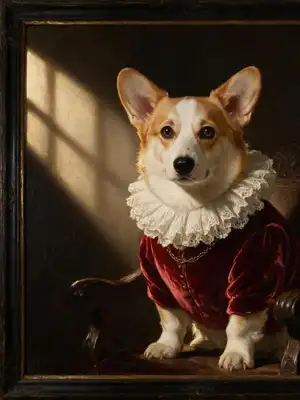
Requests typed as is in the conversation, and the files the server sent back, untouched. Under each render: the model the assistant picked and its price in credits, the canvas price, not one more.
ChatGPTImaginode connectedShoot my shaker bottle in a studio, white background, soft shadow.
Now make that packshot rotate on itself, five seconds.
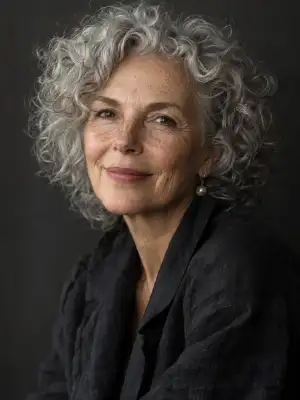
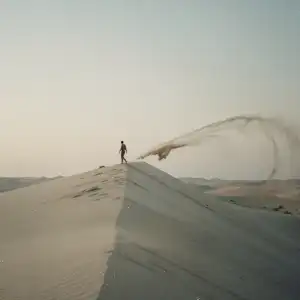
ClaudeImaginode connectedMake me walk like a giant between the buildings, vertical format.
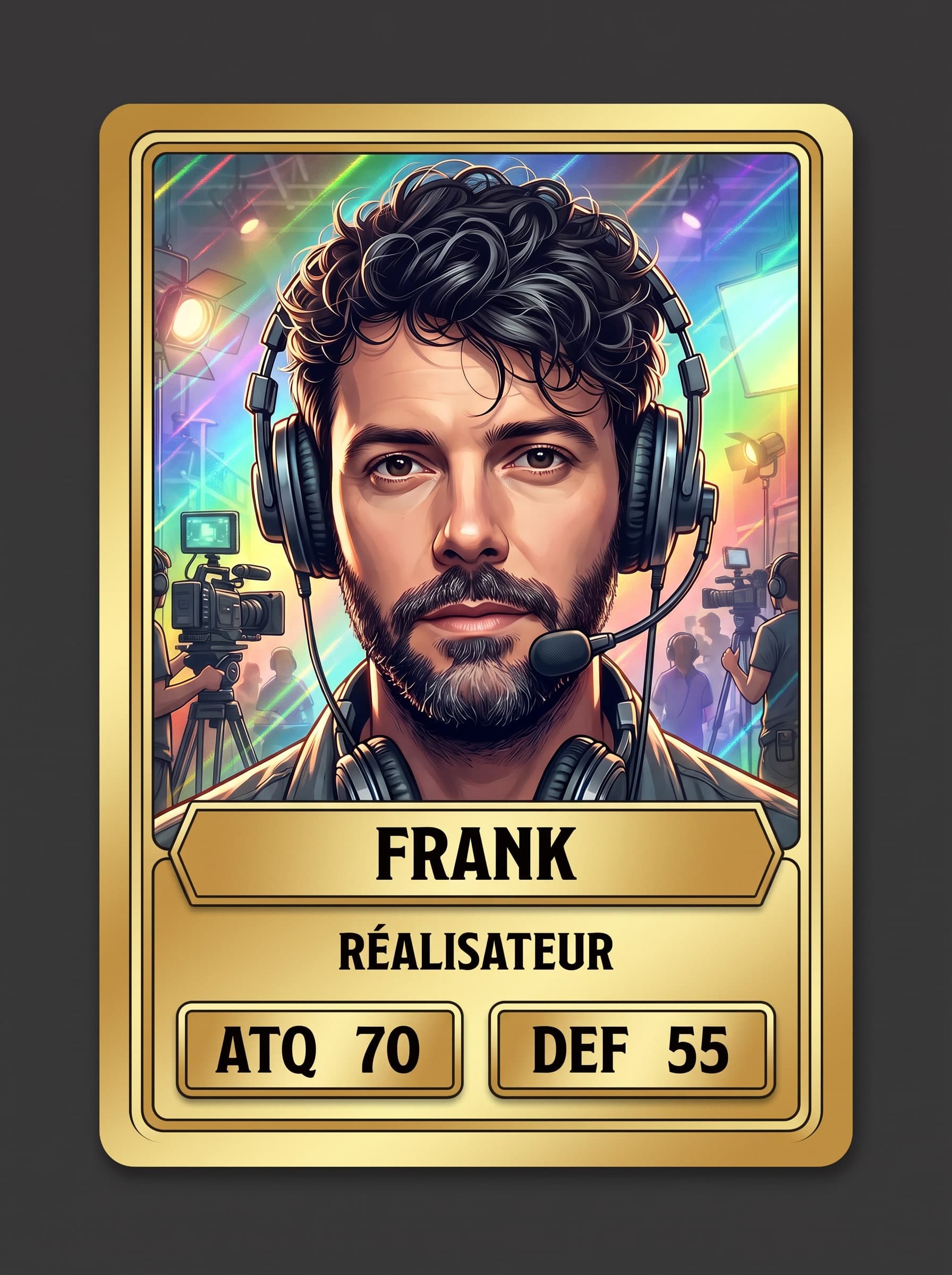
ChatGPTImaginode connectedTurn me into a collectible card, rare edition, gold frame, job: film director.
 ClaudeImaginode connected
Animate the lighthouse keeper shot: she polishes the lens, the sea churns behind the glass, seven seconds.
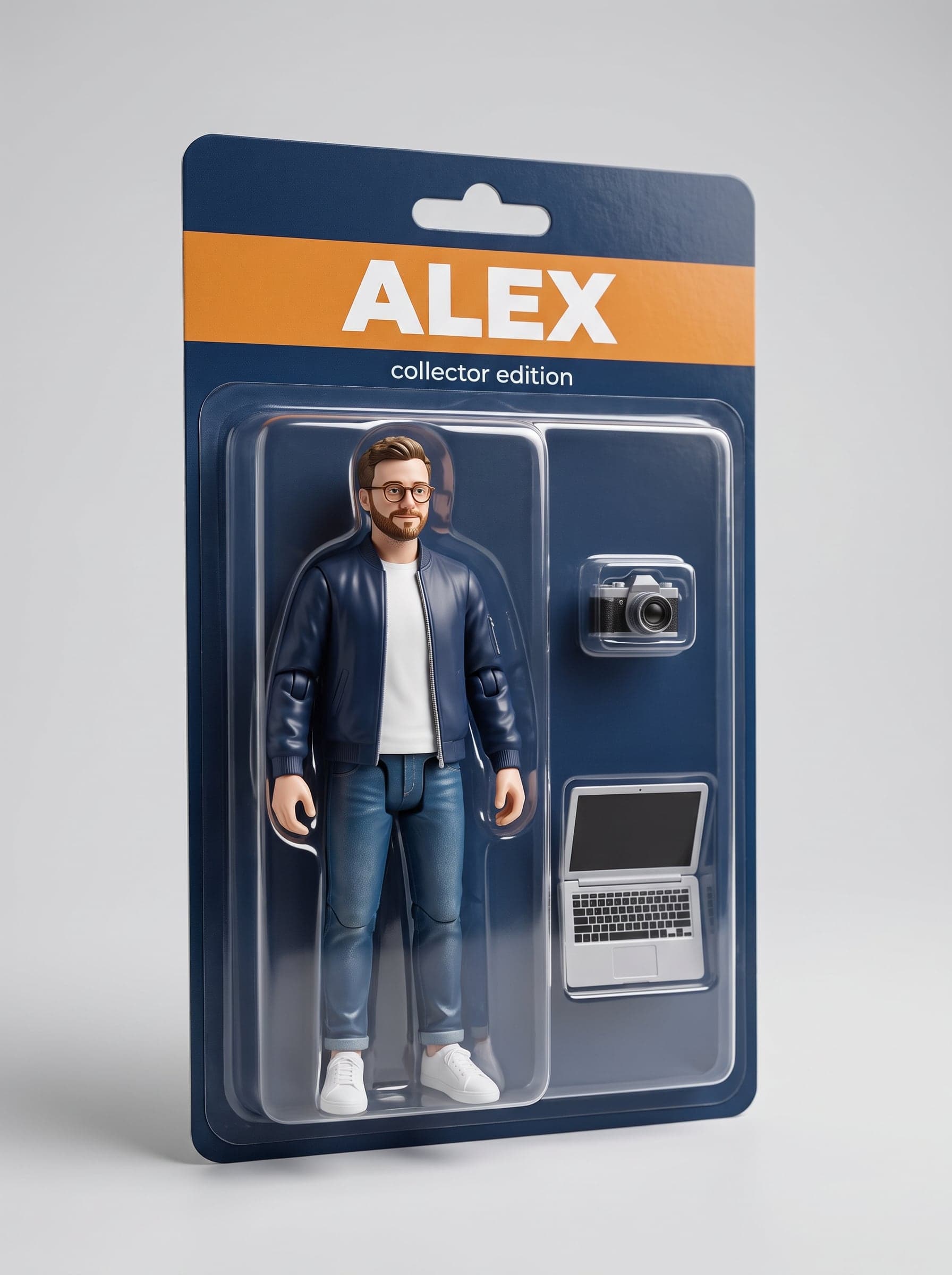
ChatGPTImaginode connectedTurn my profile photo into a collector action figure in blister packaging.
 ClaudeImaginode connected
A 16:9 YouTube thumbnail for a 24 hour challenge video.
 ChatGPTImaginode connected
An eight second commercial shot for this bottle, golden late day light.
ClaudeImaginode connectedDrop a dragon into the street behind me, same light as my photo, five seconds.
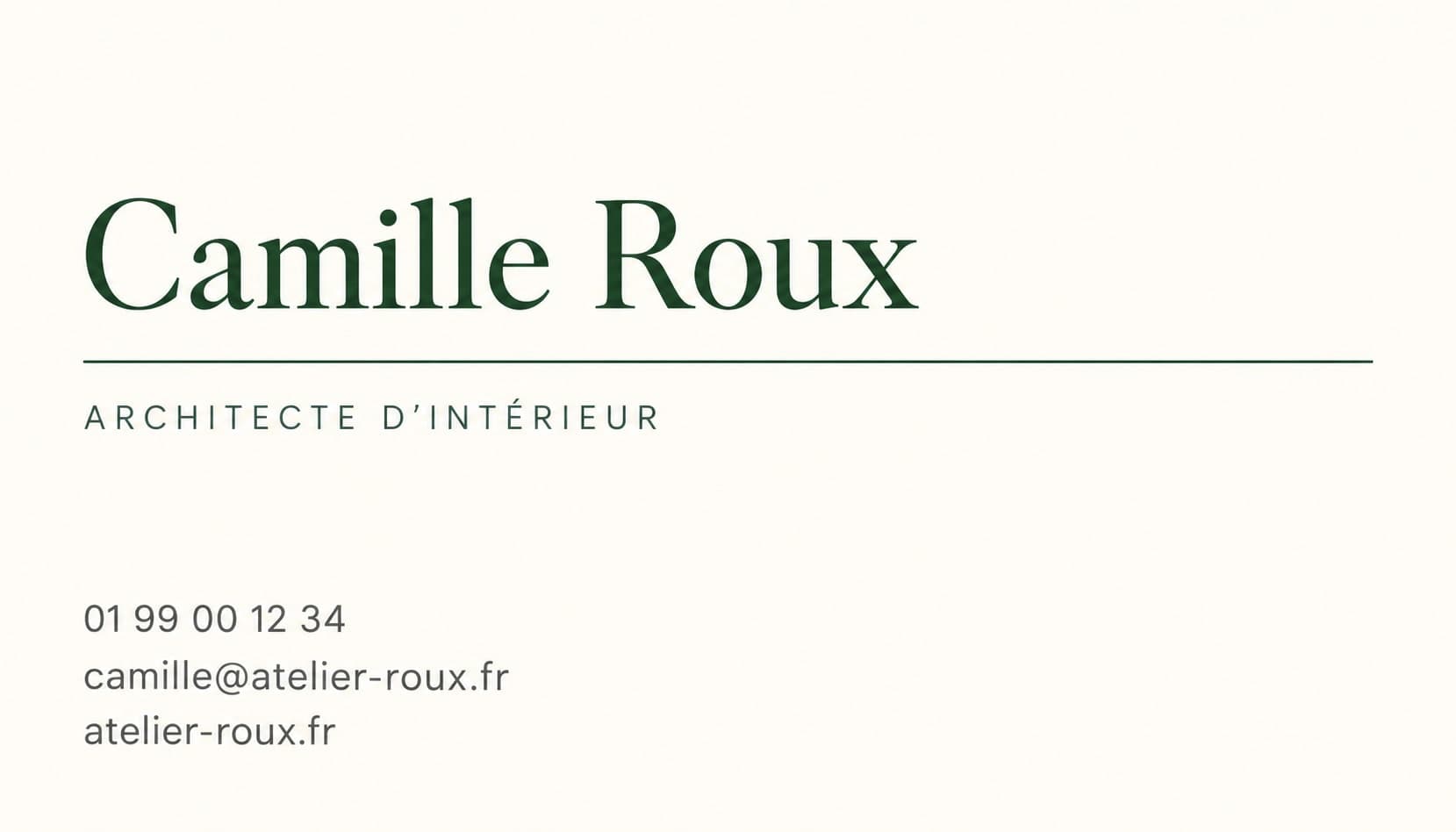
ChatGPTImaginode connectedMy business card, ivory and minimal: Camille Roux, interior architect, 01 99 00 12 34, camille@atelier-roux.fr, atelier-roux.fr.
 ClaudeImaginode connected
A presenter in a bright office saying to camera: “Three minutes a day is all it takes to keep your books up to date.” Voice included, vertical format.
ChatGPTImaginode connectedWrite a one-minute French pop song, female vocals, bright synths, with the lyrics below.
ClaudeImaginode connectedI drew a red line on this photo: fly a drone along the line, from the terrace to the sea, ten seconds.
ChatGPTImaginode connectedRead this text in a calm male voice: “Hi, this is Frank. This video starts from a single photo and a generated voice.”
Now make my profile photo say it, lips in sync.
Real renders, untouched. A photo or video used as a starting point must first be in your Imaginode media library.
In ChatGPT or Claude, add a connector with the server address. No key to paste.
An Imaginode page opens: you sign in and allow the app. You can disconnect it at any time from your profile.
“Generate a product photo of my candle on a linen background”, “make a 5-second video of waves at sunset”: the assistant picks the model, states the cost and returns the file.
Two ways to plug in Imaginode. With your account: ChatGPT, Claude, Claude Code and Cursor open a sign-in page, nothing to paste. With an API key: for clients that cannot sign in that way, and for your scripts.
Not needed for ChatGPT and Claude, which use your account. The key is for Cursor or Claude Code if you prefer it, for other MCP clients and for your scripts.
Open my API keysCreate your Imaginode account, then confirm your email address with the link you receive: creating a key requires it.
Open your profile and scroll down to the "API keys" section. The button next to these steps takes you straight there.
Name the key, "Cursor" for instance, then click "Create a key".
Copy the key right away: it starts with imk_ and will never be shown in full again. Keep it like a password, never in a code repository.
Paste it into your client as shown below. A lost or exposed key is revoked in one click from your profile; five active keys at most, ten generations per minute each.
ChatGPTIn ChatGPT, open Settings, then Apps and connectors.
Click Create. If the button is missing, turn on developer mode in the advanced settings: custom connectors depend on your ChatGPT plan.
Name: Imaginode. MCP server URL: paste this one. Authentication: OAuth. Confirm.
https://imaginode.ai/api/mcpAn Imaginode page opens: sign in, then click Allow.
In a new conversation, add Imaginode from the + button of the message box, then ask for an image.
Claude (web, desktop, mobile)On claude.ai, in the desktop app or on mobile, open Settings, then Connectors.
Click Add custom connector. In a Team or Enterprise organization, an admin adds it.
Name: Imaginode. URL: paste this one, then click Add.
https://imaginode.ai/api/mcpClick Connect: the Imaginode page opens, sign in and allow the app.
In a conversation, check that Imaginode is enabled in the tools menu, then ask.
In a terminal, run this command:
claude mcp add --transport http imaginode https://imaginode.ai/api/mcpOpen Claude Code and type /mcp: pick imaginode, then Authenticate. The sign-in opens in your browser, allow the app.
Prefer an API key? Run this command instead, replacing the end with your key:
claude mcp add --transport http imaginode https://imaginode.ai/api/mcp --header "Authorization: Bearer imk_your_key"Click this button, then confirm the installation in Cursor.
In Cursor's settings, MCP section, click Connect next to imaginode: the Imaginode sign-in page opens.
With an API key instead: open the file ~/.cursor/mcp.json, paste this block and replace the end with your key.
{
  "mcpServers": {
    "imaginode": {
      "url": "https://imaginode.ai/api/mcp",
      "headers": {
        "Authorization": "Bearer imk_your_key"
      }
    }
  }
}Add a remote MCP server, Streamable HTTP transport, with this URL:
https://imaginode.ai/api/mcpIf the client offers OAuth sign-in, choose it. Otherwise, send your key in this header:
Authorization: Bearer imk_your_keyFor a script without MCP, the REST API does the same with the same key:
To check that everything works, ask your assistant "what is my Imaginode balance?": the answer costs no credits.
Generate an image with Flux 2, Nano Banana Pro, GPT Image or Seedream 5, with your images as references.
Generate a video with Seedance 2.5, Kling V3, Veo 3.1 or Wan 3.0, from a text, a start image, an end image or your characters as references.
Produce a voice-over (ElevenLabs, MiniMax, OpenAI, your cloned voices), a multi-voice dialogue, a sound effect or a music track.
Edit an existing media: upscale, cut out the background, turn a photo into a 3D object, lip-sync a voice, extend a video, clean up an audio file.
List the models and their price in credits, and check your balance before an expensive generation.
Browse the 306 canvas templates: the full recipe (model, prompts, wiring) or the link that opens it ready to run.
Create your account, then add the connector in your assistant.
The server is listed in the official MCP registry and published on GitHub. registry.modelcontextprotocol.io · GitHub