Category
AI photo editing: change the background, remove an object, extend, restore and transform an image
These workflows edit an existing photo instead of inventing one: the background replaced, a passer-by erased, the image extended to story format, an old photo repaired and colourised, a blurry image sharpened, a sketch turned into a photo, a photo turned into a painting or a 3D object.
Every page shows the starting photo and the result, with what the model keeps and what it changes. Editing models like Flux Kontext and Nano Banana Pro work on your pixels, and the pages say honestly where they stop.
What you can do here
- Put a product or a portrait on another background
- Erase an object or a person without a trace
- Turn a horizontal image vertical without cropping
- Repair and colourise a damaged family photo
- Enlarge a photo without making it blurry
The tools in this category 24 tools
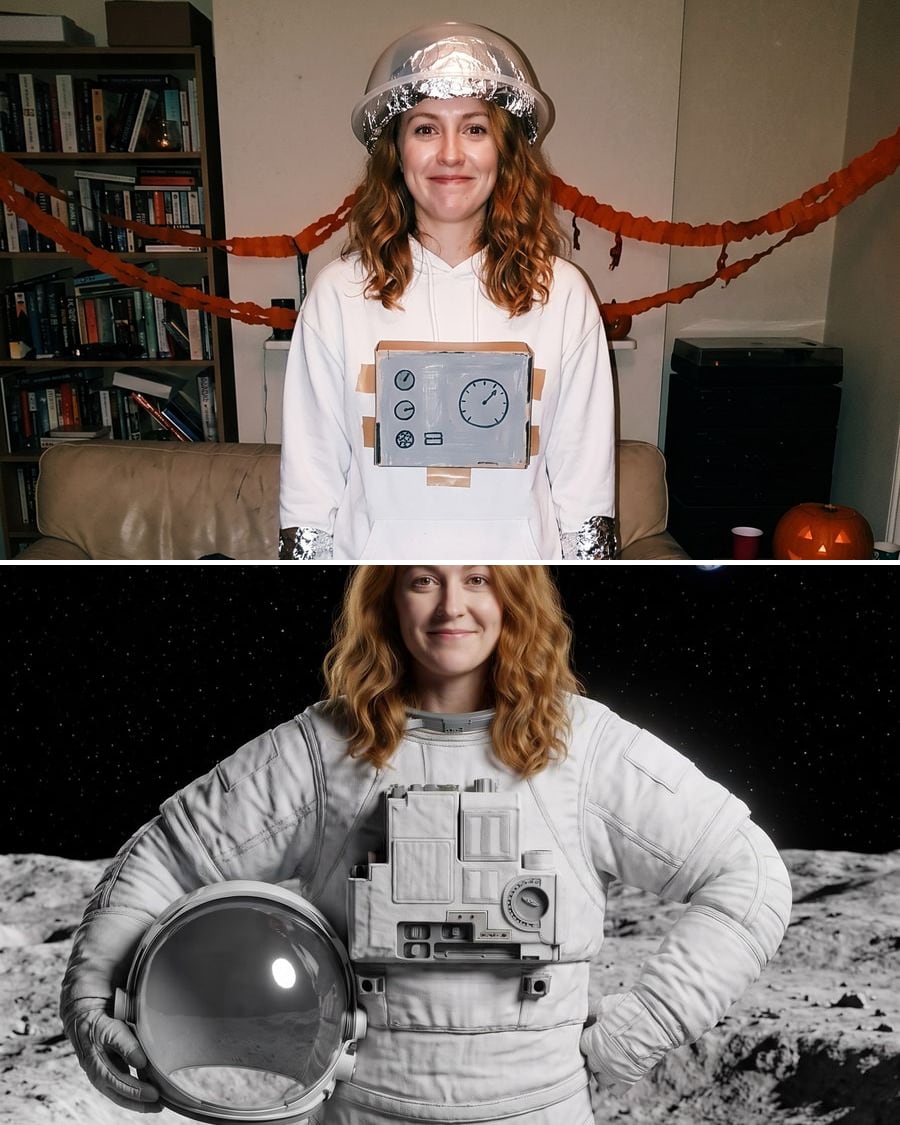
I'm so sorry trend
The edited versions of your photo, before the real one
The I'm so sorry TikTok trend: two edited versions of your photo, the film astronaut then the Moon, before the real one. Workflow visible, no account.

 Interactive demo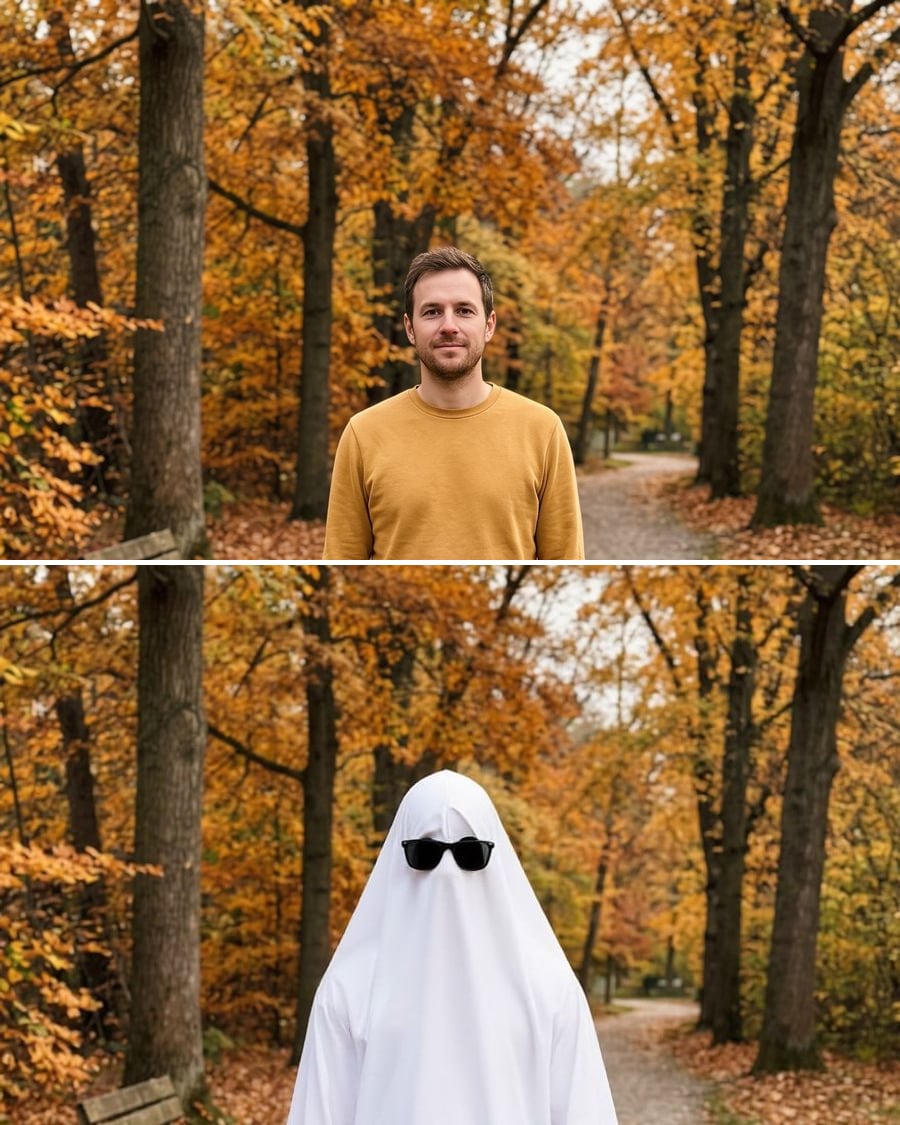
Ghost photoshoot
The white sheet on your photo, your sneakers underneath
The ghost photoshoot trend on your own full-length photo: white sheet, sunglasses or a pumpkin, your jeans and sneakers kept. Workflow visible, no account.
Interactive demo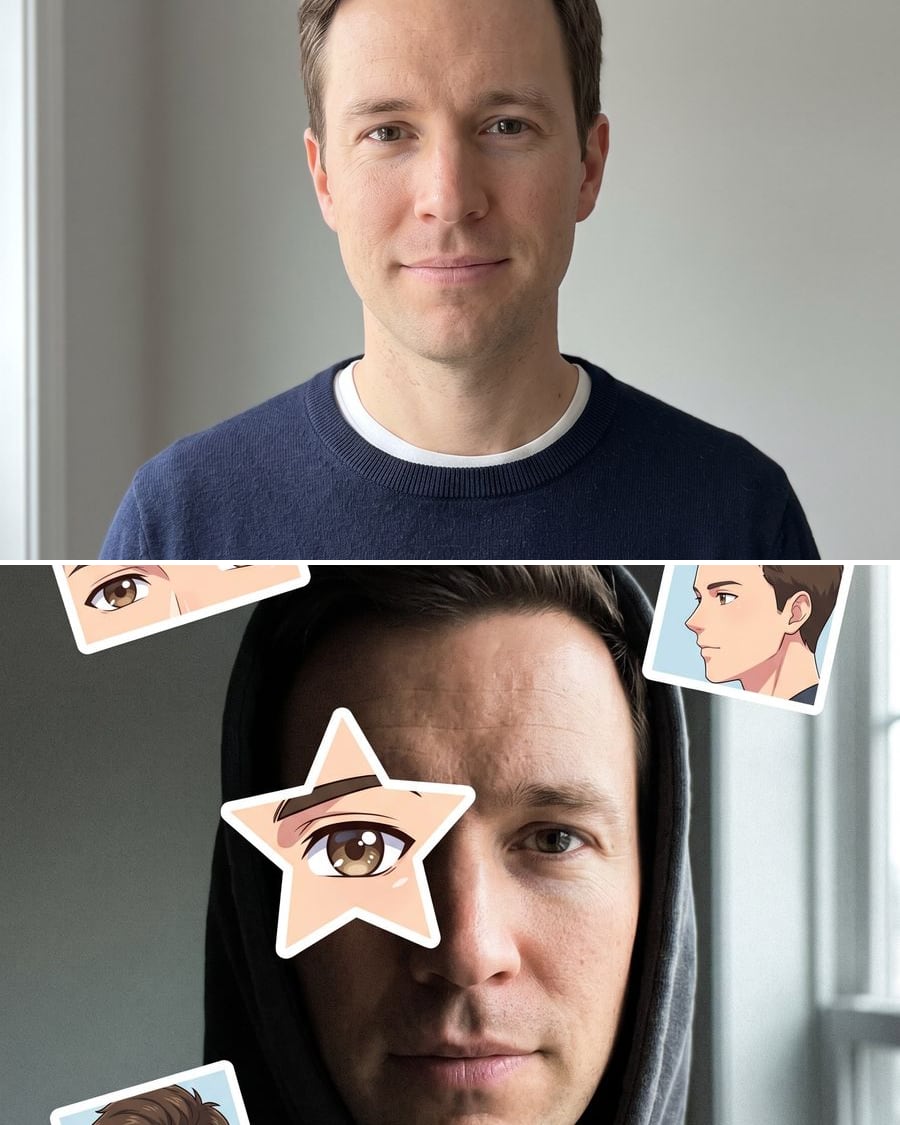
Anime eye
A star over your eye, the anime that looks like you around it
The anime eye trend on your own selfie: a white-bordered star over one eye, small panels around your face, and a manga version. Workflow visible, no account.
 Interactive demo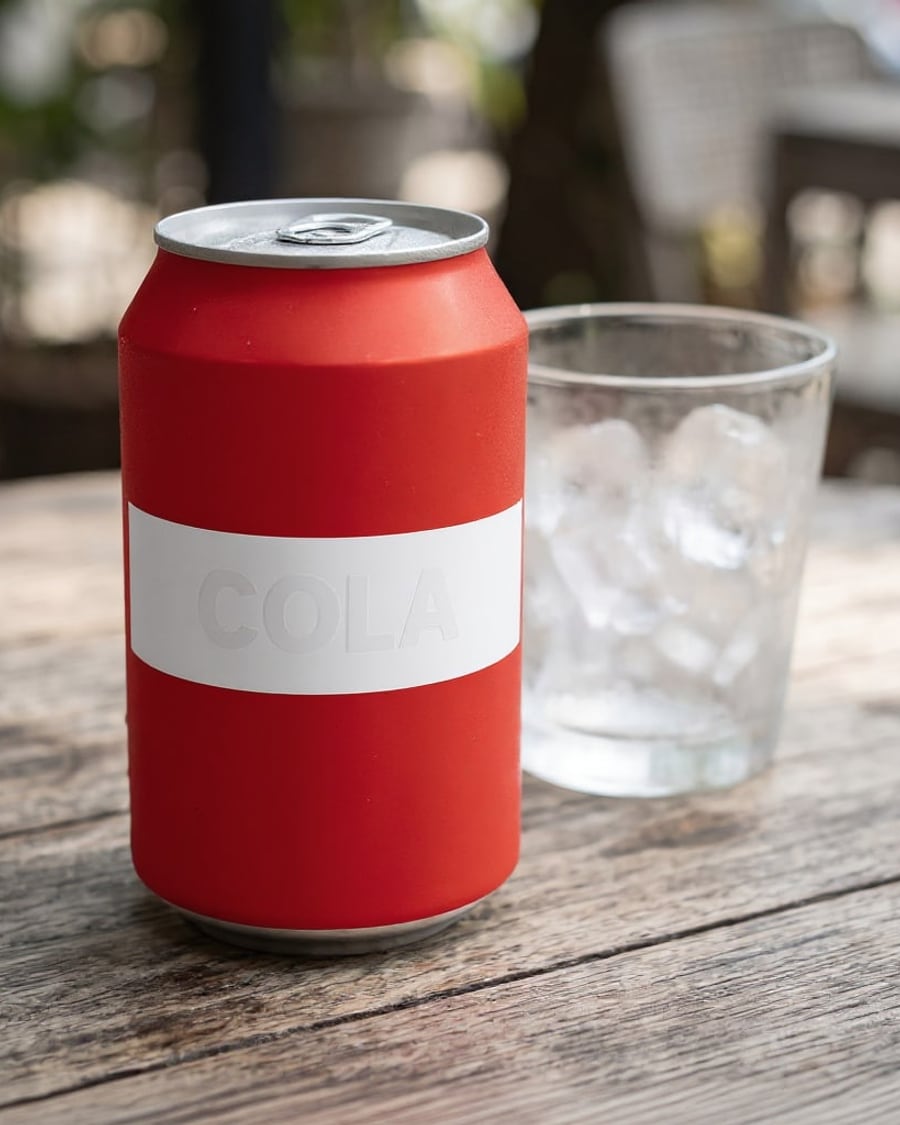
Unbranded prop
Your prop, with its brand out of shot
Your photo of a branded prop comes back with a neutral design, then with a brand invented for the film. A quick way to plan your greeking. Workflow visible here, no account needed.
Interactive demo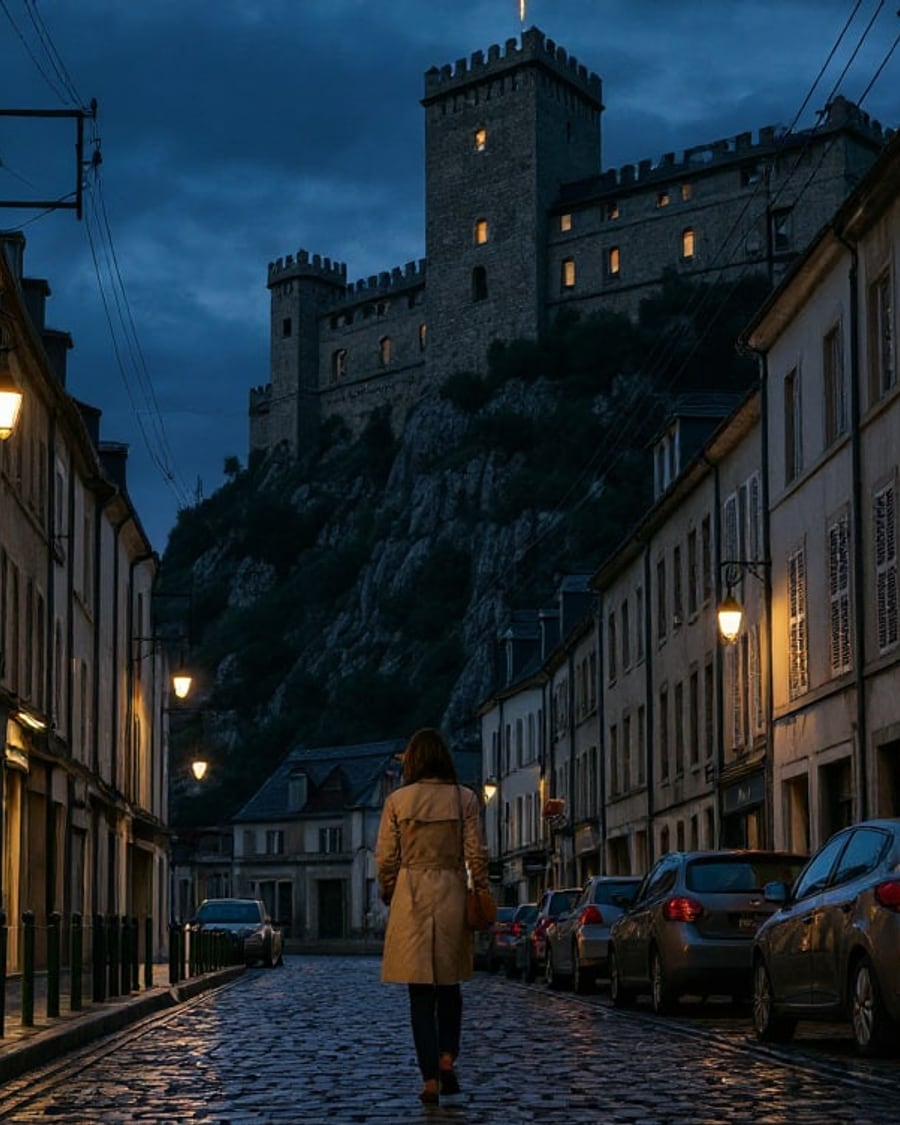
Matte painting
Your shot, extended past the set
Your shot with the background replaced by a medieval castle on a cliff or by a futuristic tower in the haze, matched in scale and light. Street and actor kept. Workflow visible here, no account needed.
Interactive demo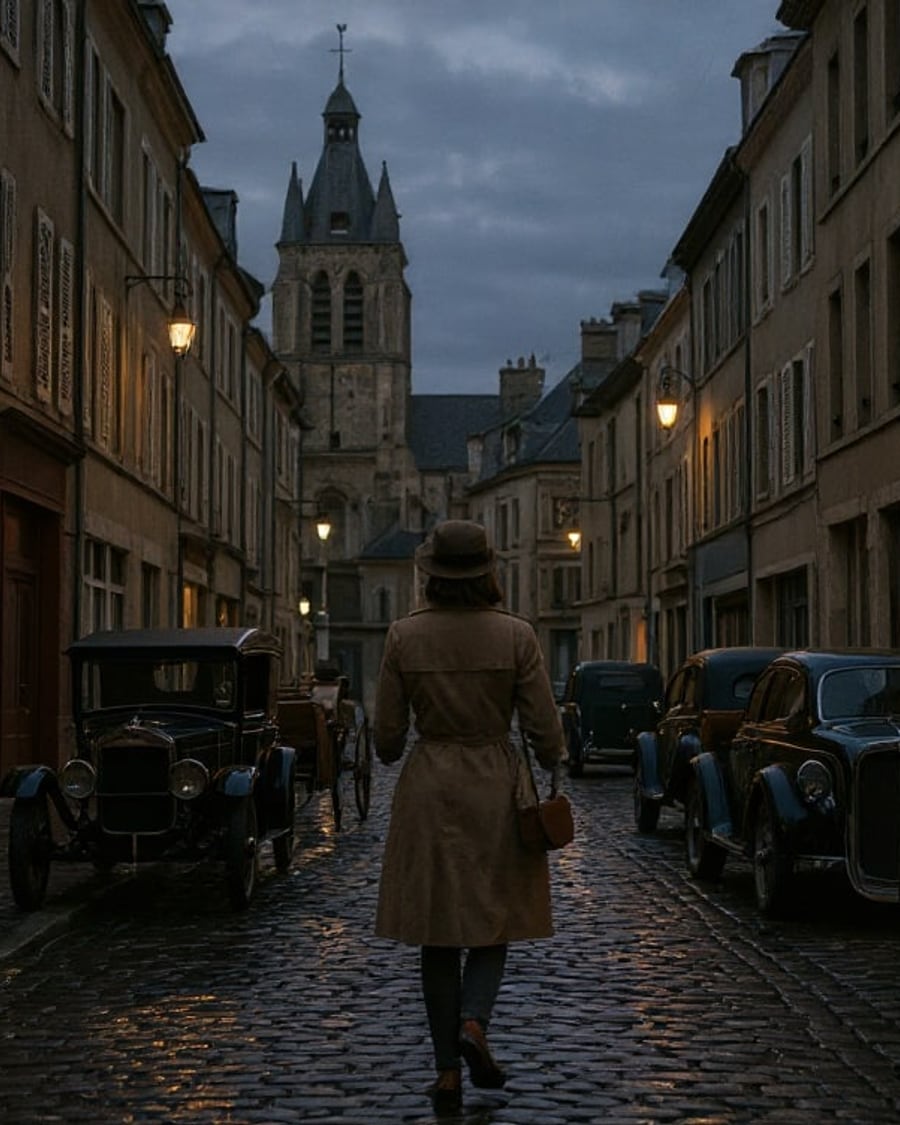
Period set
Today's street, dressed for a period film
Your location photo taken back to the 1920s, then the 1980s: cars, signs and costume changed, same facades, same tower. To budget the art department. Workflow visible here, no account needed.
Interactive demo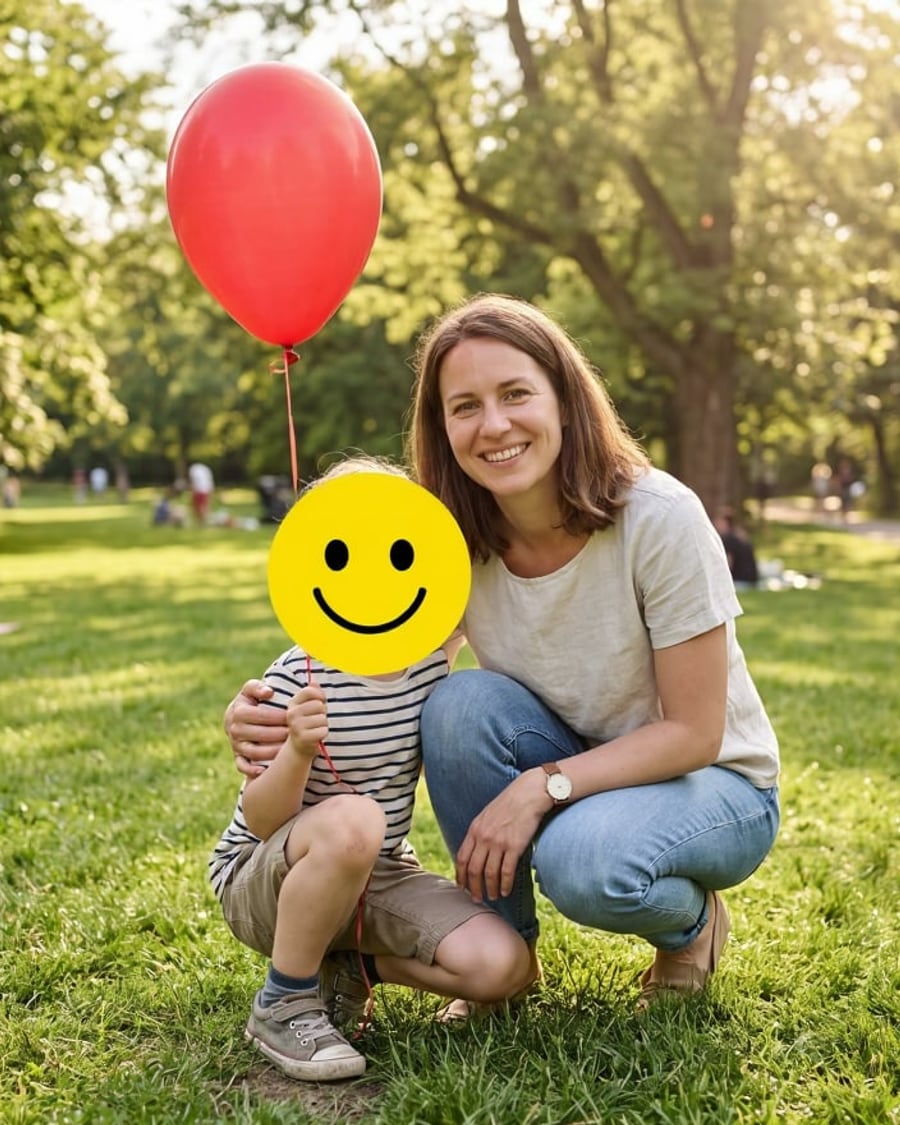
Hide a child's face
Your family photo, shareable without showing the child
Your family photo with the child's face hidden by a big emoji, then by a mosaic of large pixels, the adult left untouched. Workflow visible here, no account needed.
Interactive demo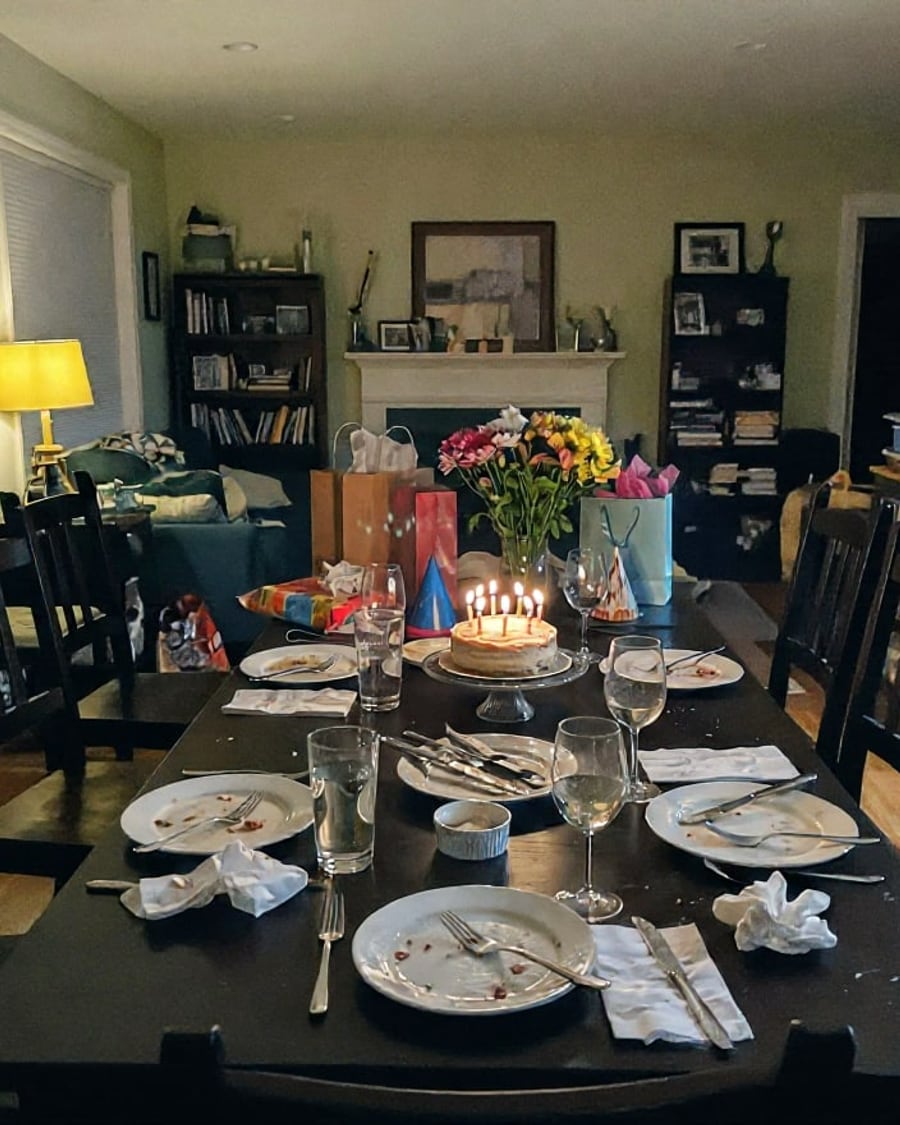
Brighten a photo
One ruined party photo, two you can actually see
Your too-dark evening photo comes back well exposed with natural colours, then in golden light, candles still lit and no grain. Workflow visible here, no account needed.
Interactive demo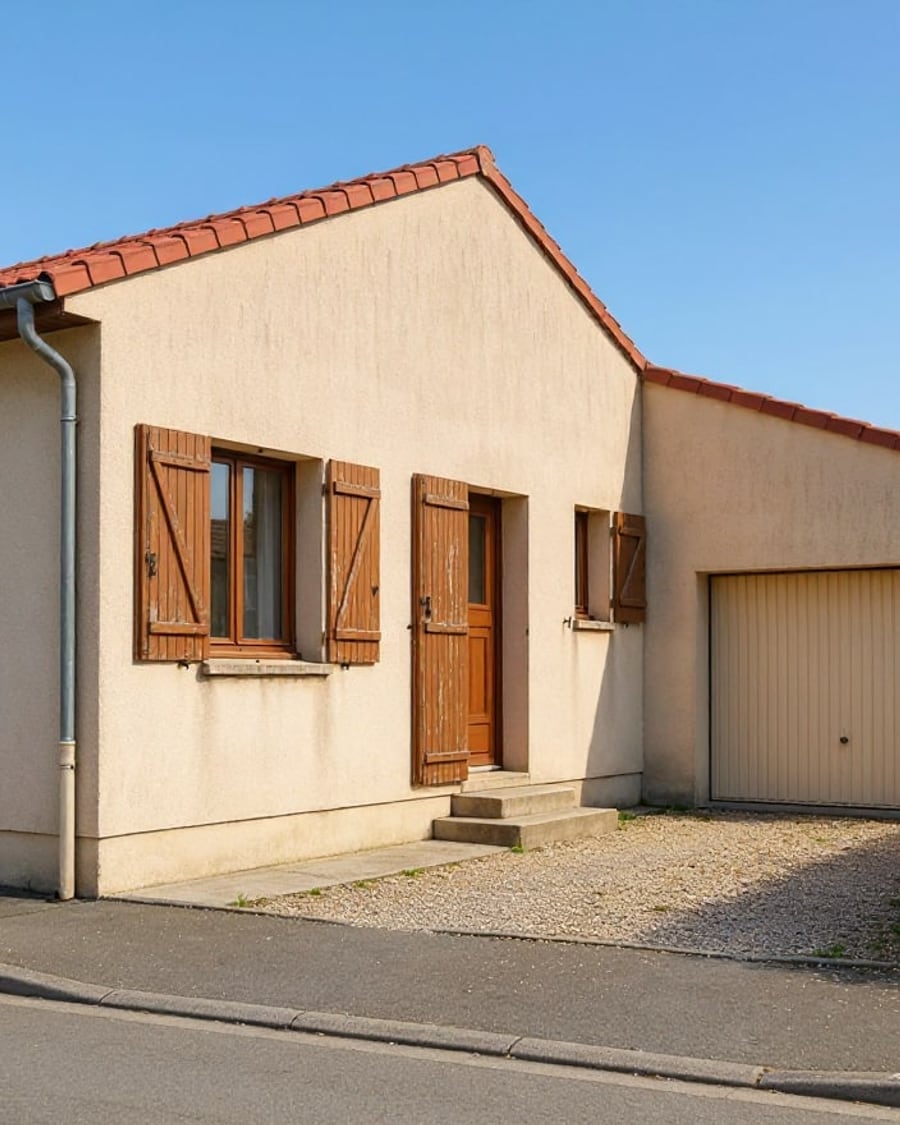
Replace the sky
One grey sky, two replacements
Your photo under a grey sky gets a blue summer sky, then a sunset, with the light on the facade matched to the new sky. Workflow visible here, no account needed.
Interactive demo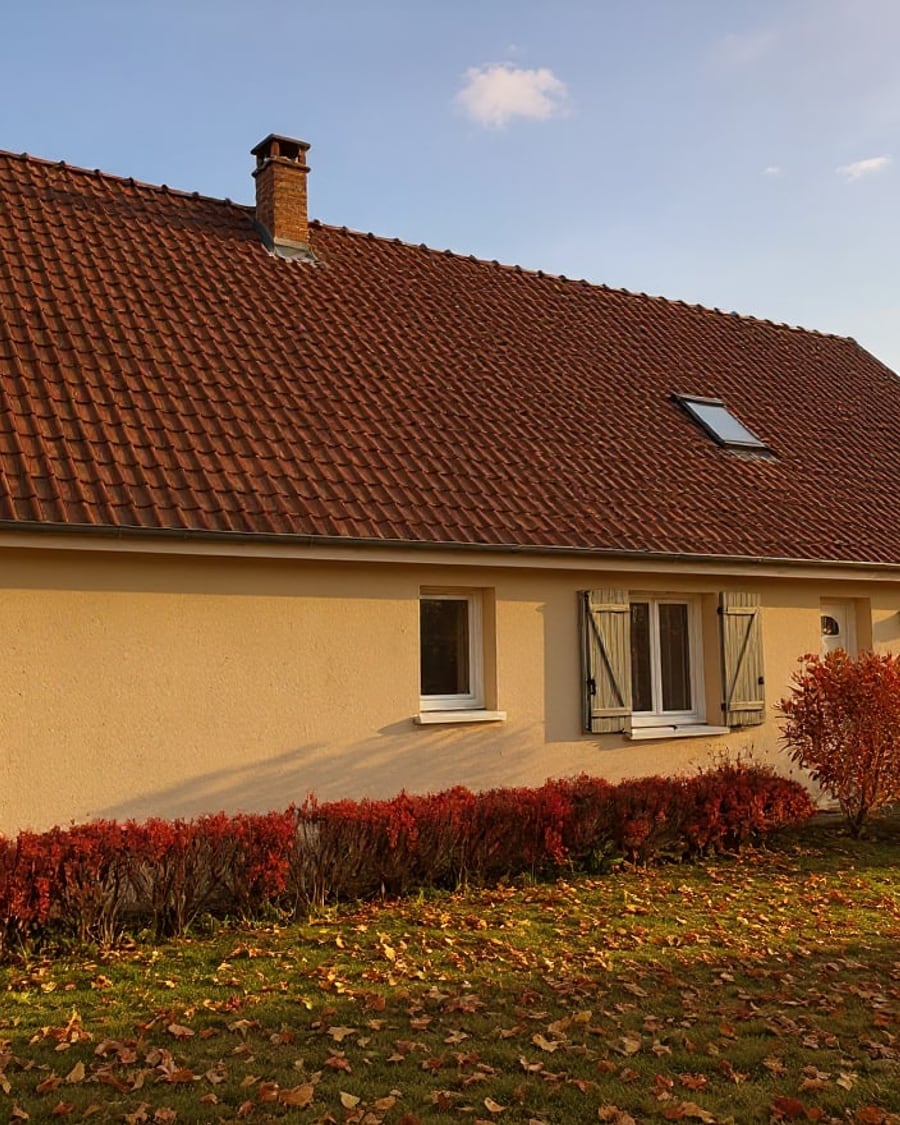
Change the season
One summer photo, two more seasons
Your summer photo turns into autumn with fallen leaves and a russet hedge, then into winter under snow, while the house stays the same. Workflow visible here, no account needed.
Interactive demo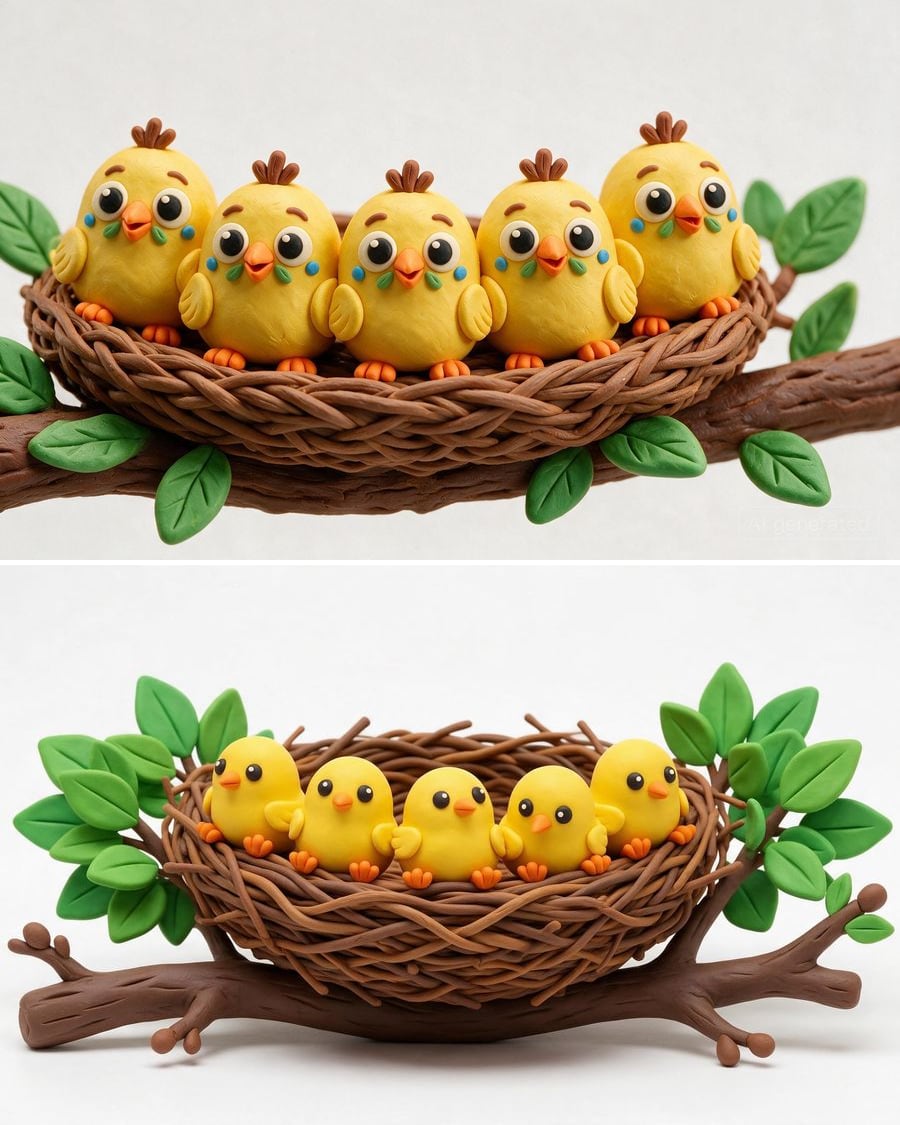 New
NewImage to prompt
The prompt hidden in your image
An image becomes a detailed prompt and a keyword prompt, in English, then two models run them to check that they reproduce the subject and style. Workflow shown here, no account needed.
Interactive demo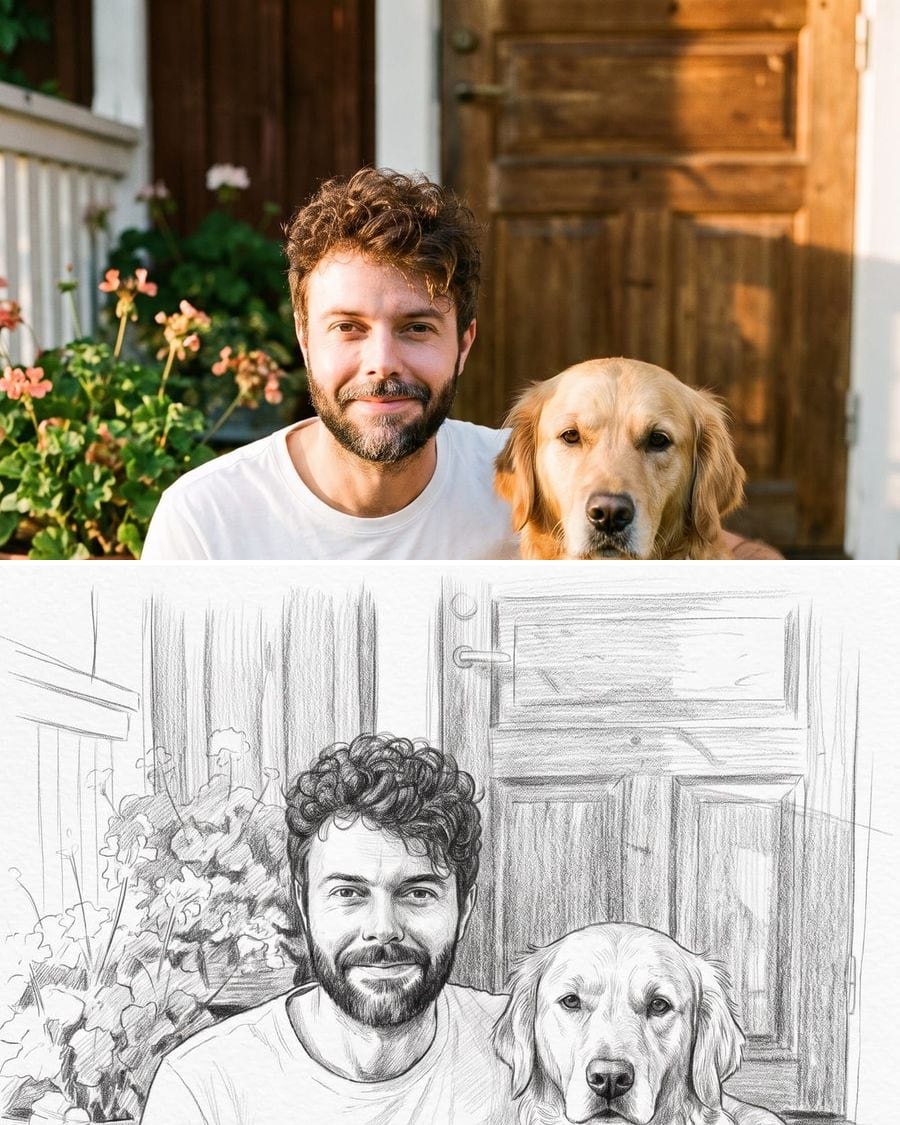 New
NewPhoto to drawing
Your photo, drawn by hand
Your photo becomes a graphite pencil drawing and a colored pencil drawing, same faces, same scene, real paper grain. To print, frame or give. Workflow shown here, no account needed.
 Interactive demo
 New
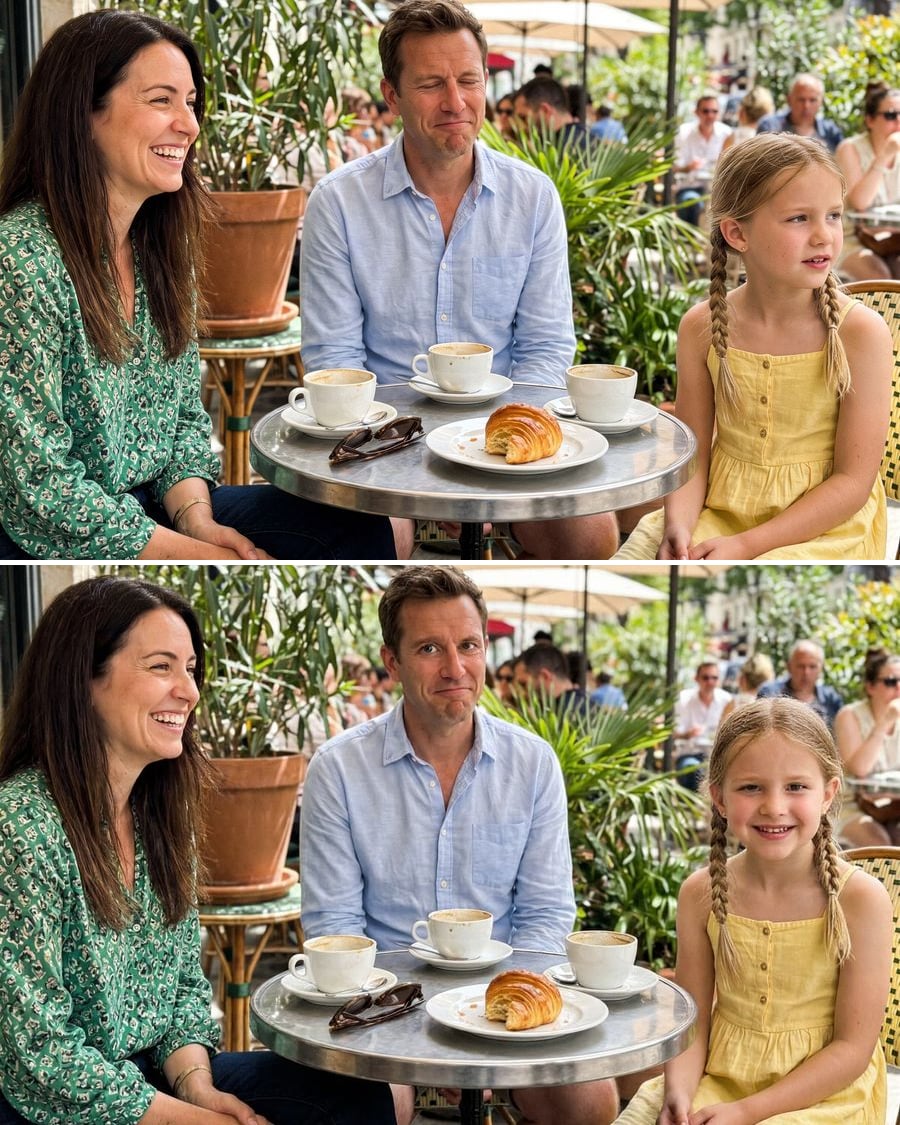
NewOpen closed eyes in a photo
The good photo, eyes open
Someone blinked in the group photo? The AI opens their eyes and can turn whoever was looking away towards the camera, without retouching the others. Workflow visible here, no account needed.
Interactive demo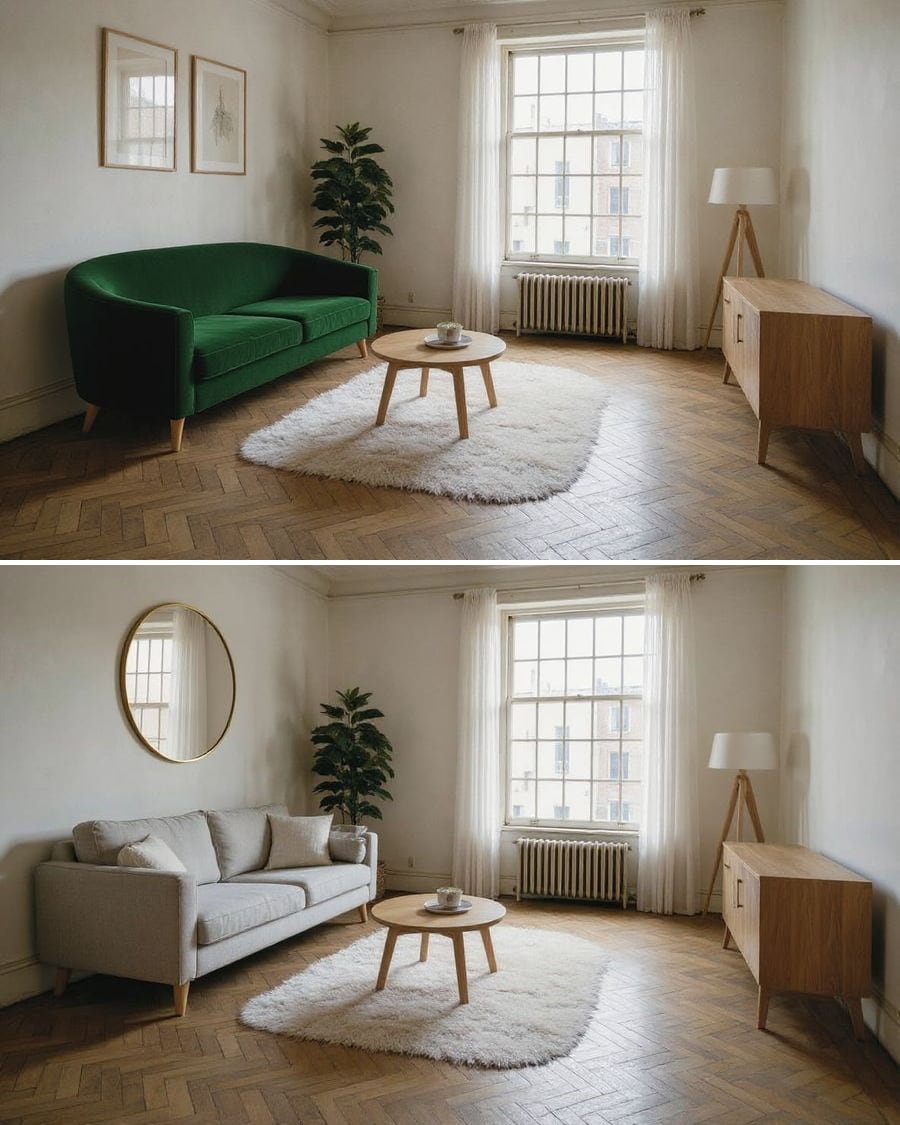 New
NewReplace an object in a photo
One object changes, the rest stays
In the photo of your room, one object is replaced by another, sofa, mirror, lamp, and everything else stays identical. The workflow is shown here, no account needed.
Interactive demo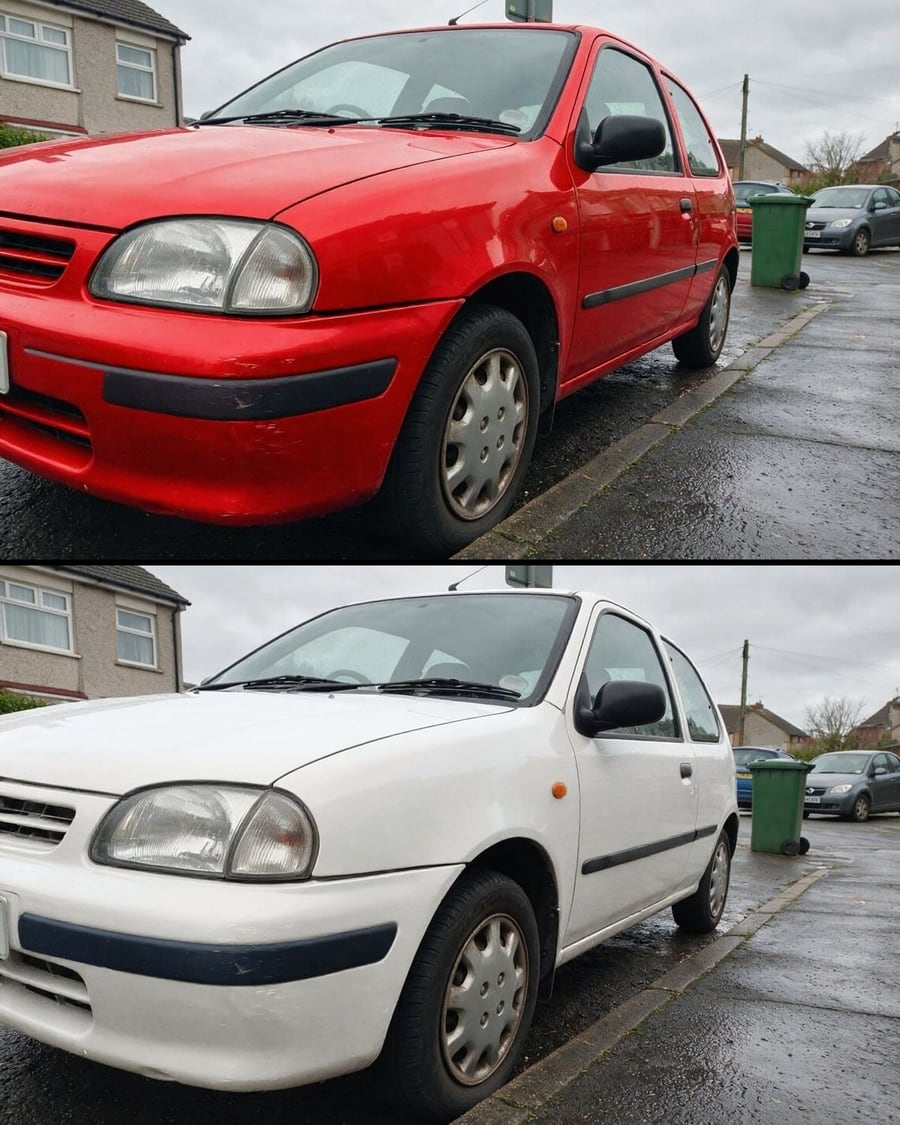 New
NewChange your car's colour
The same car, two body colours
Your car photo with the body repainted in two colours, same car and same setting. To choose a wrap or a respray. Workflow visible here, no account needed.
Interactive demo3D object
An image becomes a volume
An object image goes in, a textured 3D file comes out: Tripo 2.5 and Trellis 2 side by side on the same photo. The GLB rotates in the node, downloads, and its turntable video renders for free. The whole workflow is visible without an account.


 Interactive demo
 New
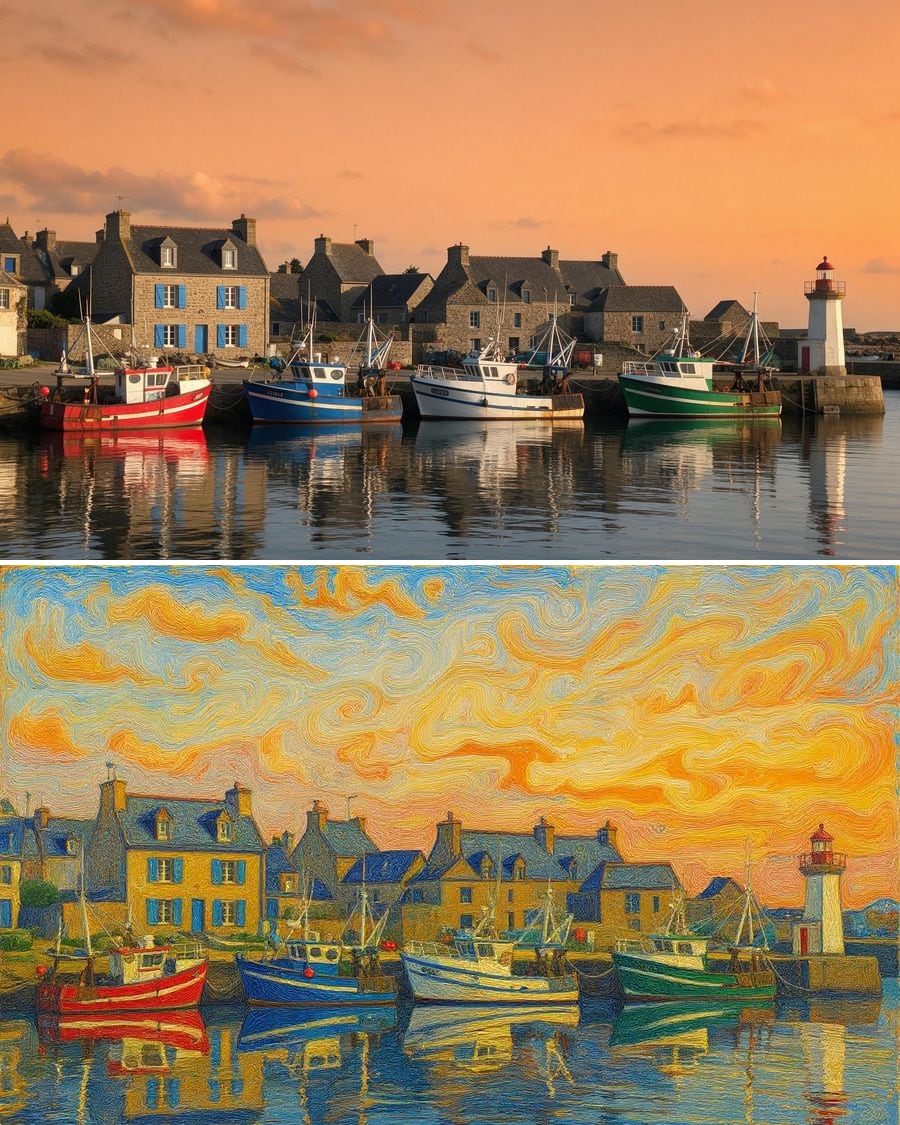
NewPhoto to painting
Oil, watercolor, pop art: your scene
The same photo edited three times by Flux Kontext: impressionist oil, watercolor, pop art screen print. The scene does not change, only the medium. The full workflow, visible without an account.
 Interactive demo
Bring an old photo to life
Restored, colourised, then she smiles
A damaged print restored and colourised by Flux Kontext, then set in motion for five seconds by Kling V3: a blink, a smile, a slight turn of the head. The full workflow, no account needed.
 Interactive demo
 New
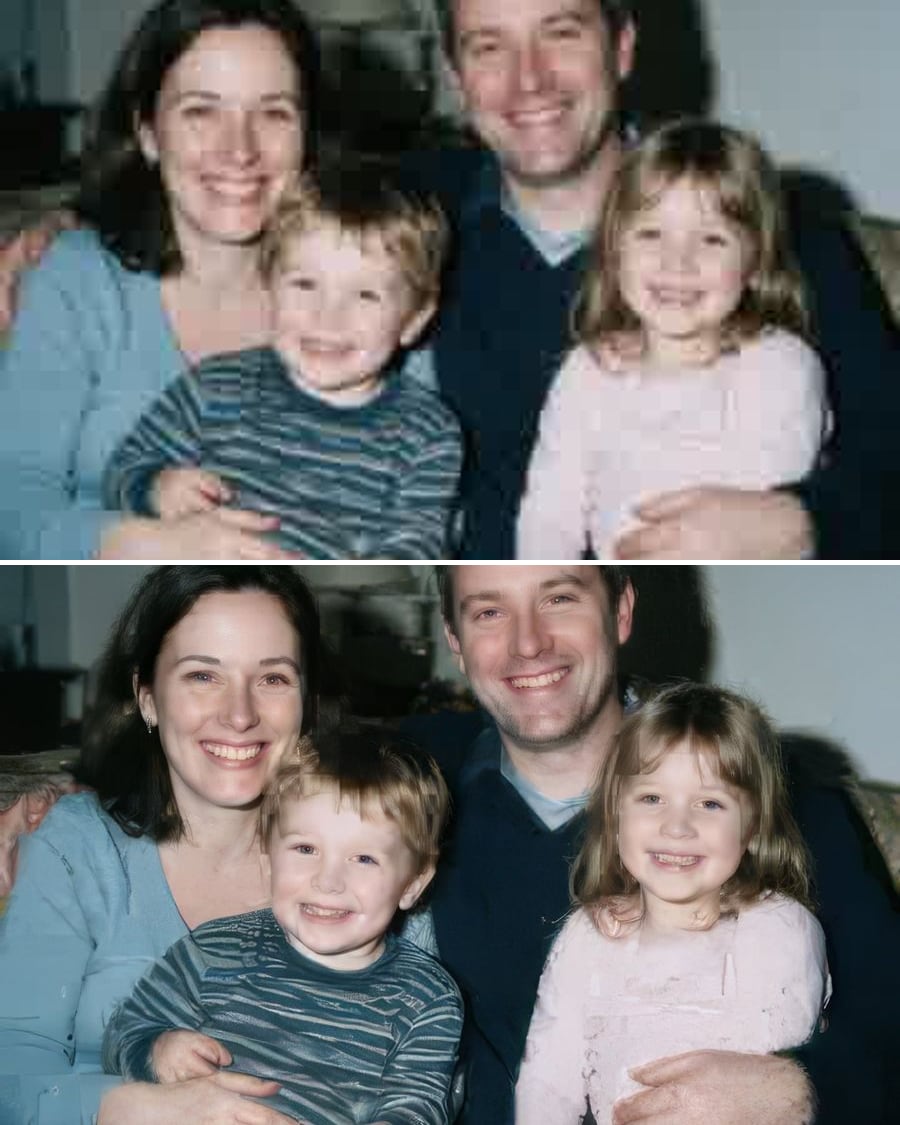
NewSharpen a photo
Faithful or creative, you decide
A blurred, low-resolution photo enlarged four times by both upscalers side by side: the faithful one and the creative one. The full workflow, no account needed.
Interactive demo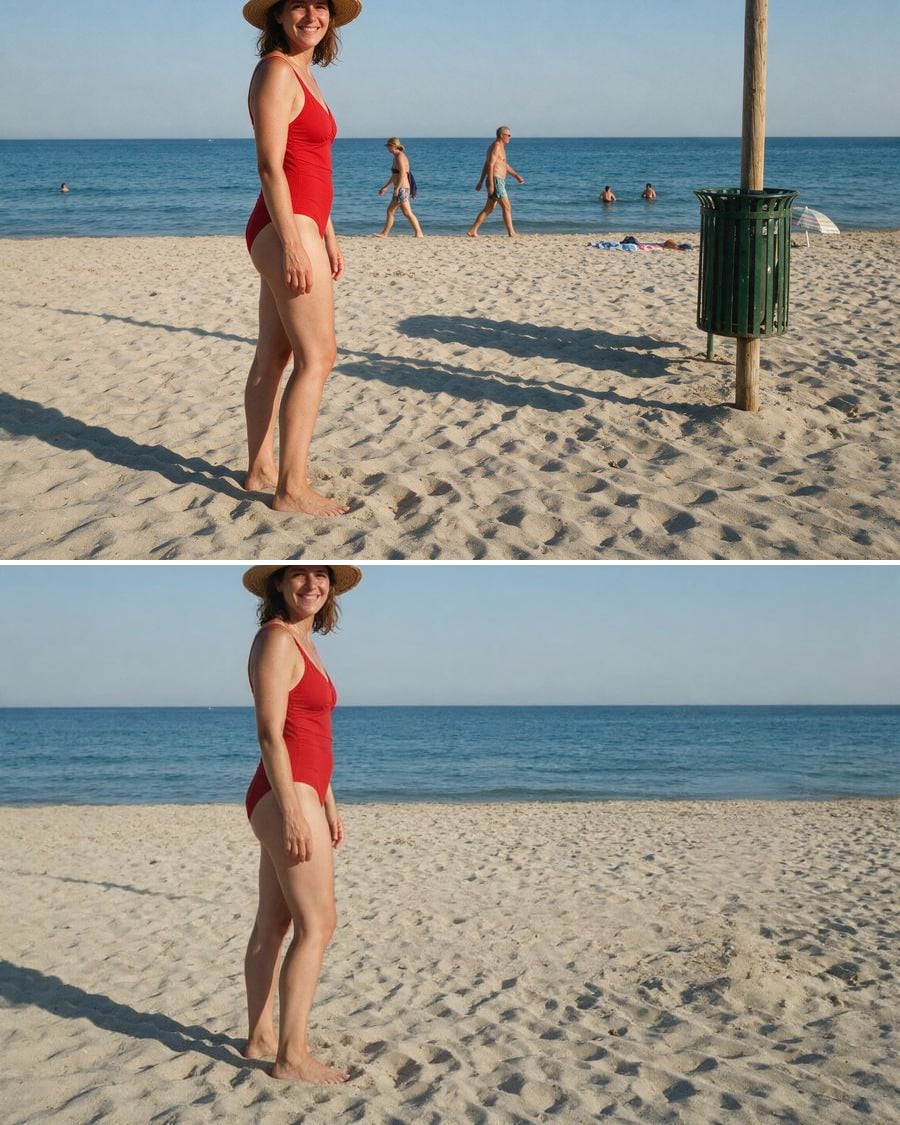 New
NewRemove an object
The intruder goes, the scene closes back
The background figures disappear, then the fixed object spoiling the frame, and the scene closes behind them with no blurred patch. The full workflow, no account needed.
Interactive demo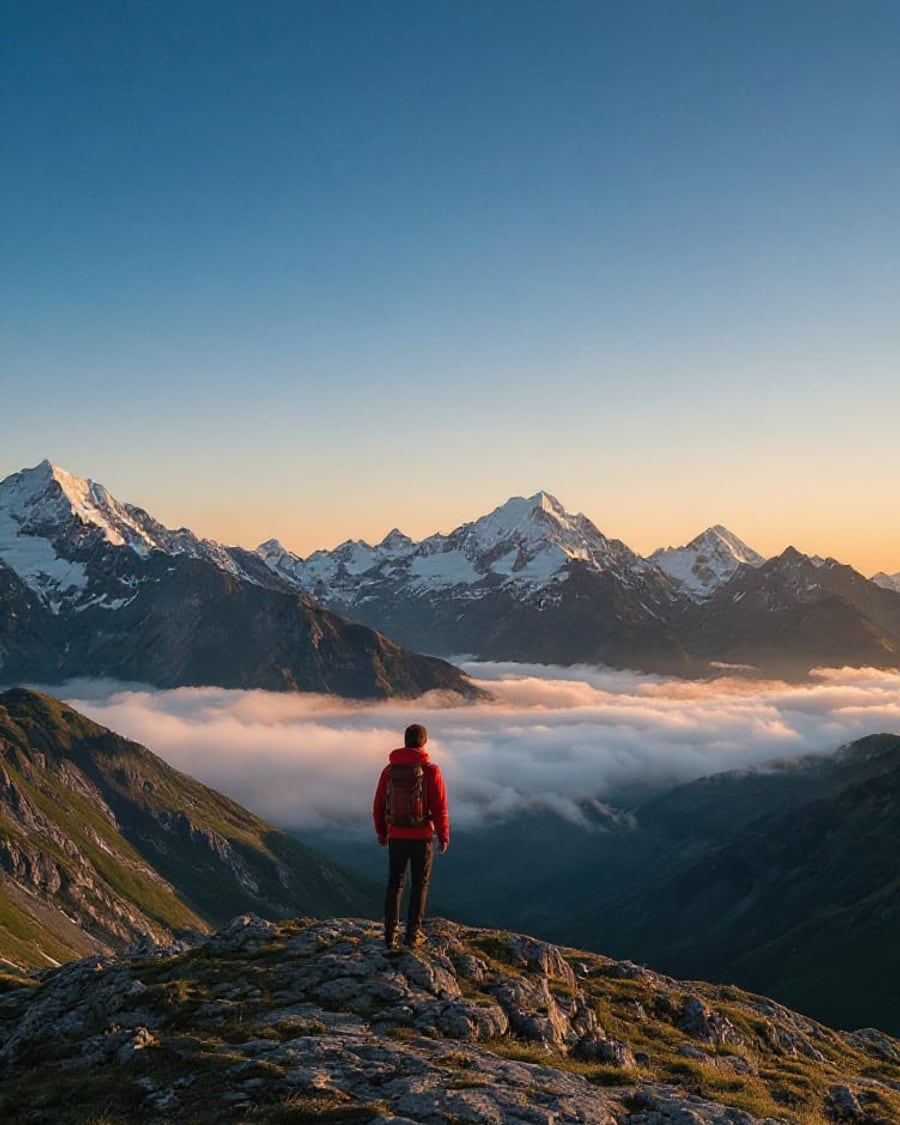 New
NewExtend an image
Story and square with no cropping
The same wide shot gives a vertical story and a square for the feed, without cropping and without cutting the subject. The full workflow, no account needed.
Interactive demoSketch to photo
Your line drawing rendered in studio
Your line drawing becomes a studio photograph, then a second finish, then the video that takes it from paper to object. The full workflow, no account needed.
Interactive demo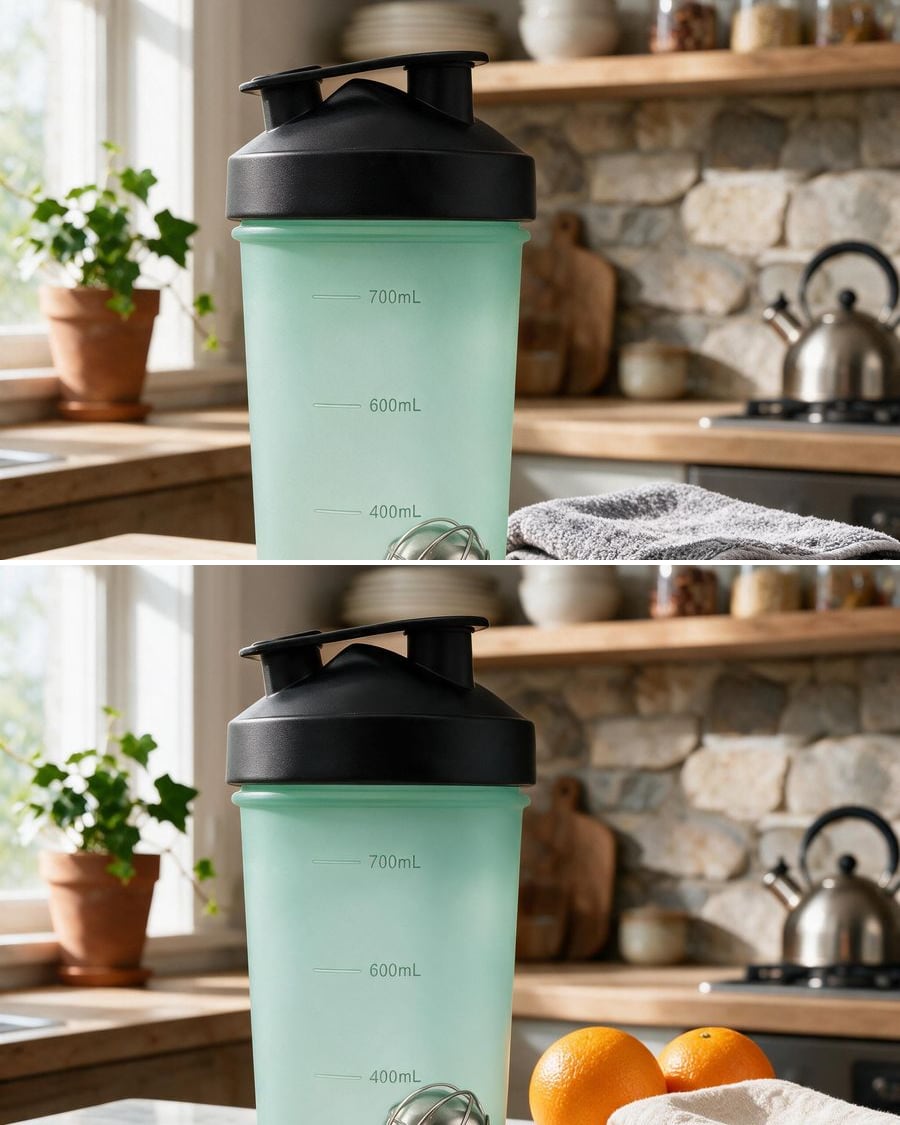
Change a background
New backdrop, same subject
Import a photo, describe the new setting: the AI cuts out the subject and places it on a white studio background or in a fully styled scene, without touching the product.
Interactive demoRestore a photo
A damaged photo gets its detail back
Repair the scratches, stains and creases of an old print and colorize it with one instruction, then generate the restoration video where the photo gradually comes back to life.
Interactive demoFrequently asked questions
Is the original photo kept?
Yes. It stays in the Media node and every result is a new file. You can rerun a different instruction on the same photo as many times as you like.
What photo quality should I provide?
The best you have: the model edits what it sees and does not invent what is missing. A sharp, well-lit photo gives a clean result; a heavily compressed photo gives an approximate one.