Category
Real estate, home and garden with AI: facade, kitchen, bathroom, garden, home staging
Simulate a facade job on the real house, see three kitchens in the real room, furnish an empty flat to sell it, declutter an occupied living room, redesign a garden from the terrace or redo a shopfront: these workflows work on your photo and keep the walls, the openings and the viewpoint.
Every page shows the starting photo and the three projects rendered by the demo, with what the model keeps and what it cannot guarantee. It is a tool for deciding and presenting, not a measured plan.
What you can do here
- Choose a facade colour or cladding before the works
- Compare three renovation budgets on the same room
- Furnish an empty property for a listing
- Tidy a room in a photo without really tidying it
- Show an intention to a tradesperson or a client
The tools in this category 37 tools
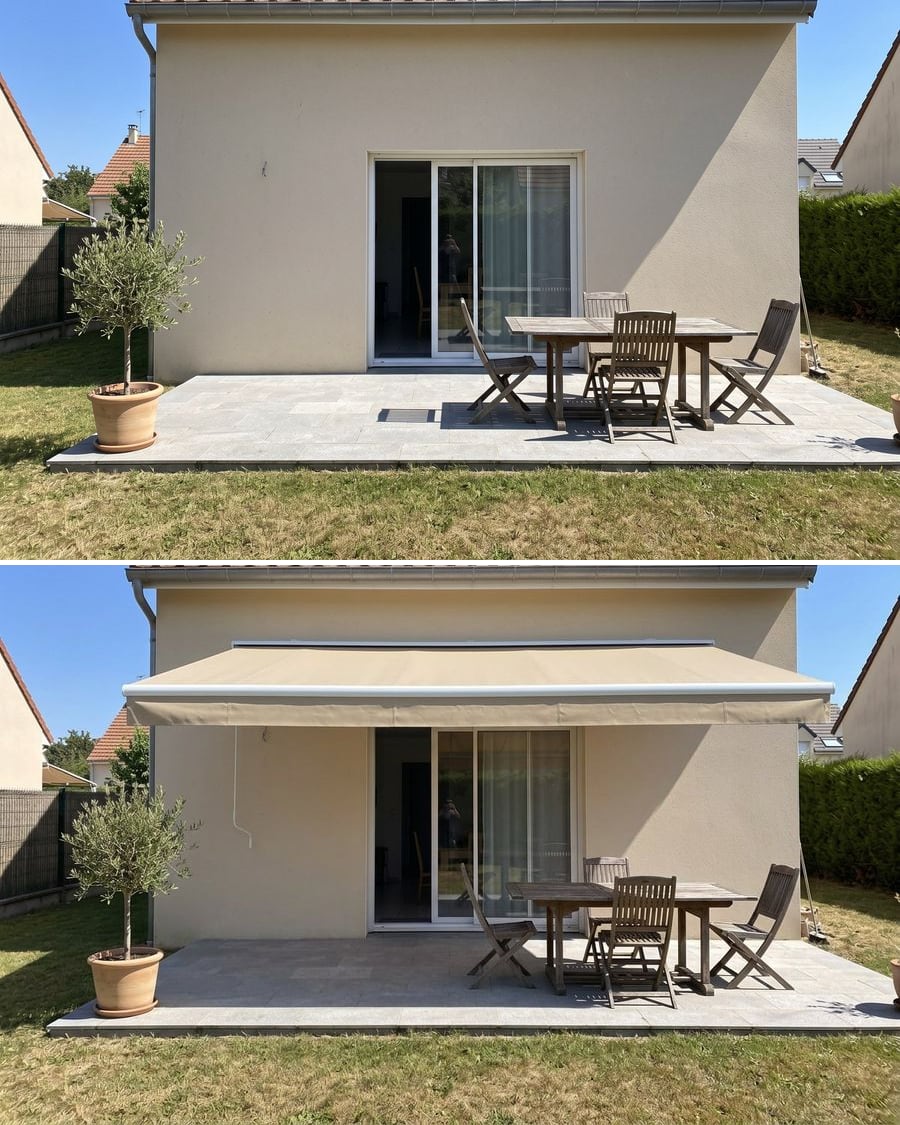
Patio awning visualizer
Your patio, two kinds of shade
A photo of your patio with a retractable awning, then with a triangular shade sail. To choose the fabric and where it goes before you buy. Workflow visible here, no account needed.

 Interactive demo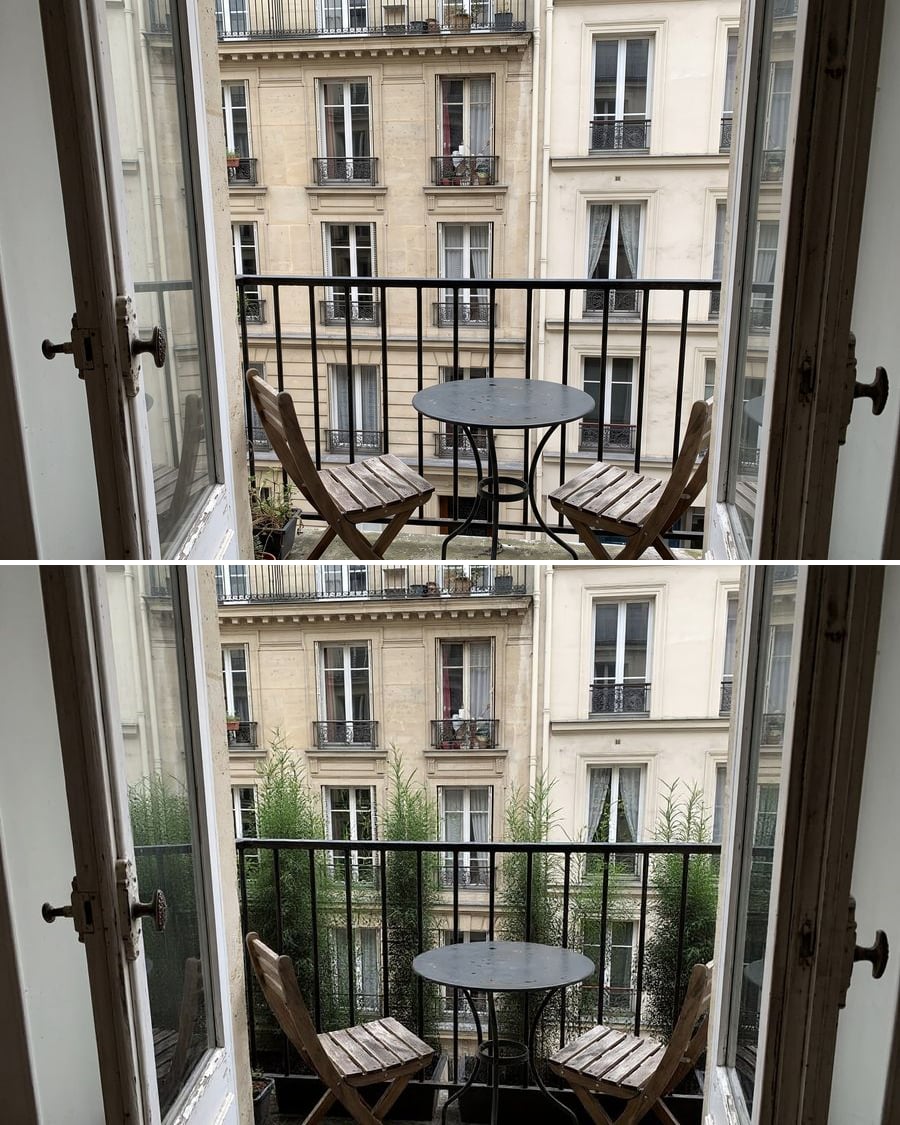
Balcony privacy screen
Your balcony, two screens
A photo of your balcony with a reed screen on the railing, then with bamboo in planters. To decide before you buy. Workflow visible here, no account needed.
Interactive demo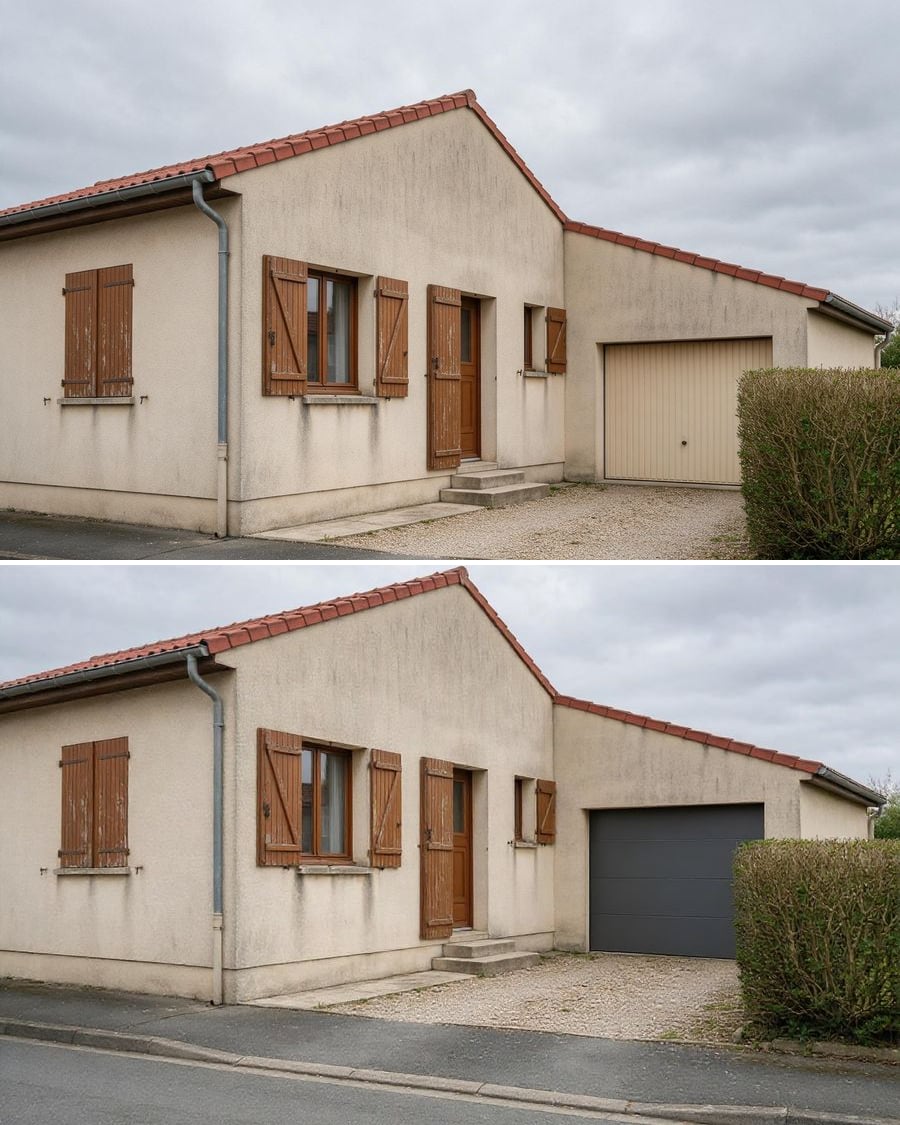
Change the garage door
Your garage, two doors
A photo of your house with an anthracite sectional garage door, then with the old door repainted blue. To decide before the quote. Workflow visible here, no account needed.
Interactive demo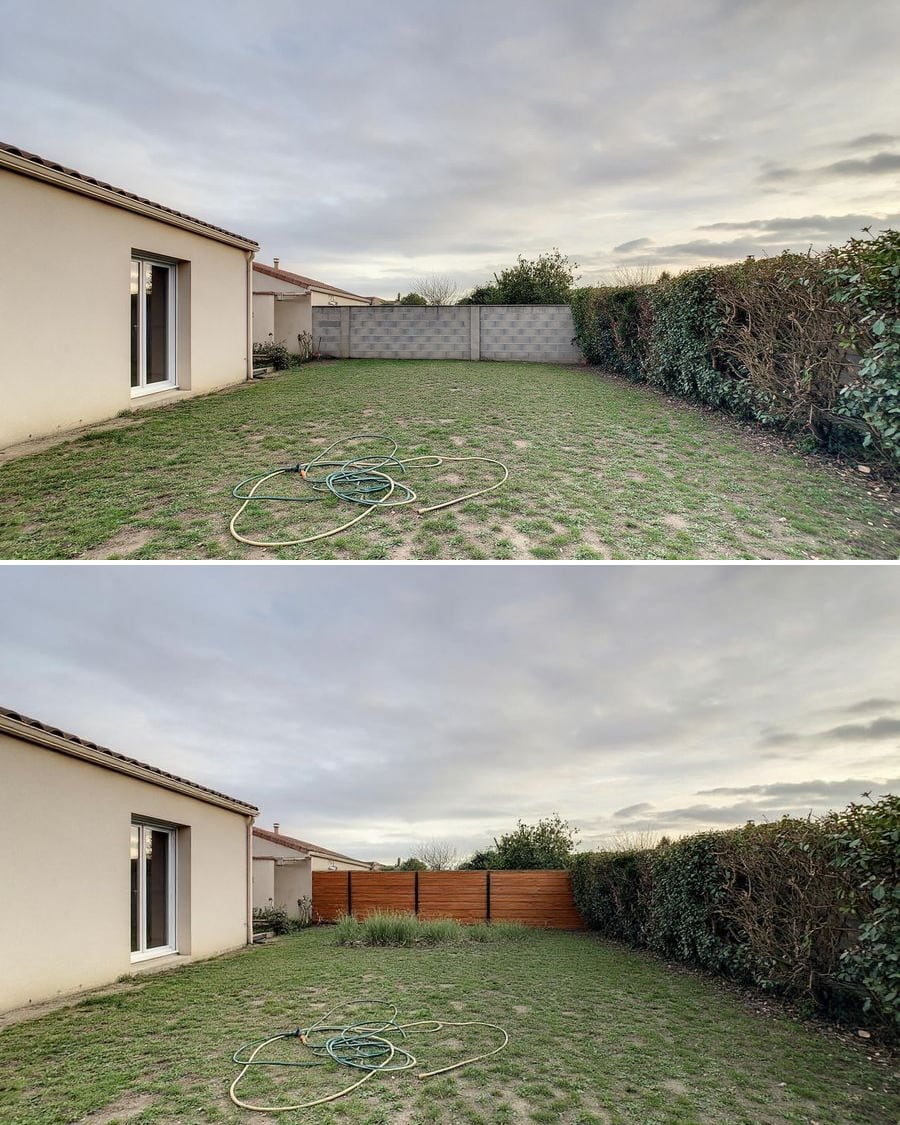
Cover a block wall
Your bare wall, two finishes
A photo of your garden with the block wall rendered in off-white, then clad in timber slats. To pick a finish before the quote. Workflow visible here, no account needed.
Interactive demo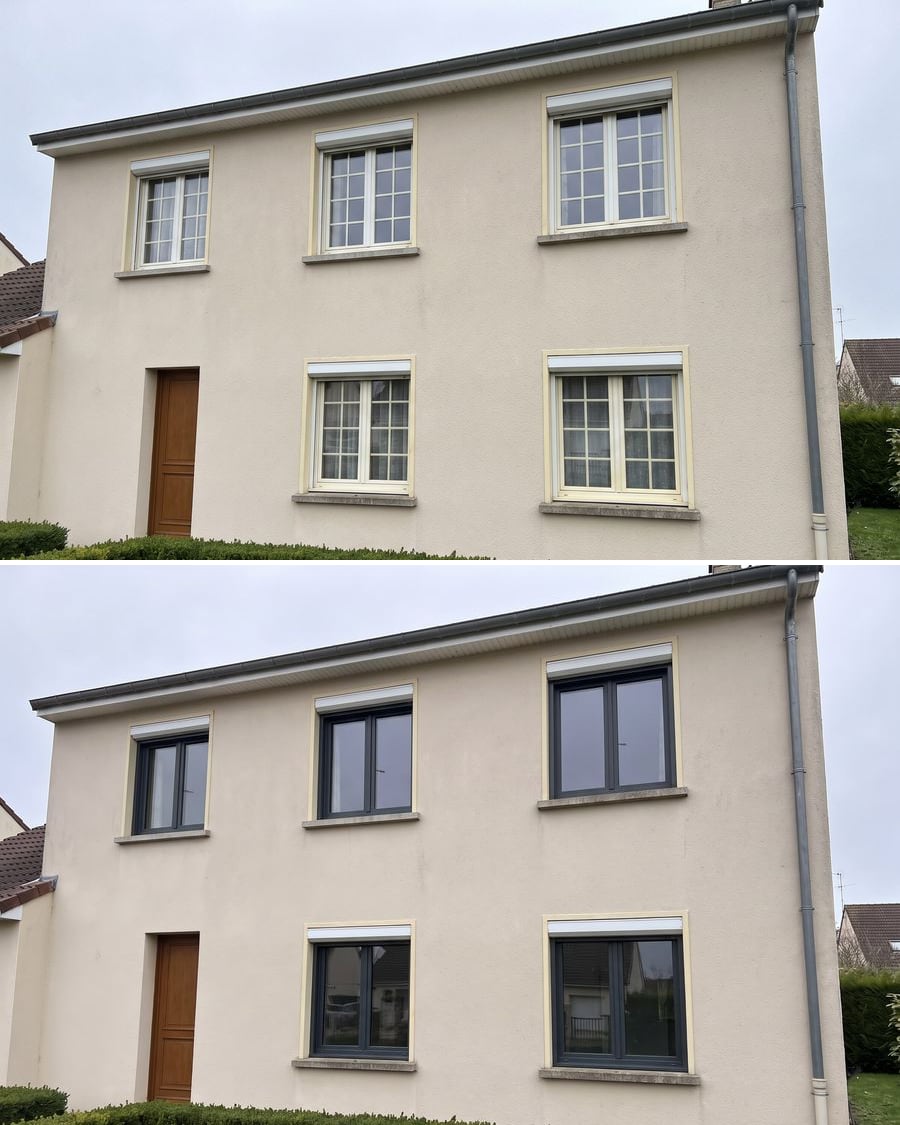 New
NewChange your windows
Your house, two sets of windows
Your house front photo with two new sets of windows, anthracite aluminium then light oak, fitted in the same openings, shutters and render unchanged. Workflow visible here, no account needed.
Interactive demo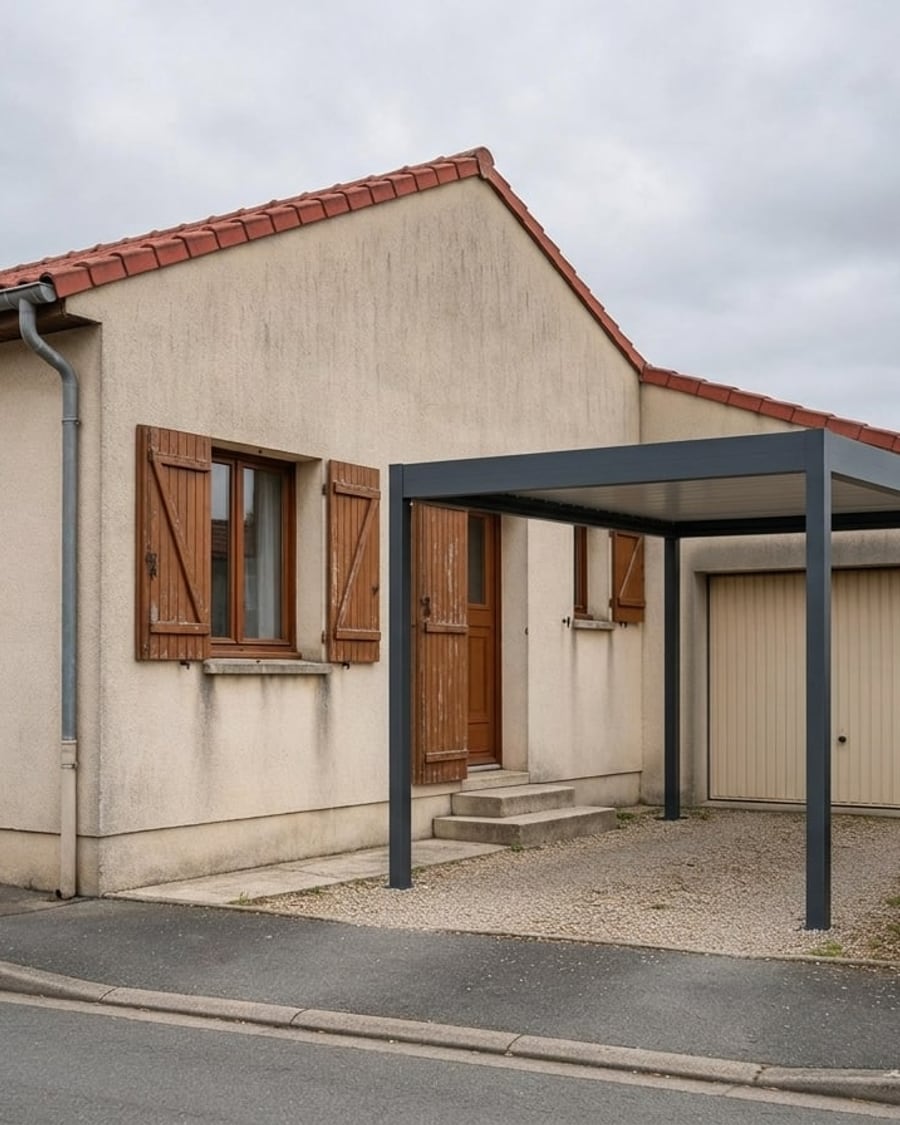
Carport visualizer
Your driveway, two carports
A photo of your house with an anthracite aluminium carport with a flat roof, then a tiled timber carport, over the driveway. Workflow visible here, no account needed.
Interactive demo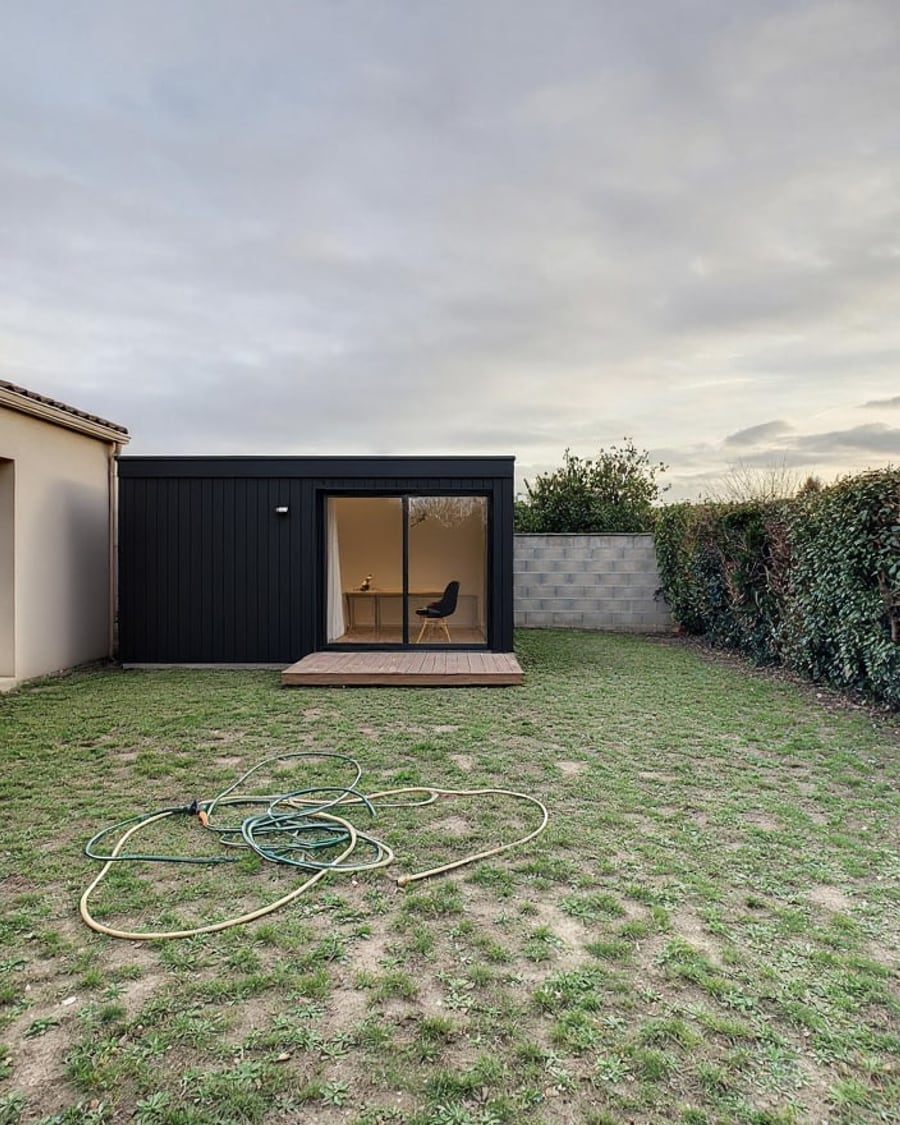
Garden office
Your lawn, two cabins at the end of it
A photo of your garden with a modern black-clad garden office, then a classic pine shed, placed at the end of the lawn. Workflow visible here, no account needed.
Interactive demo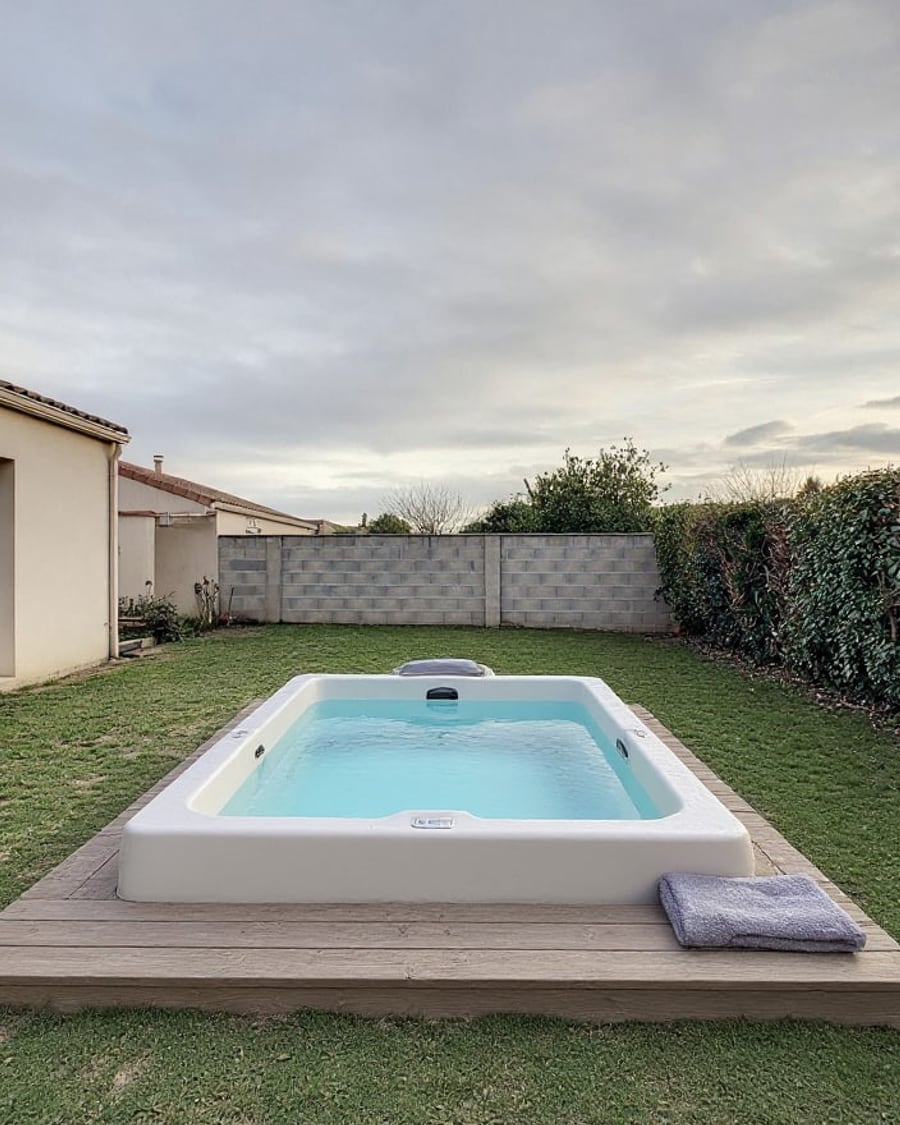
Garden hot tub
Your garden, two hot tubs
A photo of your garden with a hot tub on a wooden deck, then a wood-fired Nordic tub, to scale. Choose before the quote. Workflow visible here, no account needed.
Interactive demo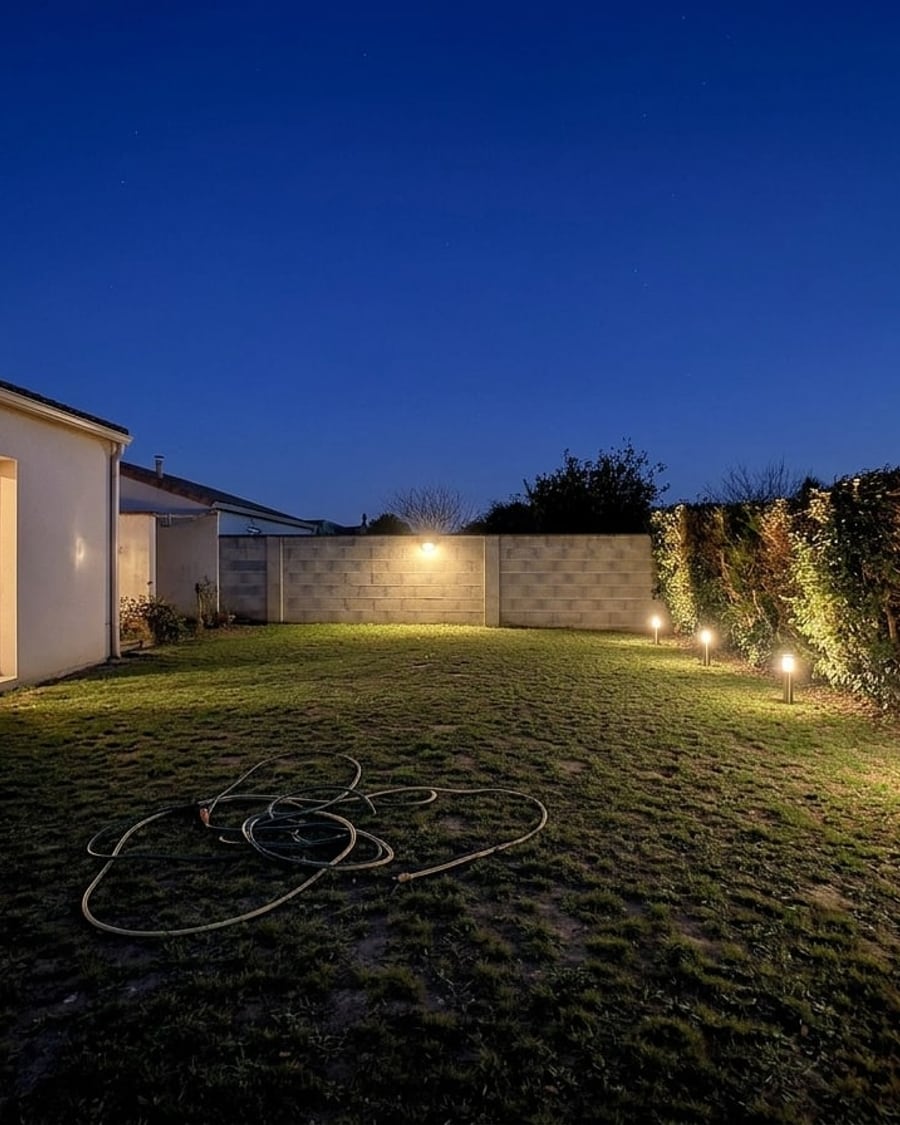
Garden lighting
Your garden, two evenings
A daytime photo of your garden turned to night, with bollards, uplights and a wall light, then under festoon string lights. Choose before you buy. Workflow visible here, no account needed.
Interactive demo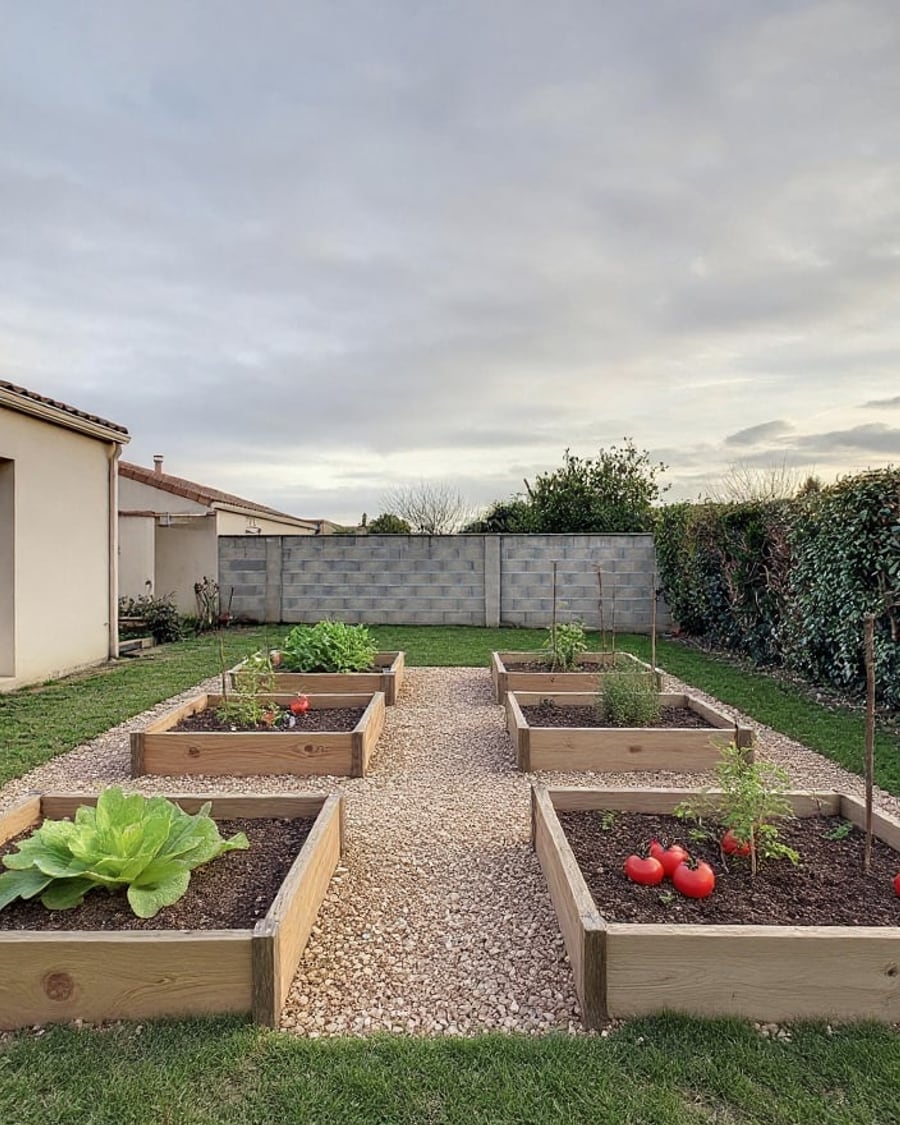
Vegetable garden
Your lawn, two vegetable gardens
A photo of your garden with six wooden raised beds, then a small greenhouse and corten beds, at the scale of your lawn. Decide before you buy. Workflow visible here, no account needed.
Interactive demo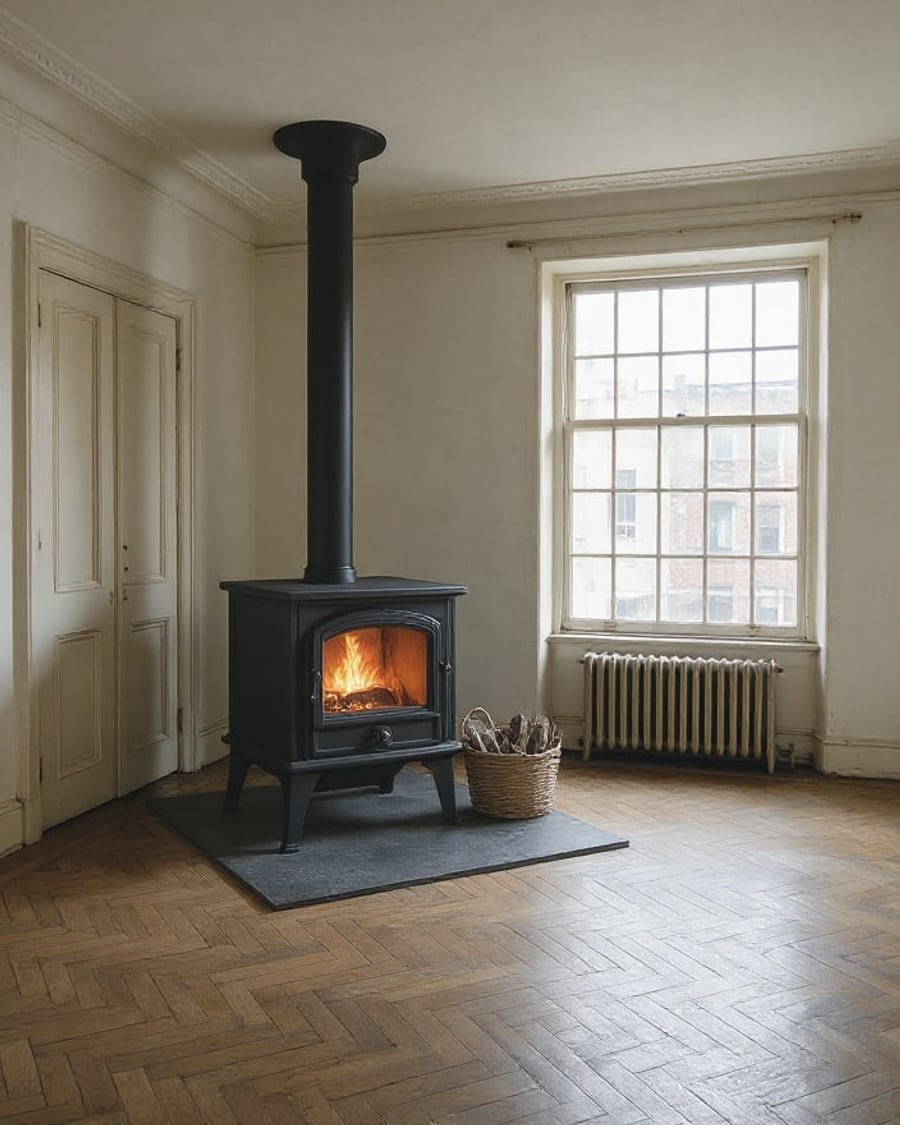
Wood stove
Your room, two stoves
A photo of your room with a black cast iron wood stove, then a white pellet stove, fire lit. Pick a style before the quote. Workflow visible here, no account needed.
Interactive demo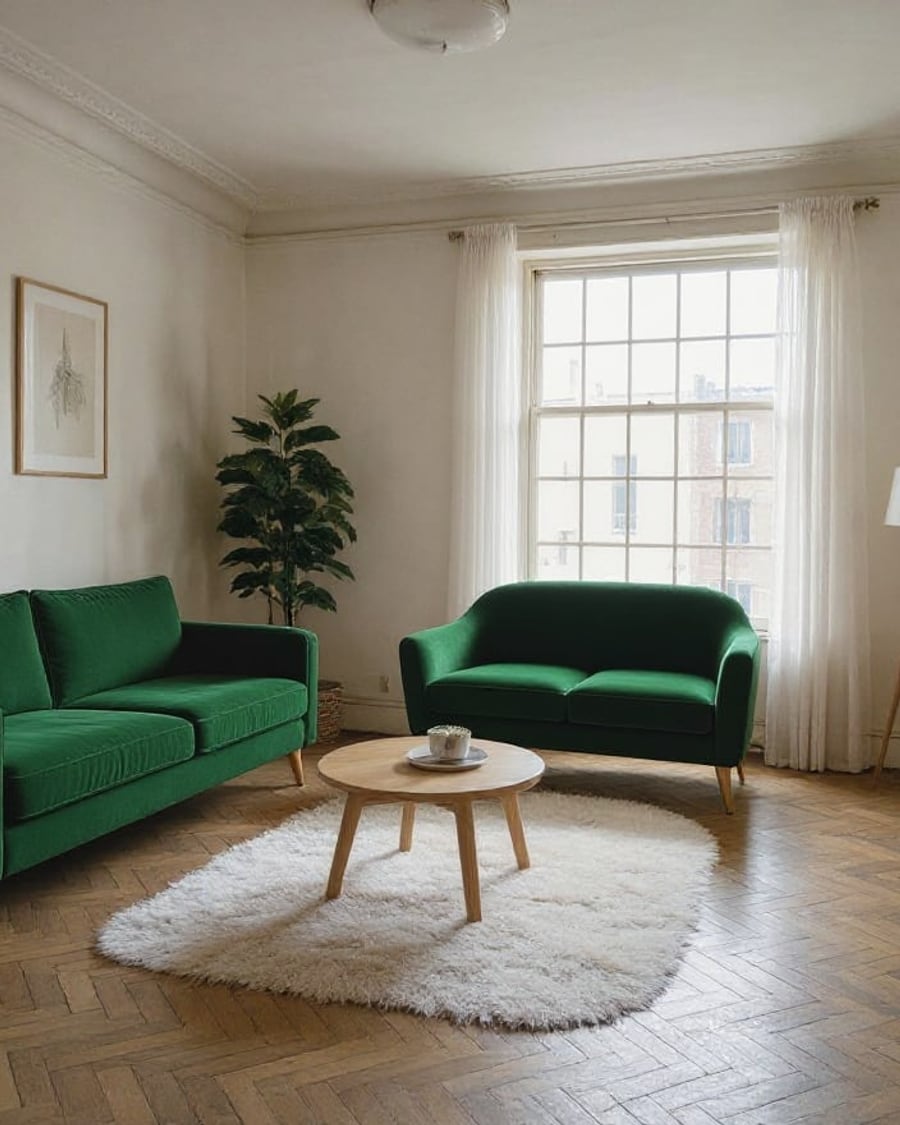
Swap your sofa
Your living room, two sofas
A photo of your living room with an emerald velvet sofa, then a cognac leather one, same spot, same size. Decide before the showroom. Workflow visible here, no account needed.
Interactive demo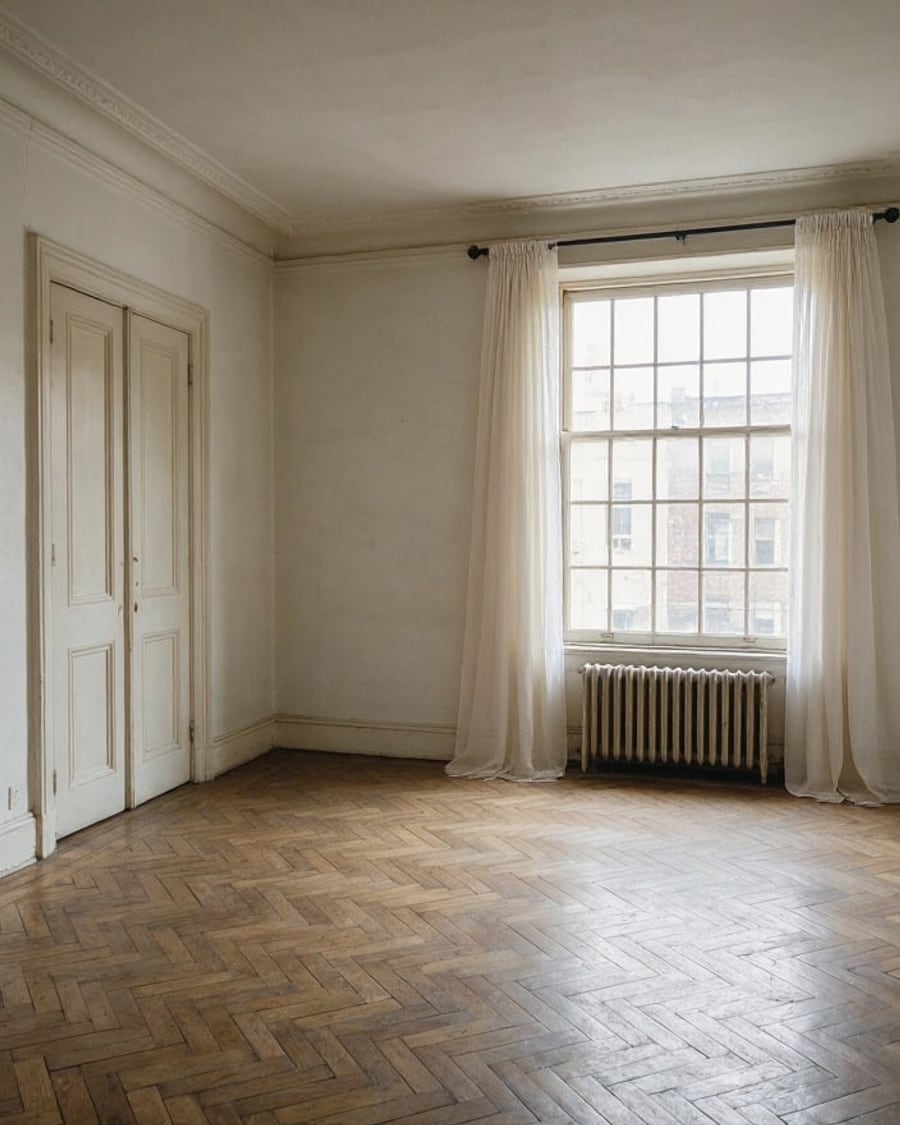
Try on curtains
Your window, two sets of curtains
A photo of your room with light linen curtains, then green velvet ones on a brass rod, both down to the floor. Pick before you order. Workflow visible here, no account needed.
Interactive demo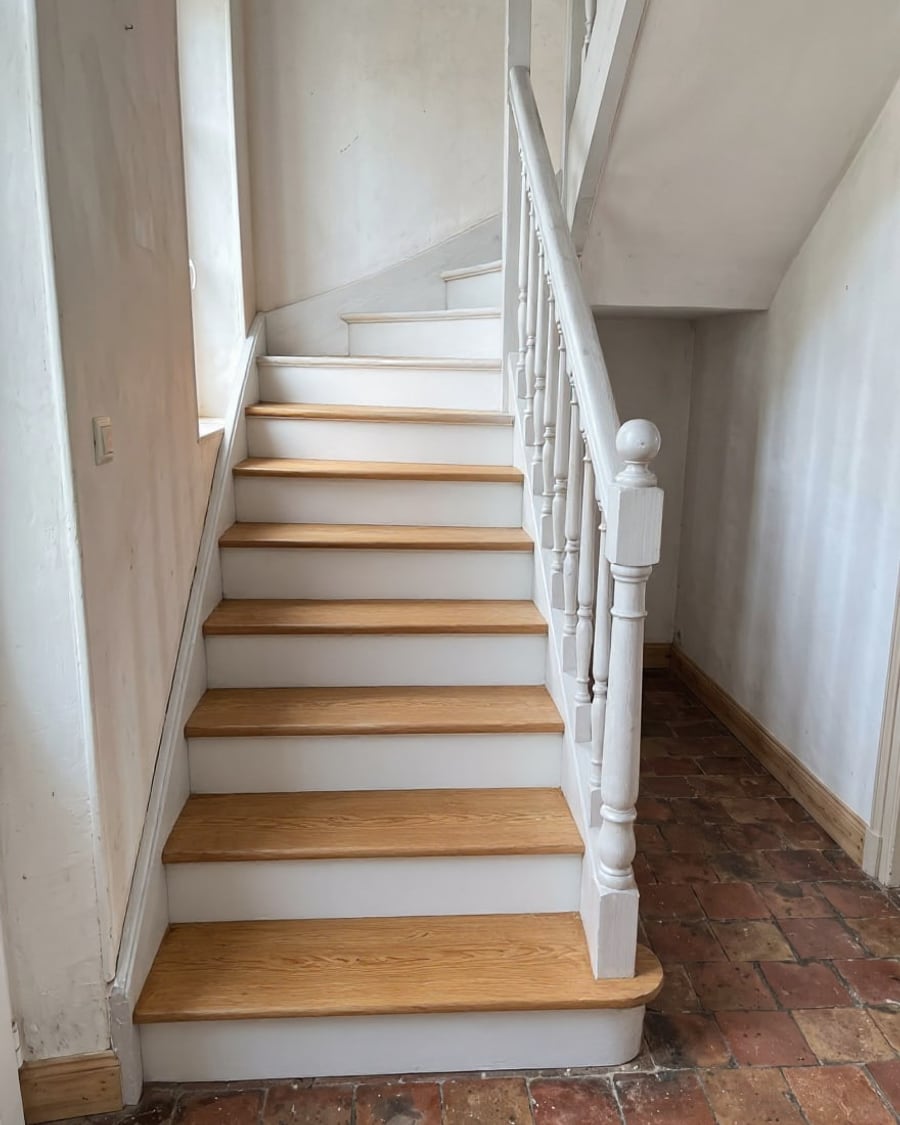
Staircase makeover
Your staircase, two makeovers
A photo of your old staircase with oak treads and white paint, then matte black, same shape and same balusters. To decide before you start sanding. Workflow visible here, no account needed.
Interactive demo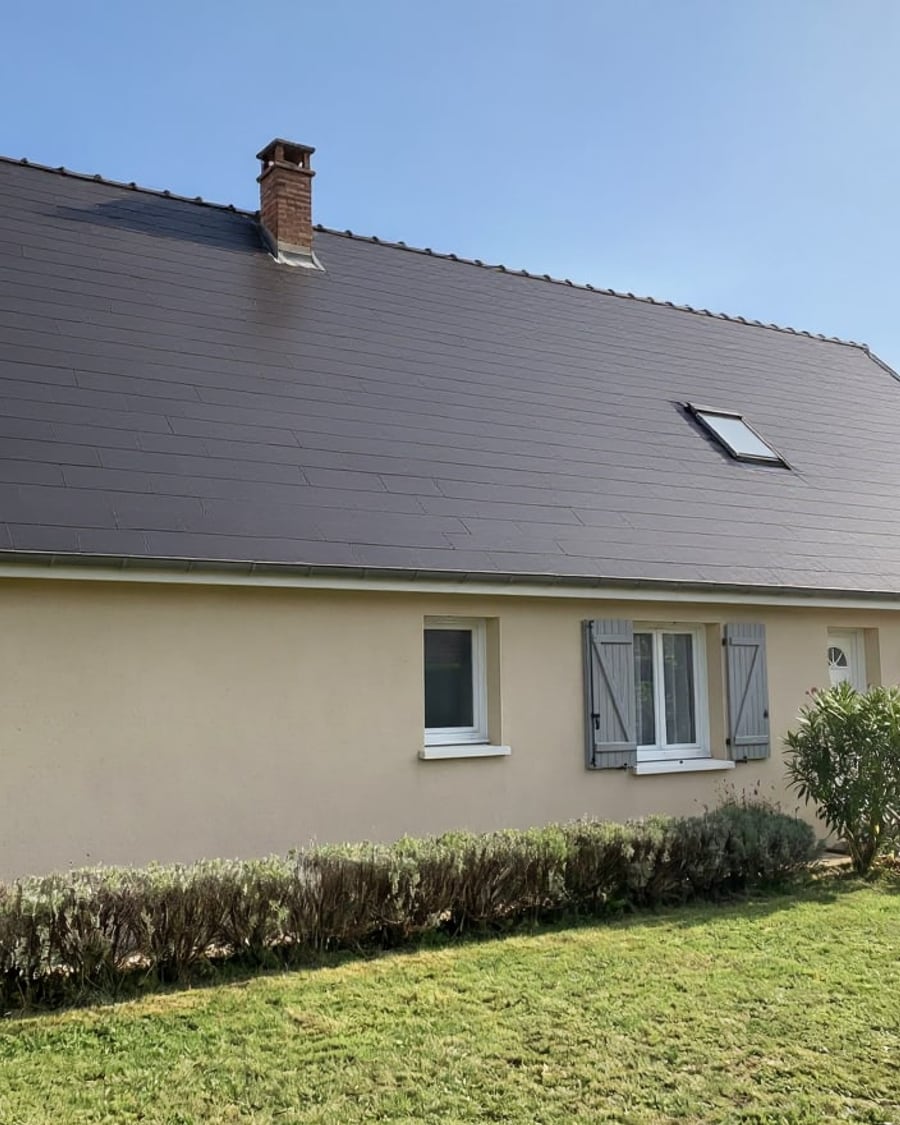
Roof colour
Your roof, two colours before re-roofing
A photo of your house re-roofed in flat anthracite tiles, then in chocolate brown tiles, with the facade left alone. To choose before the roofer's quote. Workflow visible here, no account needed.
Interactive demo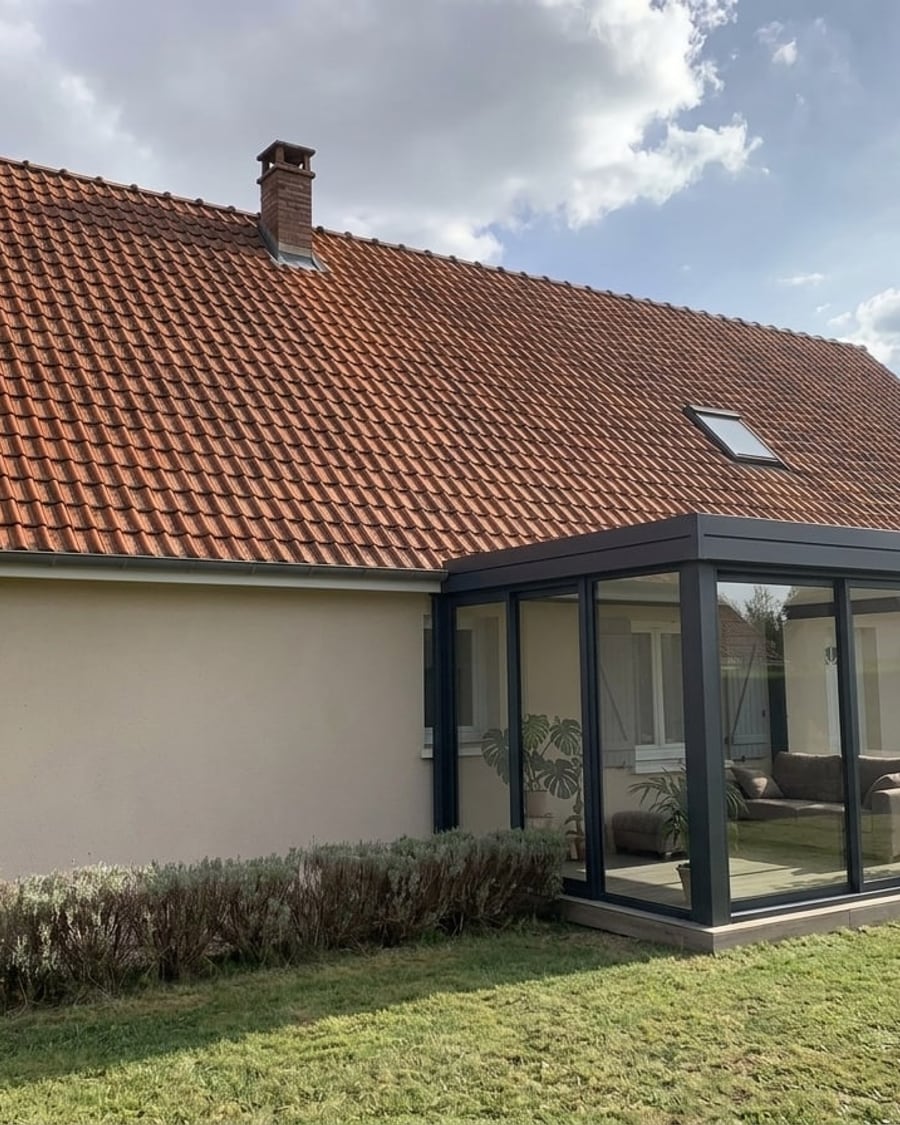
Conservatory
Your house, two conservatories
A photo of your house with a flat-roofed aluminium glass extension, then a white Victorian-style conservatory, at the right scale. To choose before the quote. Workflow visible here, no account needed.
Interactive demo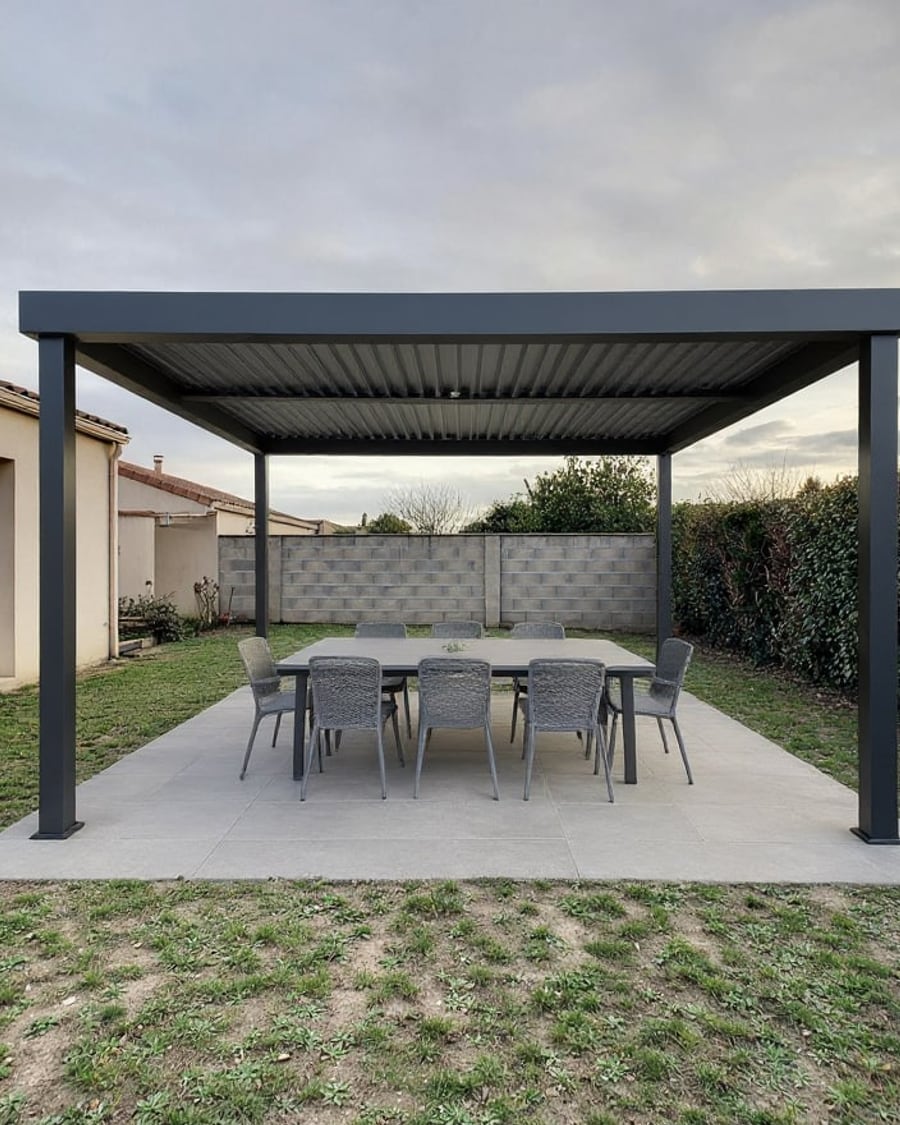
Add a pergola
Your garden, two pergolas
A photo of your garden with an aluminium louvred pergola on a patio, then a timber pergola with a vine and string lights. To choose before the quote. Workflow visible here, no account needed.
Interactive demo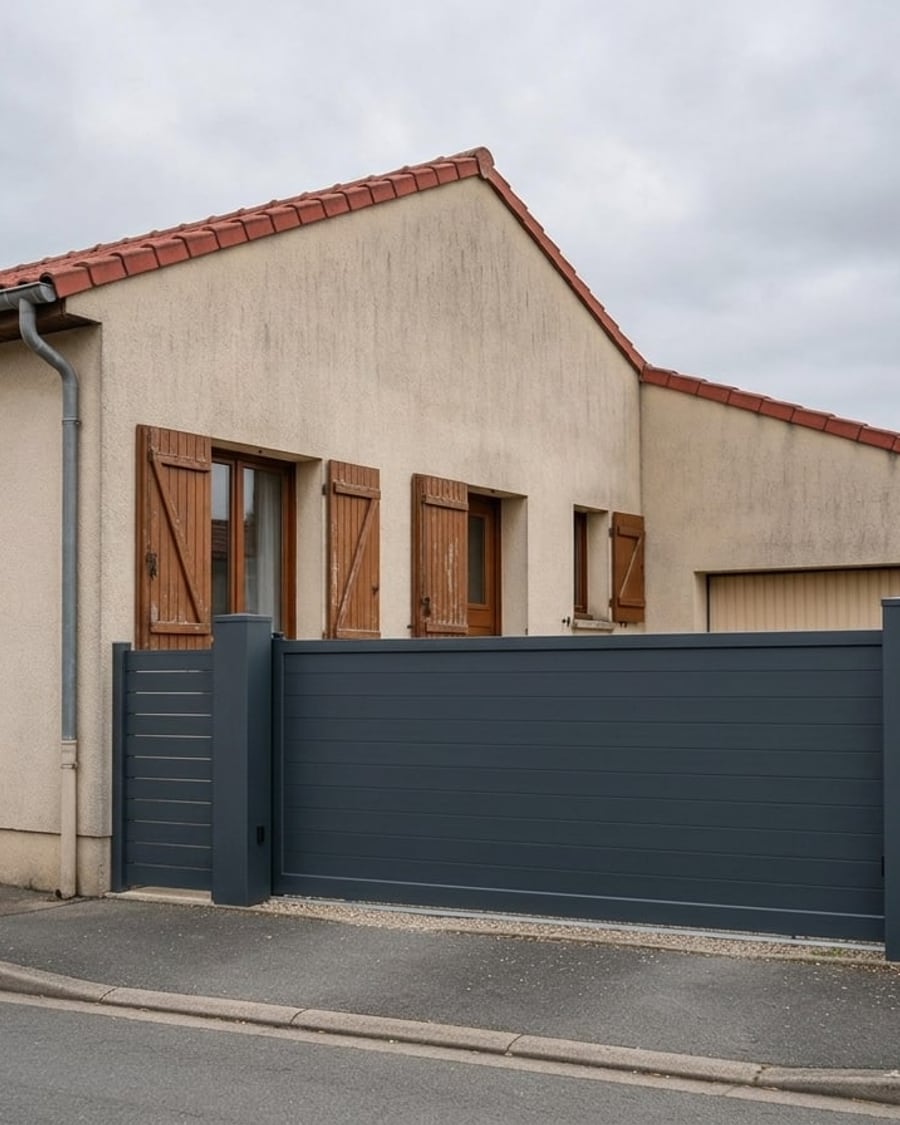
Driveway gate
Your entrance, two gates
A photo of your entrance with a sliding anthracite aluminium gate, then an oak swing gate, at the scale of your house. To choose before the quote. Workflow visible here, no account needed.
Interactive demo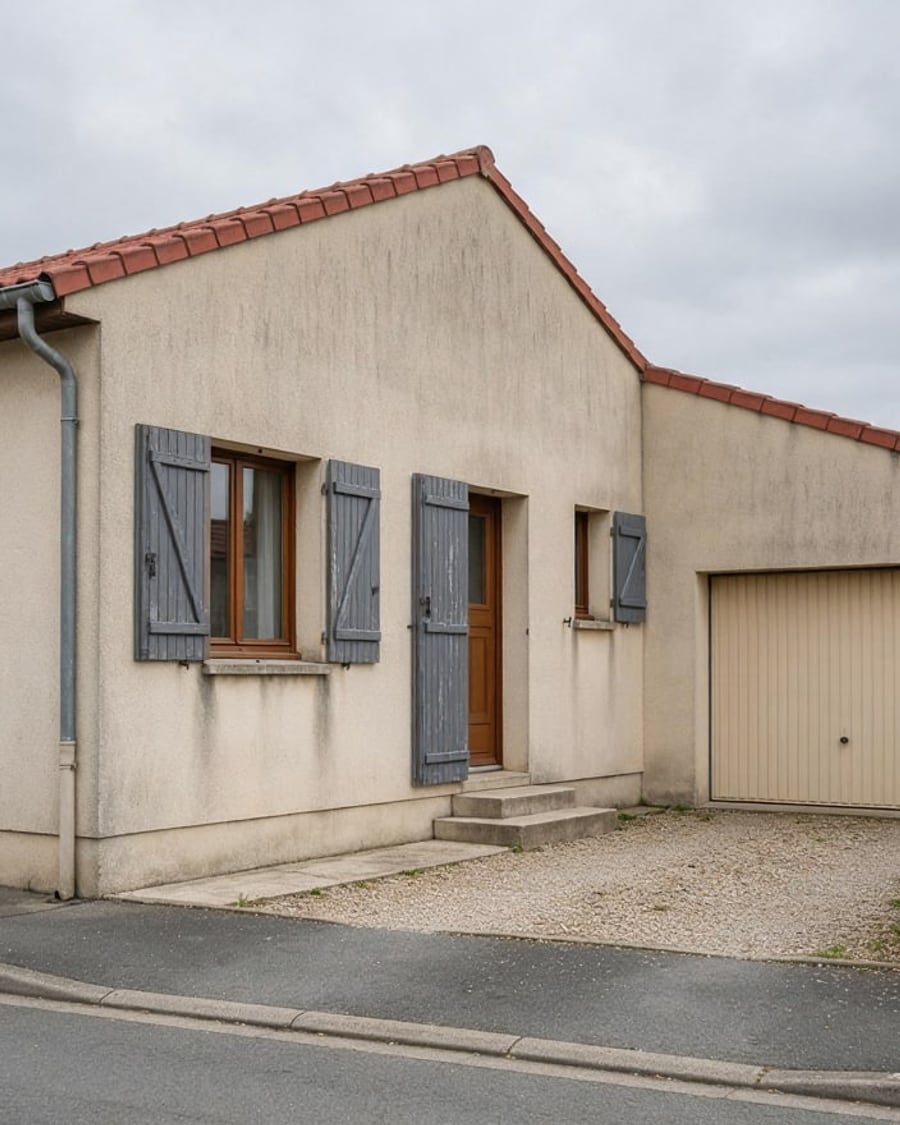
Shutter colour
Your shutters, two colours before you paint
A photo of your facade with anthracite shutters, then sage green ones, without touching the front door or the garage. To choose before buying paint. Workflow visible here, no account needed.
Interactive demo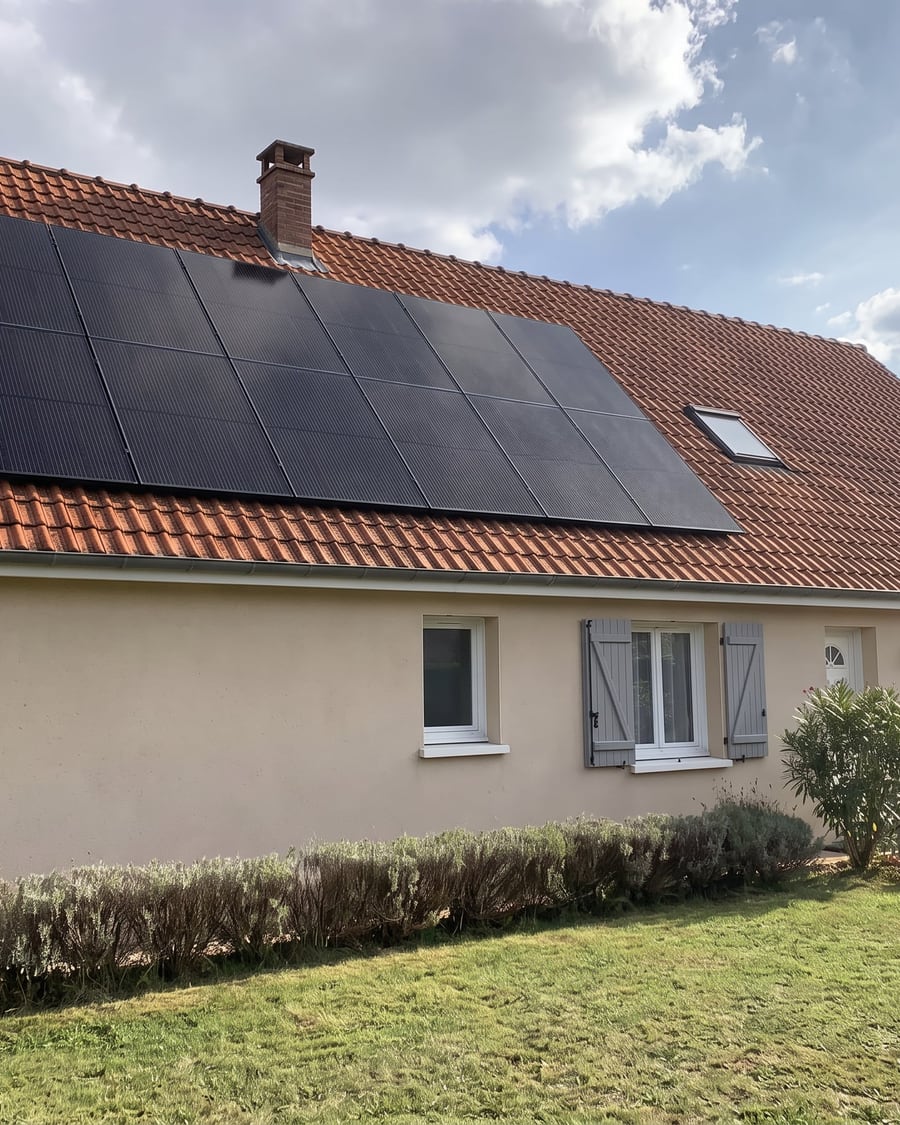 New
NewSolar panels
Your roof, two installations
A photo of your house with black panels mounted on the tiles, then an in-roof solar array, at the right scale. To make up your mind before the quote. Workflow visible here, no account needed.
 Interactive demo
 New
NewPool visualizer
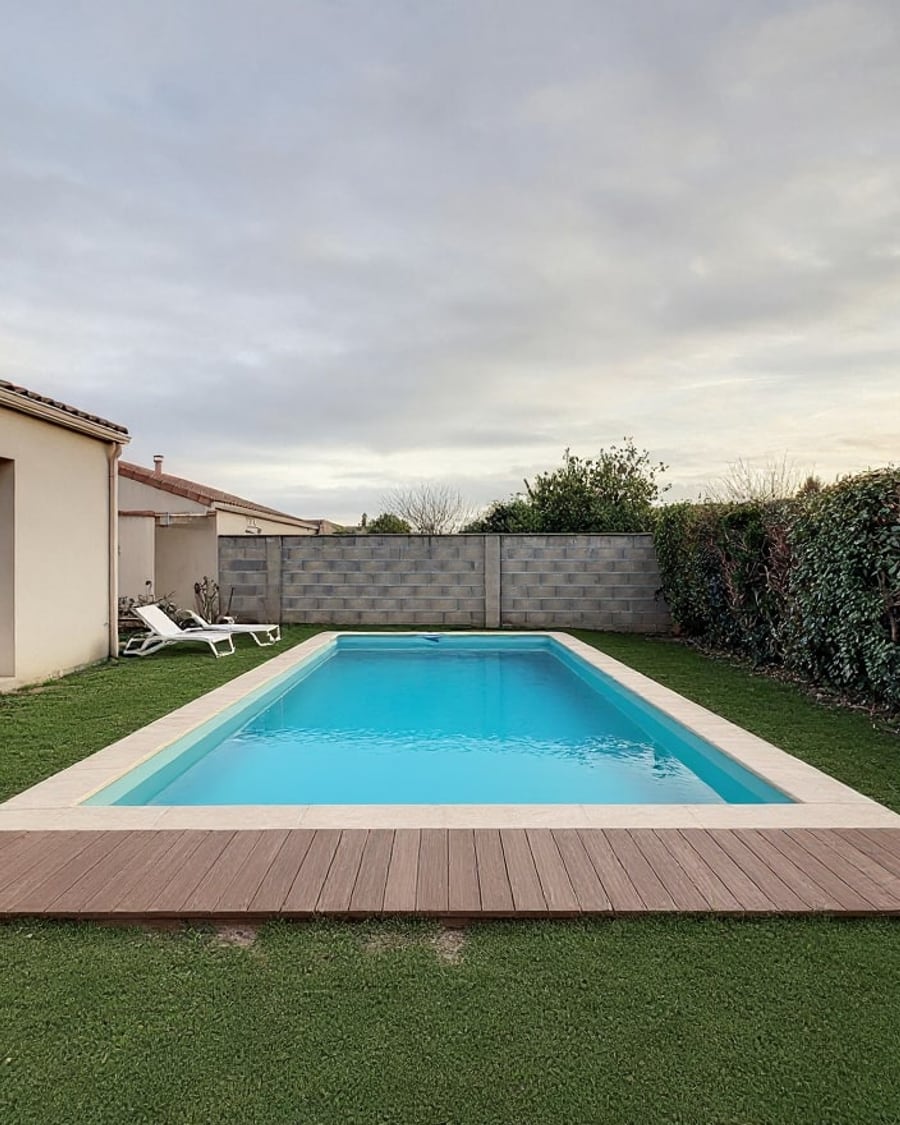
Your garden, two pools
Your garden photo with a rectangular pool and then a natural swimming pond, to scale, house and hedge unchanged. To picture it before the quote. Workflow visible here, no account needed.
Interactive demo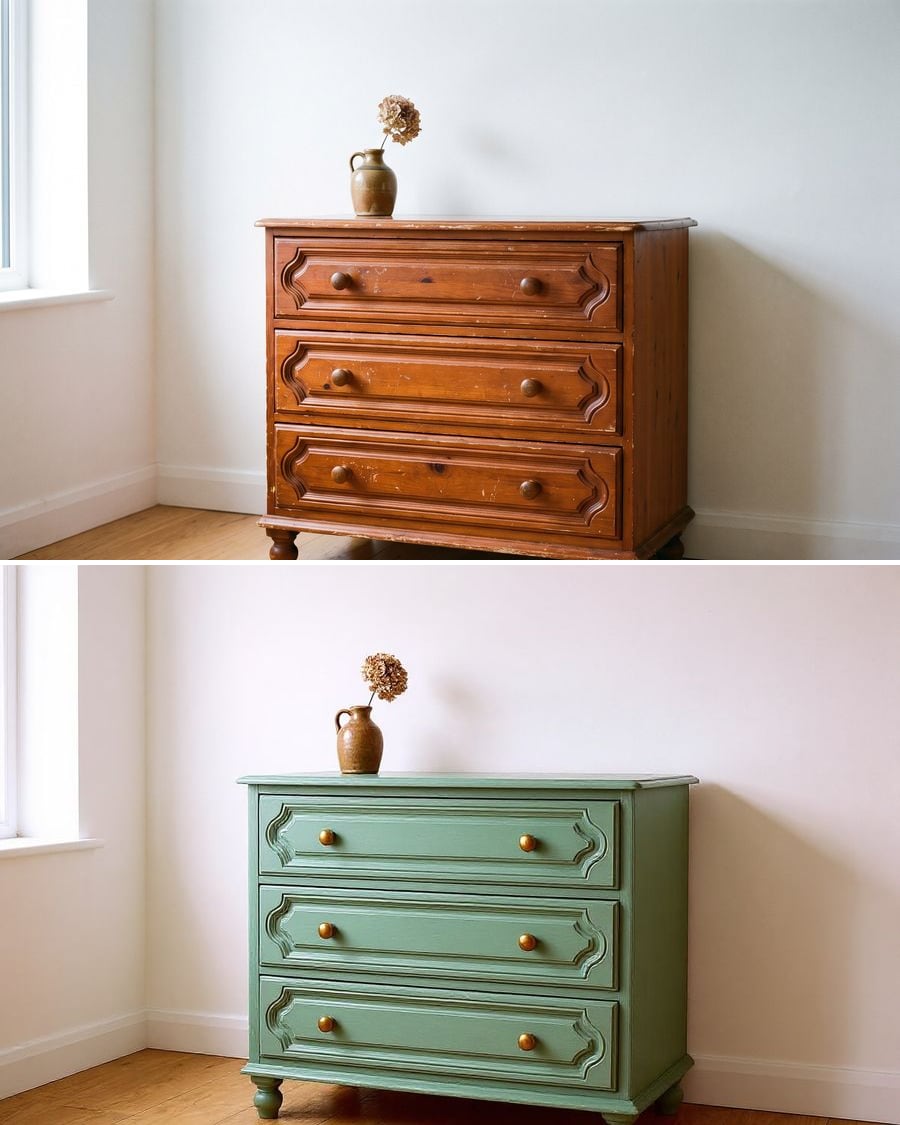 New
NewFurniture makeover
Your furniture, two makeovers
Your old furniture repainted two ways, colour and handles included, without changing its shape. To choose before sanding. Workflow visible here, no account needed.
Interactive demo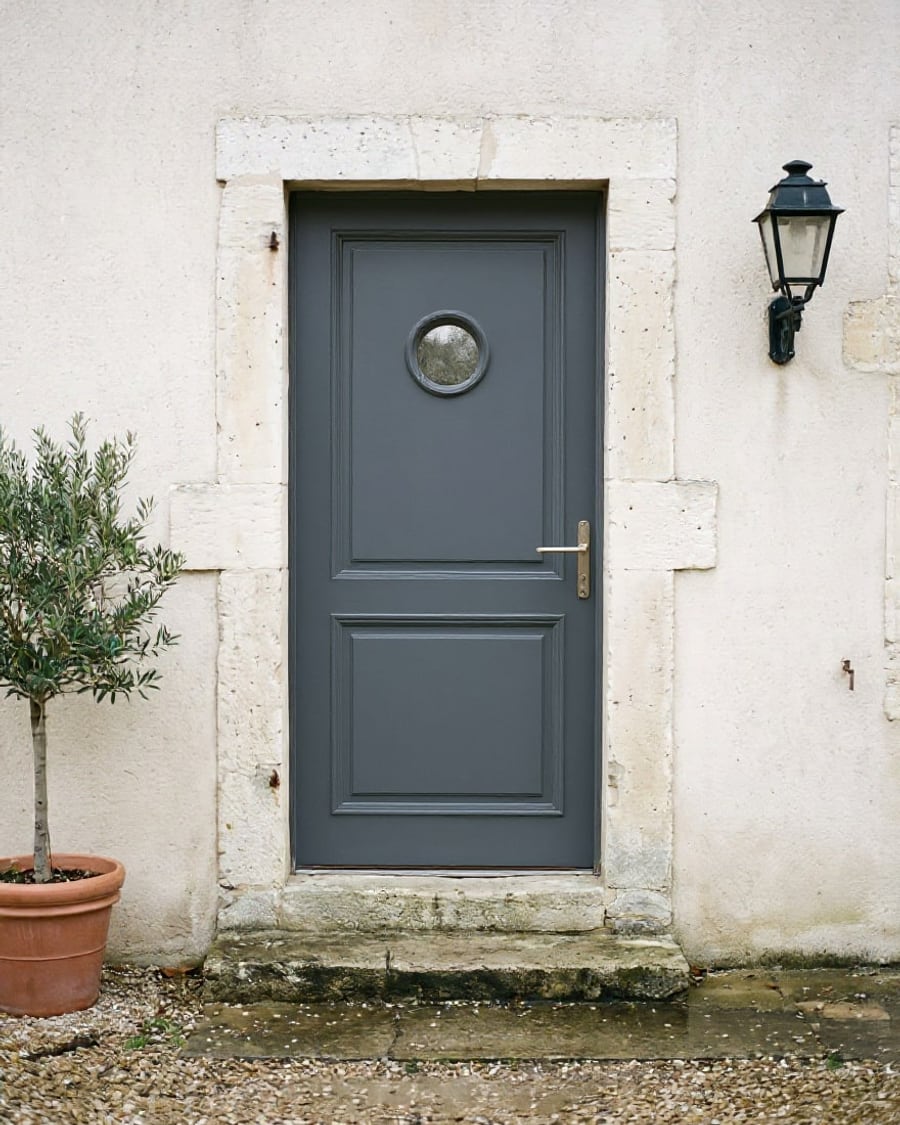 New
NewChange your front door
Your entrance, two doors
Your front door photo with two new designs, fitted in the same opening, wall and step unchanged. To choose colour and style before ordering. Workflow visible here, no account needed.
Interactive demo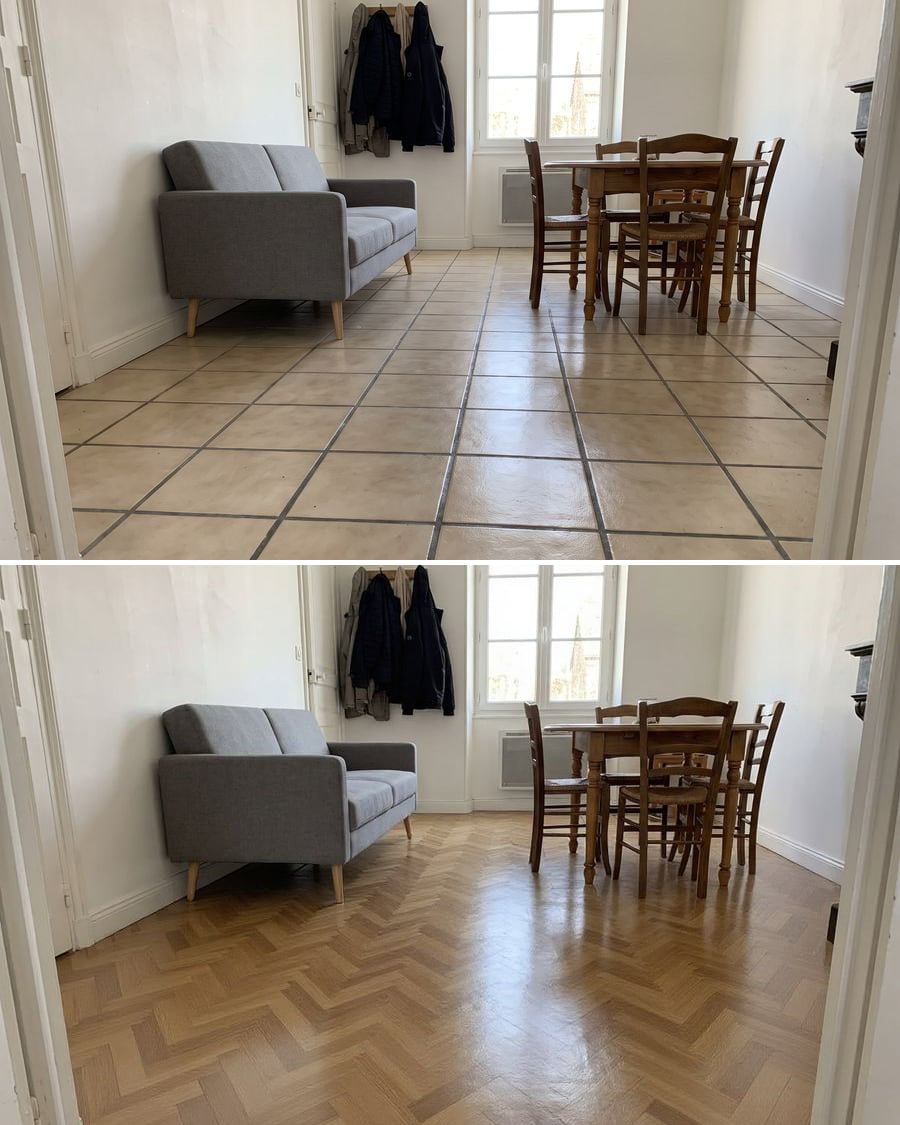 New
NewFloor tile and parquet visualizer
Your room, two floors
The photo of your room with large concrete-look tiles and then oak herringbone parquet, walls and furniture unchanged. To decide before the quote. Workflow visible here, no account.
Interactive demo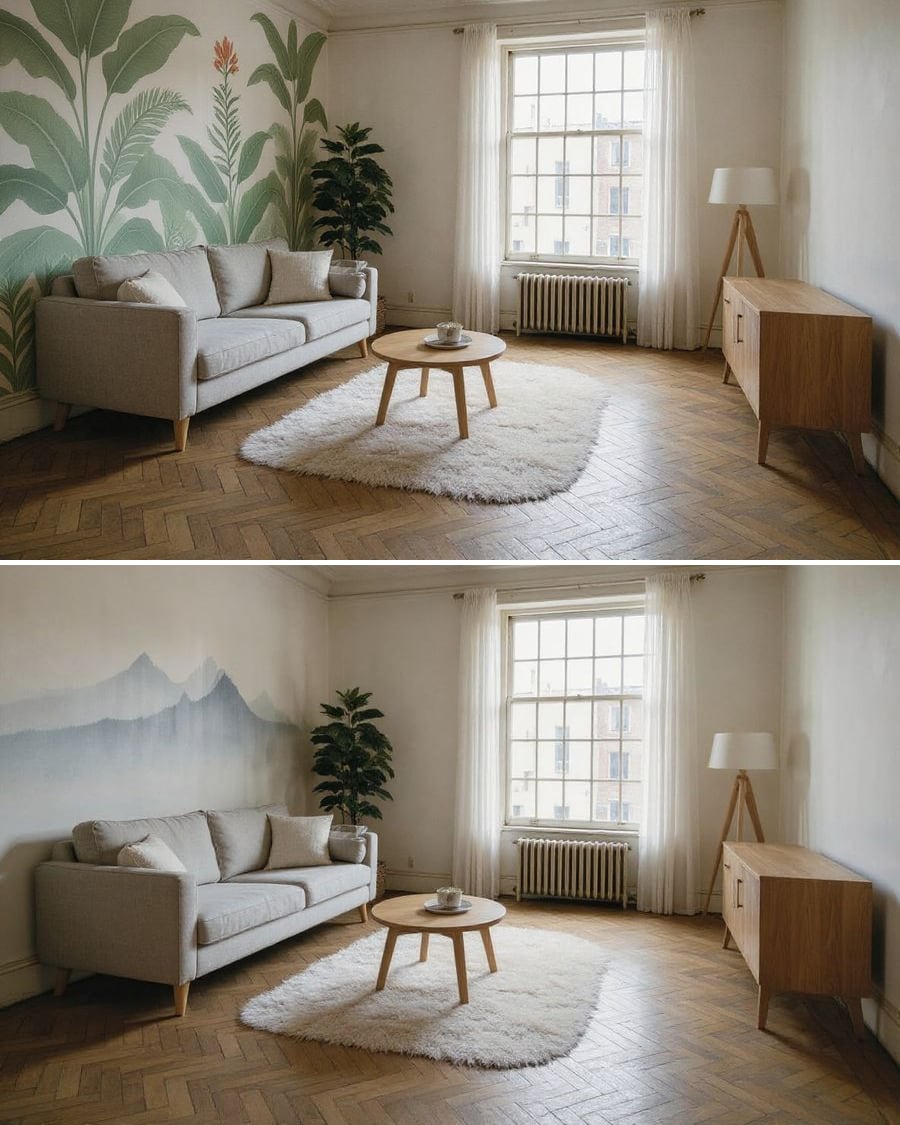 New
NewWall mural and wallpaper
Your wall, two looks
Your room photo with a painted mural and then a panoramic wallpaper on the same wall, furniture and light unchanged. To choose before you order. Workflow visible here, no account needed.
Interactive demo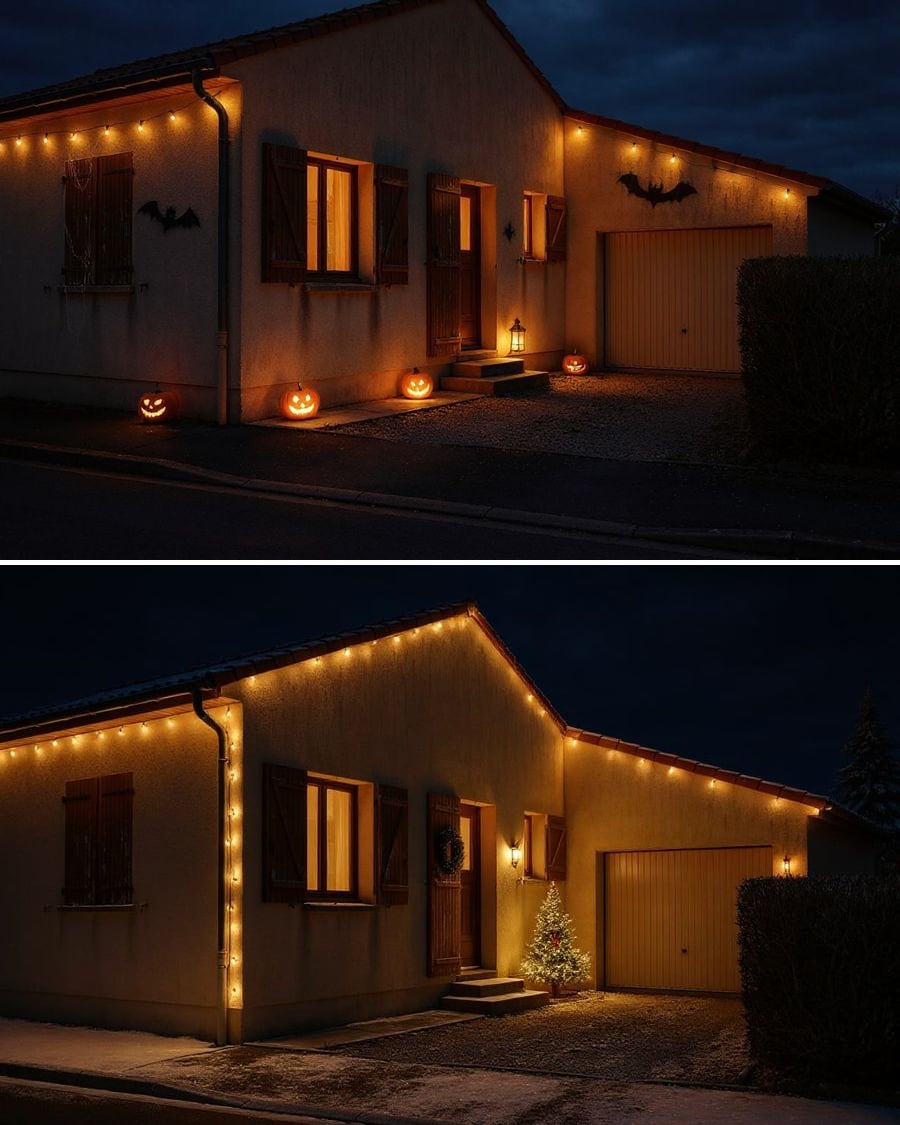 New
NewDecorate your house for the holidays
Your house, Halloween then Christmas
Your house front, decorated for Halloween and then for Christmas, the house unchanged. To choose lights and decorations before you buy. Workflow visible here, no account needed.
Interactive demo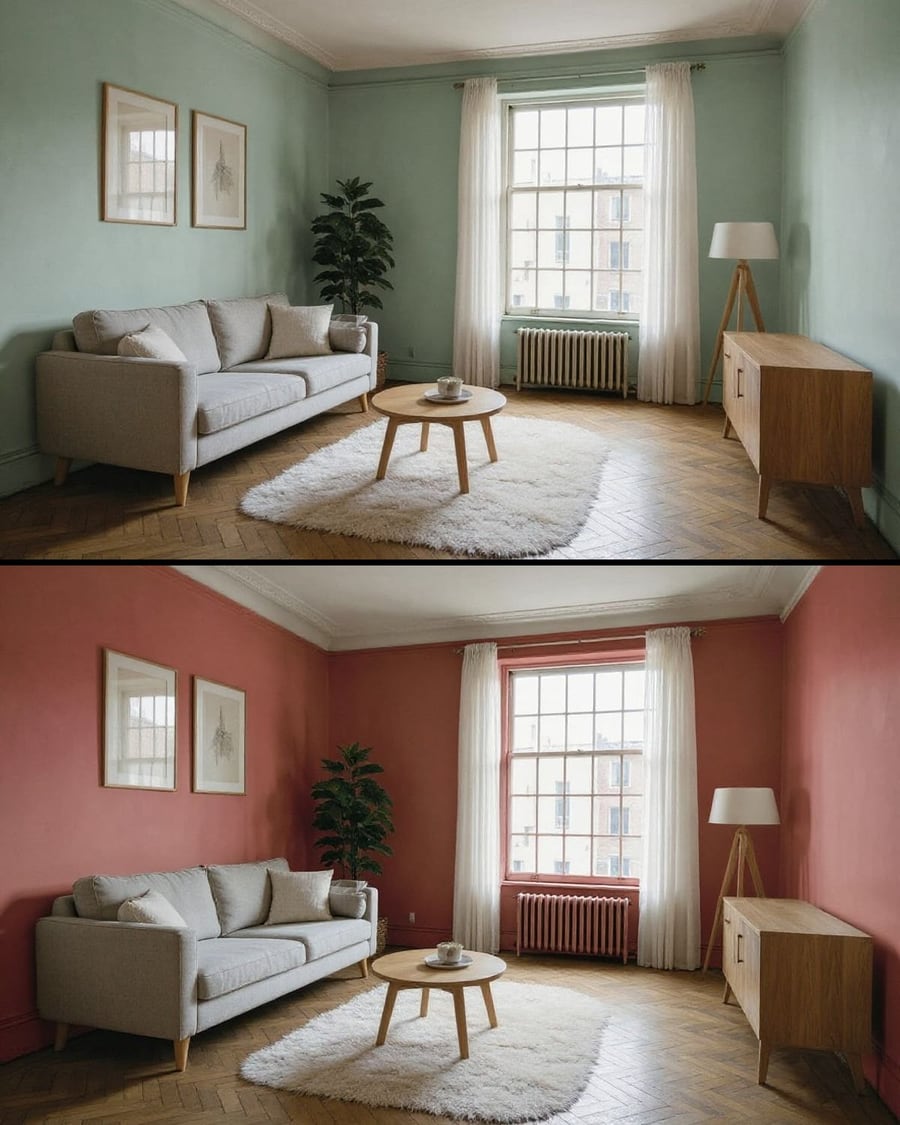 New
NewTest a paint colour
The same room, two wall colours
Your room photo with the walls repainted in two colours, furniture, floor and window unchanged. To pick a colour before buying the paint. Workflow visible here, no account needed.
Interactive demoYour floor plan in 3D
The plan, the model, then the camera
Your 2D floor plan becomes a furnished 3D model seen from above, rooms where the plan puts them, then a video that orbits around it. Workflow visible here, no account needed.

 Interactive demo
The video of your listing
Your photos become a walkthrough
Two photos of the property go into two Wan 3.0 nodes as the start image and come back as five second shots, without a single piece of furniture moving. Workflow visible here, no account needed.
 Interactive demo
 New
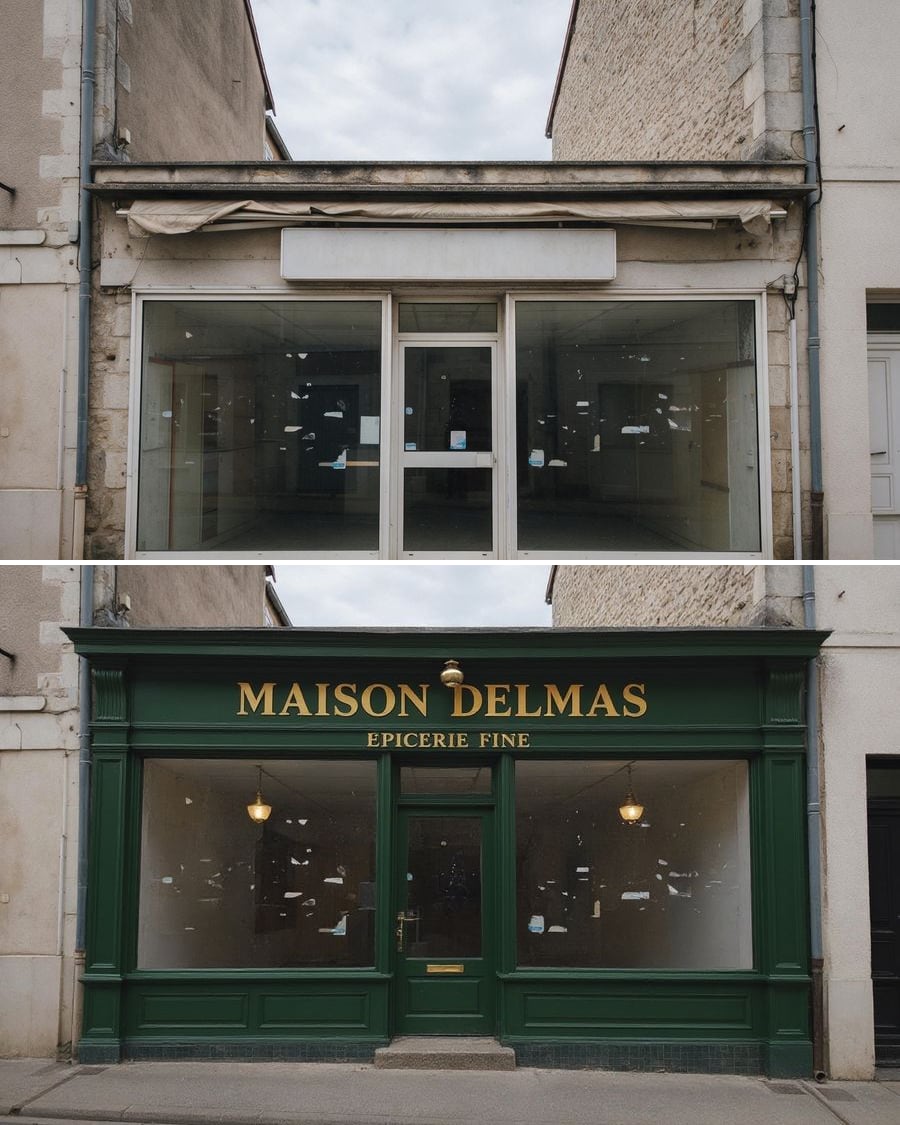
NewRedo your shopfront
Three shopfronts, one shop
A photo of your shopfront goes into three Image nodes that redo it three ways: timber and English green, black and brass, cream with a striped awning. The full workflow is visible here, no account needed.
Interactive demo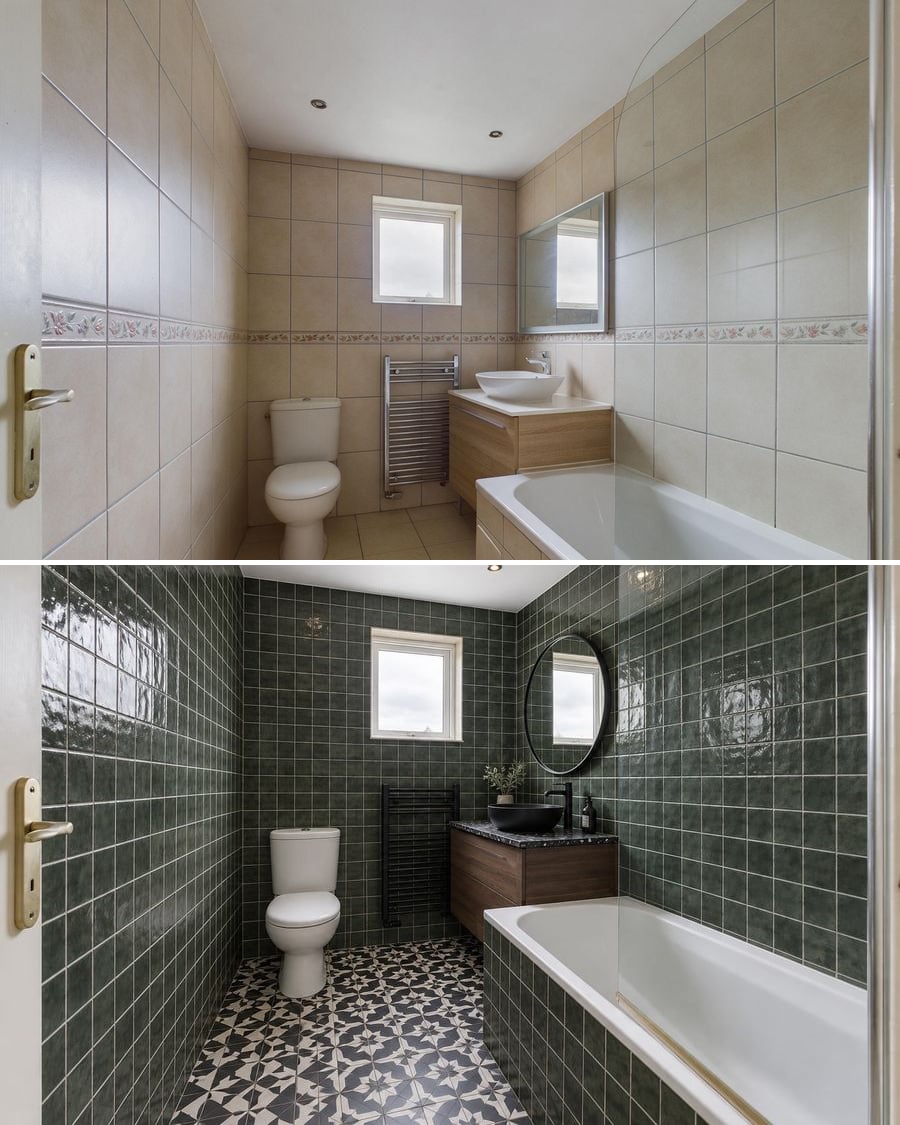 New
NewRenovate your bathroom
Three budgets, one room
A photo of your bathroom goes into three Image nodes that each rework it on a different budget: refresh without breaking anything, rebuild it light, rebuild it dark. The full workflow is visible here, no account needed.
Interactive demo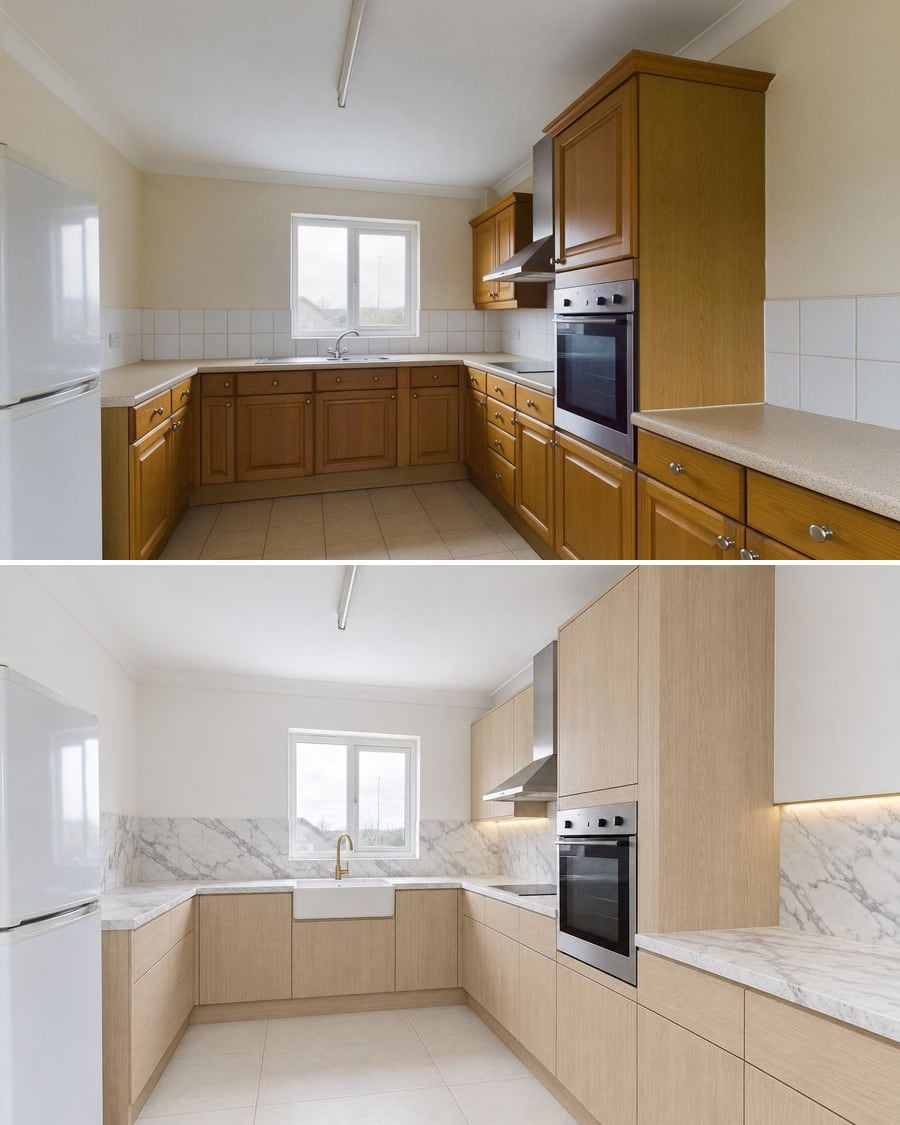 New
NewRedesign your kitchen
Three budgets, one room
A photo of your kitchen goes into three Image nodes that each rework it on a different budget: repaint the doors, rebuild it light, rebuild it dark. The full workflow is visible here, no account needed.
Interactive demo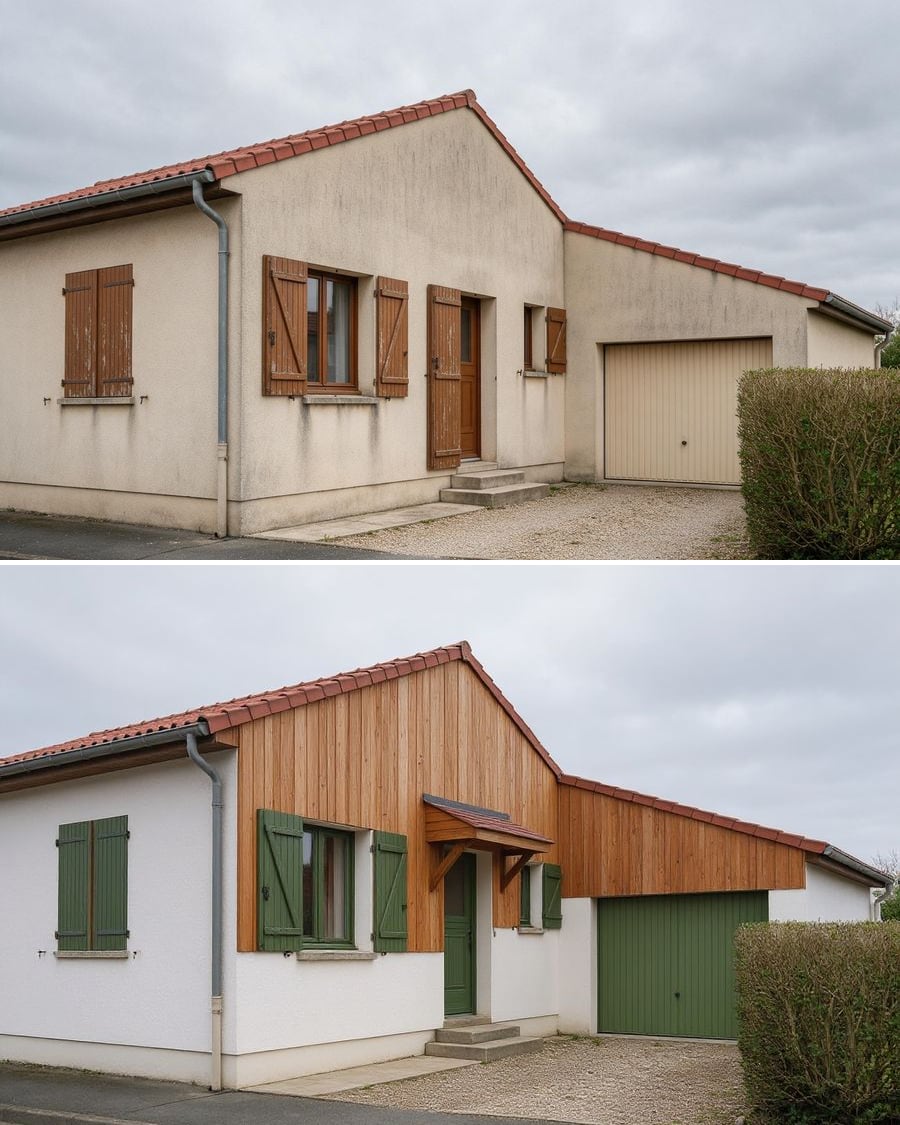 New
NewSimulate a render job
Three projects, one facade
A photo of your house goes into three Image nodes that renovate it three ways: pale render with anthracite joinery, timber cladding, external wall insulation. The full workflow is visible here, no account needed.
Interactive demo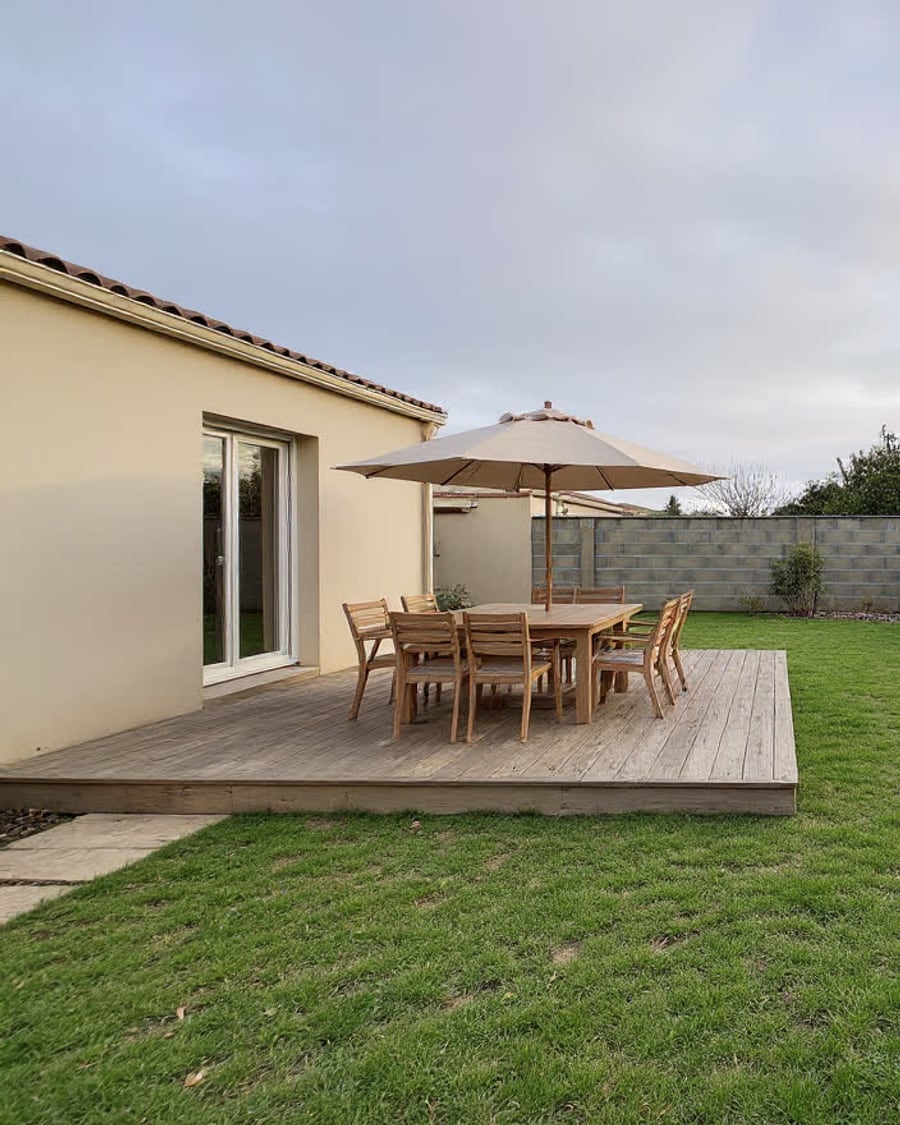 New
NewRedesign your garden
Three projects, one plot
A photo of your garden enters the canvas and comes out as three landscaping projects: deck and dining area, mediterranean garden with no lawn, natural beds. The house stays put, only the ground changes. Visible without an account.
Interactive demo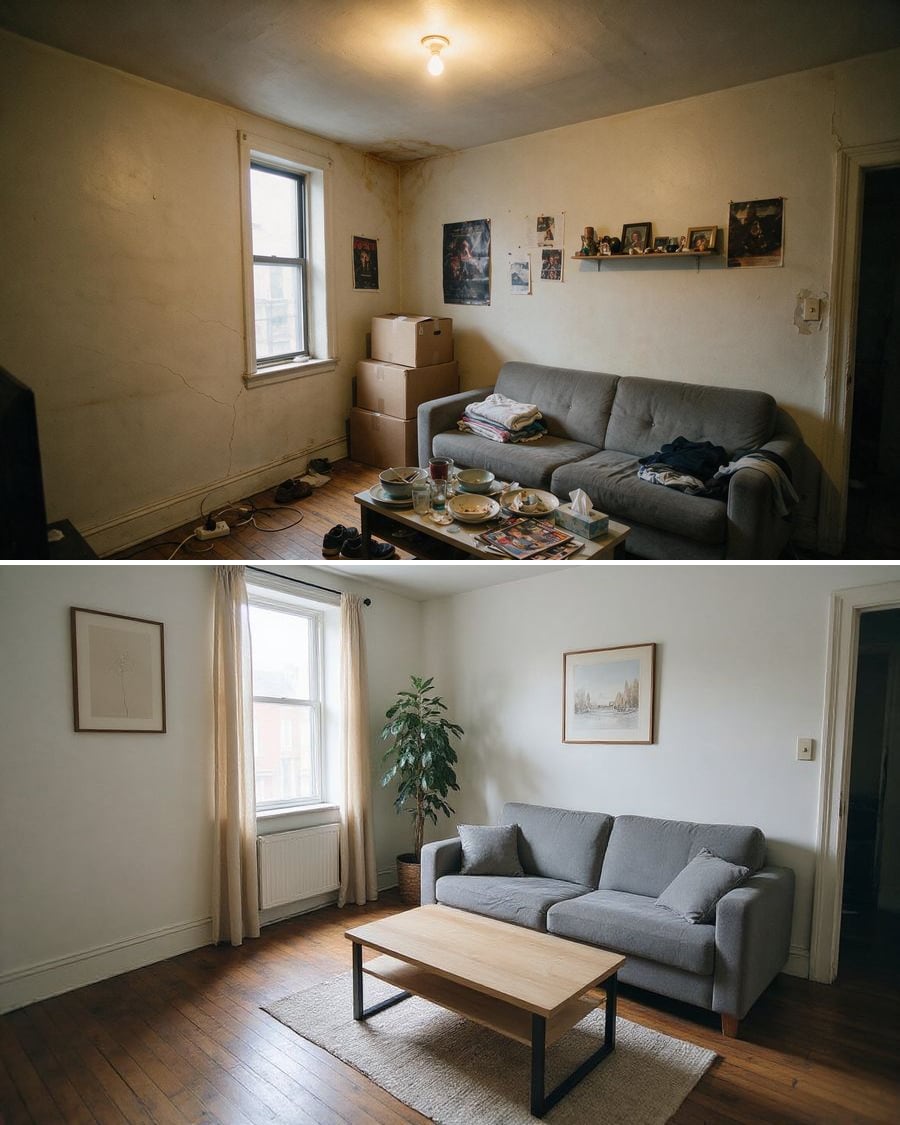 New
NewDeclutter a room
The clutter goes, the flaws stay
A photo of a lived-in interior loses its boxes, laundry and dishes, then catches up on the light. The flaws of the property stay visible. The full workflow, no account needed.
Interactive demo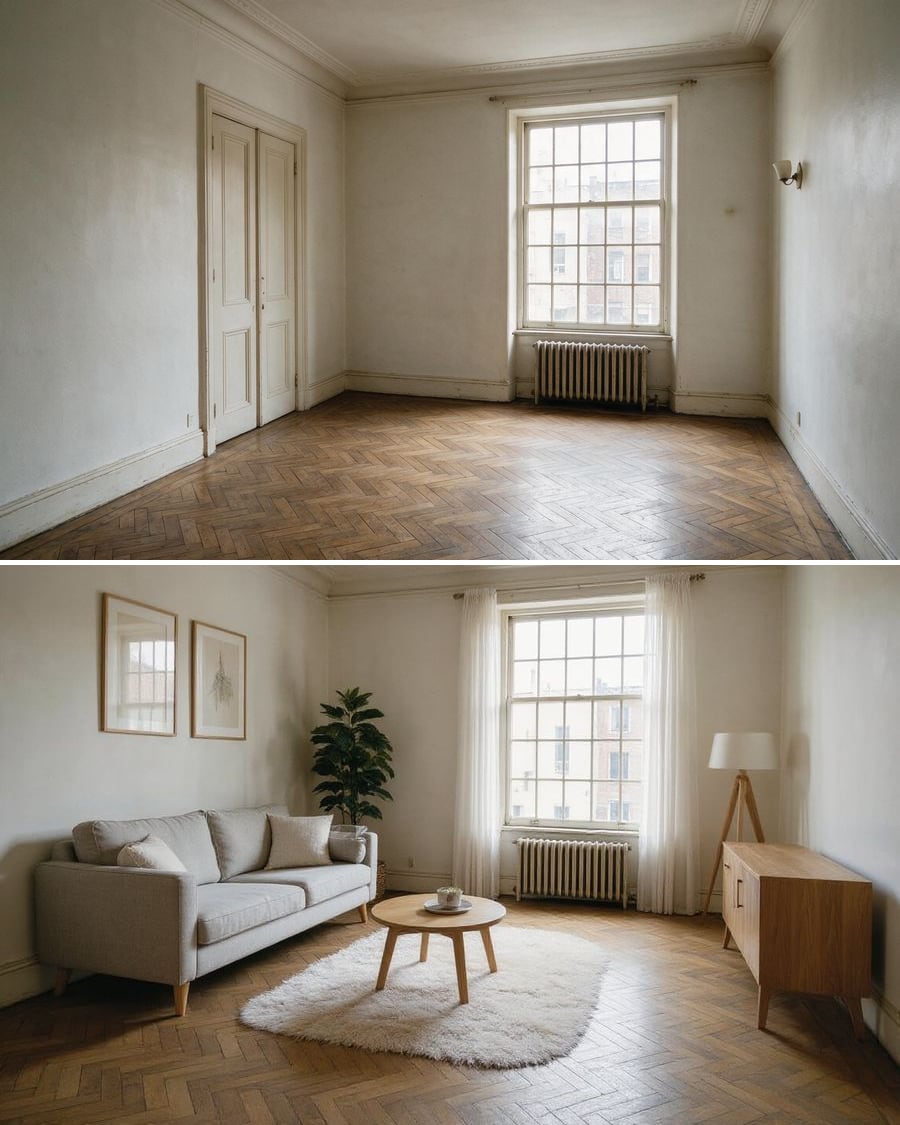 New
NewFurnish an empty room
Three styles for the same bare room
The photo of an empty property, furnished in three styles at once: Scandinavian, family, home office. The building itself stays put, only the furniture changes. The full workflow, no account needed.
Interactive demoRenovate in a photo
A dated interior, renovated on screen
Turn the photo of a dated room into a renovated interior, then generate the transformation video between the before and the after: the tool for property listings that stop the scroll.
Interactive demoFrequently asked questions
Are the renders faithful to the room or the house?
The instructions lock the volume, the openings, the floor and the viewpoint: only surfaces and furniture change. The renders on each page show that result on the demo's real photo.
Can I use them for a planning file or a listing?
To present an intention, yes. A planning application needs plans and samples; a listing must state that an image is a simulation. The renders have no contractual value.