Category
Documents and productivity with AI: summarize a PDF, grade papers
A PDF dropped on the canvas is read in full by a Text node: summarized in five points then illustrated, or graded paper by paper with a class report. These workflows start from a document and return useful text, sometimes an image.
Every page shows the starting document and the models' actual answers, unretouched, with the reading cost. The text produced is editable and reusable in the other nodes of the canvas.
What you can do here
- Get the essentials out of a long document
- Grade a stack of scanned papers
- Go from a written brief to a first visual
- Compare two language models on the same document
The tools in this category 14 tools
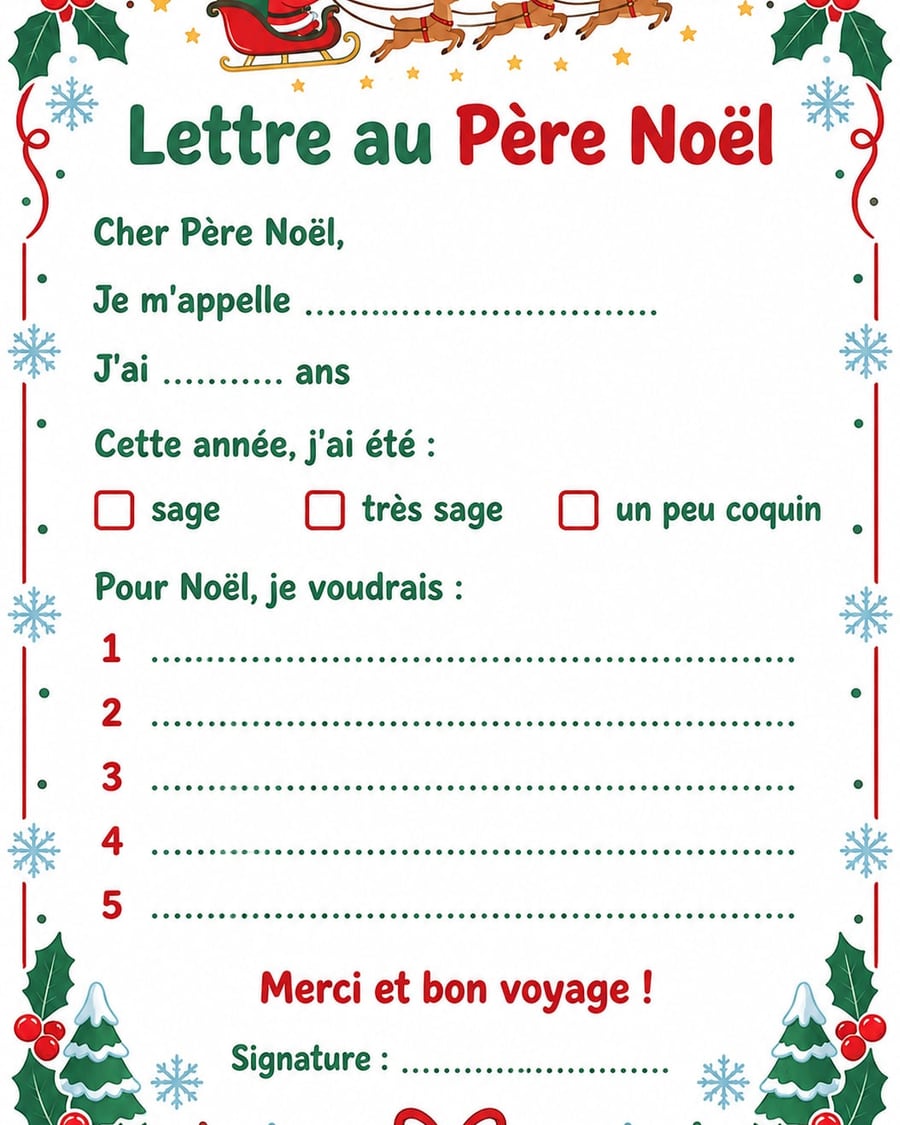
Letter to Santa
The letter to fill in and colour, with your own lines
A letter to Santa to print on A4, with your own lines: name, age, tick boxes, wish list, a frame for a drawing. One colour version, one to colour in. Workflow visible here, no account needed.

 Interactive demo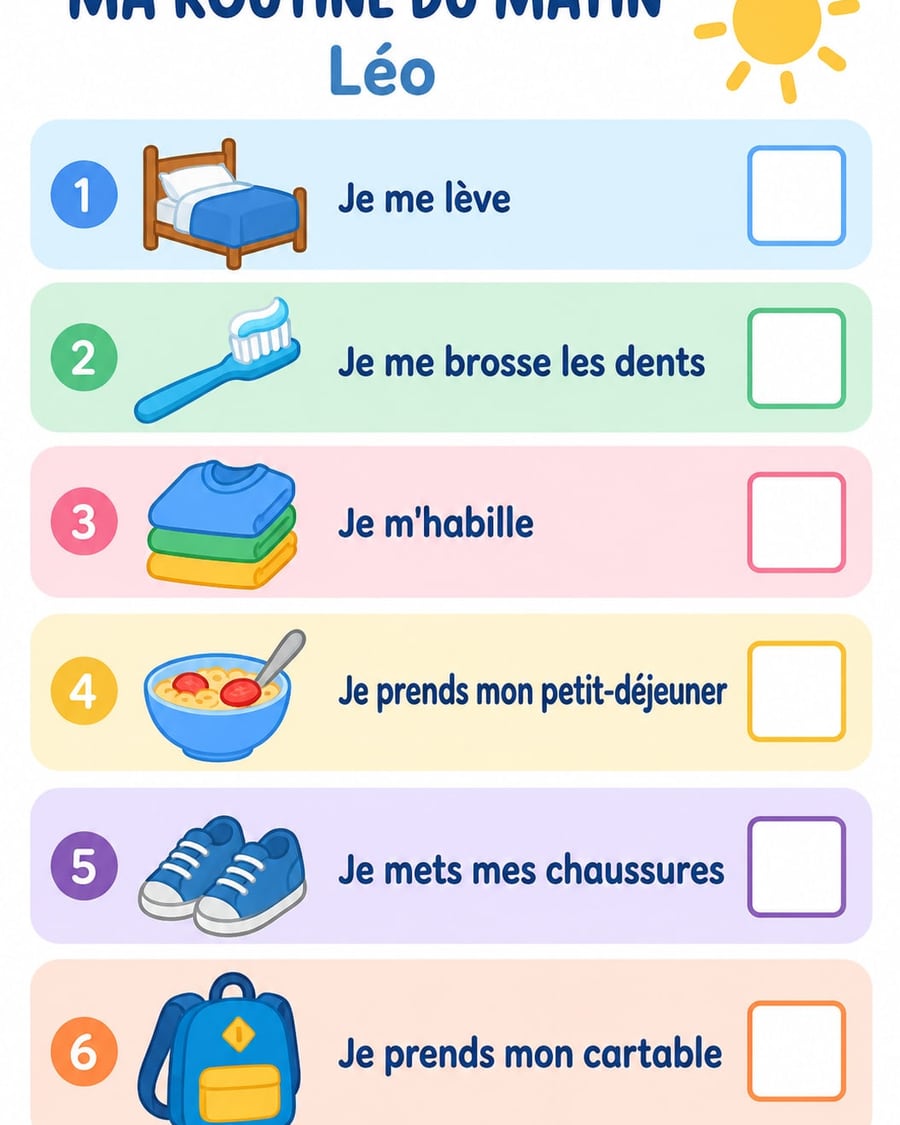
Kids' routine chart
Morning and bedtime in order, one picture per step
A morning routine and a bedtime routine to print on A4, with your child's name, their steps in order and a picture for each one. Workflow visible here, no account needed.
Interactive demo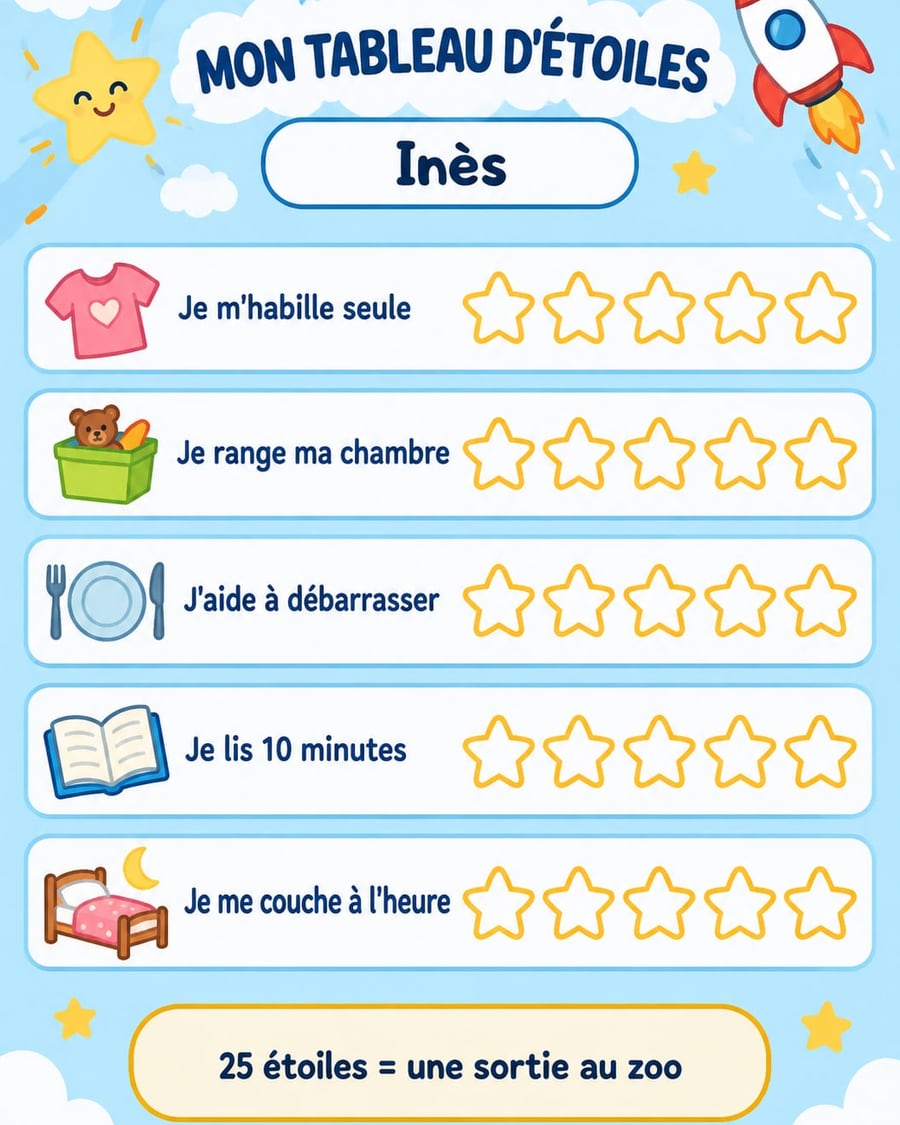
Kids' chore chart
The week's chores, on a sheet they actually want to tick
A weekly chore chart or a star reward chart to print on A4, with your child's name, chores and reward spelled right. Workflow visible here, no account needed.
Interactive demo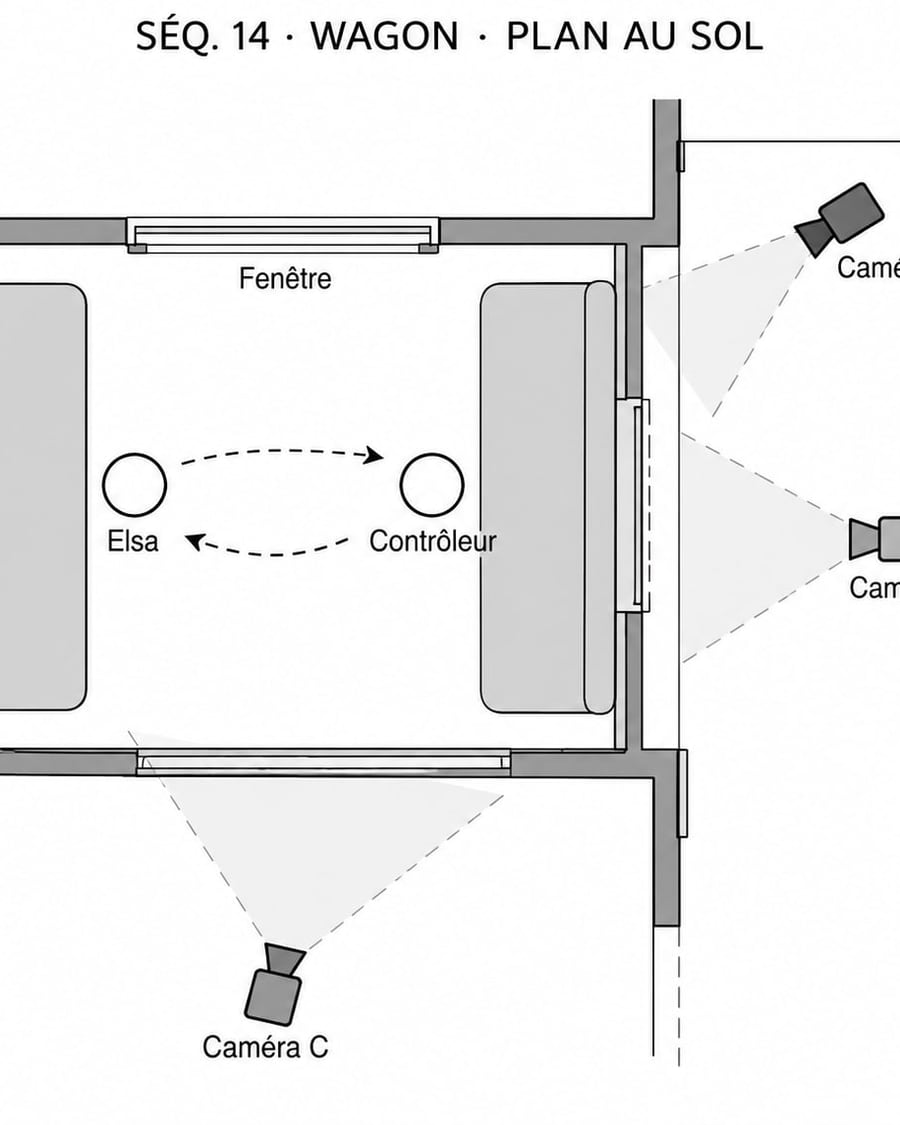
Set floor plan
Your scene from above, cameras in place
A top-down plan of one scene, technical or sketched on squared paper, with cameras, fields of view and actors' moves labelled without typos. Workflow visible here, no account needed.
Interactive demo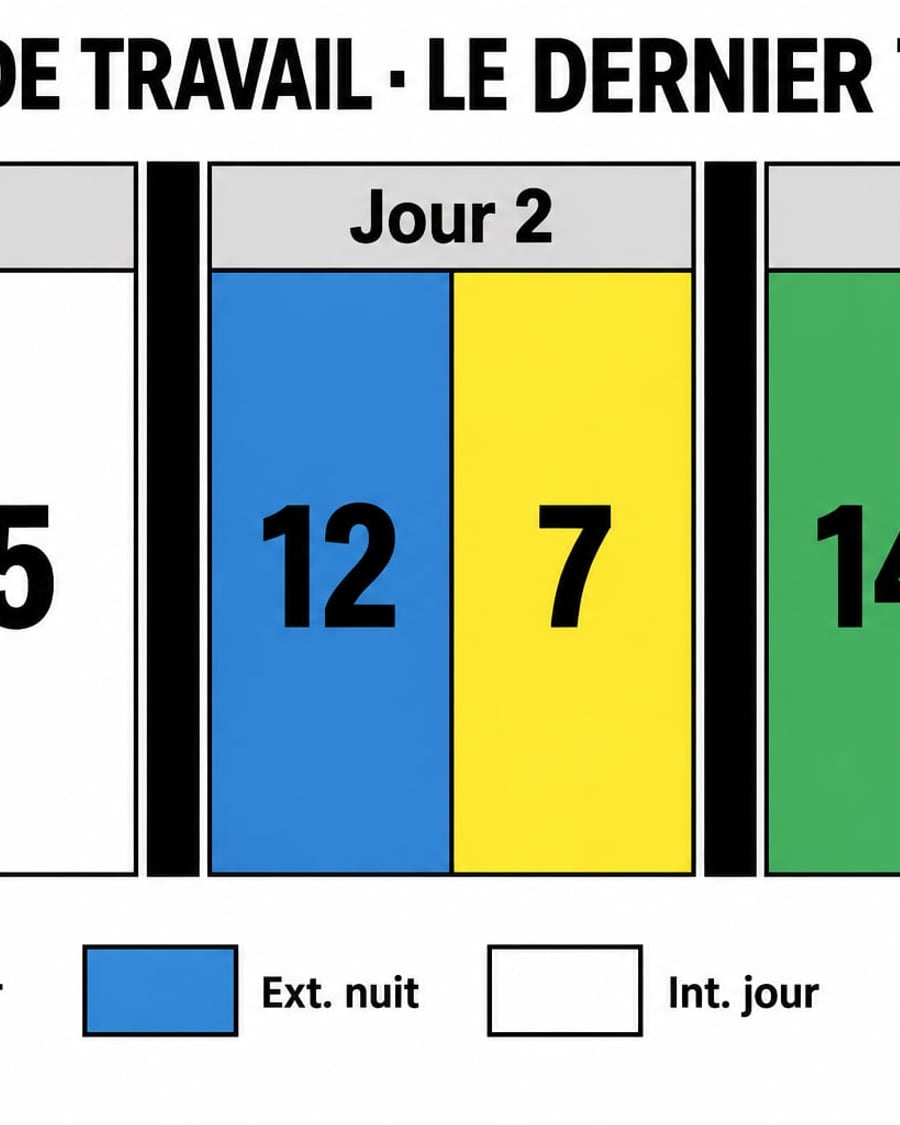
Shooting schedule
Your scenes sorted day by day
Two landscape shooting schedules for a short film, as colour strips like a stripboard or as a table by day, every scene in its place. Workflow visible here, no account needed.
Interactive demo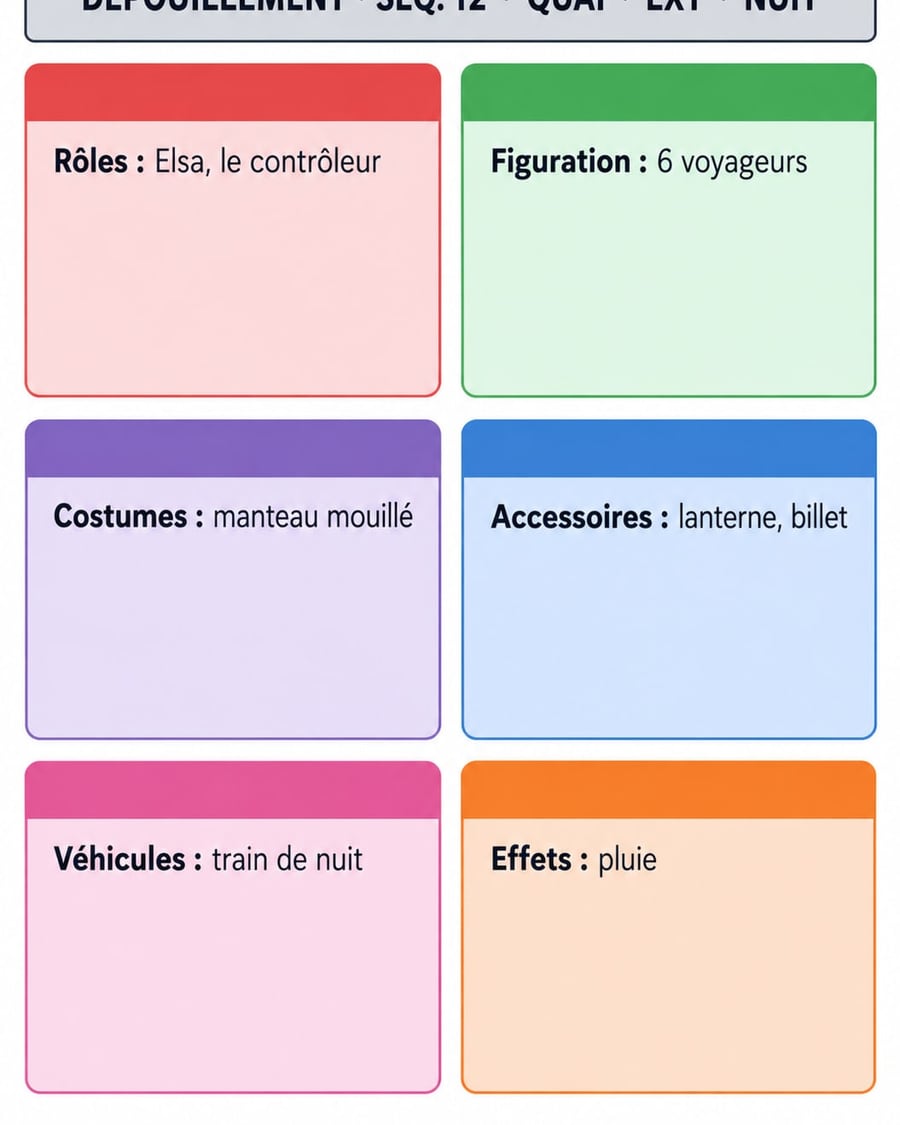
Breakdown sheet
One scene, everything it takes to shoot it
Two A4 breakdown sheets for one scene, in colour or black and white, with cast, extras, wardrobe, props and effects written correctly. Workflow visible here, no account needed.
Interactive demo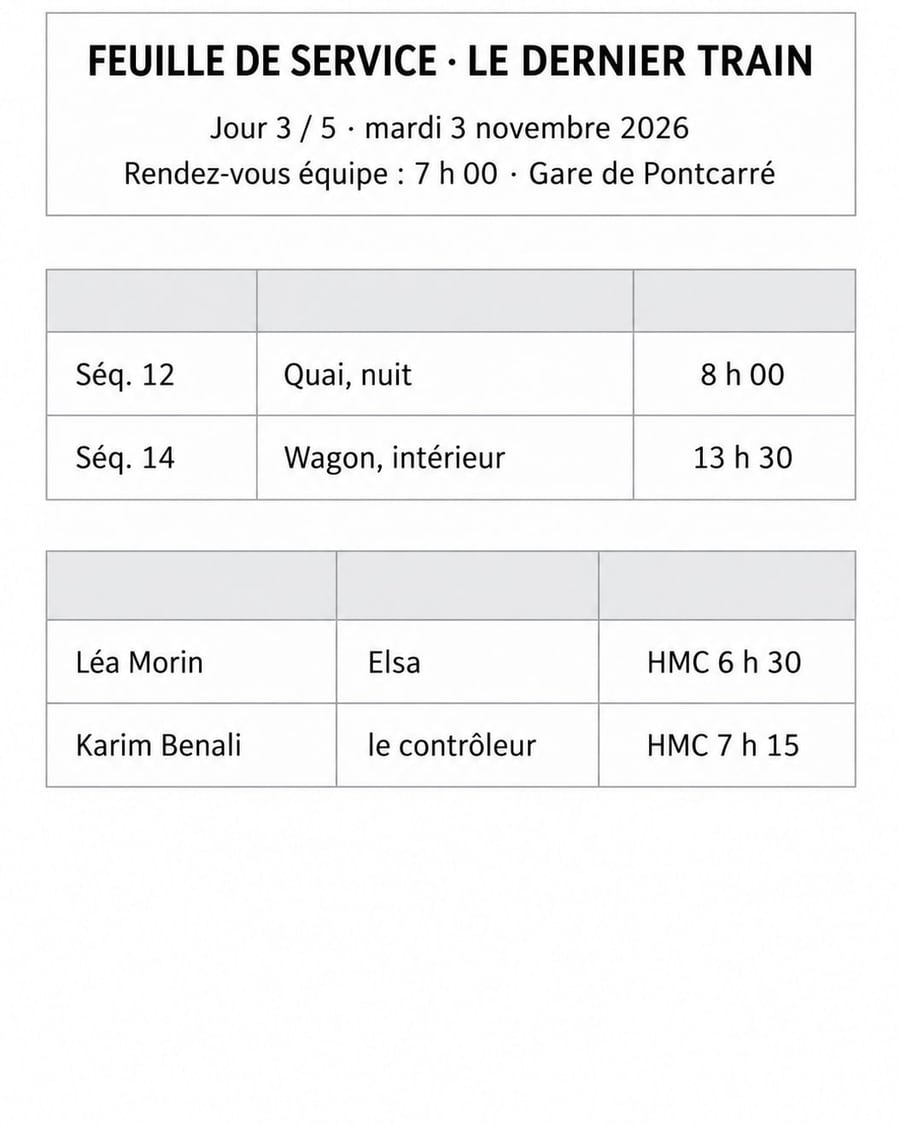
Call sheet
Your shoot day, on one page
Two A4 call sheet templates, plain or navy, with crew call, the day's scenes and hair and makeup calls written letter for letter. Workflow visible here, no account needed.
Interactive demo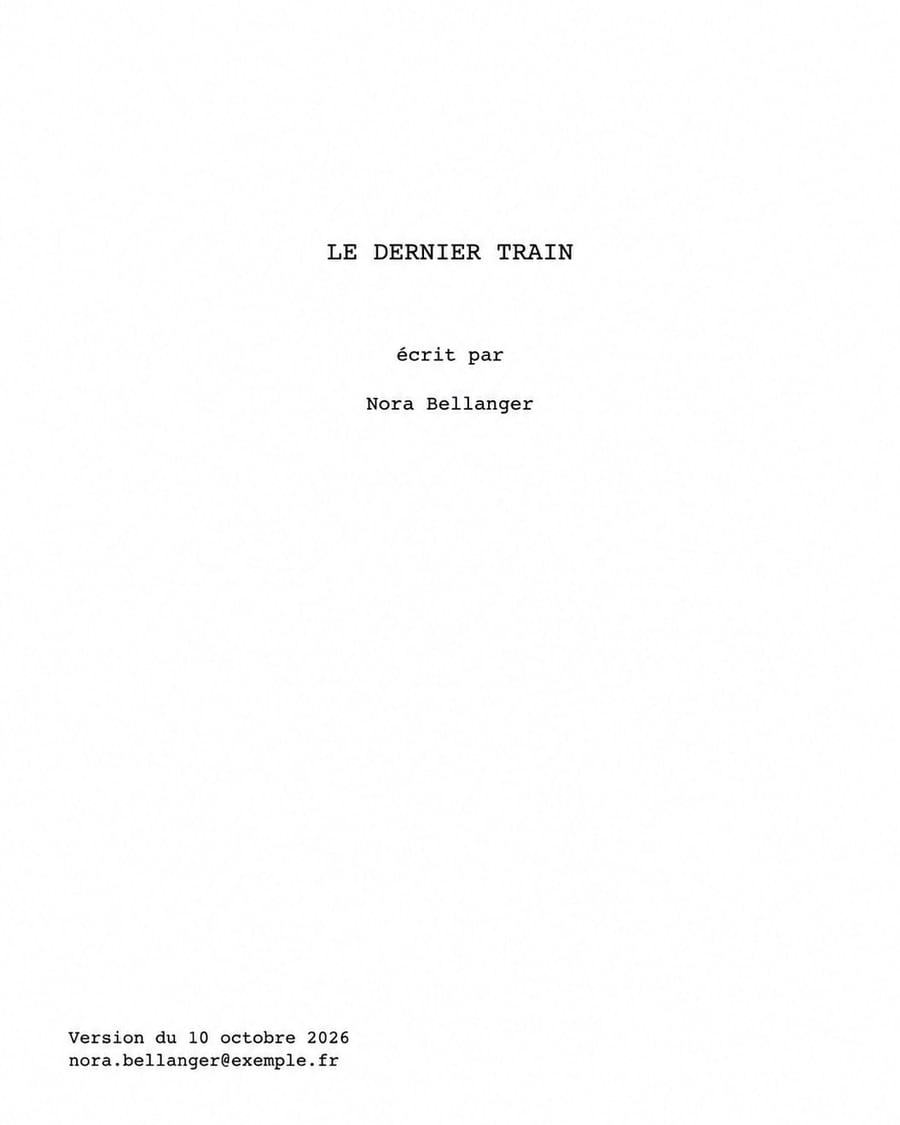
Screenplay title page
Page one, done by the book
A screenplay title page that follows industry conventions, Courier, centred title, contact details bottom left, plus a blind version for contests. Workflow visible here, no account needed.
Interactive demo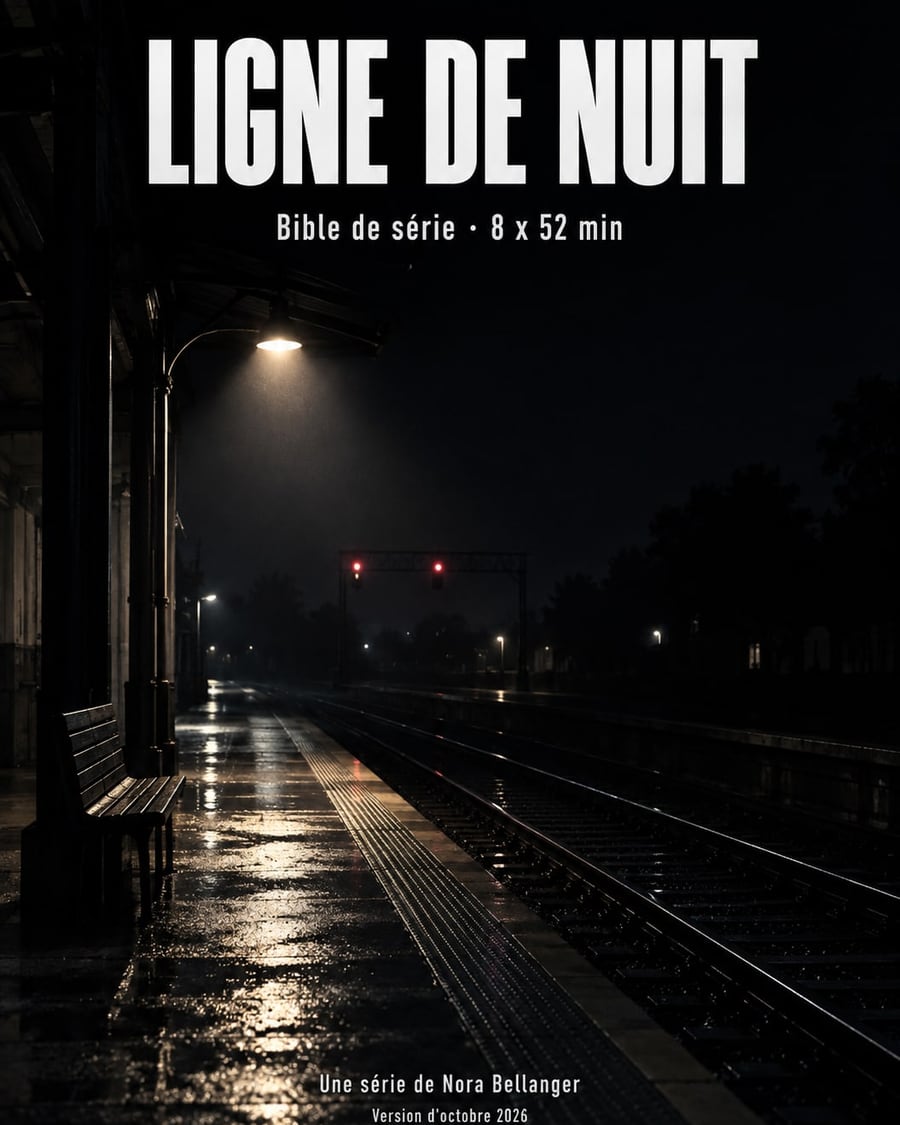
Series bible cover
The first page a producer reads
Two A4 covers for your series bible, one at night and one graphic, with title, format, writer and draft date written letter for letter. Workflow visible here, no account needed.
Interactive demo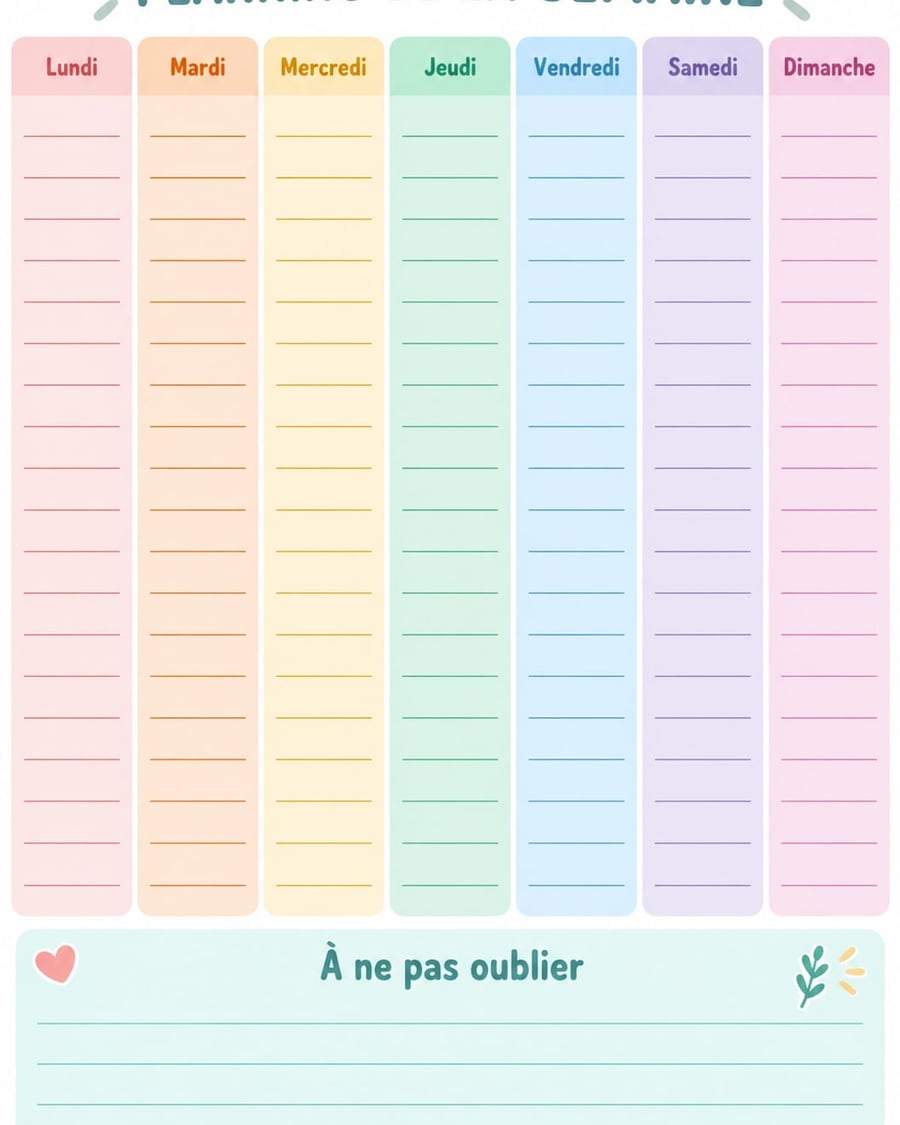
Weekly planner
A week to fill in with a pen
A family planner in seven pastel columns and a lunch and dinner meal plan with a shopping list, blank and ready to print on A4. Workflow visible here, no account needed.
Interactive demo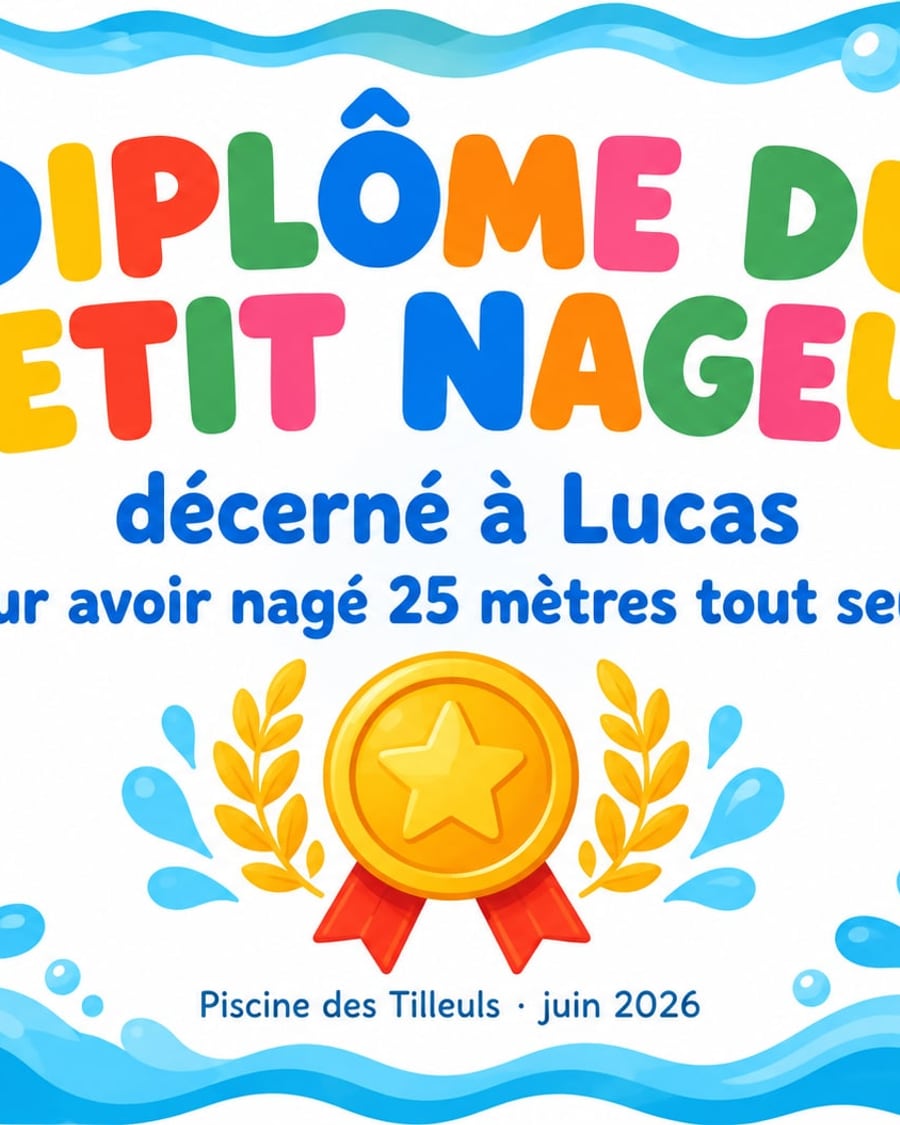
Certificate maker
A name, an achievement, a certificate to print
A colourful diploma for a child or a clean training certificate, with the name, the achievement and the date written letter for letter, ready to print. Workflow visible here, no account needed.
Interactive demo New
NewA slide deck from a PDF
The document goes in, the slides come out
Your brief in PDF goes to two Text nodes that each write one slide, and GPT Image 2.5 Sunburst draws them in 16:9, text included. Workflow visible here, no account needed.
 Interactive demo
 New
NewSummarize a PDF
The document summarized then illustrated
A PDF dropped on the canvas, two Text nodes that read it in full: one summarizes it in five points, the other turns it into an image prompt, and an Image node renders it. The demo brief is included. The whole workflow is visible without an account.
 Interactive demo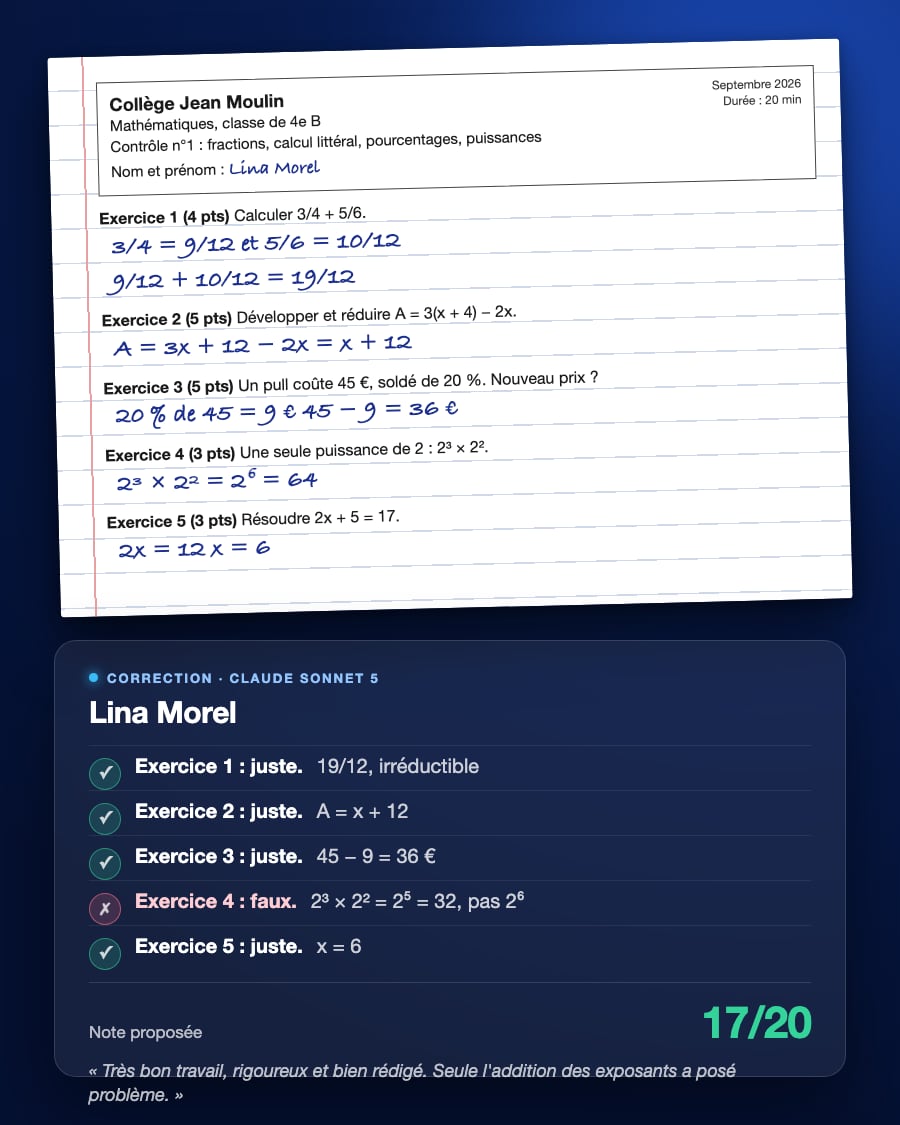
Grade student papers
Every answer judged, a mark proposed
A PDF of student papers dropped on the canvas, two Text nodes that read it in full: one grades paper by paper, what is right, what is wrong, the mistake and a proposed mark; the other writes the class report with remediation exercises. The three demo papers are included. The whole workflow is visible without an account.
Interactive demoFrequently asked questions
Which documents are accepted?
Text PDFs, up to three per node. A scanned image must stay legible: the model reads what it sees, without dedicated character recognition.
Does Imaginode keep the document?
It is stored in your project, like any imported media, and deleted with it. It is not used to train a model.