Category
AI e-commerce and product photography: packshots, ghost mannequin, virtual try-on, lookbook
A complete product shoot from two photos, a garment worn without a model, a virtual try-on, a fashion shoot, a dish photo for the menu, a clean secondhand listing, a label or a mockup: these workflows produce the visuals of a product page or a shop.
Every page shows the starting photos and the demo's series of renders, with the model and the real cost. The product stays yours, with its colours, finishes and wear: that is what the reference instructions lock.
What you can do here
- Get packshot, macro and lifestyle from a few photos
- Show a garment worn without a photo shoot
- Photograph a dish without a photographer
- Clean up the photos of a secondhand listing
- See a design on a t-shirt, tote bag and mug before selling it
The tools in this category 24 tools
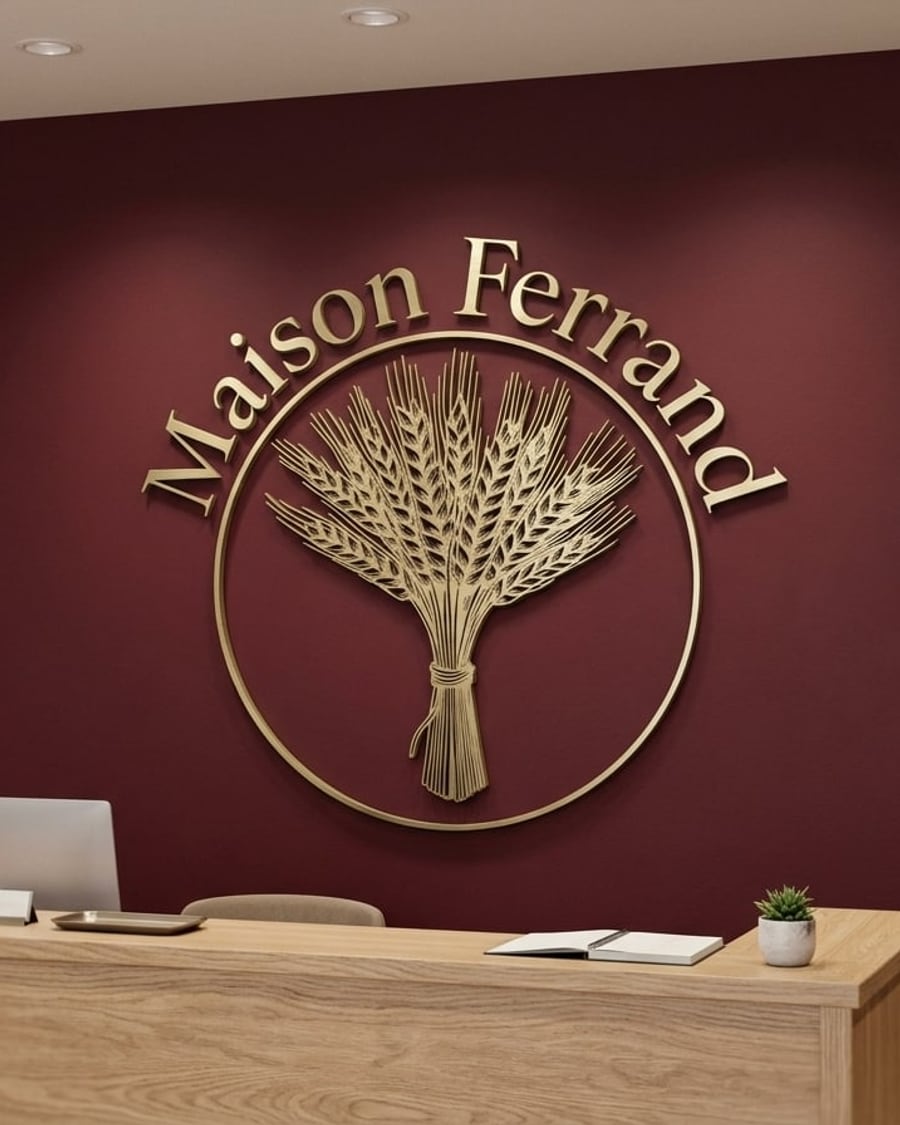
Wall logo
Your logo, raised on the wall
Your logo as 3D letters on the reception wall, brushed brass on burgundy or oak on white plaster, to scale. Before you ask for a quote. Workflow visible here, no account needed.

 Interactive demo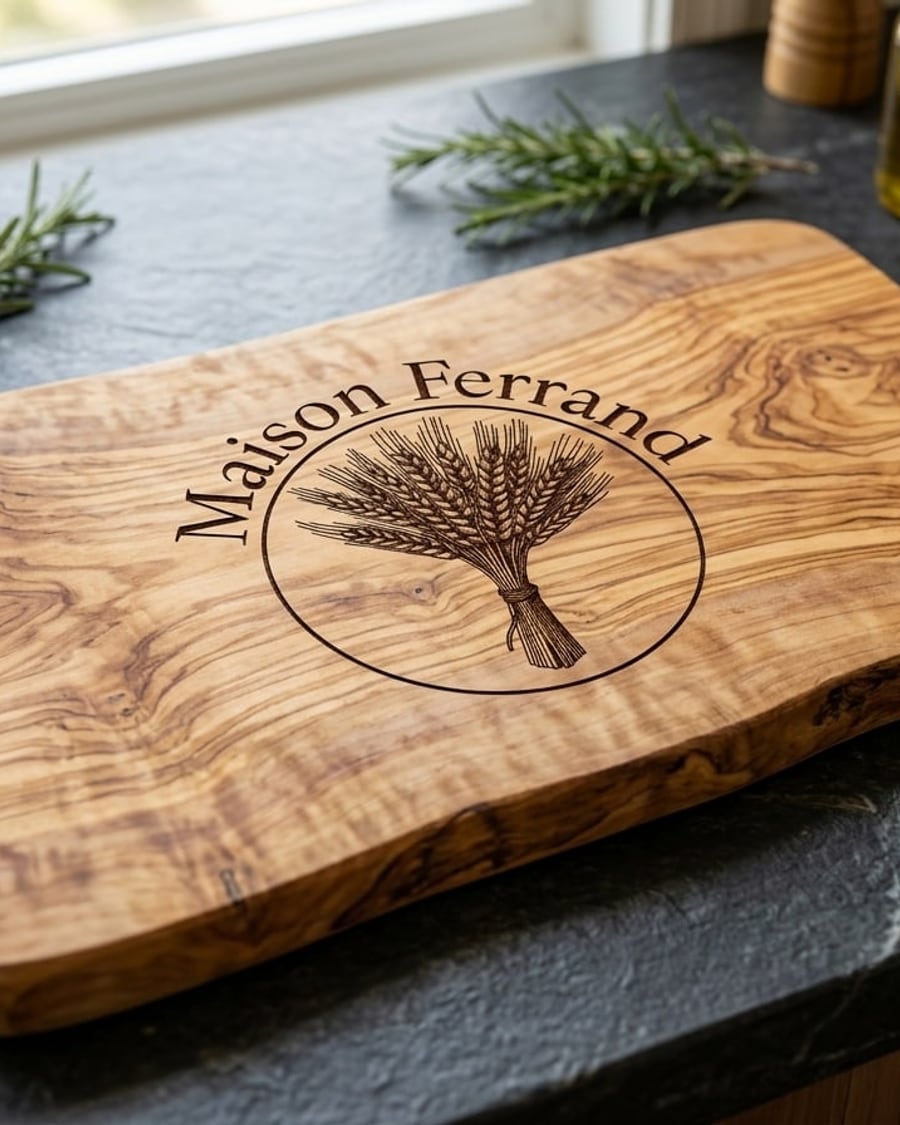
Laser engraving
Your logo, burnt into the material
Your logo laser engraved on an olive wood board, then on the pocket of a leather apron. Judge the engraving before you commit to a batch. Workflow visible here, no account needed.
Interactive demo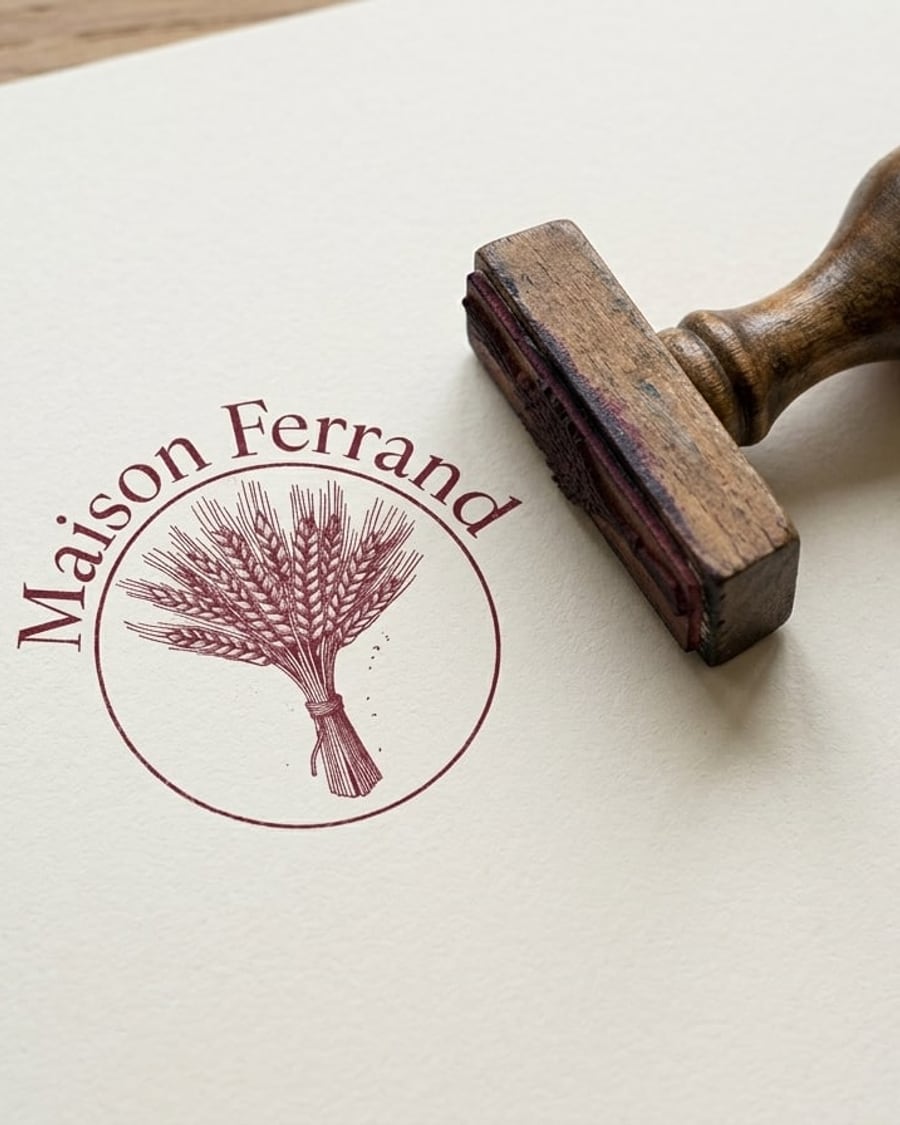
Logo stamp
Your logo, stamped by hand
Your logo as a one-colour stamp: the print on paper next to a wooden stamp, then on kraft bags. Check it stays readable before you order. Workflow visible here, no account needed.
Interactive demo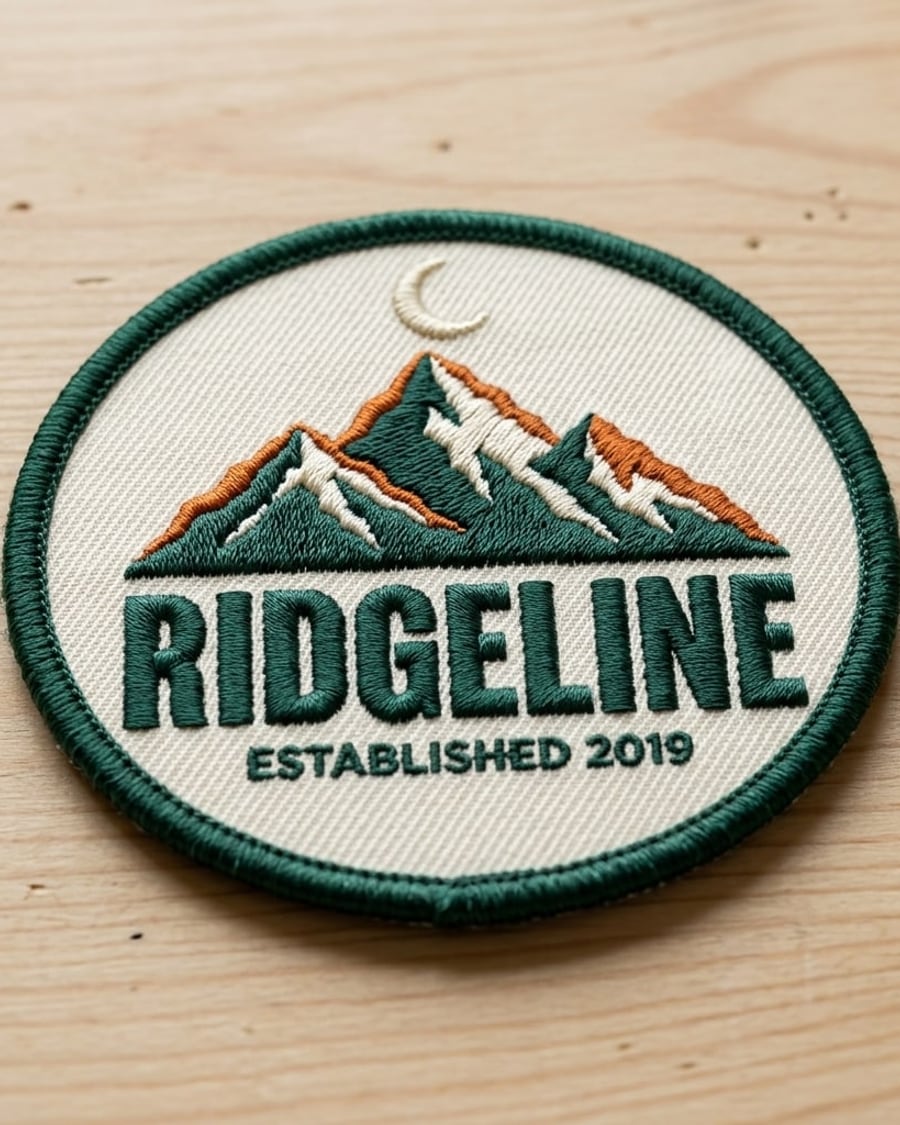
Embroidered patch
Your logo, stitch by stitch
Your logo as a round embroidered patch, close up on a table and then sewn on a jacket. Judge the stitching before you order from the embroiderer. Workflow visible here, no account needed.
Interactive demo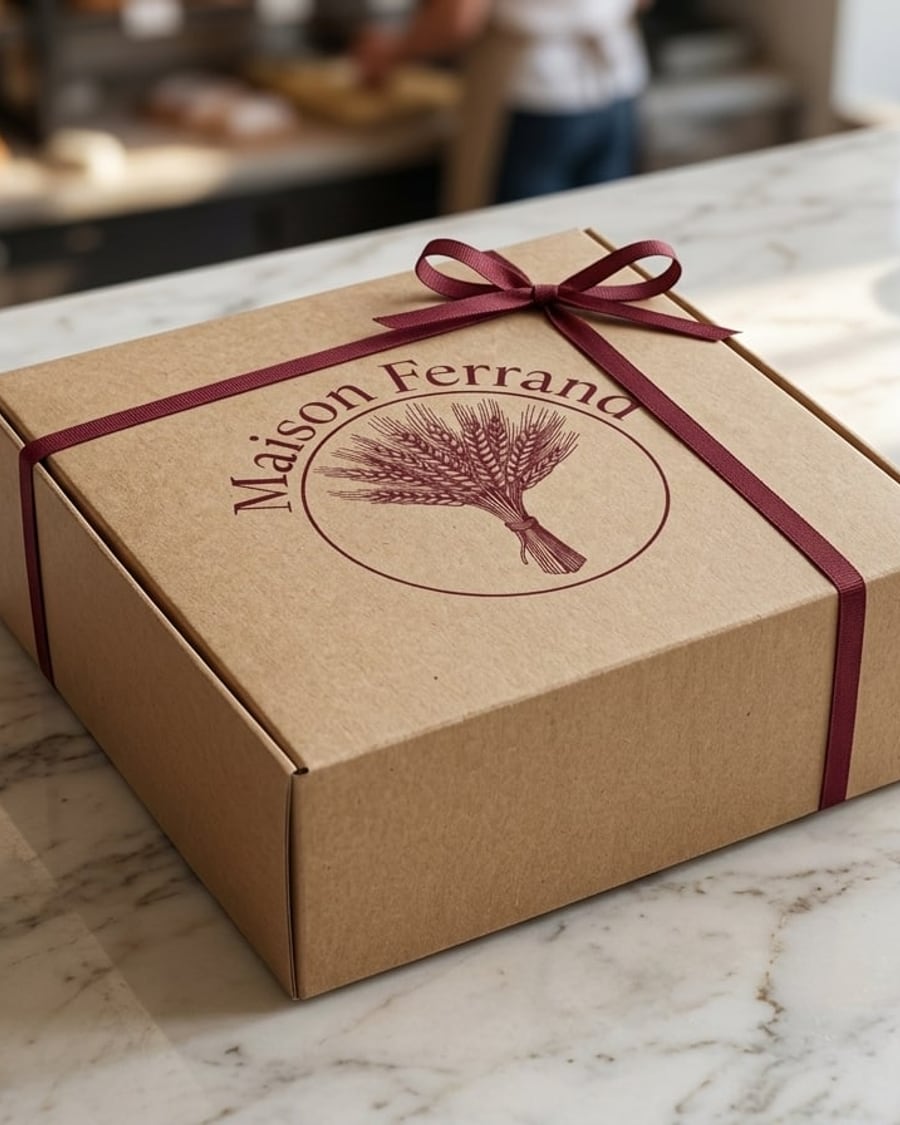
Box mockup
Your logo, two boxes
Your logo on a kraft box tied with ribbon, then on a rigid gift box with gold foil. See the packaging before you order five hundred of them. Workflow visible here, no account needed.
Interactive demo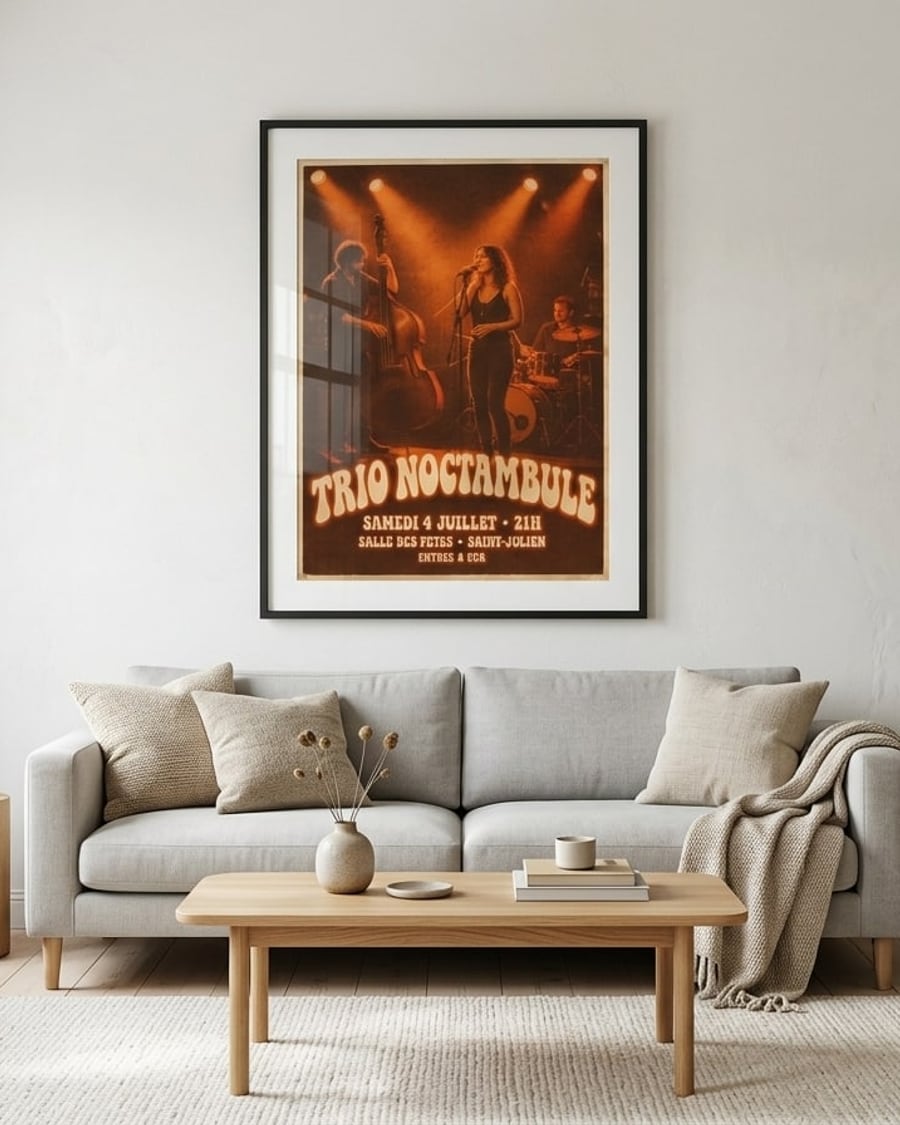
Framed poster
Your poster, on the wall
Your poster framed above a sofa, then leaning on a bedroom shelf, at a realistic size. To sell a print or pick a format. Workflow visible here, no account needed.
Interactive demo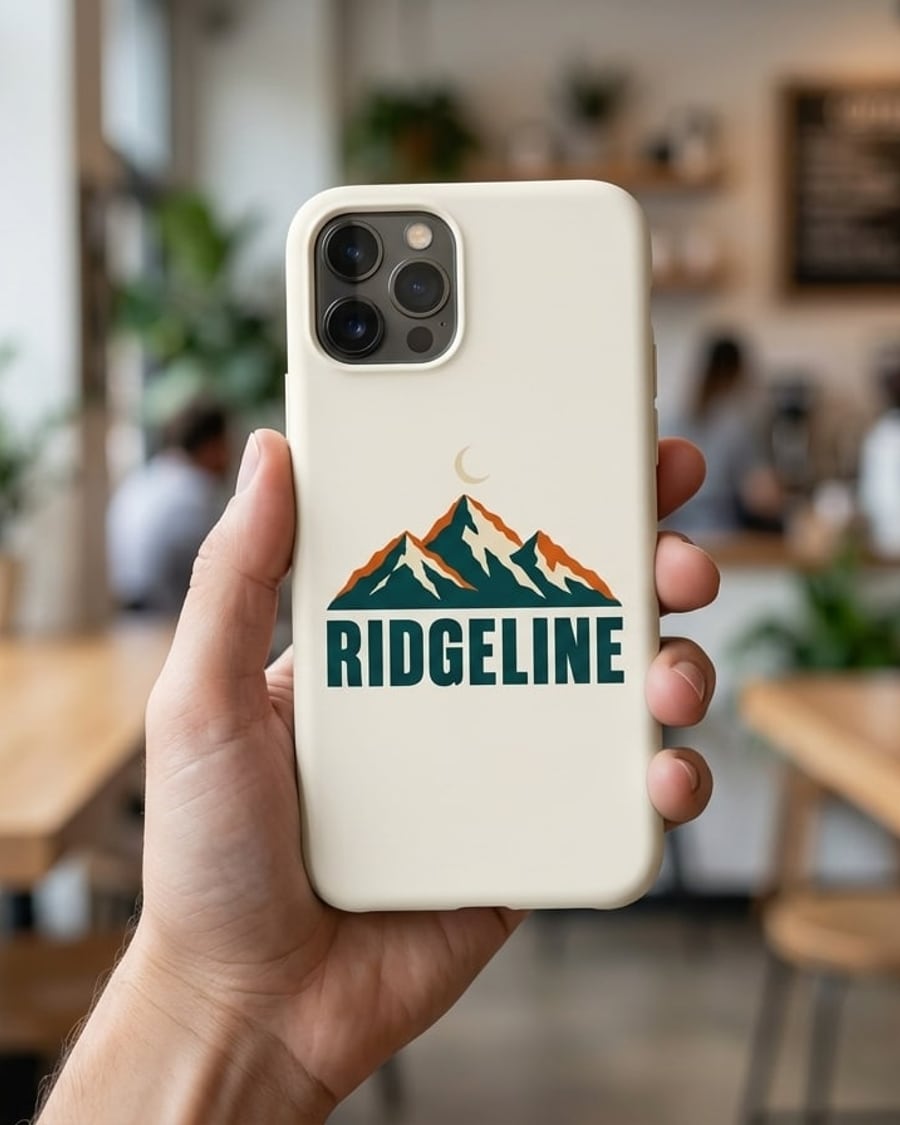
Custom phone case
Your design, on a case
Your design or logo printed on a cream case held in a hand, then on a green case lying on a table, text spelled right. Workflow visible here, no account needed.
Interactive demo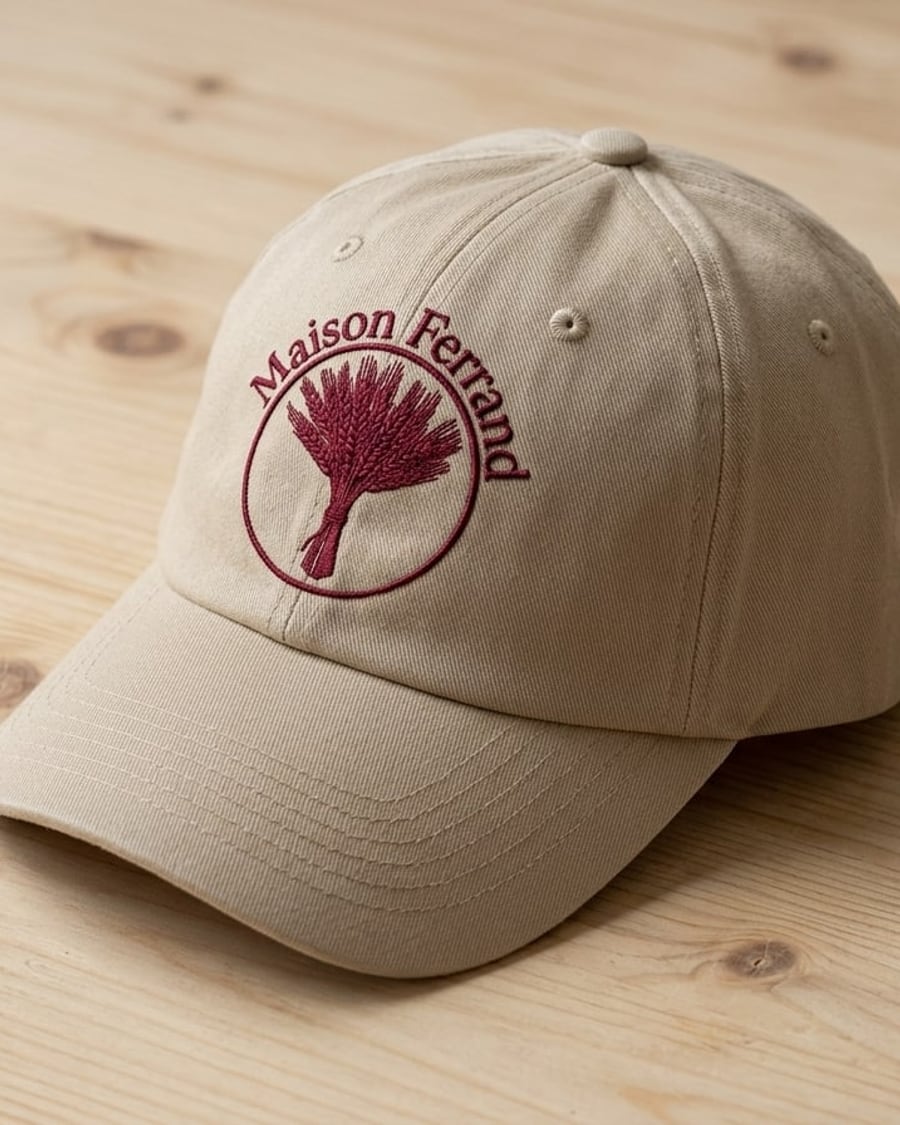
Embroidered cap
Your logo, stitched on a cap
Your logo embroidered on a beige cap in a product shot, then on a navy cap being worn, with the name spelled right. Workflow visible here, no account needed.
Interactive demo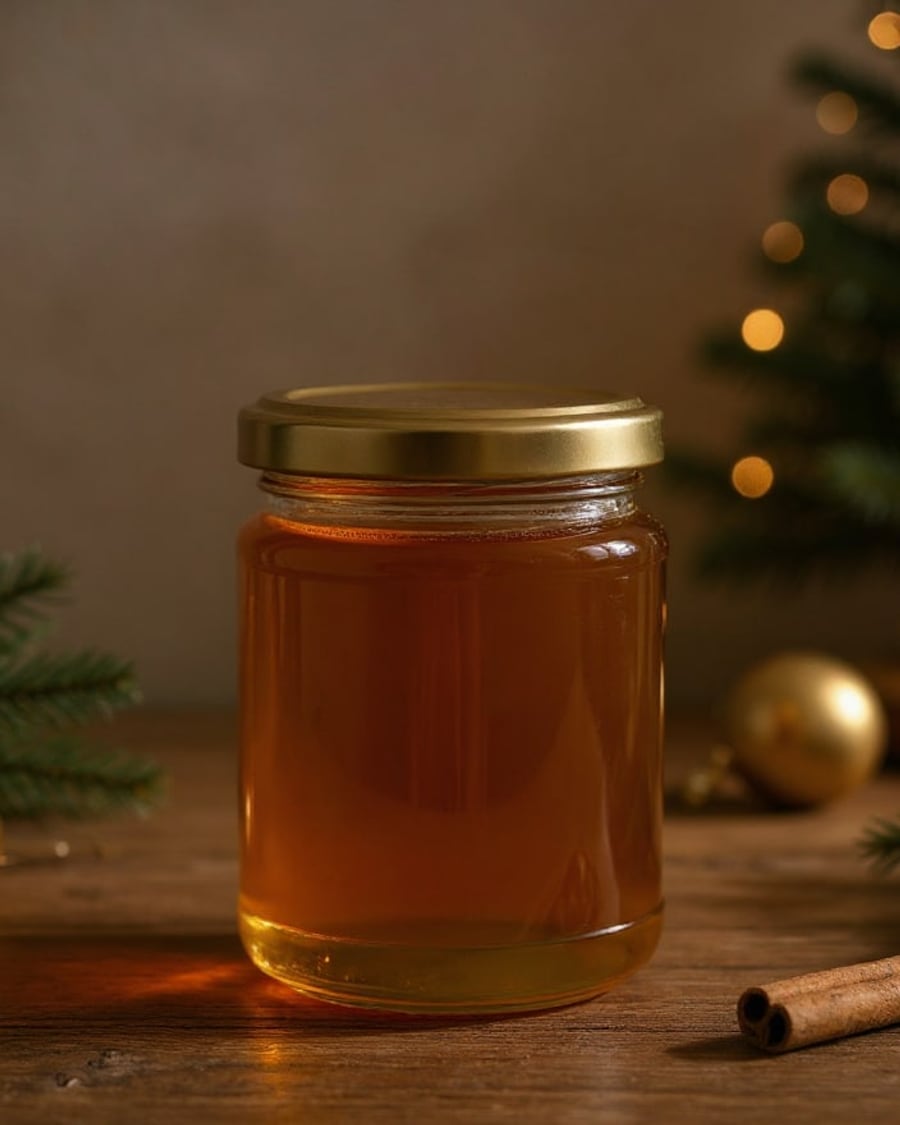
Christmas product photo
Your product, two seasons
Your product photo set in a Christmas scene, then a spring one, with no new photo shoot. The product stays exactly the same. Workflow visible here, no account needed.
Interactive demo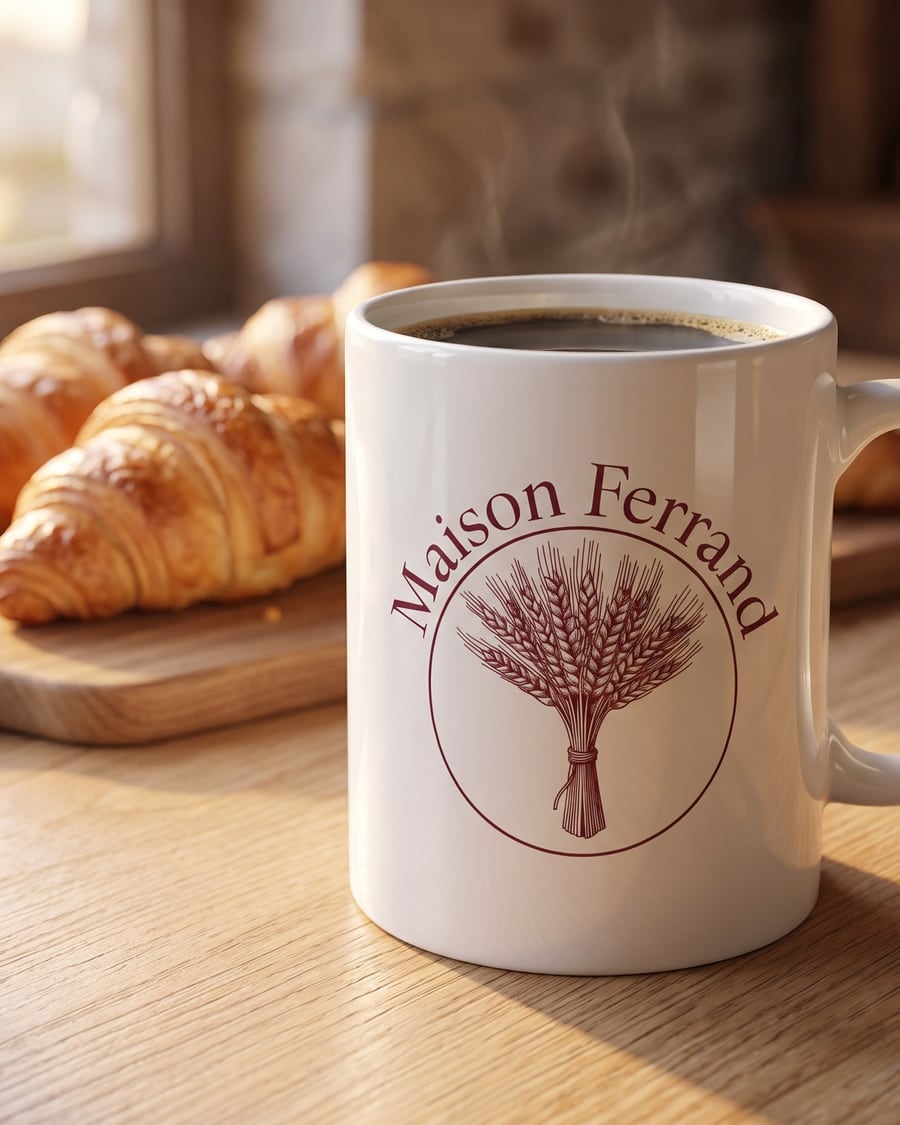 New
NewCustom mug
Your logo, on the cup
Your logo or drawing printed on a white mug on a counter, then on a stoneware mug held in two hands, without being redrawn. For your shop and social posts. Workflow visible here, no account needed.

 Interactive demo
Unboxing video
The closed box, then the product in hand
The photo of your product becomes a vertical unboxing video: ribbon, lid, tissue paper, then your product in hand. The workflow is shown here, no account needed.

 Interactive demo
 New
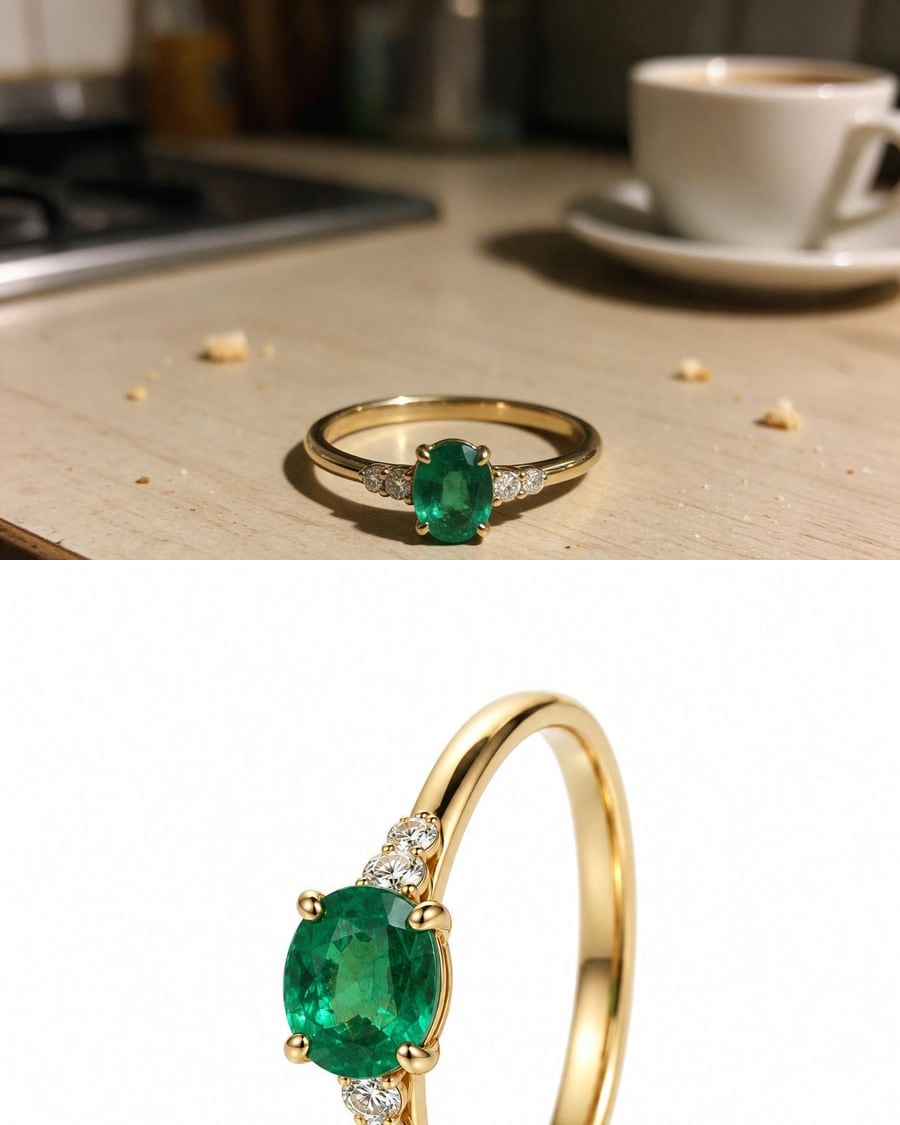
NewJewelry photography
The packshot, then the ring worn
A phone photo of a jewel becomes a macro packshot on a white background and a worn photo, same setting and same stones. The workflow is shown here, no account needed.
Interactive demo360° product video
The packshot, then the full turn
The photo of your product becomes a packshot on a podium, then a five-second 360° video, shape and details kept. For a product page or an ad. The workflow is shown here, no account needed.
Interactive demo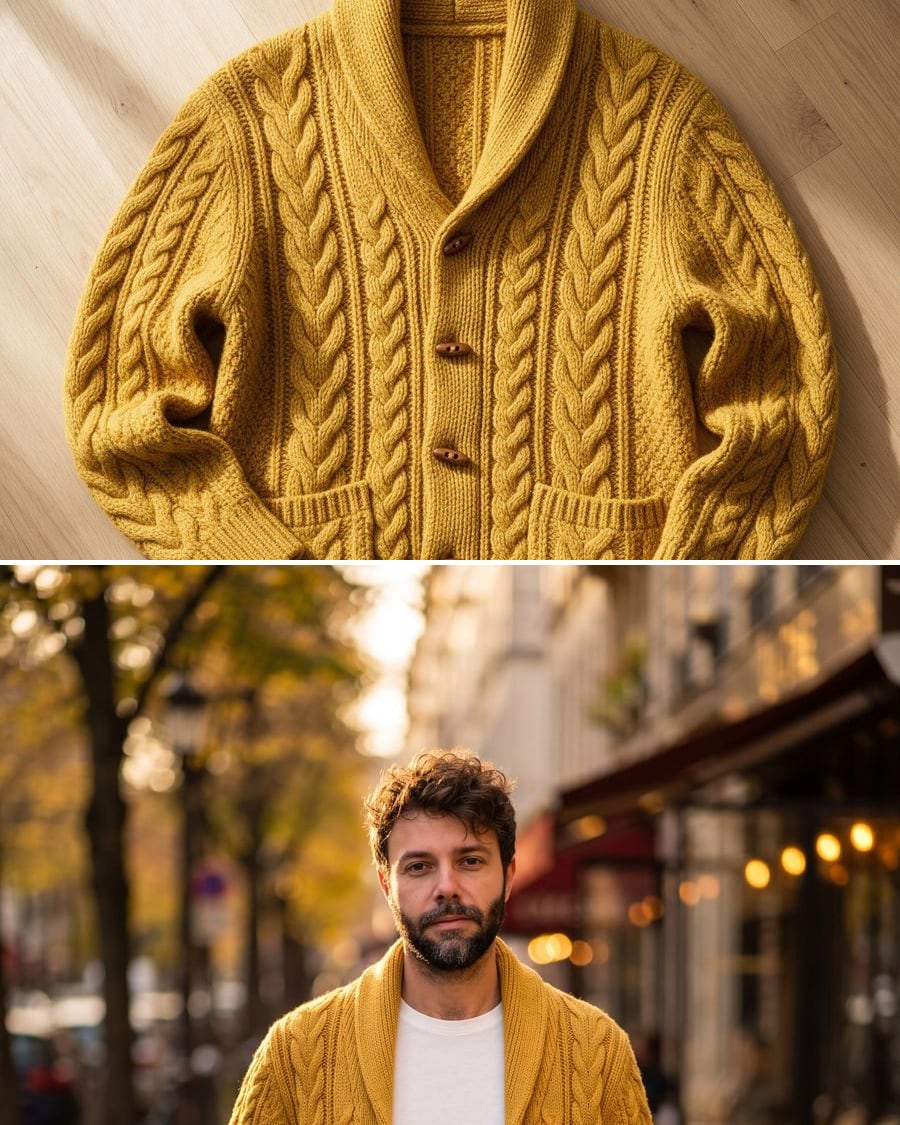 New
NewPut a flat lay garment on a model
From flat to worn, two photos
A photo of a garment laid flat and a photo of a model become a white background product shot and a worn photo outdoors, the garment intact. The workflow is shown here, no account needed.
Interactive demo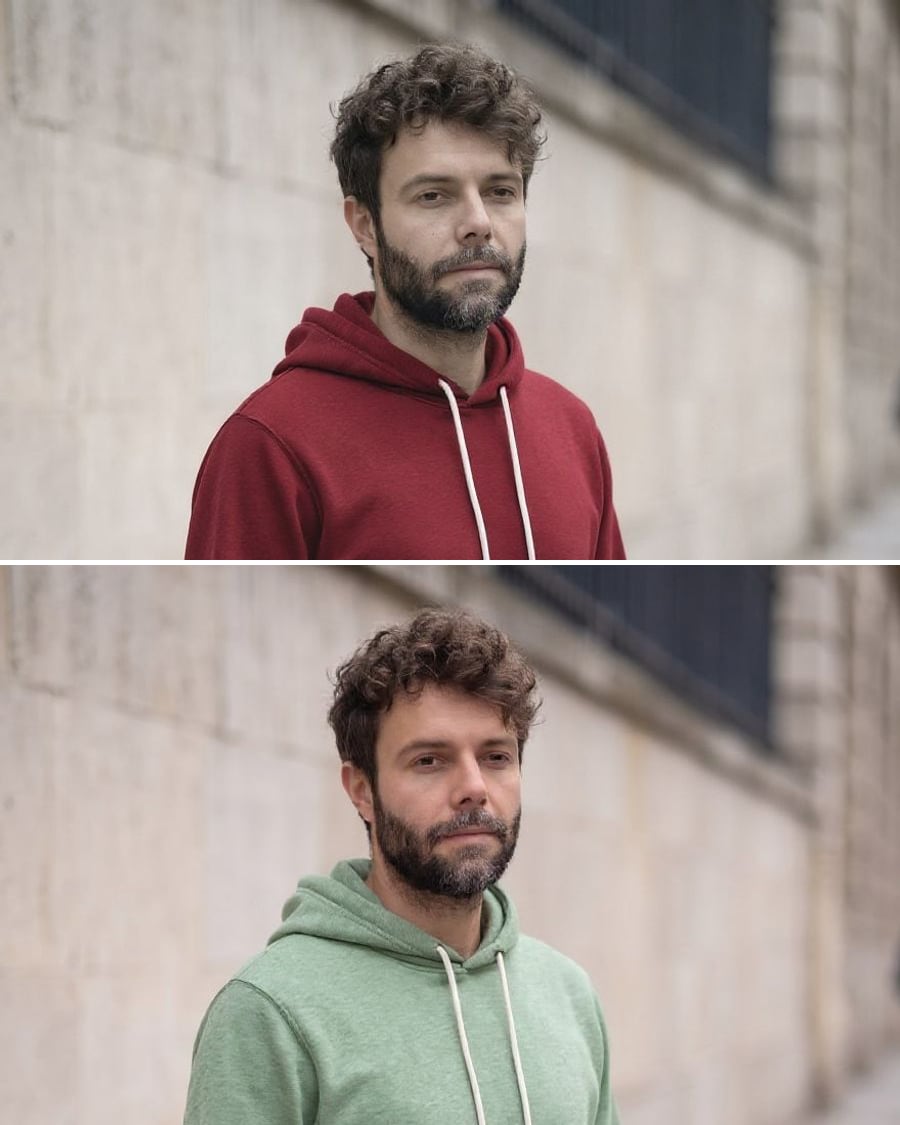 New
NewChange the colour of a garment
The same garment, two colourways
A photo of a worn garment, recoloured in two shades, same cut, same folds, same model. Every colourway of a product page without a new shoot. The workflow is shown here, no account needed.
Interactive demo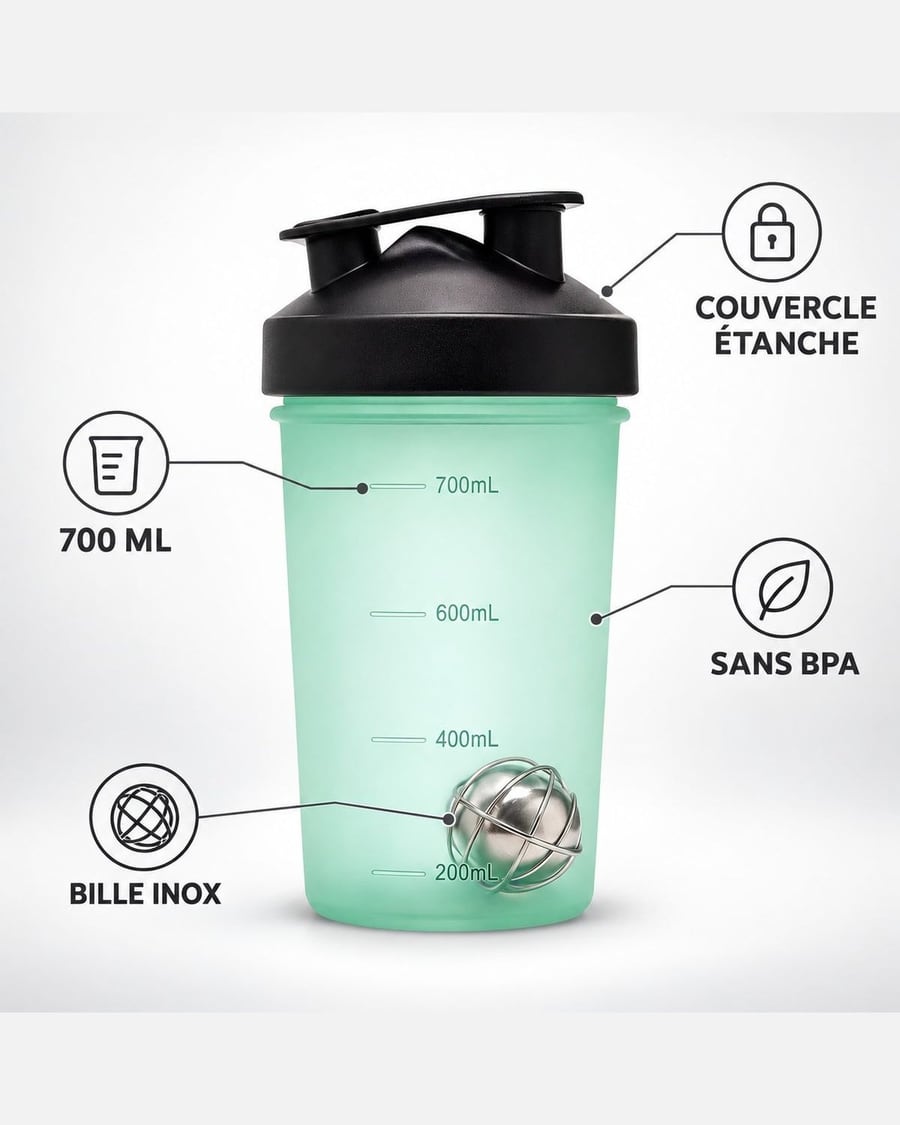 New
NewYour product infographic
The selling points, then the dimensions
Your product photo becomes two listing images: four selling points written around the product, then its dimensions, product unchanged. Workflow visible here, no account needed.
Interactive demo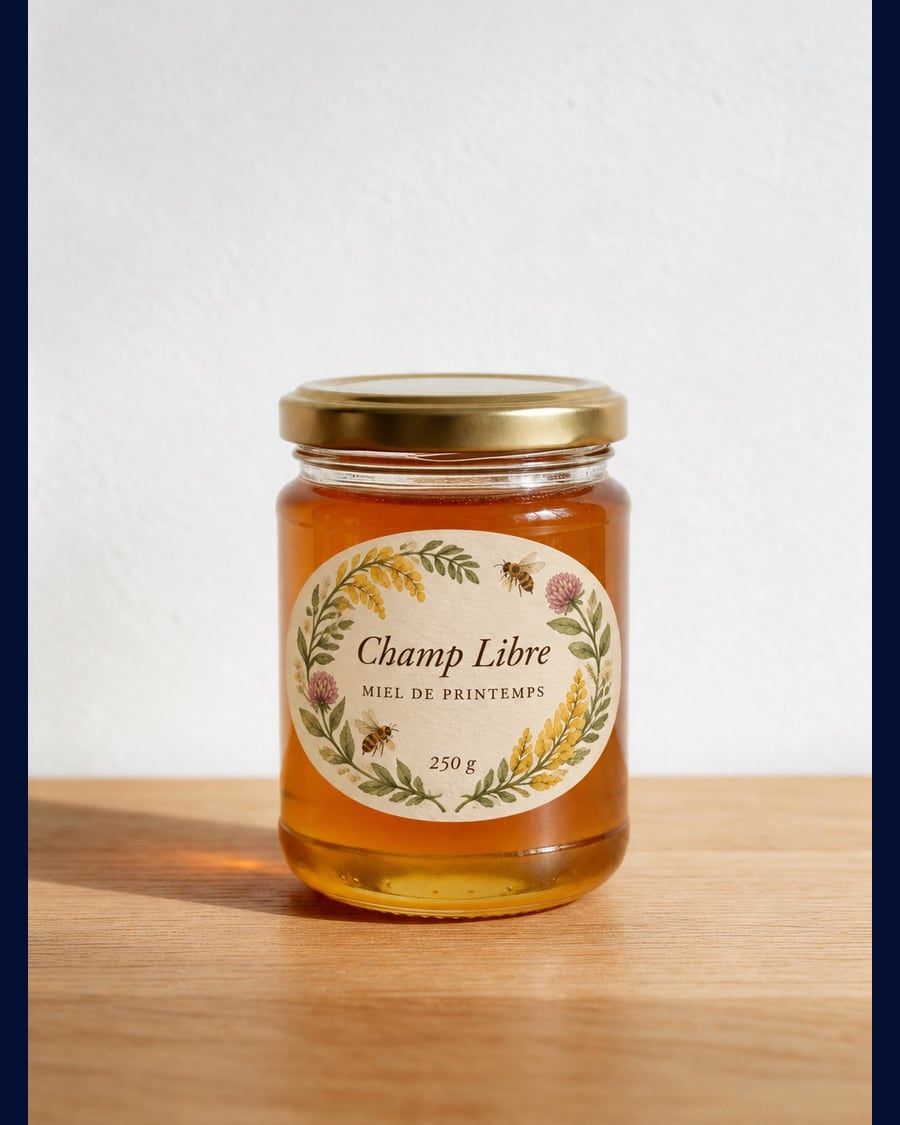 New
NewProduct label
One jar, three labels
The photo of your bare product goes into three Image nodes that put three different labels on it, brand name and wording written into the image: typographic on kraft, botanical watercolour, bold colour block.
Interactive demo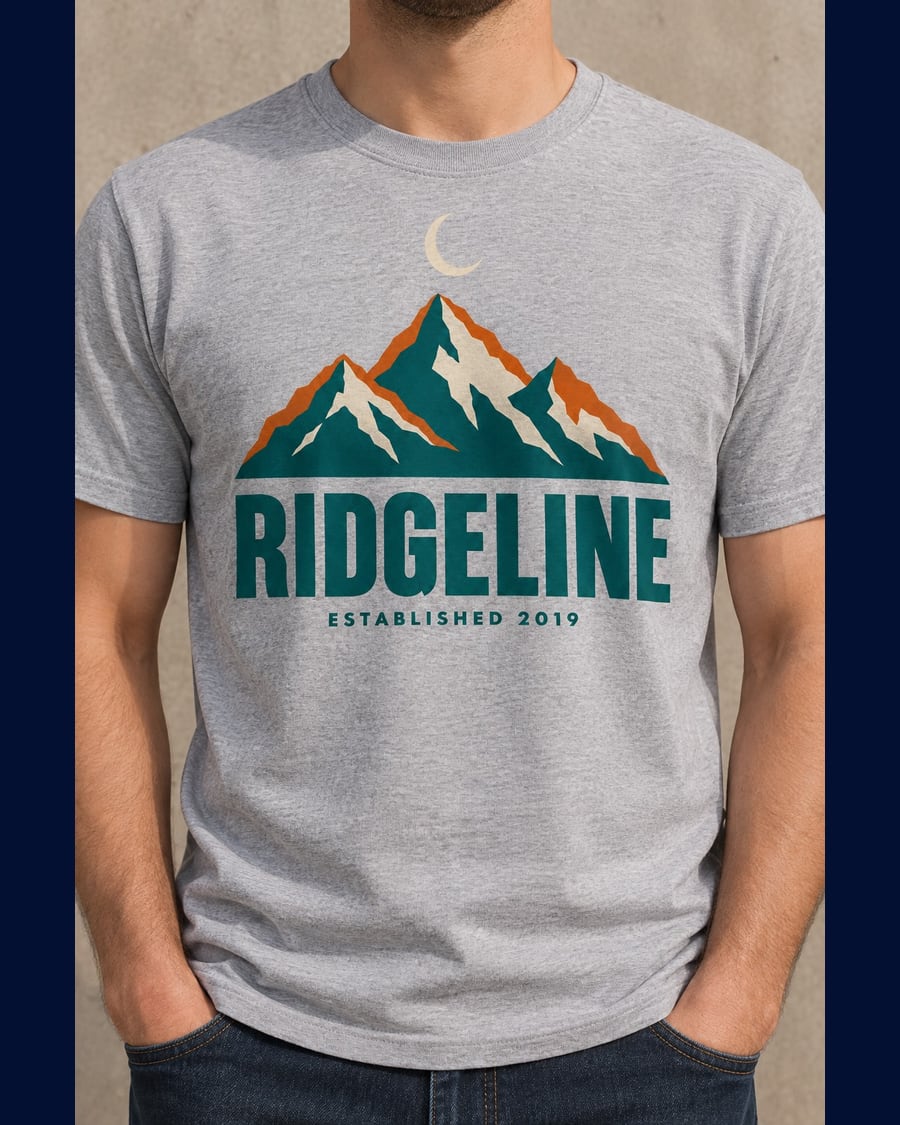 New
NewShop mockups
One artwork, three products
Your artwork goes into three Image nodes that place it on three print on demand products: a worn t-shirt, a tote bag, a mug. The drawing stays yours, pixel for pixel. Workflow visible here, no account needed.
Interactive demo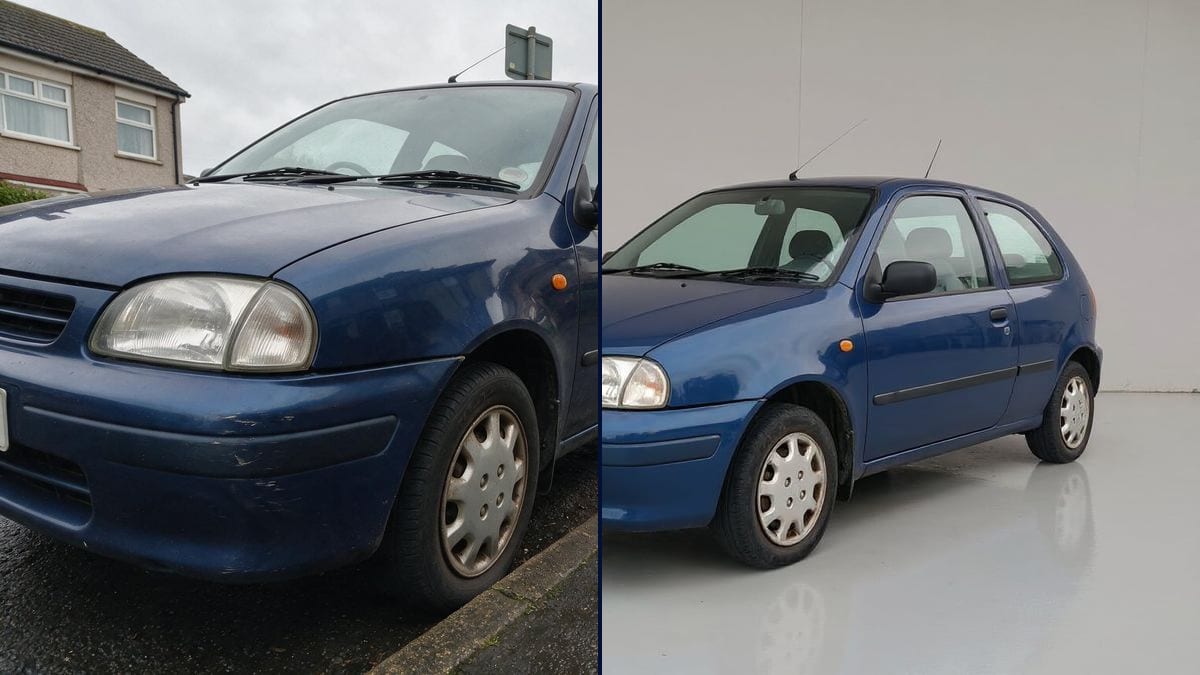 New
NewListing photos
The kerbside snapshot, ready to publish
Drop in the shot you took with your phone: the clutter goes, the light is redone, the number plate stays blank, and what you are selling does not move a pixel. Three listing photos out, workflow visible without an account.
Interactive demo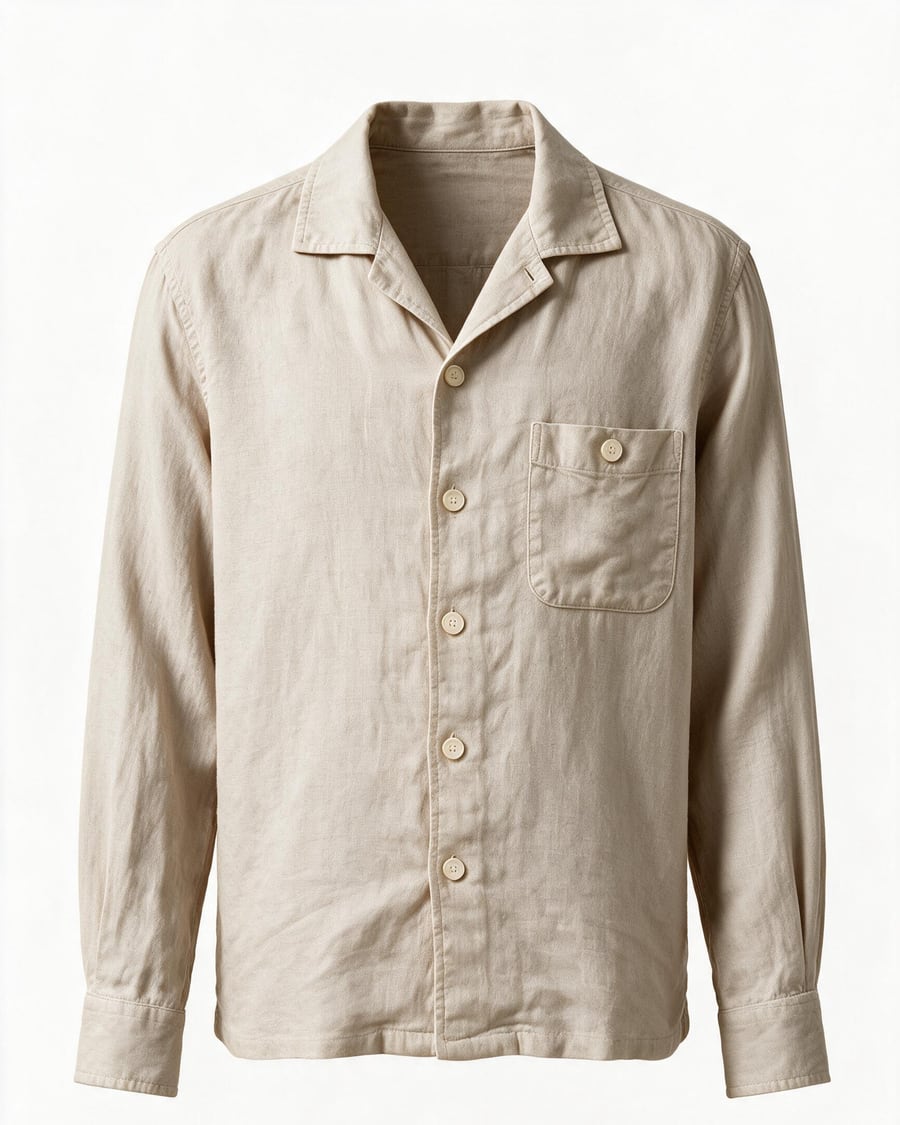
Ghost mannequin
A flat lay, worn by nobody
The garment shot flat comes back worn by a body you cannot see: front, back and collar detail, in the same white studio. The workflow is visible here, without an account.
Interactive demoDish photo
The phone snapshot as a menu shot
The phone snapshot taken in the dining room becomes a menu photograph, then a vertical story, then a shot of rising steam. The dish itself does not change. Visible here without an account.
Interactive demo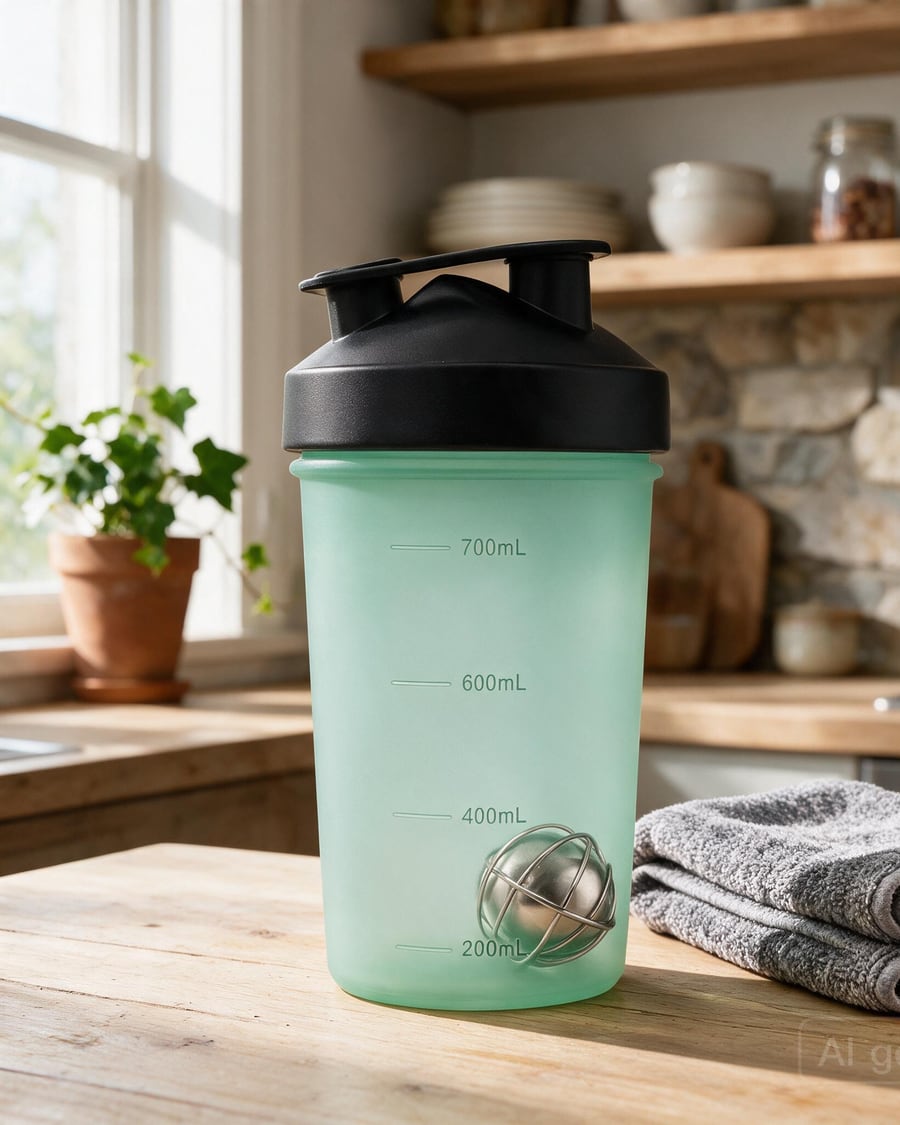
Product photos
Packshot, macro and lifestyle shots
Turn 2 or 3 photos of your product into a complete shoot: white-background packshot, three-quarter view, macro detail, lifestyle scene, plus a studio rotation video.
Interactive demoFashion photoshoot
A full fashion lookbook
Produce a full fashion shoot from one piece: the same model in several poses, a shared art direction, a fabric close-up and a runway walk video.
Interactive demoVirtual try-on
Your garment worn by a model
One person card, one garment card: the AI generates the piece worn in a realistic photo, then animates it into a runway video. The tool for fashion shops that want worn shots without a shoot.
Interactive demoFrequently asked questions
Does the product stay exactly mine?
The reference sheets, a precise description and two or three photos, hold the shape, colour and finishes. The demo renders show what the model keeps; the pages also say what not to ask of it, such as erasing a real defect.
Can I produce series for several products?
Yes: the workflow opens in your canvas, you replace the product sheet and rerun the series. The instructions do not change from one product to the next.