Tools
AI creation tools
Every tool is a real Imaginode workflow: the canvas, its instructions, its actual renders and its cost in credits, visible without an account. Pick by need, then open the workflow in your own canvas.
Most opened
Paper documentary
One minute told in cut paper
Build the one minute documentaries that loop across social feeds: cut-paper sets, a new shot every two seconds, generated voice-over. The whole workflow is visible here, no account needed.

 Interactive demo
Faceless video
Script, voice and edit in one go
The full pipeline of an explainer channel: a subject in, a script written by a language model, a voice over, three shots and a ten second edit. Visible here without an account.
Interactive demoTalking avatar
It says your text, voice included
A synthetic presenter says your script to camera, with their voice. Veo 3.1 generates image and speech together, so the lips land right. The workflow is visible here, without an account.

 Interactive demo
UGC video
A creator talking about your product
Create UGC videos without a shoot: a consistent virtual creator holds your product and presents it to camera, voice included, in 9:16 ready for TikTok and Reels.
Interactive demo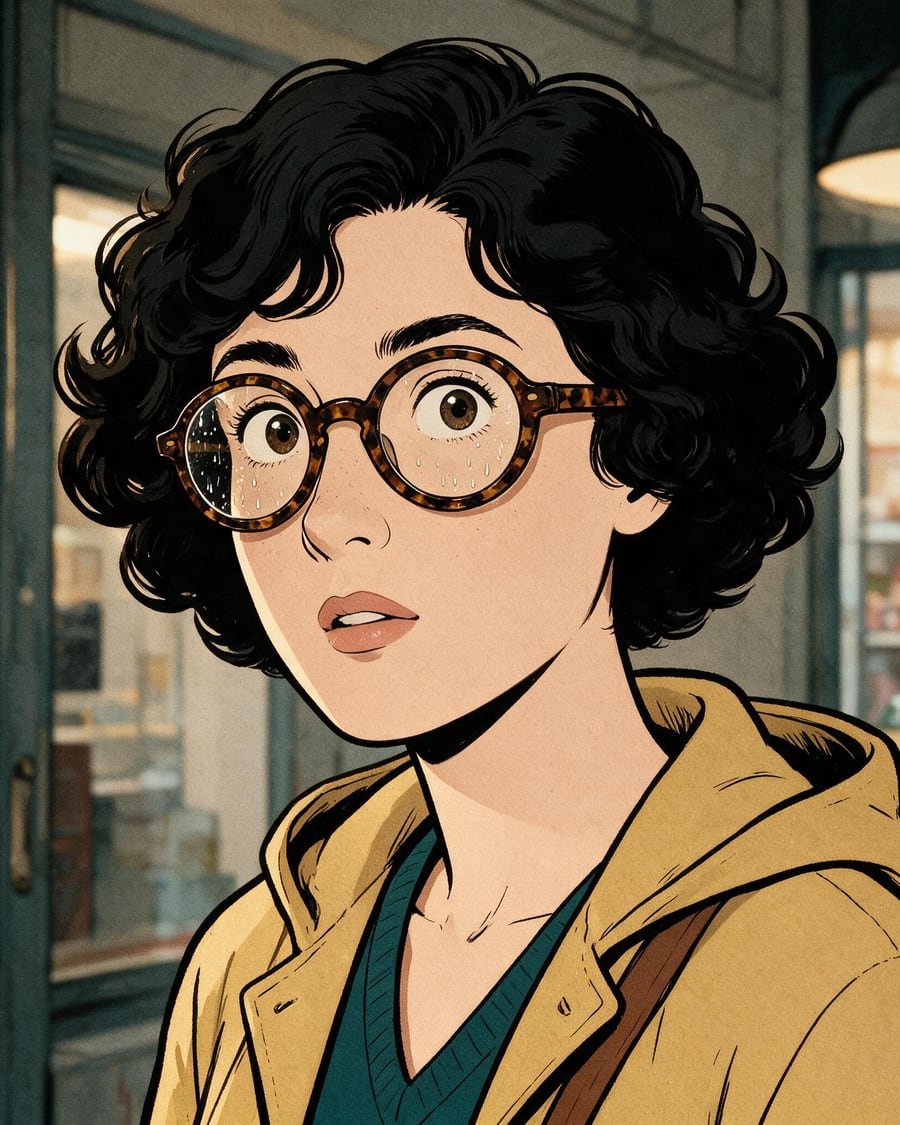
Comic strip
Four panels, one character
Four panels telling one scene, with the same face in all four. The reference sheet holds the character, the art direction holds the inking. The workflow is visible here, without an account.

 Interactive demo
Pet portrait
Your dog as a court portrait
The family dog becomes a court portrait, then a scene, then it blinks. The reference sheet keeps its own muzzle. The workflow is visible here, without an account.
Interactive demoBy need
Eleven families of tools, each with its own page: the problem, the workflows that solve it, and the questions people ask before starting.
Viral video effects
The tilting world, the creature at your back, the stadium chanting your name, the vanishing act, the clones: these effects circulate on TikTok and Instagram, and each one has a ready-made workflow here. A selfie or a phone clip goes into a Media node, a video model does the rest.
Extreme slow motion
The cinema shot, then the slow motion
Your selfie becomes a cinema shot in the rain, then an extreme slow motion where every drop hangs in the light. The workflow is shown here, no account needed.
 Interactive demo
Infinite zoom
The photo, then the pull back that reveals it
Your photo becomes the screen of a phone in another setting, then a continuous zoom out reveals the image within the image. The workflow is shown here, no account needed.
Interactive demoCinemagraph
One photo, one element that moves
Your photo becomes a looping video where a single element moves, water, sky or smoke, while everything else stays frozen. The workflow is shown here, no account needed.
Interactive demoMorph between two faces
Two portraits, one morph
Two portraits are aligned on the same background, then one face turns into the other in a continuous five-second video. The workflow is shown here, no account needed.
Interactive demoMake a photo sing
The photo restored, then it sings
A photo, even an old one, is restored then sings for ten seconds: voice, lyrics, music and lips in sync in a single video. The workflow is shown here, no account needed.
 Interactive demo
The AI hug
Two photos, then they hug
Two photos of two people never photographed together become one shared scene, then a video where they hug, faces kept. The workflow is shown here, no account needed.
Interactive demoFrom day to night
The photo, its night, then the timelapse
Your daytime photo becomes the same view at night, windows lit, then a video timelapse from one to the other, place unchanged. Workflow visible here, no account needed.
Interactive demoThe Vertigo effect
The face stays, the set closes in
Your wide angle shot and the same shot with a telephoto lens, then Wan 3.0 moves from one to the other: the subject keeps their size, the set closes in. Workflow visible here, no account needed.
Interactive demoYour duet with a giant cat
A trap beat, you and your giant cat at the mic
Your photo and your cat's become a trap session: you rap at the hanging mic, your giant cat dances and raps its line in English. See the workflow here, no account needed.
Interactive demoYour two rapper cats
Two cats rap in English over a trap beat
Photos of your two cats become a live session: face to face at the hanging mic, they rap in English over a trap beat, sound included. See the workflow here, no account needed.
Interactive demoThe lead of the music video
One clip, one photo, and you are the one in front of the crowd.
A reference clip gives the movement, the camera and the cuts; your photo gives the lead. Two Seedance 2.5 nodes render the clip with you in the middle of a crowd you describe. The real workflow is visible here without an account.
Interactive demoThe tilting world
The room turns, you do not
One selfie and two Seedance 2.5 nodes: you stand in the middle of a café or a bedroom, and the whole room turns around you while you stay upright. The real workflow, with both renders, is visible here without an account.
Interactive demoThe crowd chants your name
Your name on the big screen
One selfie and two Seedance 2.5 nodes: your face on the giant screen of a stadium or a concert, and the crowd chanting your name. The real workflow, with both renders, is visible here without an account.
Interactive demoThe creature behind you
Do not turn around
One selfie and two Seedance 2.5 nodes: you face the camera, a colossal creature reveals itself behind you, a dragon in the city or a beast in the mist. The real workflow, with both renders, is visible here without an account.
Interactive demoThe eye dive
Straight through your pupil
One selfie and two Seedance 2.5 nodes: extreme close-up on your eye, then the camera passes through the pupil and comes out in a city or an ocean. The real workflow, with both renders, is visible here without an account.
Interactive demoThe zoom from space
From orbit to your street
One selfie is enough: two Seedance 2.5 nodes generate the continuous descent from Earth orbit down to you, in the street or on a rooftop. The real workflow, with both renders, is visible here without an account.
Interactive demoThe outfit walk
One stride, one outfit
One selfie and two Seedance 2.5 nodes: you walk toward the camera and your outfit changes with every step, through the seasons or across countries. The real workflow, with both renders, is visible here without an account.
Interactive demoYour future job
One selfie, two lives
Your selfie goes to two Wan 3.0 nodes that show you in two jobs: an astronaut on a spacewalk, a chef in the middle of service. You pick the job, it is not drawn at random. Workflow visible here, no account needed.
Interactive demoStop time
The world freezes, you do not
Your phone clip goes to three Wan 3.0 nodes that freeze everything else: the crowd mid step, the cafe terrace, a flock of pigeons suspended in mid air. The whole workflow is visible here without an account.
Interactive demoBecome a giant
Your selfie, building sized
Your selfie goes to three Wan 3.0 nodes that make you the size of a building in a real street: you step over the traffic, you sit on a rooftop, you lift a bus between two fingers.
Interactive demoClone yourself on video
You, by the dozen
Your phone clip goes to three Wan 3.0 nodes that multiply you: five copies repeating your gesture a beat late, copies at every scale, a whole crowd of you.
Interactive demoVanish
Three ways to disappear
Your phone clip goes to three Wan 3.0 nodes that make you disappear three ways: the clothes collapse on the floor, the body turns to dust, you reappear one step away.
Interactive demoDancing photo
A video's moves on your photo
A dance video and a full-length photo: Kling 3.0 Motion Control has the person in the photo replay the choreography, face and outfit kept. The same dance on two characters. The whole workflow is visible without an account.
Interactive demoYou inside a video game
Three worlds, the same person
A clip of you shot on a phone enters the canvas, and Wan 3.0 renders the same person, the same move, inside a video game level. Temple ruins, cube world, neon rooftop with the HUD: the whole workflow is visible without an account, with all three renders.
Interactive demoAI meme video
Memes come alive in your street
Two selfies, a photo of your street and your meme images: a 30-second vlog in one single take where memes sip coffee at the terrace and cross at the light behind you. The full workflow is visible here without an account.
 Interactive demo
ASMR squish effect
The rigid object that squashes like jelly
One photo of an object is enough: the sneaker squishes like memory foam, in extreme close-up, with the compression sound generated inside the video. The full workflow is visible here without an account.
Interactive demoFashion transition
One outfit melts, the new one takes its place
The outfit melts from top to bottom into glossy liquid, and the new one solidifies in its place. The transition of fashion reels, computed between a first and a last frame. Full demo visible without an account.
Interactive demoPut yourself in
Three photos of you, and you are in the shot
Three photos of you are enough to end up pressed against a rock while a cyclops hunts for you. The Camera node shoots the still and the video through the same lens.
Interactive demoManga fight
A fight played on stage, filmed from the crowd
A manga fight played by real actors on a vast stage, filmed from the crowd, phones up and pyrotechnics firing. Everything is photographic, the manga lives in the costumes.
Interactive demoVideo creation and storytelling
These workflows produce a complete video, not a single shot: a script written by a Text node, shot images, generated videos, a voice-over and an edit at the end of the chain. The short film, the cut-paper documentary, the faceless YouTube video and the talking avatar all follow this logic.
Personalised birthday video
Their photo, their candles, their applause
One photo of the birthday person, and the AI shows them blowing out their candles at home, applause included. A surprise to send on the day. Workflow visible here, no account needed.
Interactive demoMeditation video
The landscape, the voice, the bed, edited
A calm landscape in a loop, a guided meditation read in a calm voice and an ambient bed, edited into a video ready to publish. The workflow is shown here, no account needed.
 Interactive demo
Vertical mini-series
Two shots, two lines, one cliffhanger
Your character's reference sheet becomes the first episode of a vertical mini-series: two spoken shots, the same face, a cliffhanger. The workflow is shown here, no account needed.
Interactive demo3x3 storyboard to video
Nine drawn panels, one film
Your hand-drawn nine panel storyboard grid becomes nine film stills, then a fifteen second film that follows the panels in order. Workflow visible here, no account needed.
Interactive demoSix shot grid to video
Six stills, twelve seconds of film
Six written beats become a grid of six film stills, then twelve seconds of video playing the six shots in order. Workflow visible here, no account needed.
Interactive demo2x2 grid to video
Four stills, ten seconds of film
Four written beats become a grid of four film stills, then ten seconds of video playing the four shots in order. Workflow visible here, no account needed.
Interactive demoThe opening title sequence
The background lives, the letters hold
Two title cards in the same typography, animated by Wan 3.0 without a single letter moving, faded together. Workflow visible here, no account needed.
Interactive demoYour storyboard animatic
The film in draft, with its rhythm
Your storyboard panels on a timeline, two key panels animated in pencil and a scratch voice-over: the film in draft, with its rhythm. Workflow visible here, no account needed.
Interactive demo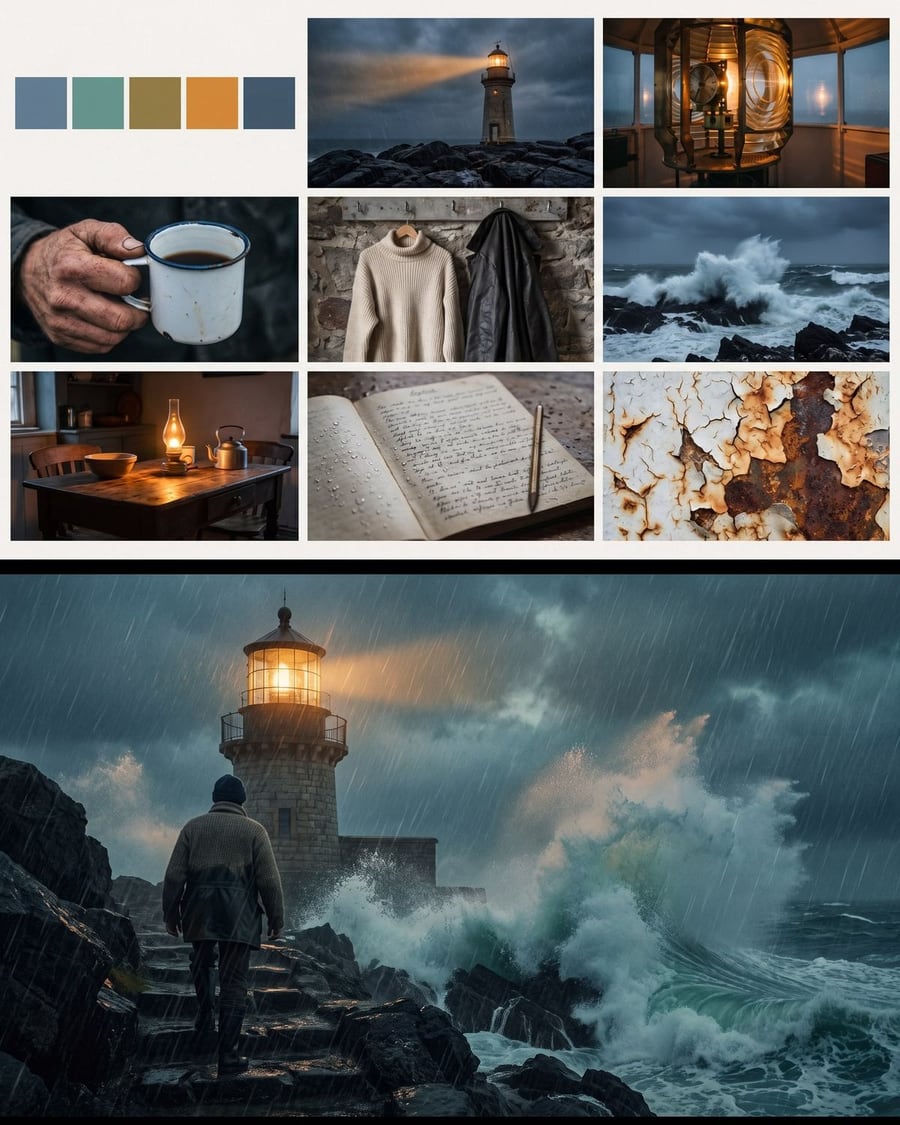 New
NewA film mood board
Nine references, then the first image
Your pitch becomes a mood board of nine references, palette, light, materials and costumes, then the film's first image in that mood. Workflow visible here, no account needed.
Interactive demo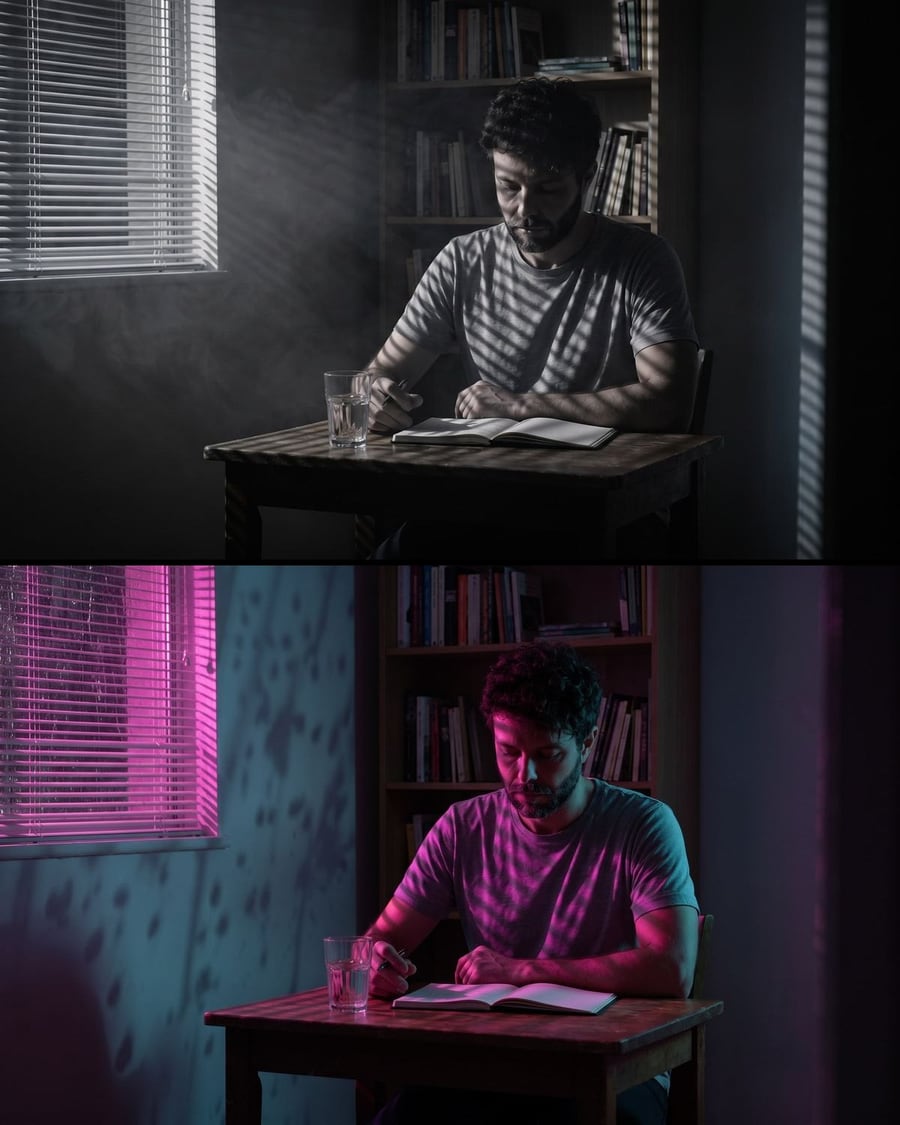 New
NewThe lighting test
The same shot, two lights
A flatly lit shot becomes two lighting proposals, film noir and neon night, without moving the set or the actor. Workflow visible here, no account needed.
Interactive demoYour place in miniature
The place, its model, then the camera
A photo of a place becomes a miniature diorama standing on a table, same facades, then a five second video. Workflow visible here, no account needed.
Interactive demoA film trailer
A pitch goes in, twelve seconds come out
Your pitch feeds two Text nodes that write the shots, Nano Banana Pro makes the images, Wan 3.0 animates them, and the Montage lays in the title card and the music. Workflow visible here, no account needed.
 Interactive demo
 New
NewScene coverage
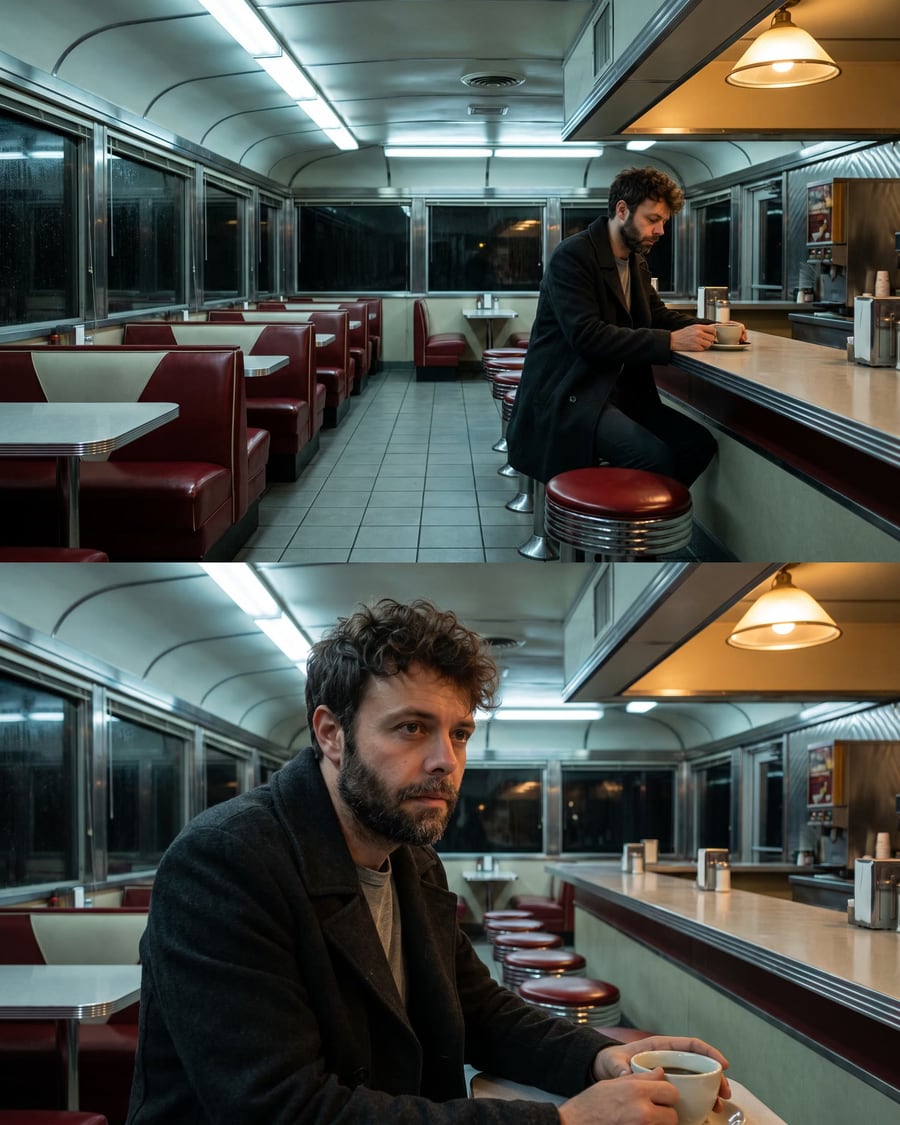
Two shot sizes that cut together
Your actor's sheet gives a wide shot, and the wide shot becomes the reference for the close up: same man, same coat, same light. Workflow visible here, no account needed.
Interactive demo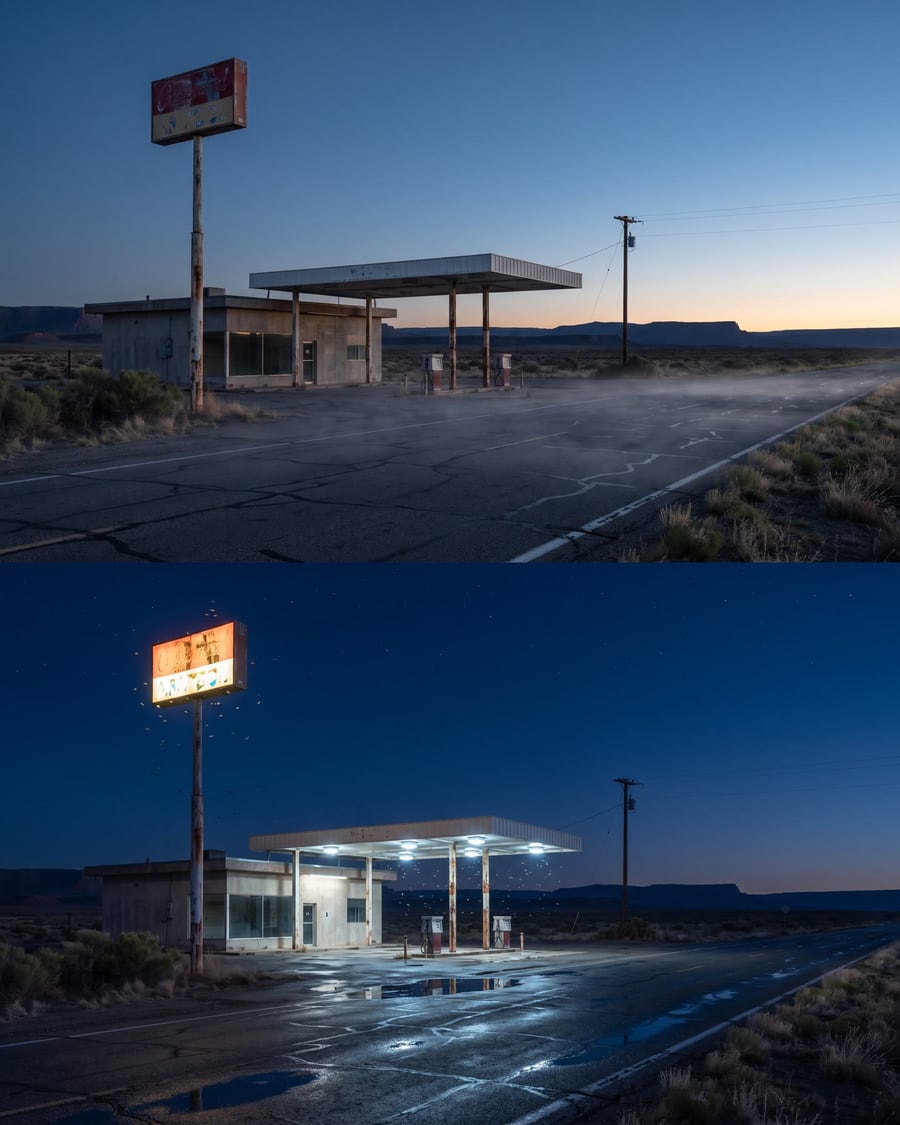 New
NewLocation scouting
The same place, two hours of the day
A Text node describes the place, Nano Banana Pro photographs it at dawn, a second node rephotographs exactly the same spot at night. Workflow visible here, no account needed.
Interactive demoFrom previz to final shot
The camera is already set
Your grey previz goes into two Seedance 2.5 nodes through the video port and comes back as live action, with the same camera move and two different worlds. Workflow visible here, no account needed.
Interactive demo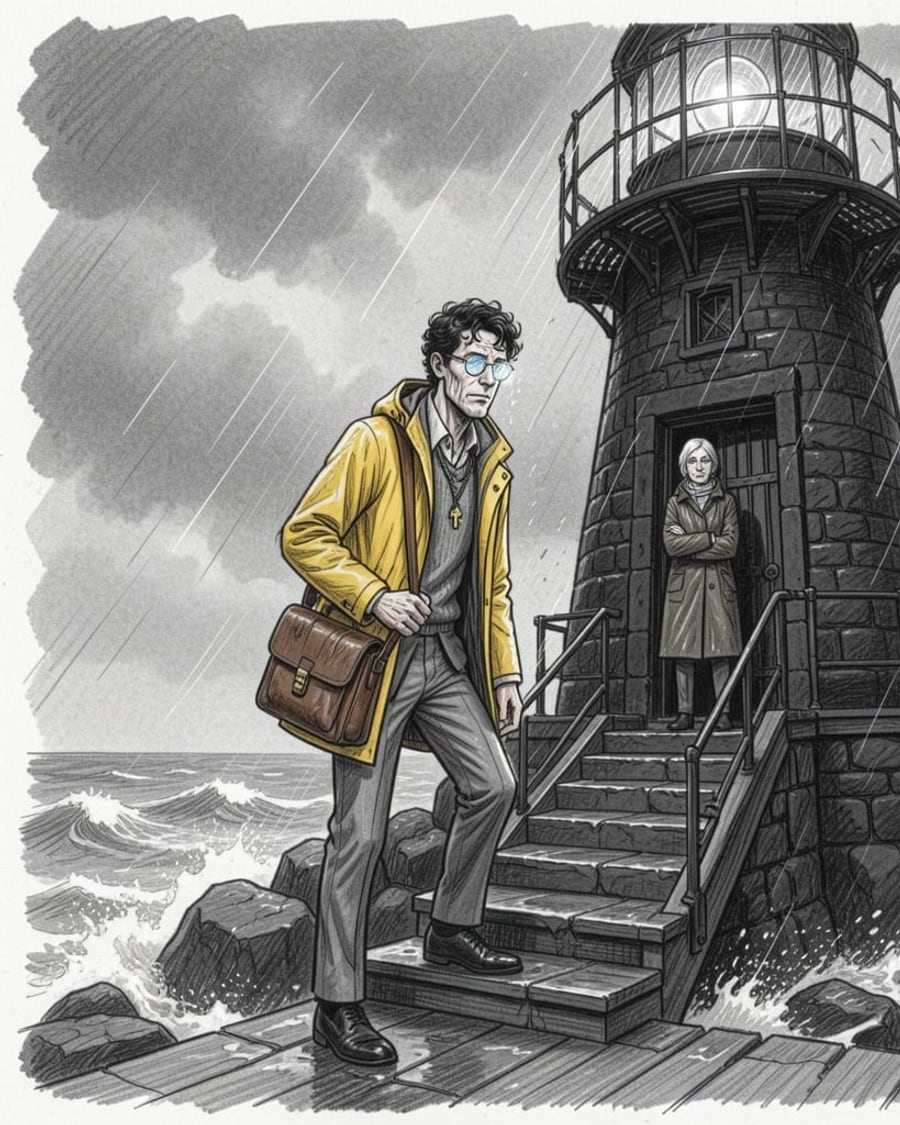 New
NewStoryboard from a chapter
Six pencil panels, in story order
A chapter in PDF dropped on the canvas: one Text node writes a short bible, six others each write one panel in story order, and Flux 2 Klein draws them as pencil sketches, grey wash, no text. The board to show before shooting, for about thirty credits. The whole workflow is visible without an account.
Interactive demoBook trailer
Four shots, one voice, thirty seconds
A chapter or a synopsis in PDF dropped on the canvas: one Text node writes the voice-over, four others each write one shot, the shots are drawn then animated in seven seconds, a voice reads them, a music bed carries them, and the montage cuts thirty seconds of trailer together. The demo starts from an original chapter. The whole workflow is visible without an account.
Interactive demoScreenplay to film
Every scene shot, dialogue included
Drop your screenplay PDF on the canvas: a Text node writes the visual bible, the characters are drawn as sheets, every scene gets its director's prompt, its first frame and its Wan 3.0 video with the dialogue performed, and the montage cuts the film together. The demo shoots an original three-scene screenplay. The whole workflow is visible without an account.
Interactive demoTalking photo
Your photo says your text
A face photo and a text read by a catalog voice: InfiniTalk makes the person speak, lips, blinks and head movements included. The video lasts as long as the voice. The whole workflow is visible without an account.
 Interactive demo
One idea, one short film
GPT-6 Astra writes, Veo shoots
One idea enters the canvas, GPT-6 Astra turns it into three shot prompts in the language of cinema, and Veo 3.1 Lite shoots them with their sound. The full workflow is visible without an account, with the edited film.
Interactive demoPaper documentary
One minute told in cut paper
Build the one minute documentaries that loop across social feeds: cut-paper sets, a new shot every two seconds, generated voice-over. The whole workflow is visible here, no account needed.
Interactive demoClay animation
A sculpted rhyme, same character throughout
Create those children's videos in modelling clay: sculpted characters, plain background, a cut every two and a half seconds. The character sheet keeps the same hero from first shot to last.
Interactive demoChild's drawing
The felt-tip monster becomes a figurine
Your child's felt-tip monster becomes a figurine on a studio background, then it moves. The instruction is one sentence: correct nothing, keep the uneven legs and the crooked eyes.
Interactive demoDrone video
You draw the path, the camera follows
Draw a red line on a photo, the model reads it as a drone flight path and flies along it. Ten seconds of aerial move from a single still, with no drone and no flight clearance.
Interactive demoFaceless video
Script, voice and edit in one go
The full pipeline of an explainer channel: a subject in, a script written by a language model, a voice over, three shots and a ten second edit. Visible here without an account.
Interactive demoTalking avatar
It says your text, voice included
A synthetic presenter says your script to camera, with their voice. Veo 3.1 generates image and speech together, so the lips land right. The workflow is visible here, without an account.
Interactive demoPet portrait
Your dog as a court portrait
The family dog becomes a court portrait, then a scene, then it blinks. The reference sheet keeps its own muzzle. The workflow is visible here, without an account.
Interactive demoVideo tools
These workflows start from a video you already have and transform it: another language with lips in sync, the background removed without a green screen, the continuation of a shot, an ambient soundtrack, visual effects, or simply more sharpness.
Change a video's fps
24 fps to 25, 30 or 60
Take a video from 24 fps to 25, 30 or 60 fps: AI creates the missing frames, duration and audio stay the same. Six credits per five seconds at 30 fps. Workflow shown here, no account needed.
 Interactive demo
Video dubbing
Another language, the same lips
A video where someone speaks, a new voice in another language: Sync Lipsync 3 re-times the lips to the new text. The same shot in English and in Spanish, without reshooting. The whole workflow is visible without an account.
Interactive demoVideo background removed
The subject alone, no green screen
A video shot on a phone, no green screen: Bria isolates the subject and removes the whole set, frame by frame. The same shot as a transparent webm and as an mp4 on a green background, sound kept. The whole workflow is visible without an account.
 Interactive demo
Extend a shot
The continuation, from the last frame
A five-second shot that stops too early: Grok Imagine generates the continuation from its last frame, in the same format, and the Montage node chains the two. Two possible continuations of the same shot. The whole workflow is visible without an account.
 Interactive demo
Video VFX
Same shot, three effects
A plain shot edited three times by Seedance 2.5: an explosion behind, a storm, an energy sphere. The shot does not change, the effect is added. The full workflow is visible without an account.
Interactive demoSharpen a video
Two upscalers, two settings
A camcorder shot 480 pixels wide, enlarged to 1080p by both video upscalers side by side. The full workflow, no account needed.
Interactive demoAdd sound to a video
The silence that gives generated shots away
A silent shot, an ambience bed and a music bed: the three pieces are generated here, the montage assembles them. The full workflow, no account needed.
Interactive demoVoice, audio and music
Generate a voice-over, have lyrics sung, produce a two-voice podcast episode, create a sound effect described in one sentence, separate the vocals from a song or clean up a recording: each task has its workflow here, with real audio files to listen to.
Audiobook
The chapter read aloud, the cover on screen
The chapter in PDF dropped on the canvas: one Text node copies its opening word for word, an ElevenLabs narrator's voice reads it, an instrumental bed plays underneath, and the cover stays on screen in a 16:9 Montage: the video to publish so people can hear the first chapter. The whole workflow is visible without an account.
Interactive demo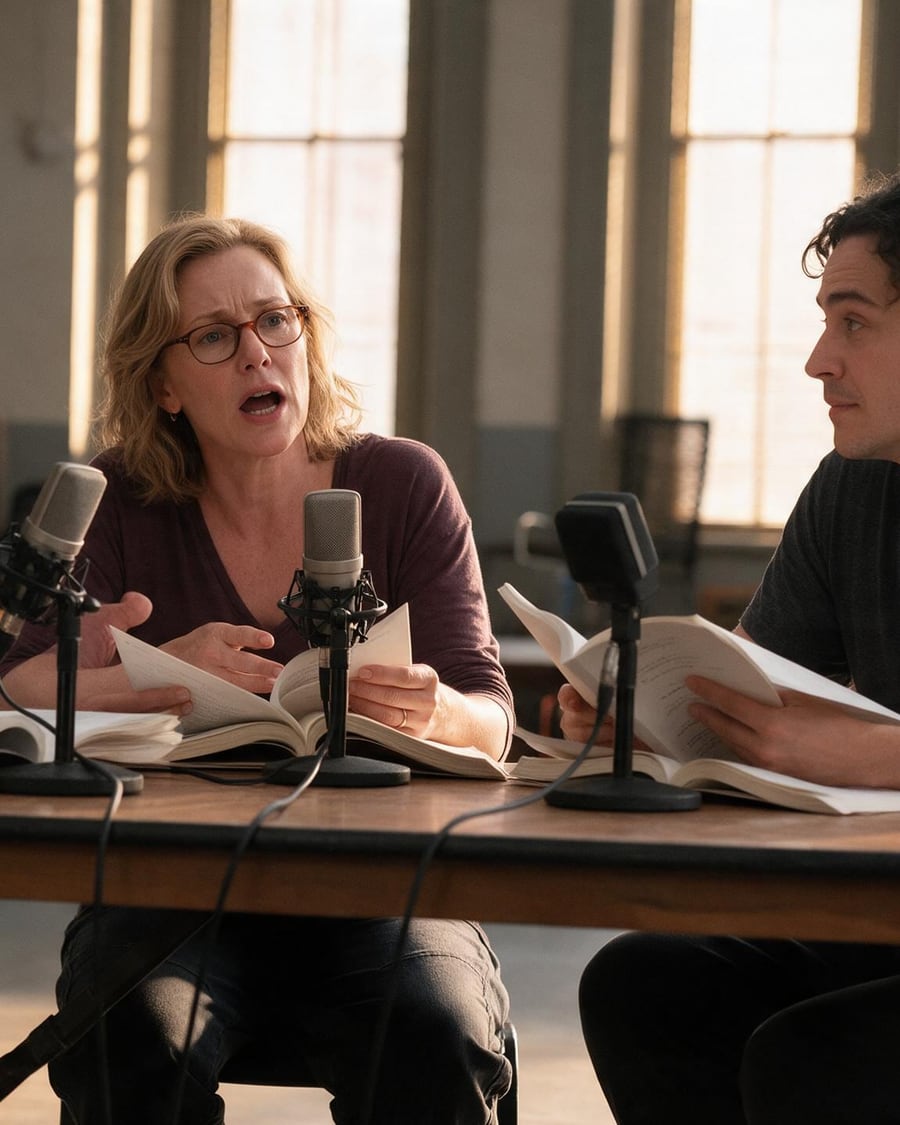 New
NewScreenplay table read
Ten lines, three voices, one take
The screenplay in PDF dropped on the canvas: one Text node turns it into ten lines ready to read, a narrator for the action and the characters word for word, and a Voice node in dialogue mode performs them in a single take with three ElevenLabs voices. The reading you do with actors, in three clicks. The whole workflow is visible without an account.
Interactive demo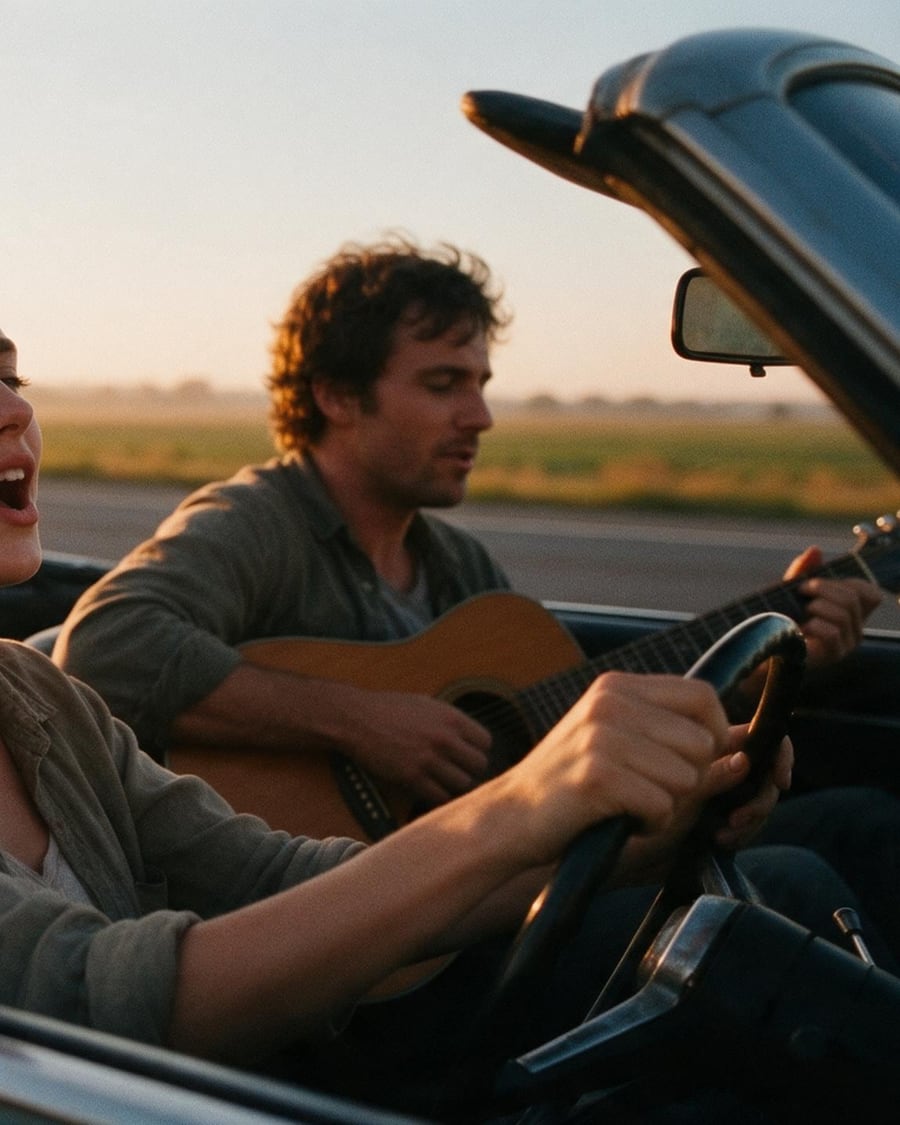 New
NewWrite a song
Your lyrics, sung twice
The same lyrics sung twice by ElevenLabs Music: a bright pop track and an acoustic folk take, one minute each. The full workflow is visible without an account, with both songs.
 Interactive demo
 New
NewSound effect generator
Describe the sound, not the picture
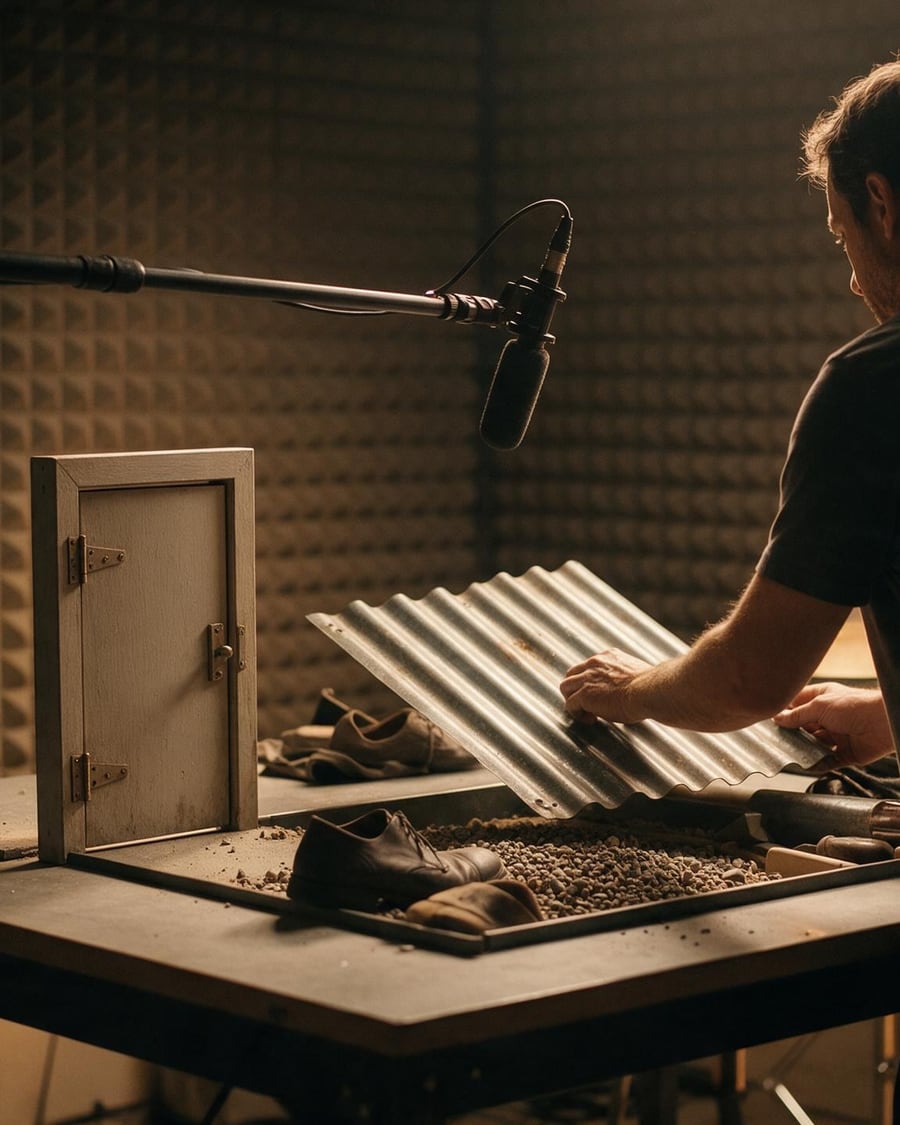
Three sound effects made by ElevenLabs Sound Effects from text: looping rain on a tin roof, a creaking castle door, a stadium erupting. The full workflow, visible without an account.
Interactive demo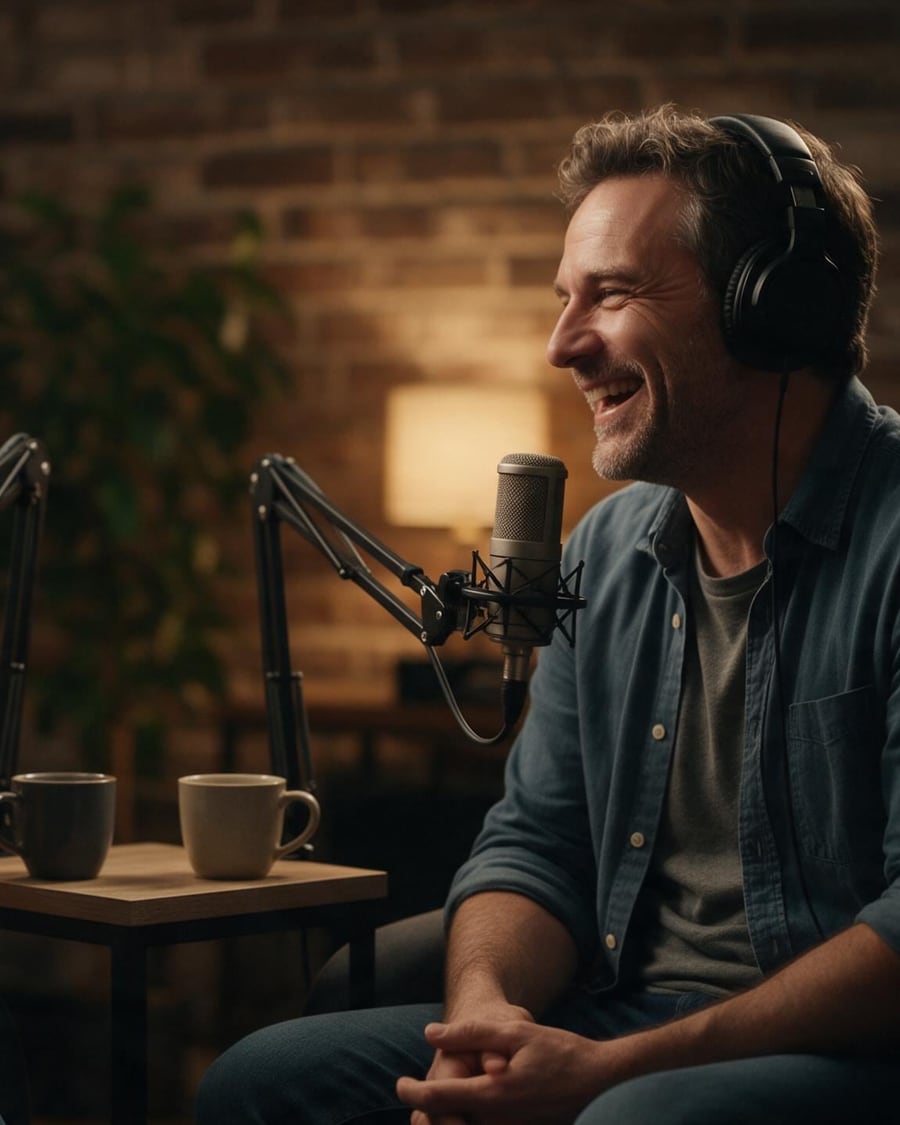 New
NewTwo-voice podcast
Eight lines, two voices, one take
An eight-line exchange between two hosts, performed in a single take by ElevenLabs Dialogue v3: two voices, the hand-offs, the laughs. The full workflow, visible without an account, with the episode.
Interactive demo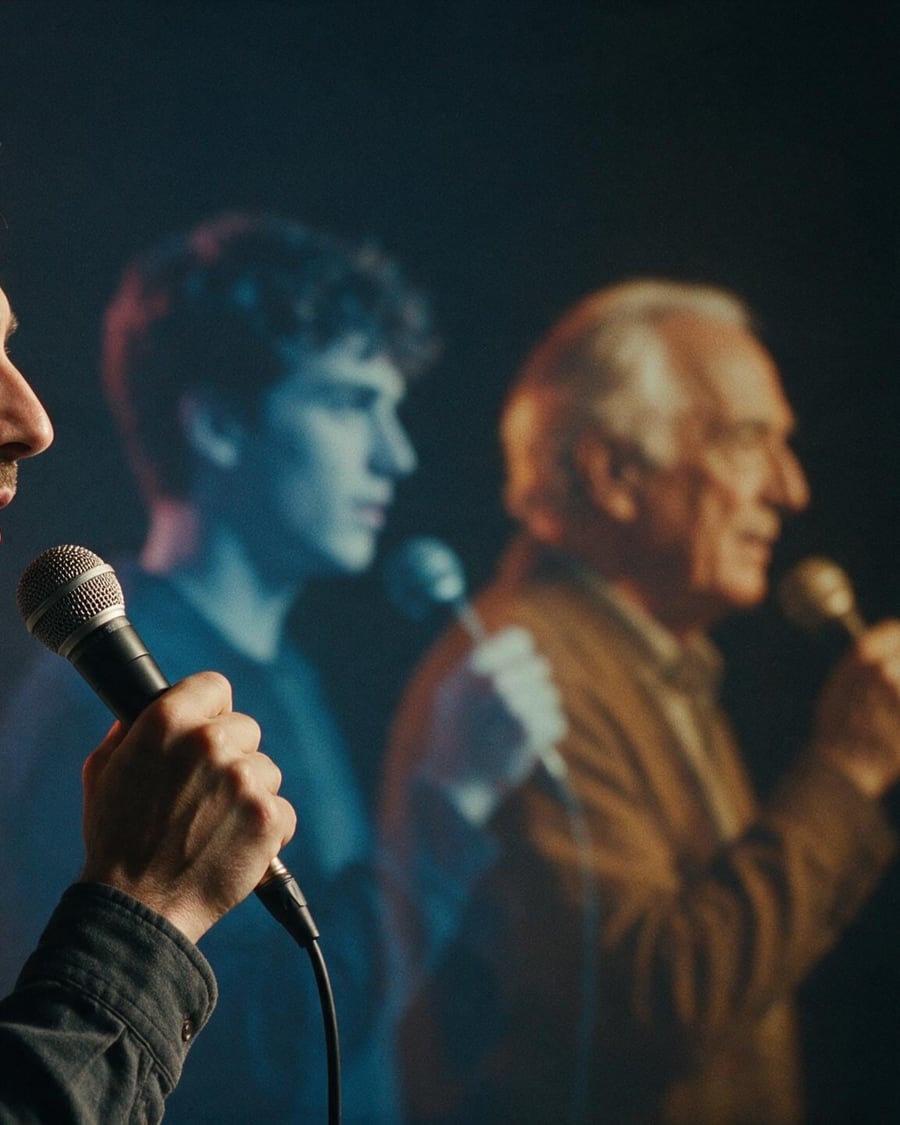 New
NewChange your voice
Same line, same rhythm, three timbres
A line spoken by a male voice, replayed by ElevenLabs Voice Changer in three voices, a woman, a young man, an older man, with the original rhythm and intonation. The full workflow, no account needed.
 Interactive demo
 New
NewSplit the vocals from a song
Vocals, drums, bass, and the karaoke
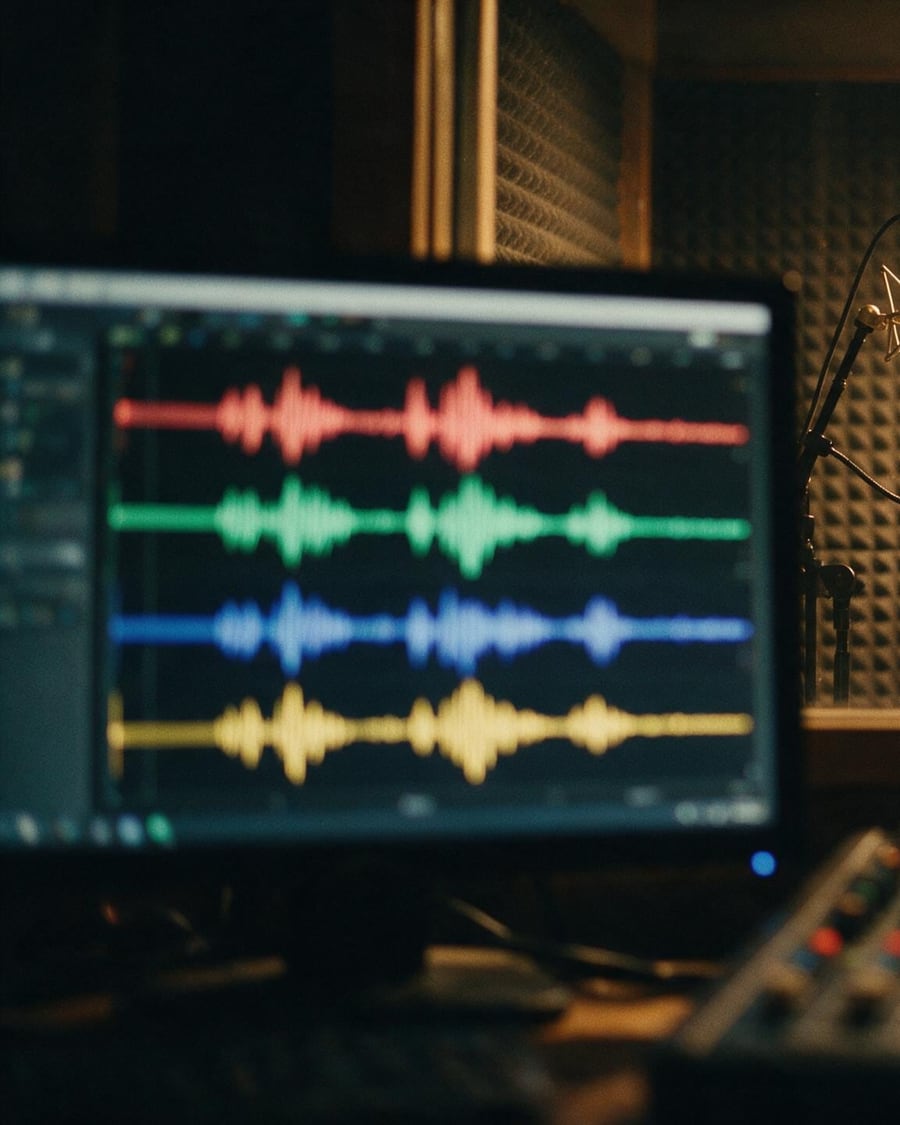
A 30-second song split into four stems by Demucs, vocals, drums, bass and the rest, with the same song run through vocal isolation next to it. The full workflow, no account needed.
Interactive demo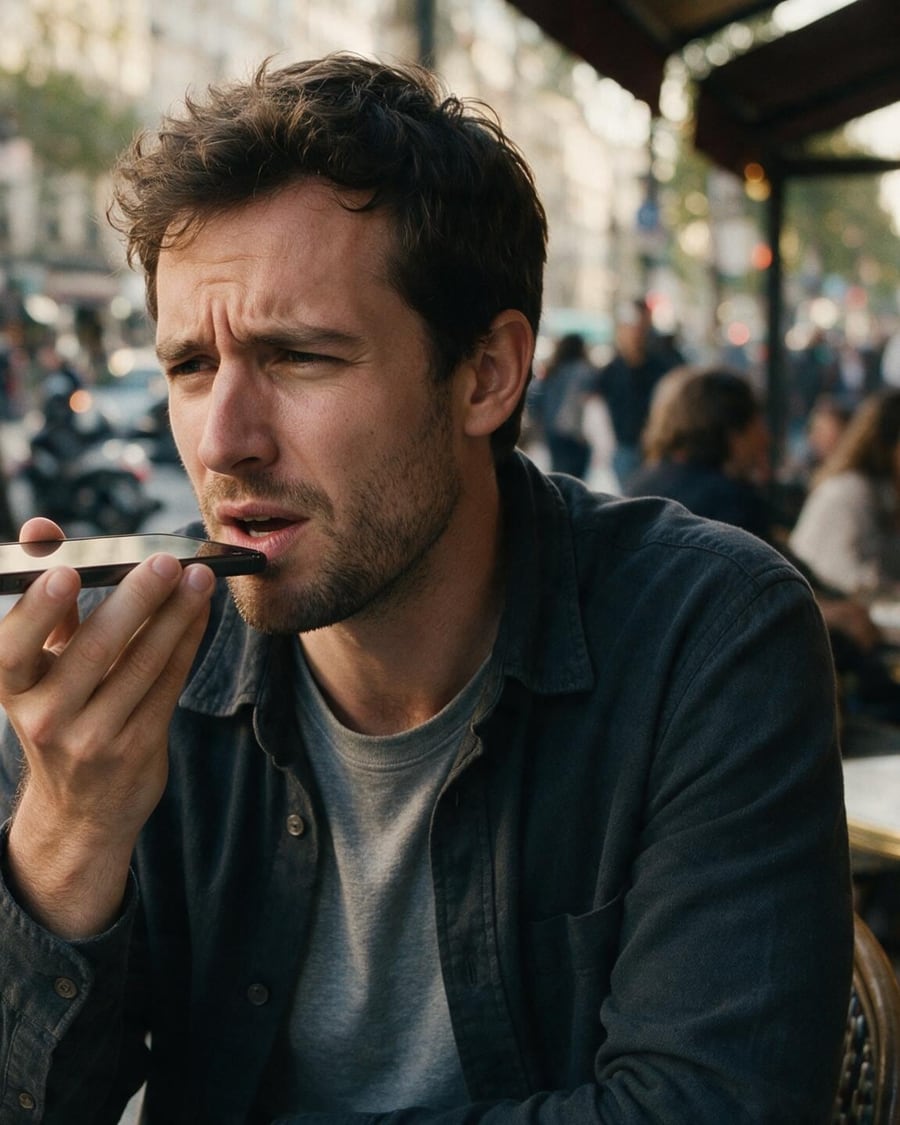 New
NewClean up a recording
The voice stays, the street goes
A voice memo dictated on a noisy terrace, run through both noise removers of the catalogue side by side, DeepFilterNet 3 and ElevenLabs Audio Isolation. The full workflow, no account needed.
Interactive demo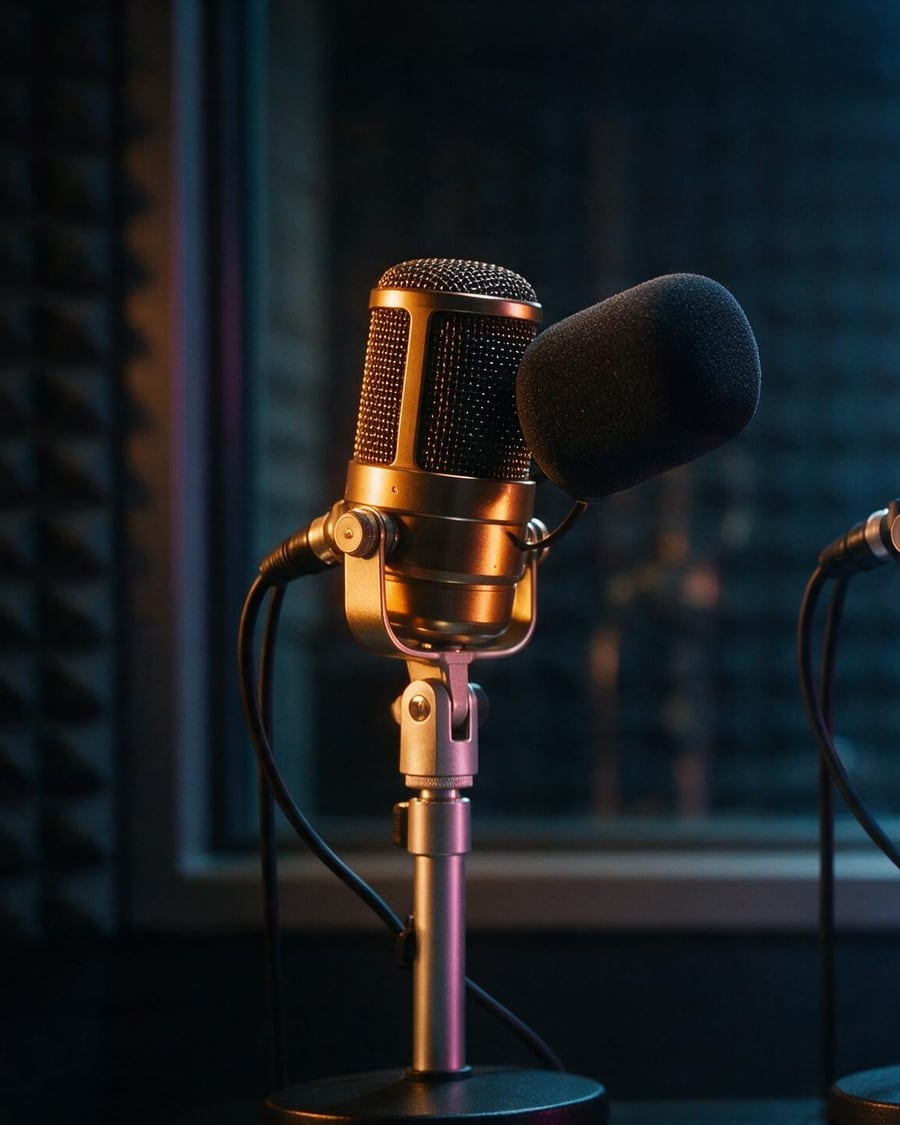 New
NewVoice-over: three engines
The same text, three voices to compare
The same script read by three speech synthesis engines, ElevenLabs v3, MiniMax Speech 2.8 HD and OpenAI TTS HD, to choose your voice-over by ear. The full workflow, no account needed.
Interactive demoPhoto editing
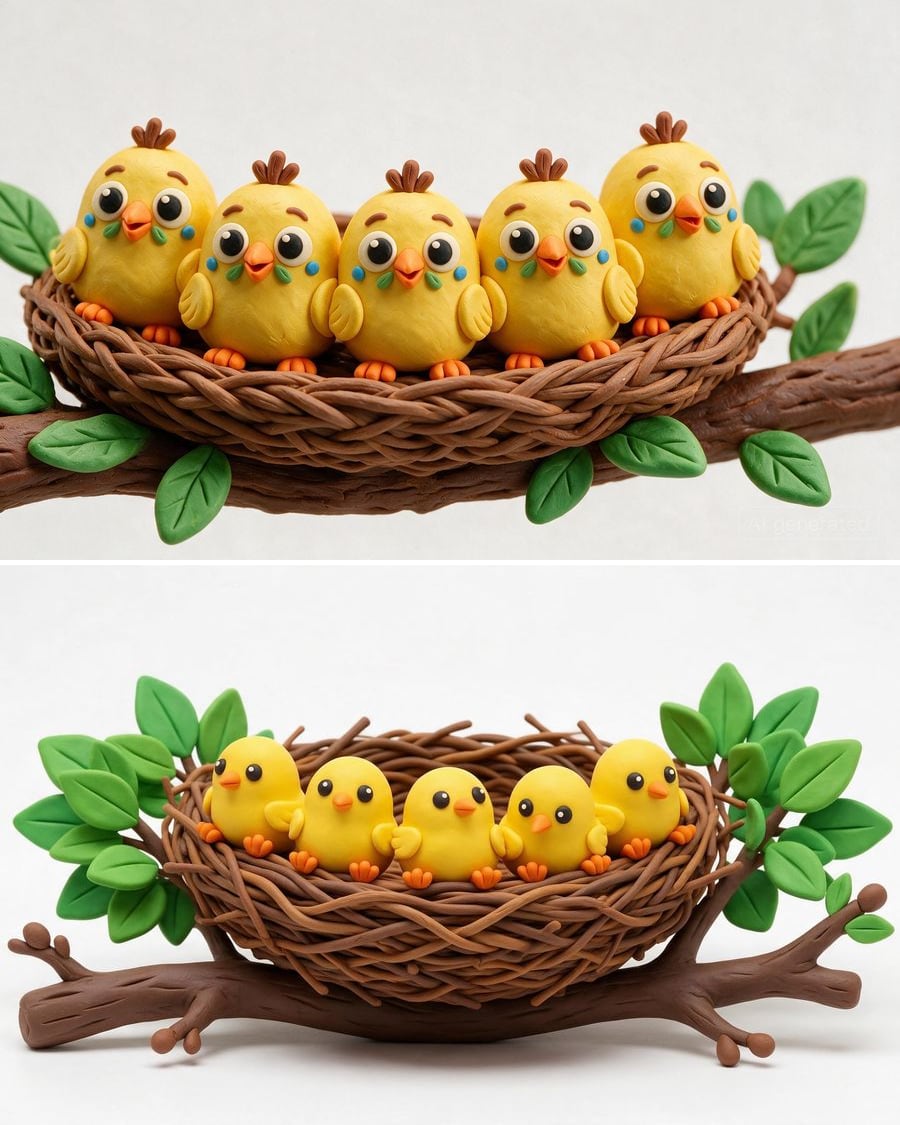
These workflows edit an existing photo instead of inventing one: the background replaced, a passer-by erased, the image extended to story format, an old photo repaired and colourised, a blurry image sharpened, a sketch turned into a photo, a photo turned into a painting or a 3D object.
 New
NewImage to prompt
The prompt hidden in your image
An image becomes a detailed prompt and a keyword prompt, in English, then two models run them to check that they reproduce the subject and style. Workflow shown here, no account needed.
Interactive demo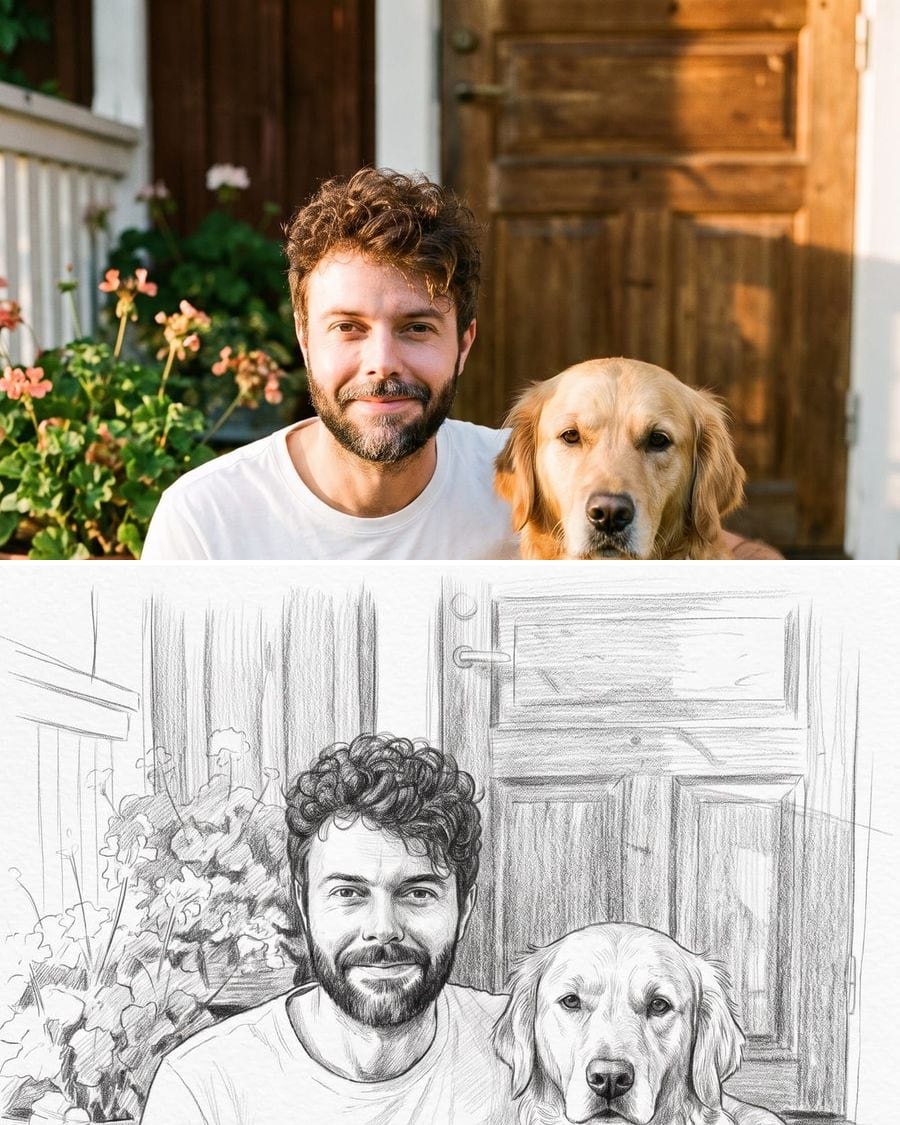 New
NewPhoto to drawing
Your photo, drawn by hand
Your photo becomes a graphite pencil drawing and a colored pencil drawing, same faces, same scene, real paper grain. To print, frame or give. Workflow shown here, no account needed.
Interactive demo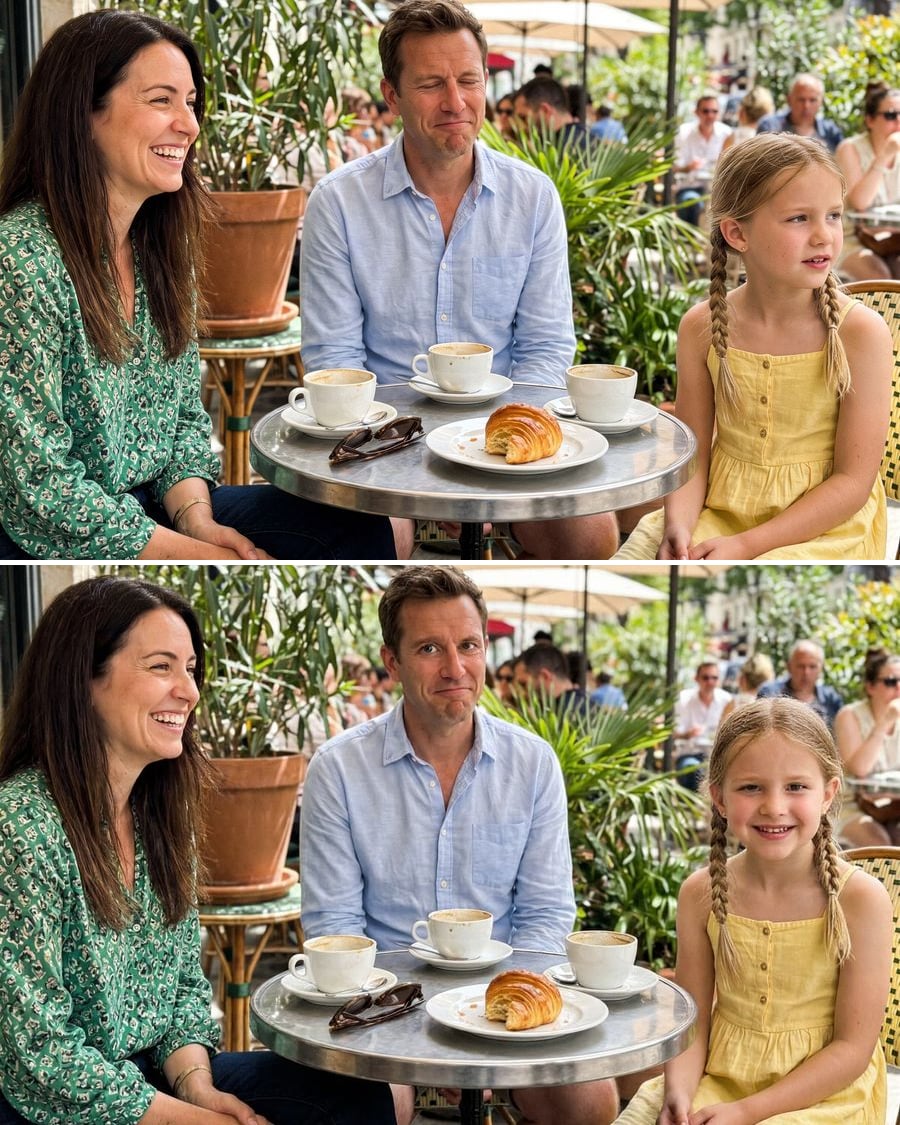 New
NewOpen closed eyes in a photo
The good photo, eyes open
Someone blinked in the group photo? The AI opens their eyes and can turn whoever was looking away towards the camera, without retouching the others. Workflow visible here, no account needed.
Interactive demo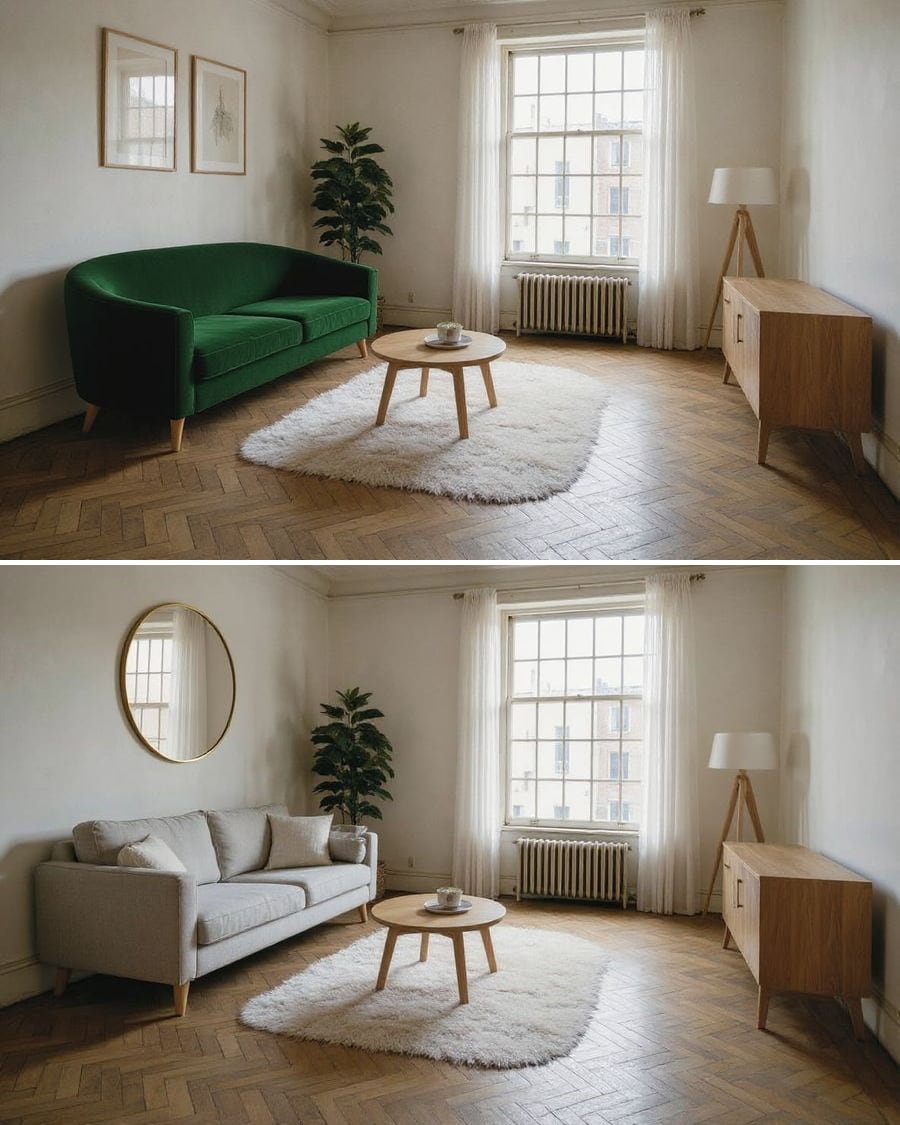 New
NewReplace an object in a photo
One object changes, the rest stays
In the photo of your room, one object is replaced by another, sofa, mirror, lamp, and everything else stays identical. The workflow is shown here, no account needed.
Interactive demo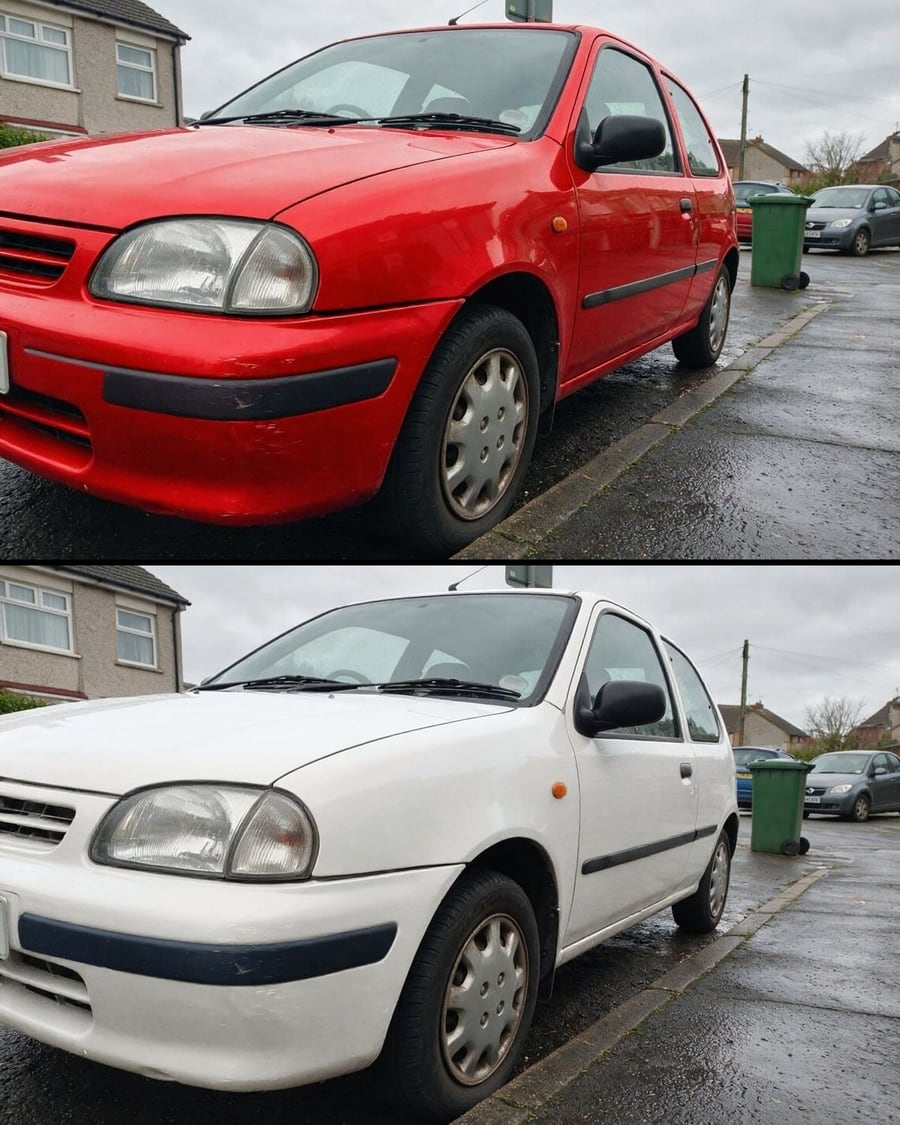 New
NewChange your car's colour
The same car, two body colours
Your car photo with the body repainted in two colours, same car and same setting. To choose a wrap or a respray. Workflow visible here, no account needed.
Interactive demo3D object
An image becomes a volume
An object image goes in, a textured 3D file comes out: Tripo 2.5 and Trellis 2 side by side on the same photo. The GLB rotates in the node, downloads, and its turntable video renders for free. The whole workflow is visible without an account.

 Interactive demo
 New
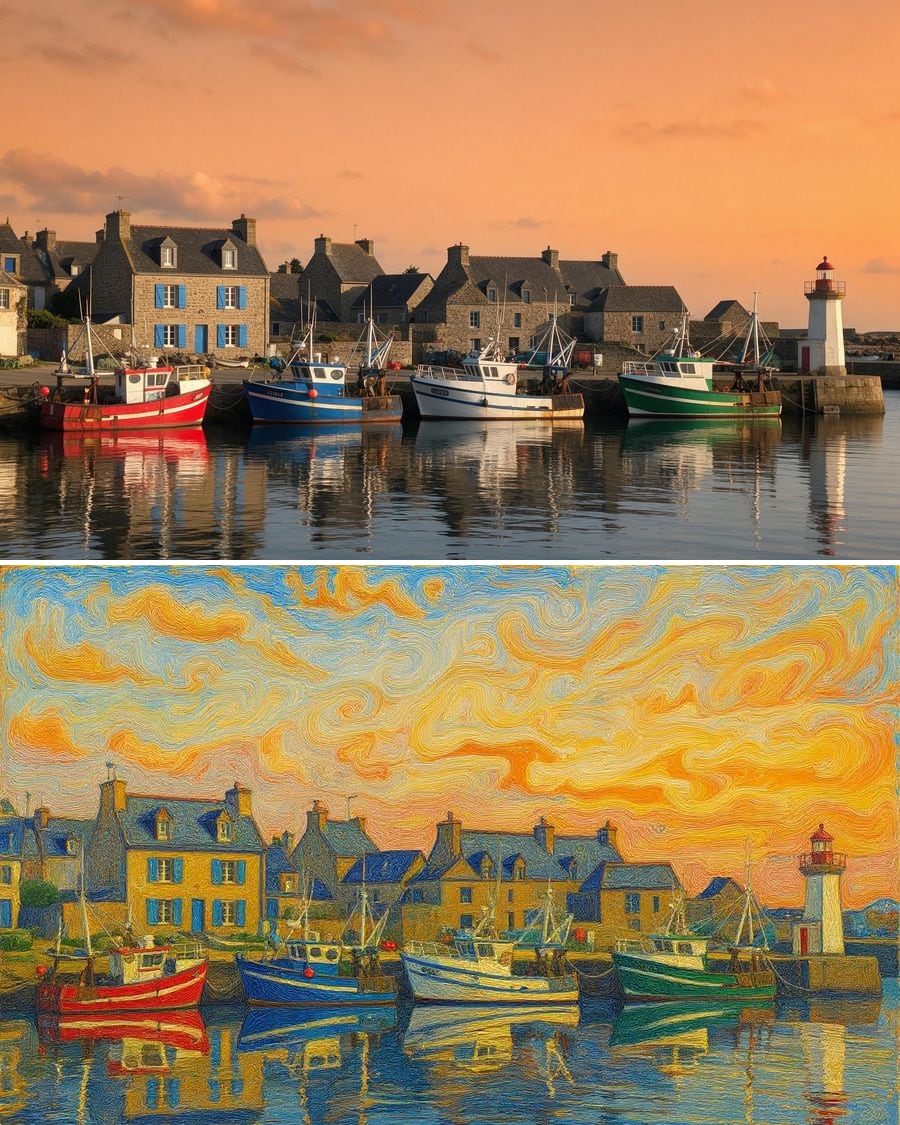
NewPhoto to painting
Oil, watercolor, pop art: your scene
The same photo edited three times by Flux Kontext: impressionist oil, watercolor, pop art screen print. The scene does not change, only the medium. The full workflow, visible without an account.
Interactive demoBring an old photo to life
Restored, colourised, then she smiles
A damaged print restored and colourised by Flux Kontext, then set in motion for five seconds by Kling V3: a blink, a smile, a slight turn of the head. The full workflow, no account needed.
Interactive demo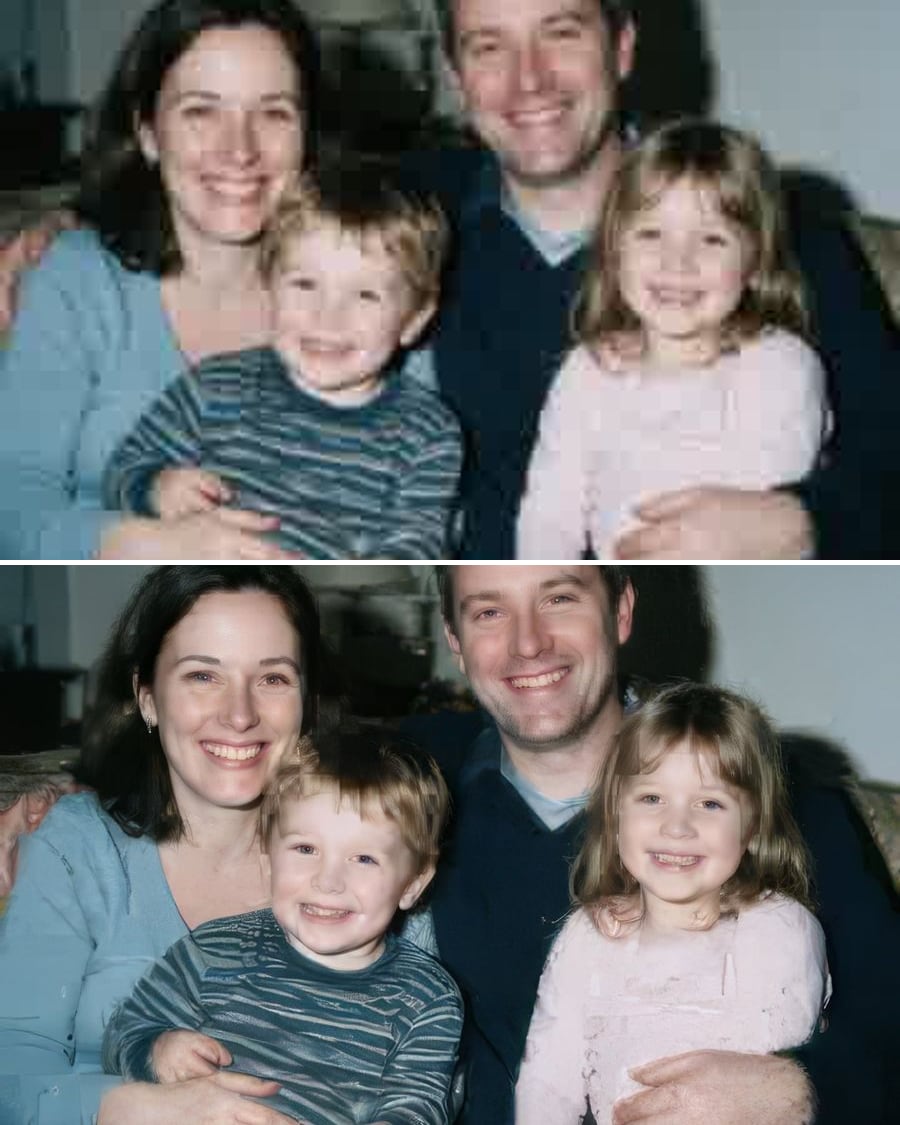 New
NewSharpen a photo
Faithful or creative, you decide
A blurred, low-resolution photo enlarged four times by both upscalers side by side: the faithful one and the creative one. The full workflow, no account needed.
Interactive demo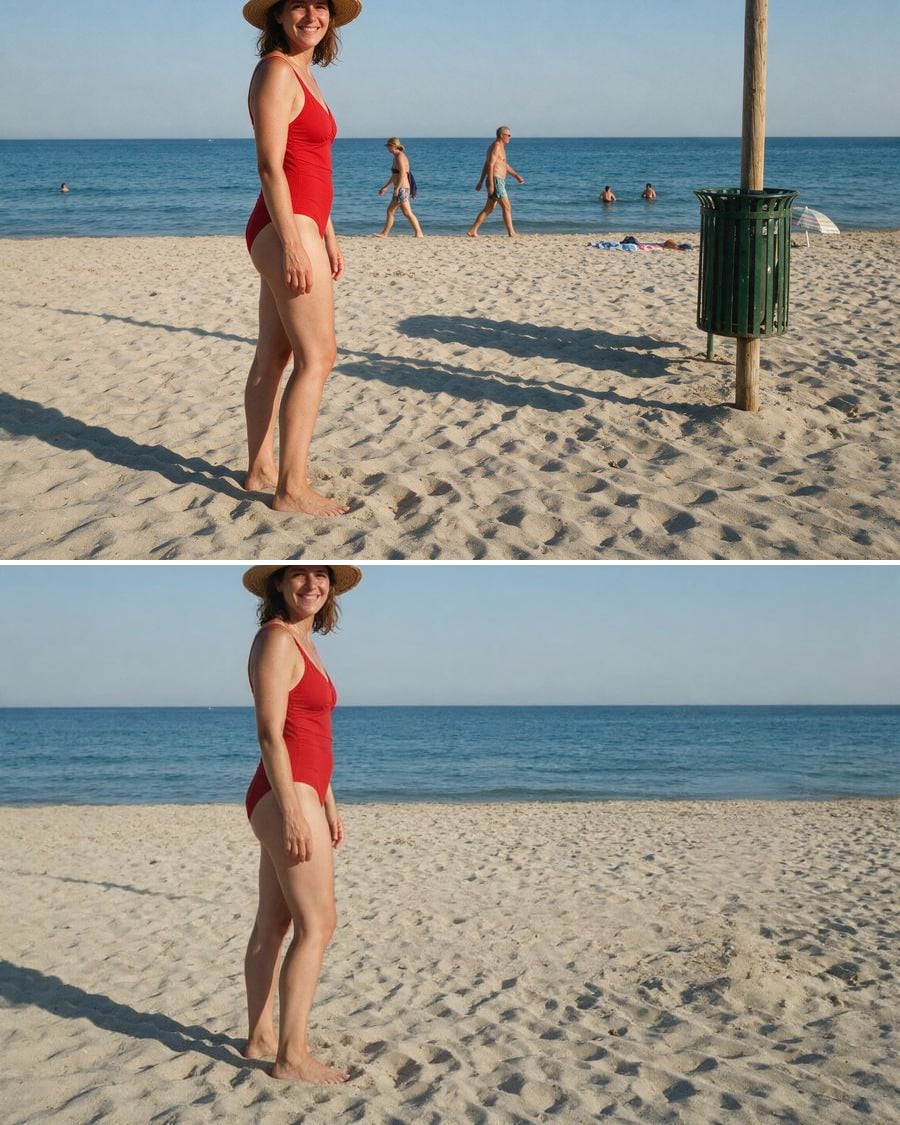 New
NewRemove an object
The intruder goes, the scene closes back
The background figures disappear, then the fixed object spoiling the frame, and the scene closes behind them with no blurred patch. The full workflow, no account needed.
Interactive demo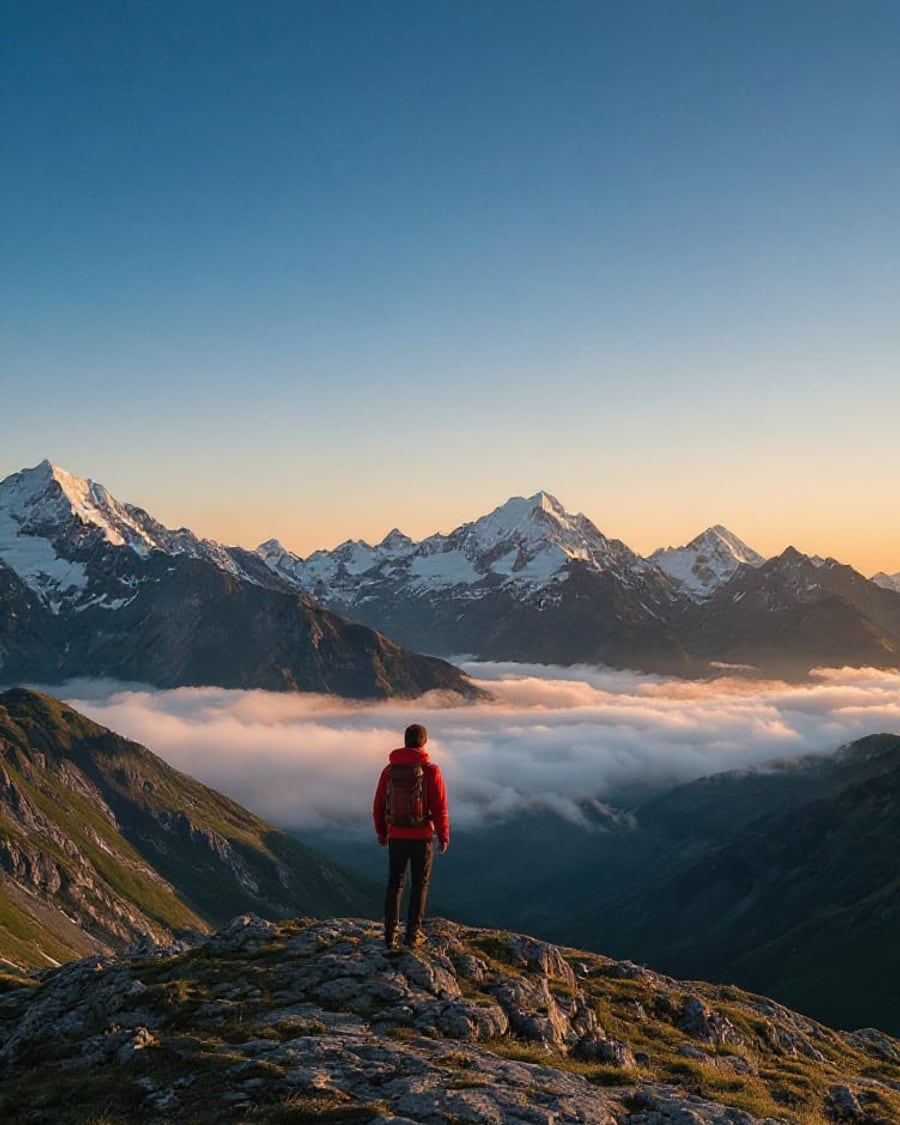 New
NewExtend an image
Story and square with no cropping
The same wide shot gives a vertical story and a square for the feed, without cropping and without cutting the subject. The full workflow, no account needed.
Interactive demoSketch to photo
Your line drawing rendered in studio
Your line drawing becomes a studio photograph, then a second finish, then the video that takes it from paper to object. The full workflow, no account needed.
Interactive demo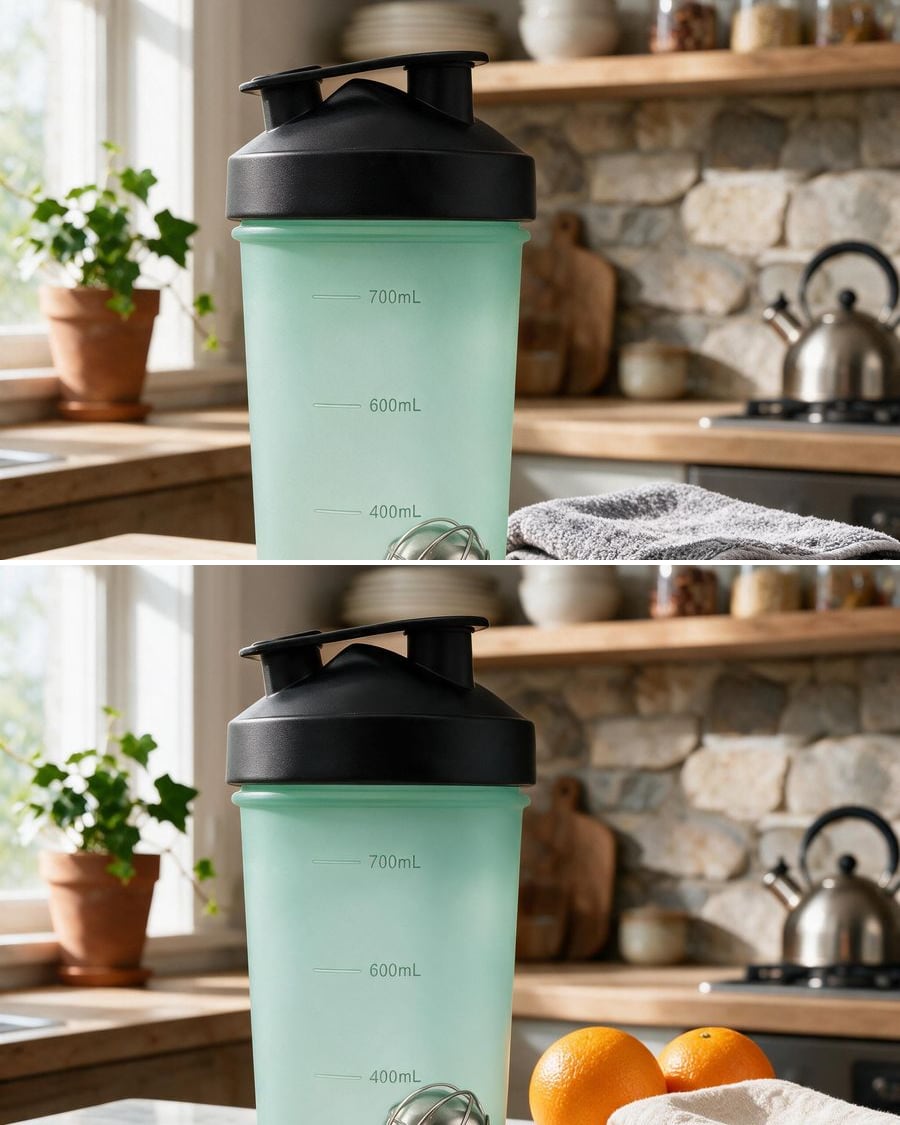
Change a background
New backdrop, same subject
Import a photo, describe the new setting: the AI cuts out the subject and places it on a white studio background or in a fully styled scene, without touching the product.
Interactive demoRestore a photo
A damaged photo gets its detail back
Repair the scratches, stains and creases of an old print and colorize it with one instruction, then generate the restoration video where the photo gradually comes back to life.
Interactive demoPortraits and selfies
One selfie is enough to get a professional headshot, try on a haircut, see yourself in twenty years, redraw yourself as anime or find yourself as a collectible figure. These workflows keep your face and change everything else.
 New
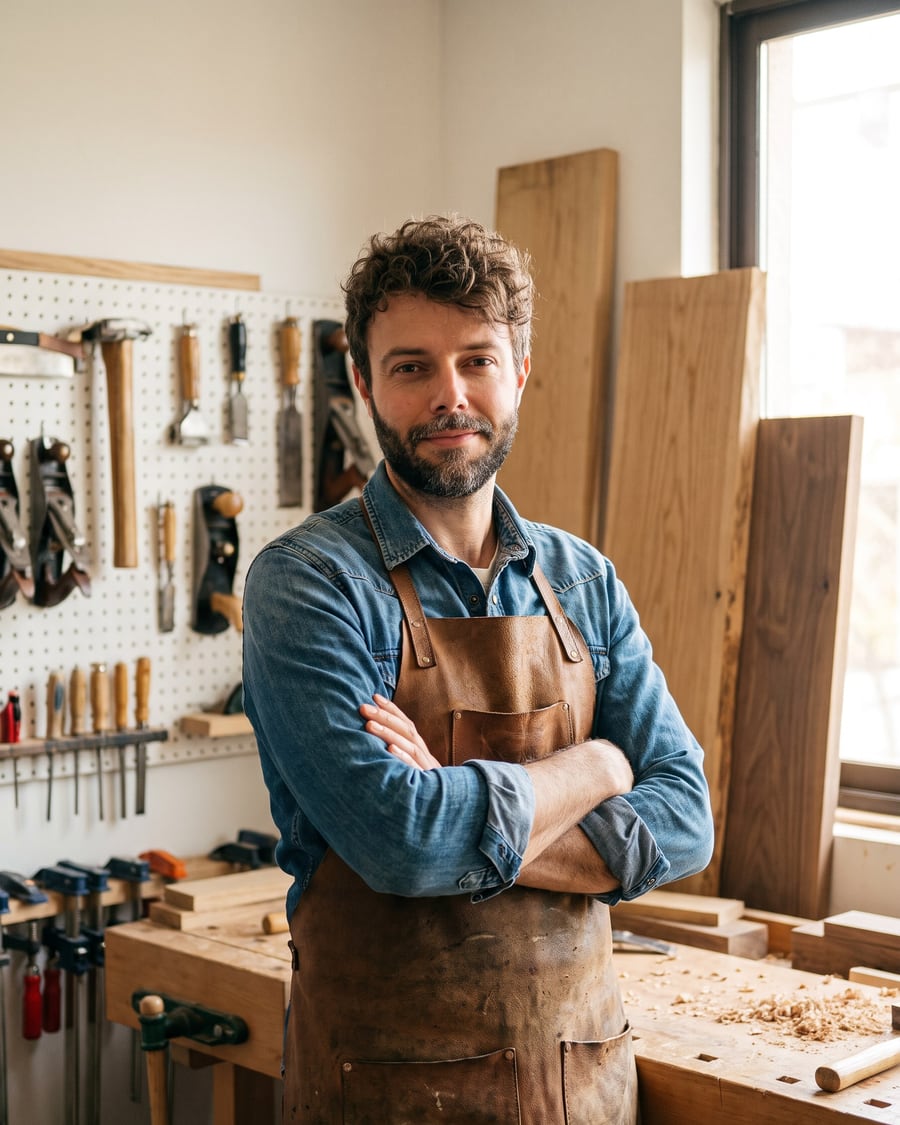
NewCraftsperson portrait
You, in your trade
Your selfie becomes a posed portrait at the workbench and a photo at work, same face, real workshop. For the about page and social media. Workflow visible here, no account.
Interactive demo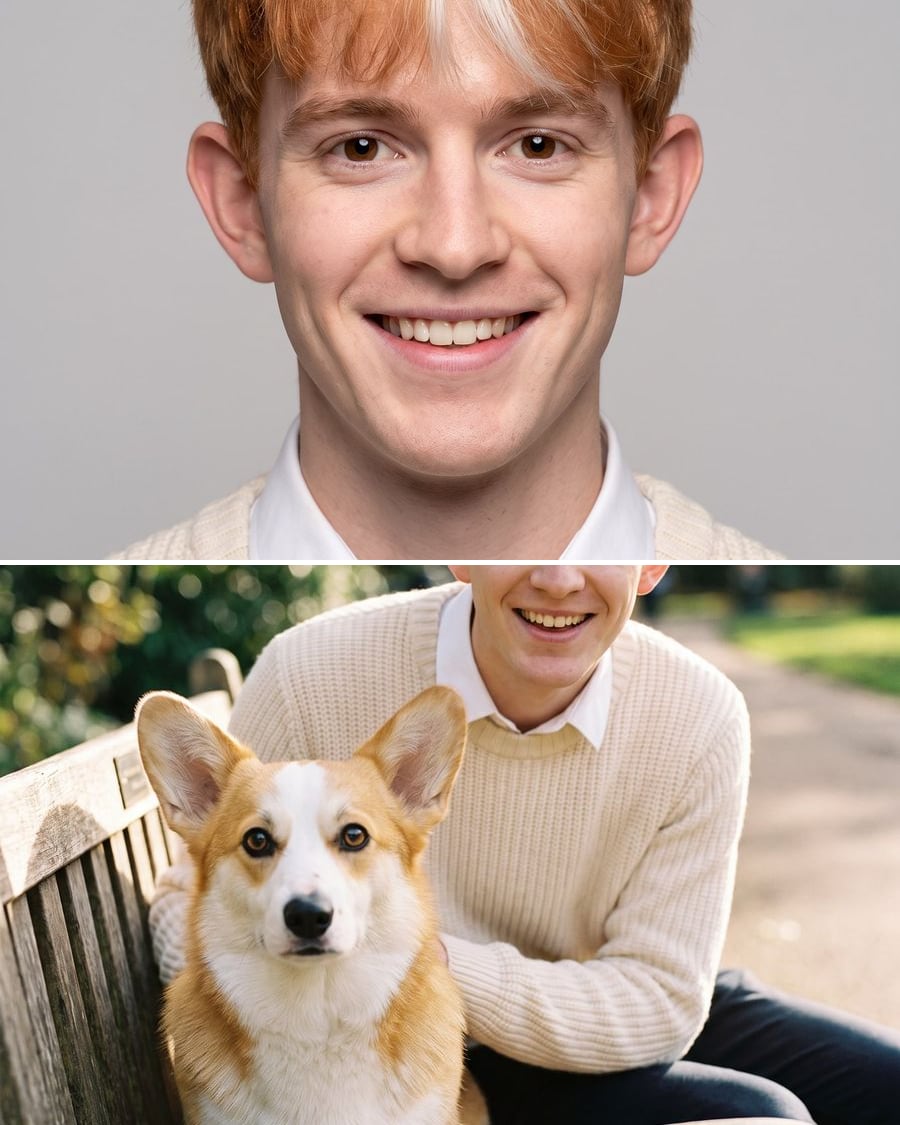 New
NewYour pet as a human
Your dog, if it were a person
One photo of your dog or cat, and the AI imagines the person it would be, then shows you both side by side. For a laugh and to share. Workflow visible here, no account needed.
Interactive demo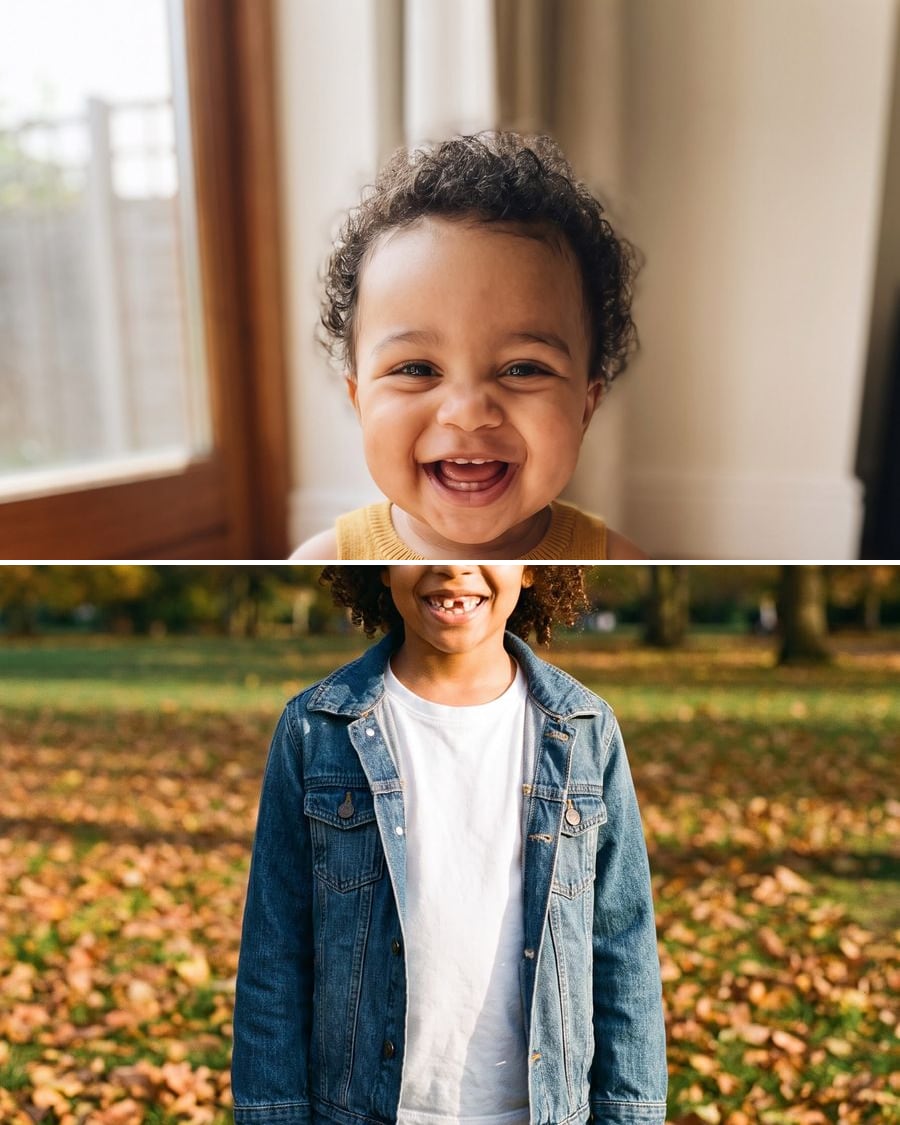 New
NewYour future baby's face
Your two faces, one imagined child
Two photos, one of each parent, and the AI imagines your child at one and at six with a mix of your features. Just for fun, no account needed to see the workflow.
Interactive demo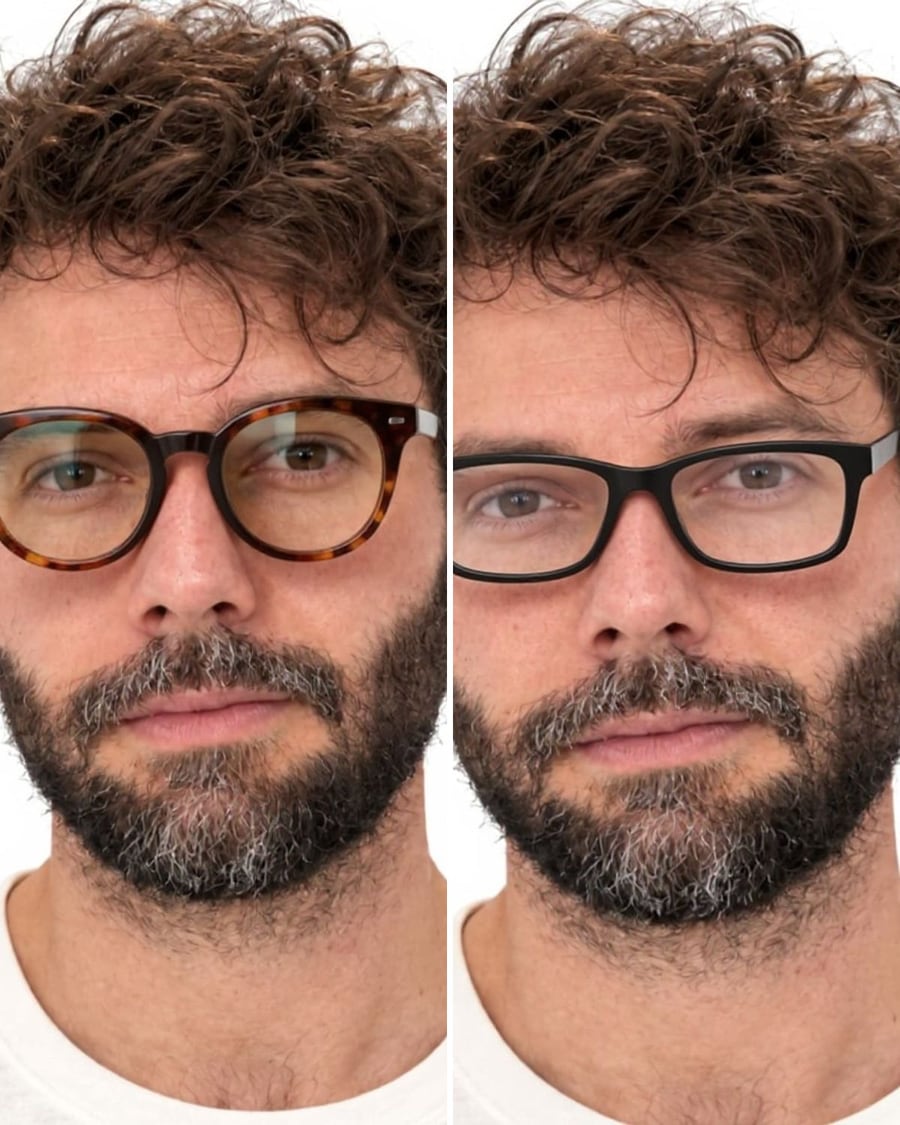 New
NewTry on glasses
Your face, two frames
Your selfie with two different frames, face, hair and light unchanged. To pick a shape before going to the optician. Workflow visible here, no account needed.
Interactive demo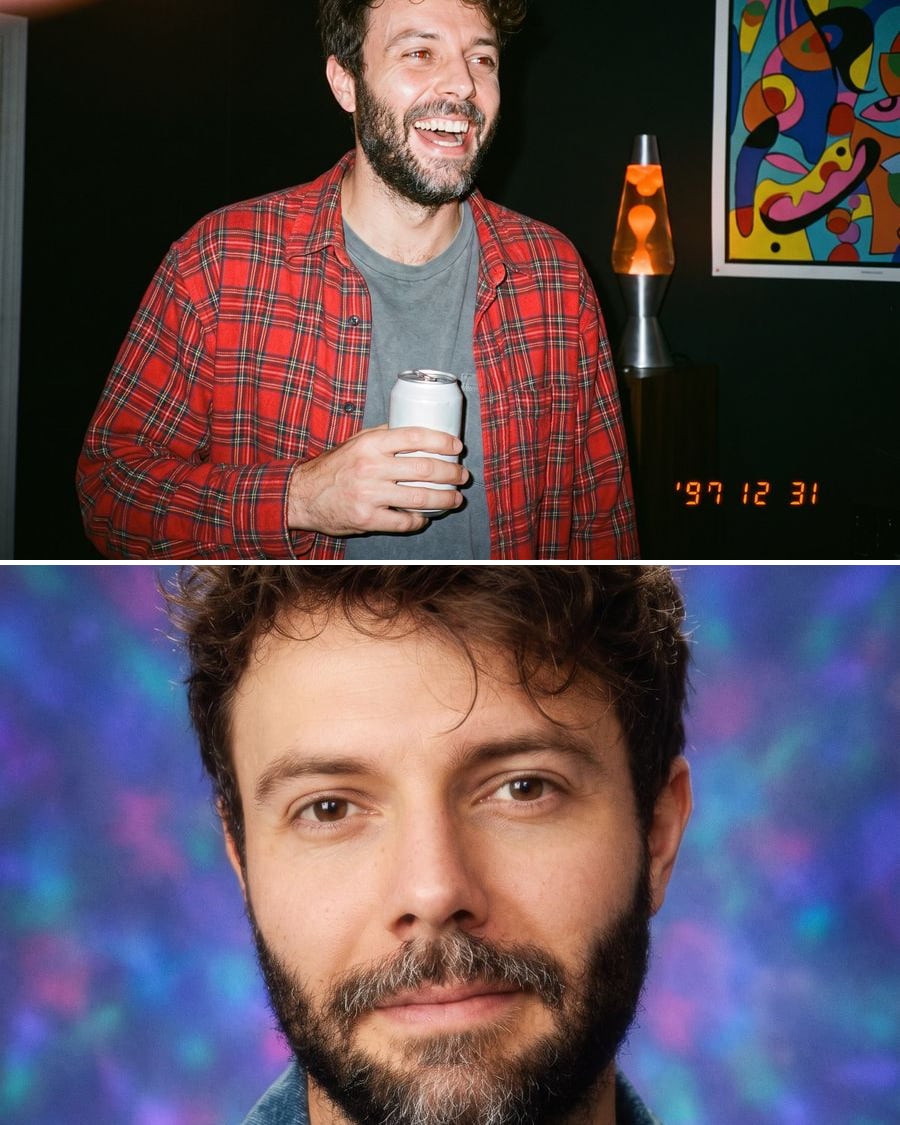 New
NewYour 90s photo
The 1997 party, then the school photo
Your selfie becomes a 1997 disposable camera photo and a school portrait on a laser backdrop, your face kept. The workflow is shown here, no account needed.
Interactive demo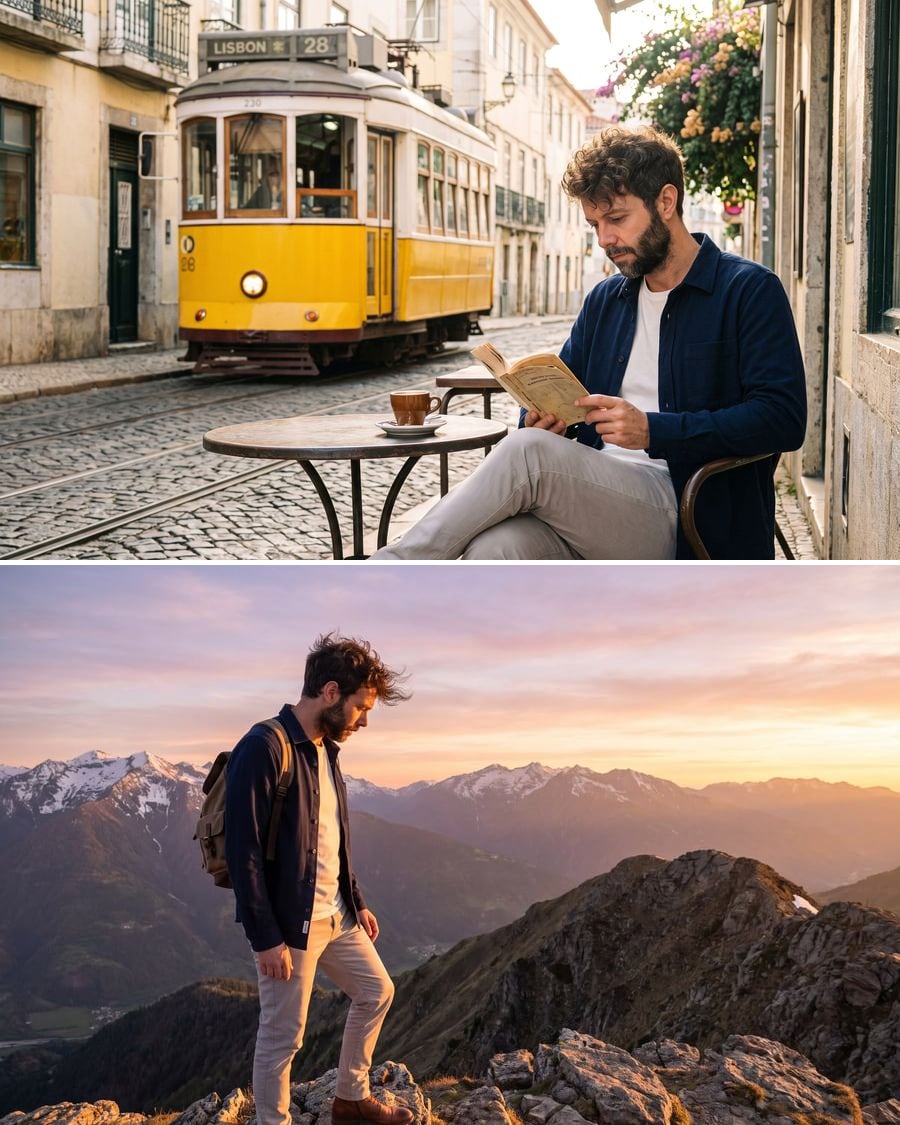 New
NewKeep the same character
One sheet, then every scene
A selfie becomes a four-view reference sheet, then the same character, face and outfit included, in as many scenes as you want. The workflow is shown here, no account needed.
Interactive demo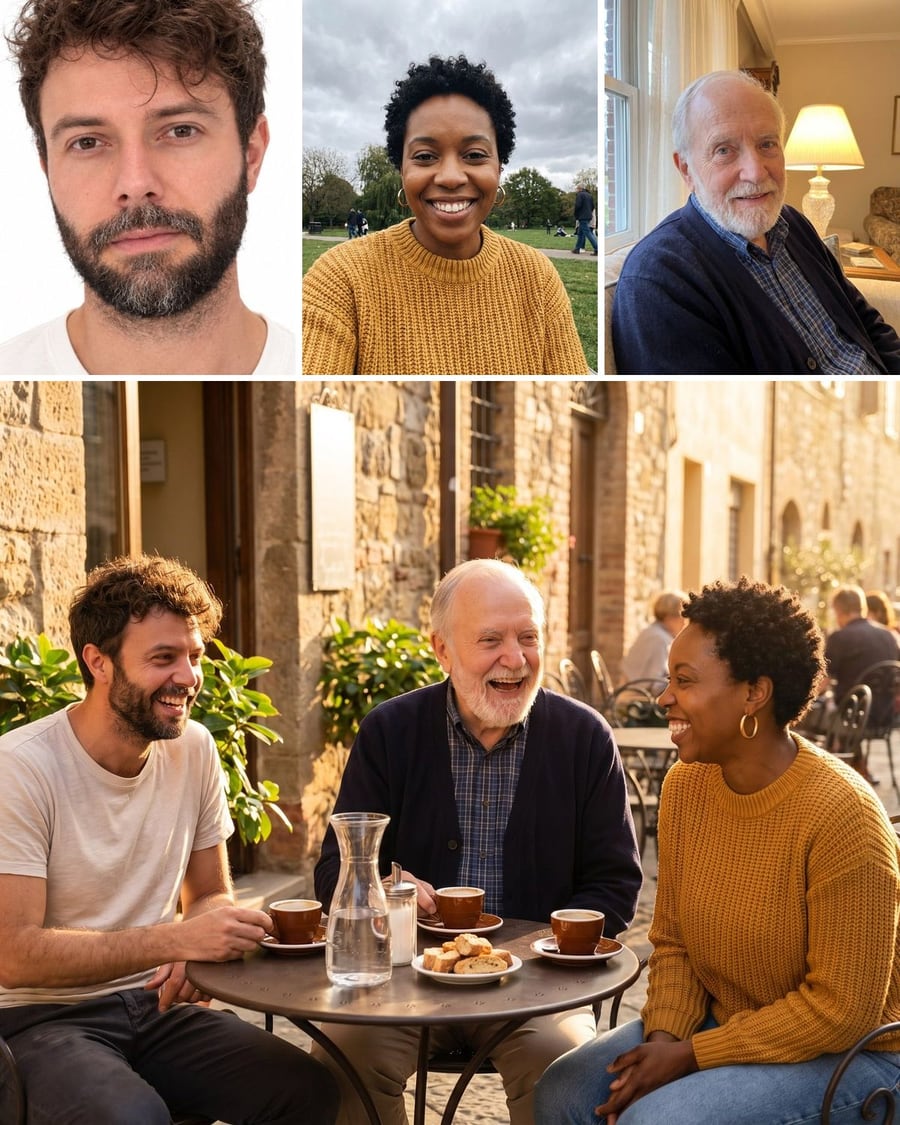 New
NewBring your loved ones together
Three portraits, one photo together
Three portraits taken separately become a single group photo, café terrace then ceremony, with all three faces recognisable. Workflow visible here, no account needed.
Interactive demo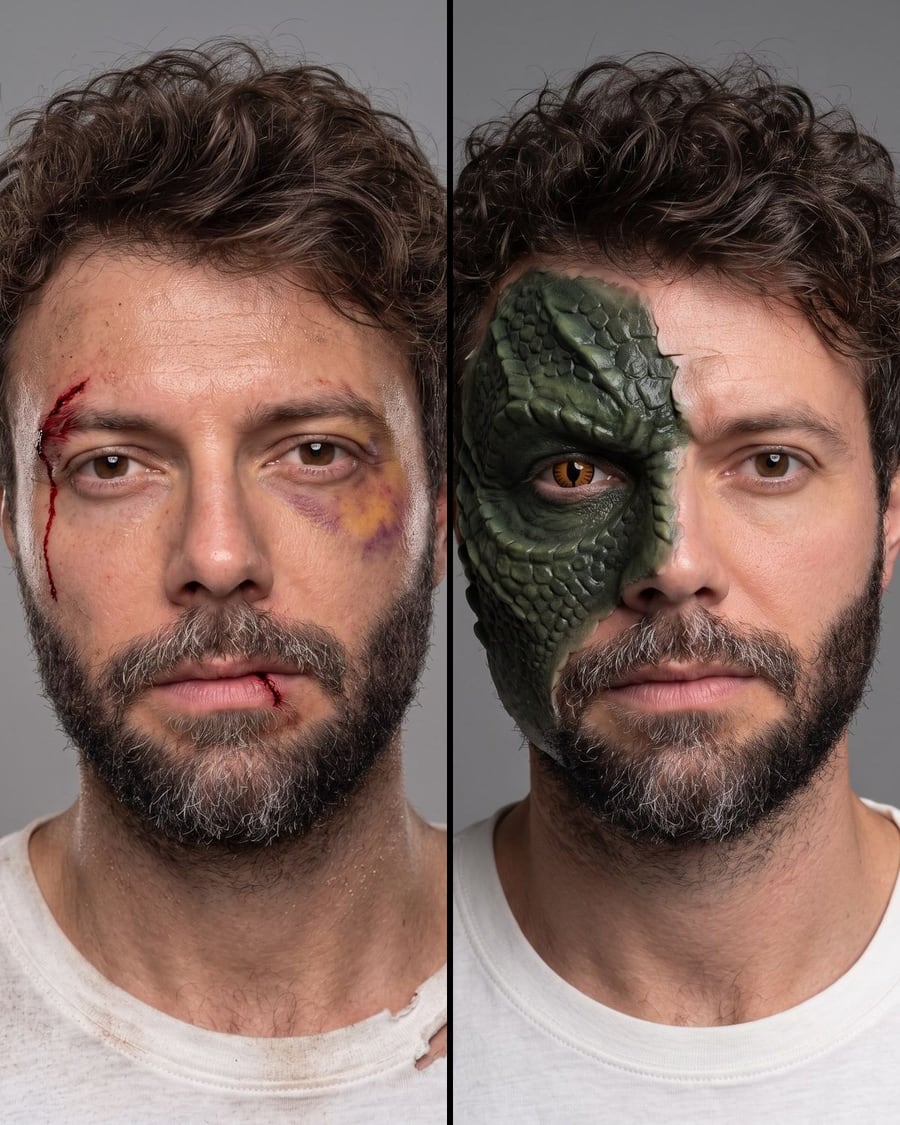 New
NewSpecial effects makeup
Two makeup tests, the same actor
An actor's photo becomes two film makeup tests, an injury and a creature prosthetic, without losing their face. Workflow visible here, no account needed.
Interactive demo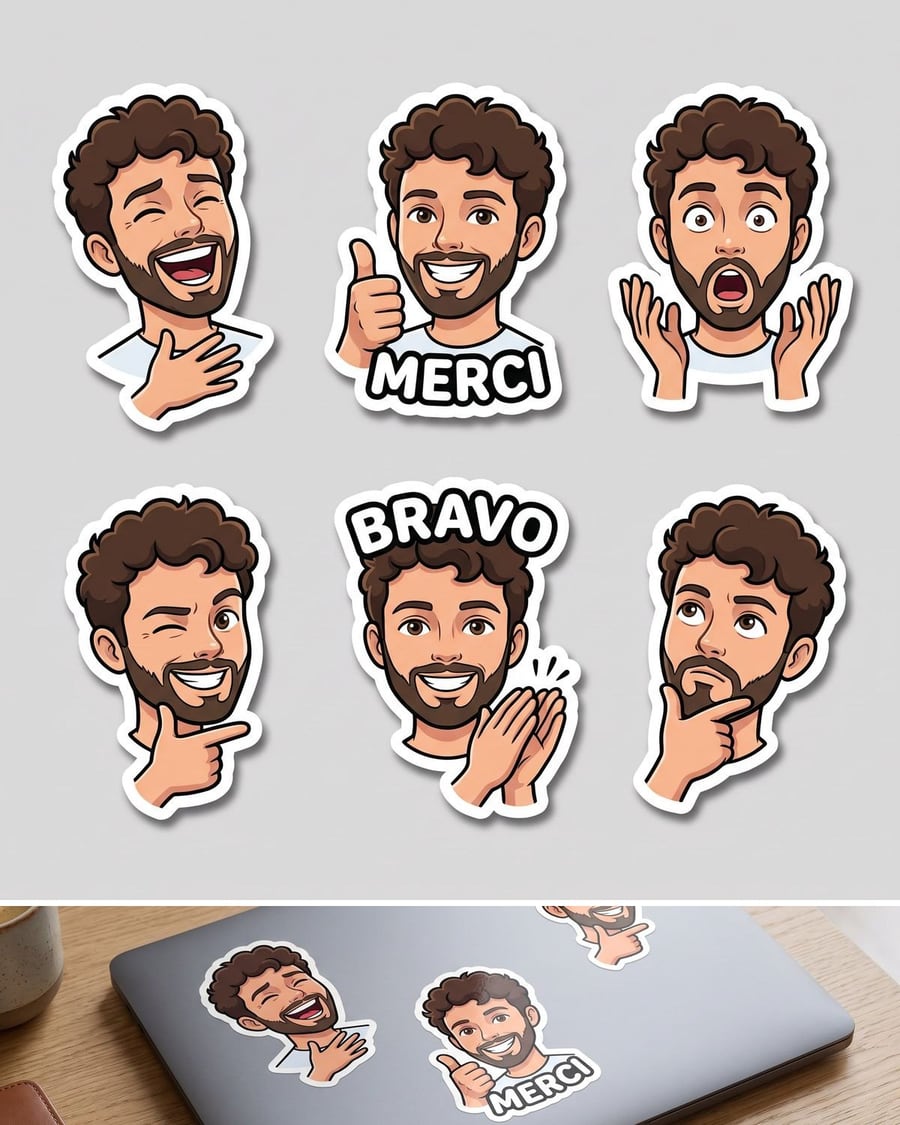 New
NewYour stickers
Six expressions, one face
Your photo becomes a sheet of six stickers, six expressions of the same face with their cut border, then a mockup on a laptop. Workflow visible here, no account needed.
Interactive demo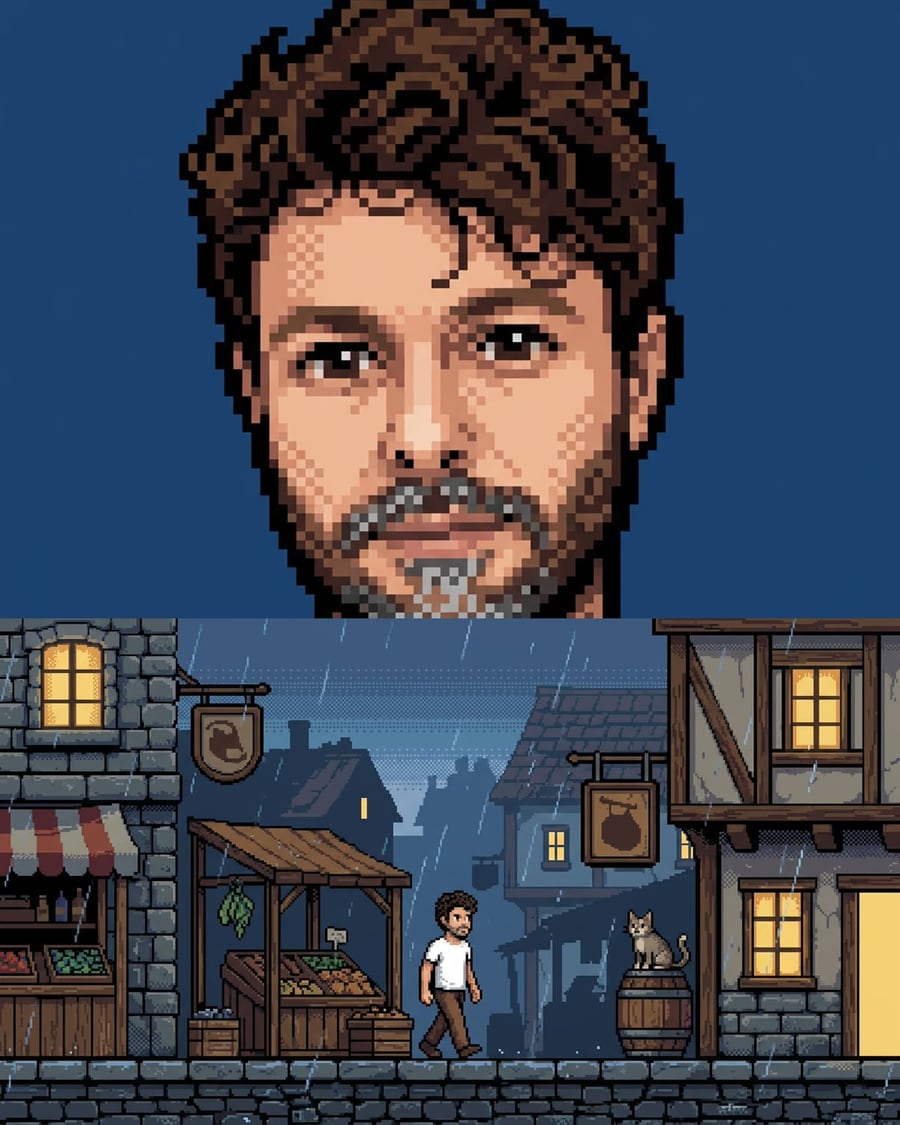 New
NewYour photo in pixel art
A real pixel, not a filter
Your photo becomes a 16-bit character portrait, then that portrait becomes the reference for the game scene, same palette and same pixel size. Workflow visible here, no account needed.
Interactive demo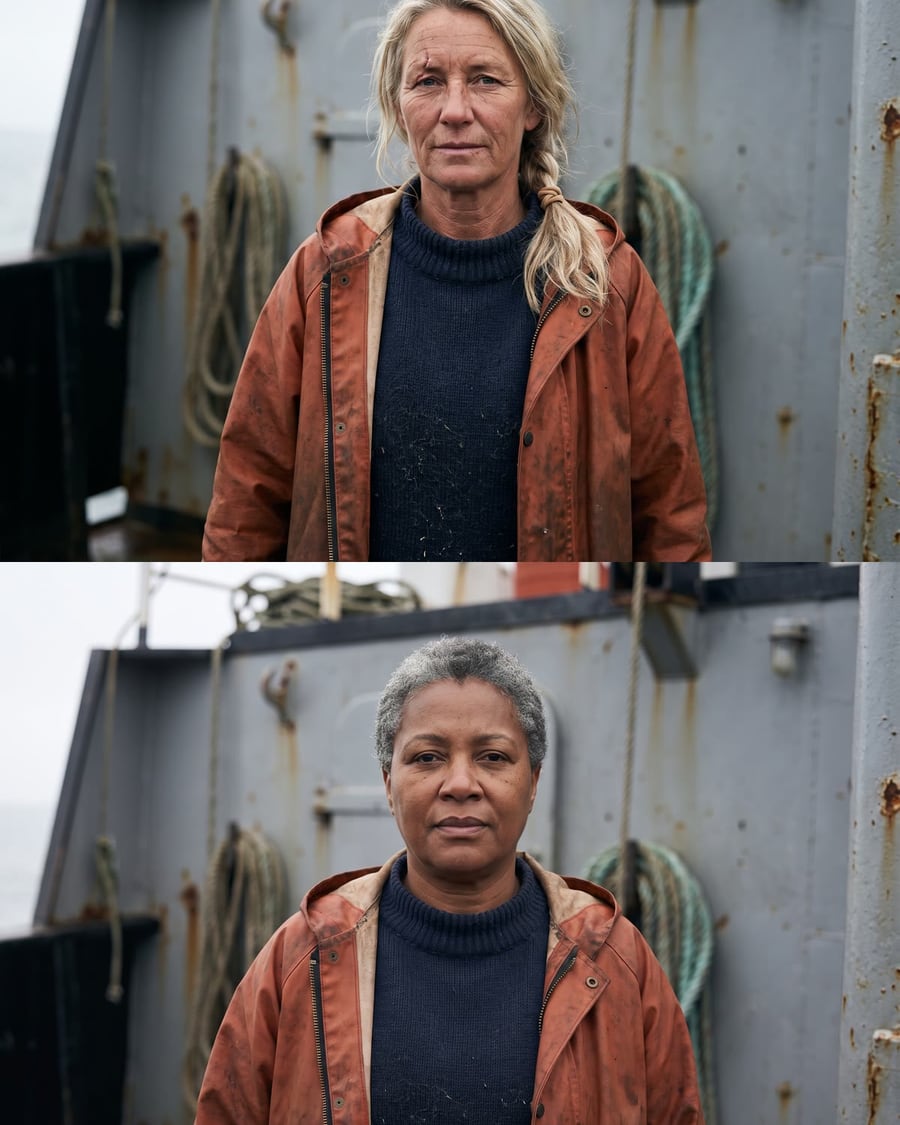 New
NewThe casting board
Two faces, the same test
A Text node describes the role, a first test photographs it, and the second keeps the framing and the light while the actress changes. Workflow visible here, no account needed.
Interactive demo New
NewCharacter sheets
Four-view sheet and portrait, from the text
The manuscript in PDF dropped on the canvas: one Text node writes the cast sheet, face, costume and bearing of each main character, then Nano Banana Pro draws for each one a four-view sheet and a tight portrait. About fifty credits for two characters, reusable in every other workflow. The whole workflow is visible without an account.
Interactive demoYou as an action figure
Your photo, sealed in a blister
A photo of you enters the canvas and comes out as a collector action figure: the blister with your name printed on it, the figure on its base, the open box with its accessories, plus a full turn on video. The whole workflow is visible without an account.
Interactive demo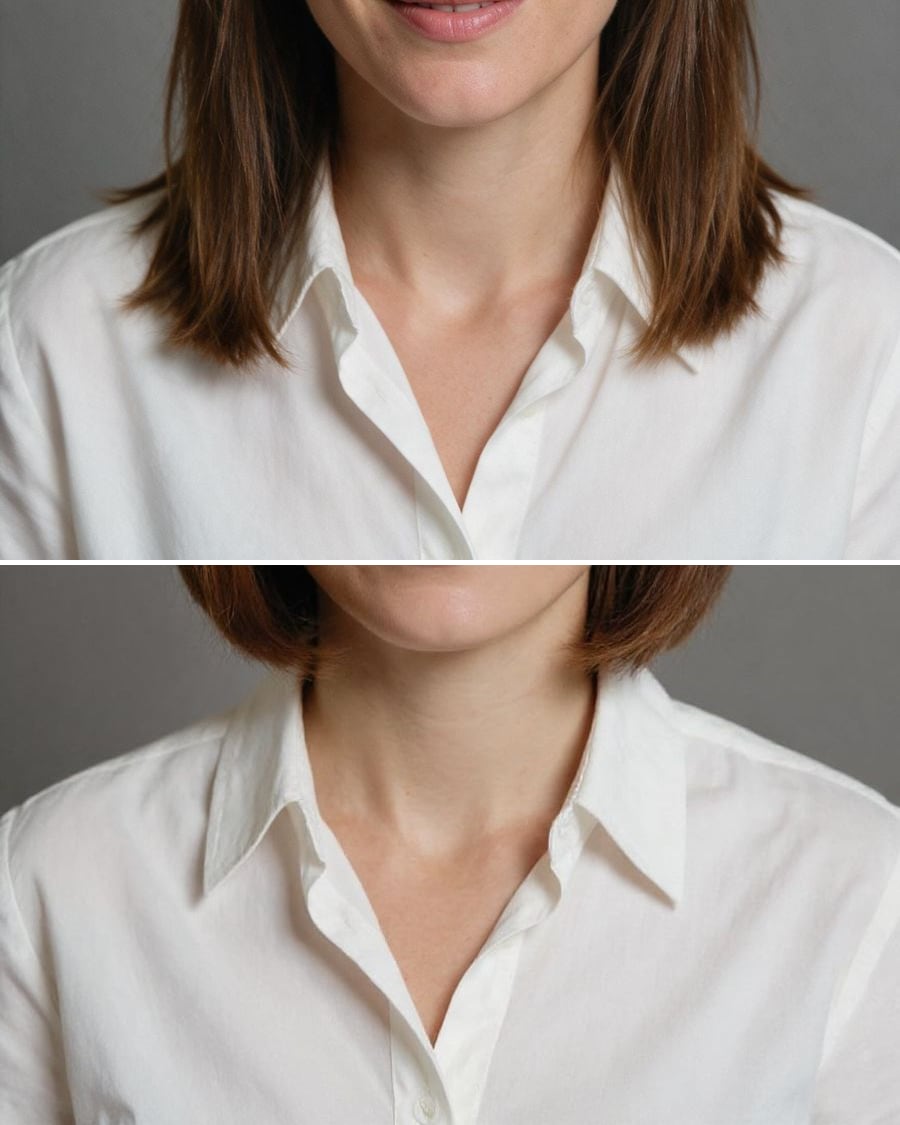 New
NewTry on a haircut
Three cuts, the same face
The same portrait edited three times by Flux Kontext, a short bob, long waves, a copper colour, with nothing else changing. The full workflow, no account needed.
Interactive demo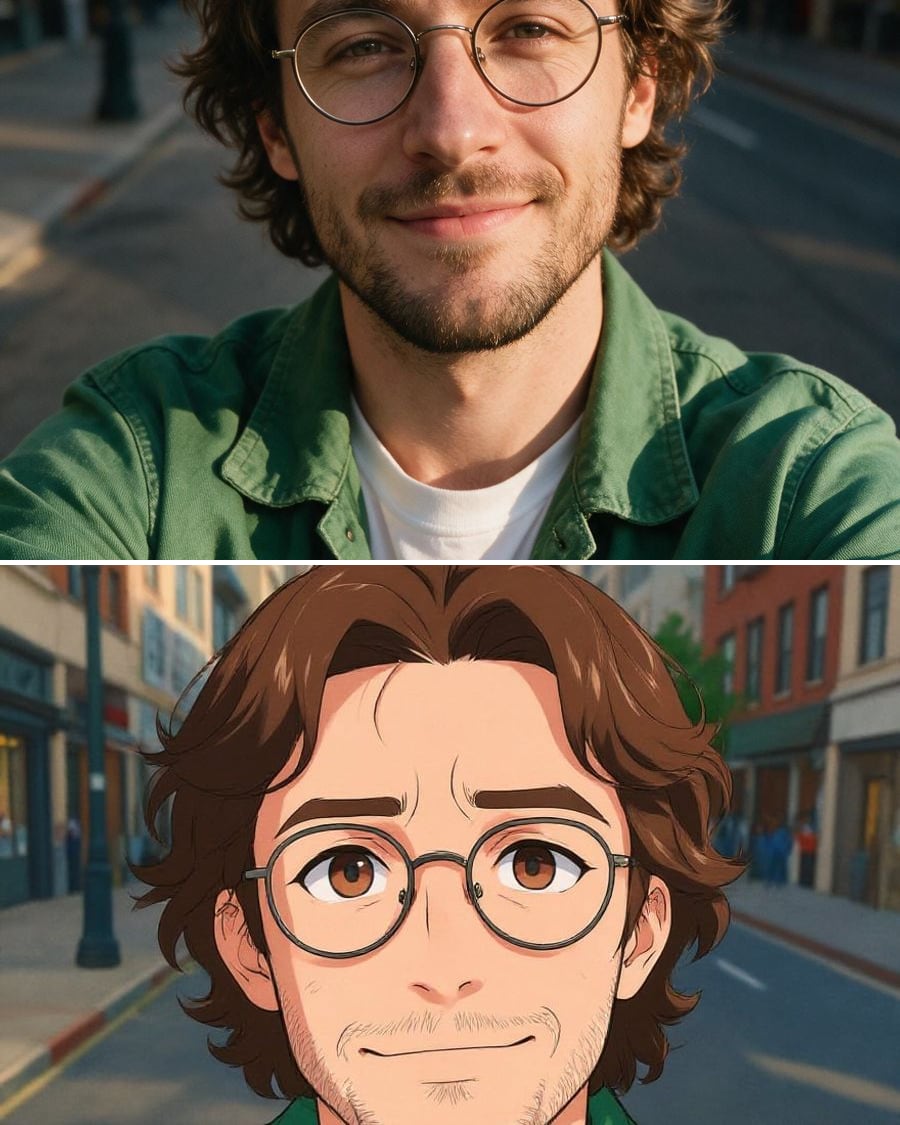 New
NewPhoto to anime, cartoon, 3D
The same selfie, three styles, still you
A selfie redrawn three times by Flux Kontext, as Japanese anime, as 2D cartoon and as a 3D animated film character, the face staying recognisable. The full workflow, no account needed.
Interactive demoAge your face
Your face in twenty years, then forty
Your photo today, the face you will have twenty years from now, then forty, and the video that plays the ageing between the two. The full workflow, no account needed.
Interactive demo
Pro headshot
A studio portrait for LinkedIn
Turn 2 or 3 selfies into studio portraits: a corporate version on a neutral backdrop and a bright office version, same person and the same polished light.
Interactive demoReal estate, home and garden
Simulate a facade job on the real house, see three kitchens in the real room, furnish an empty flat to sell it, declutter an occupied living room, redesign a garden from the terrace or redo a shopfront: these workflows work on your photo and keep the walls, the openings and the viewpoint.
 New
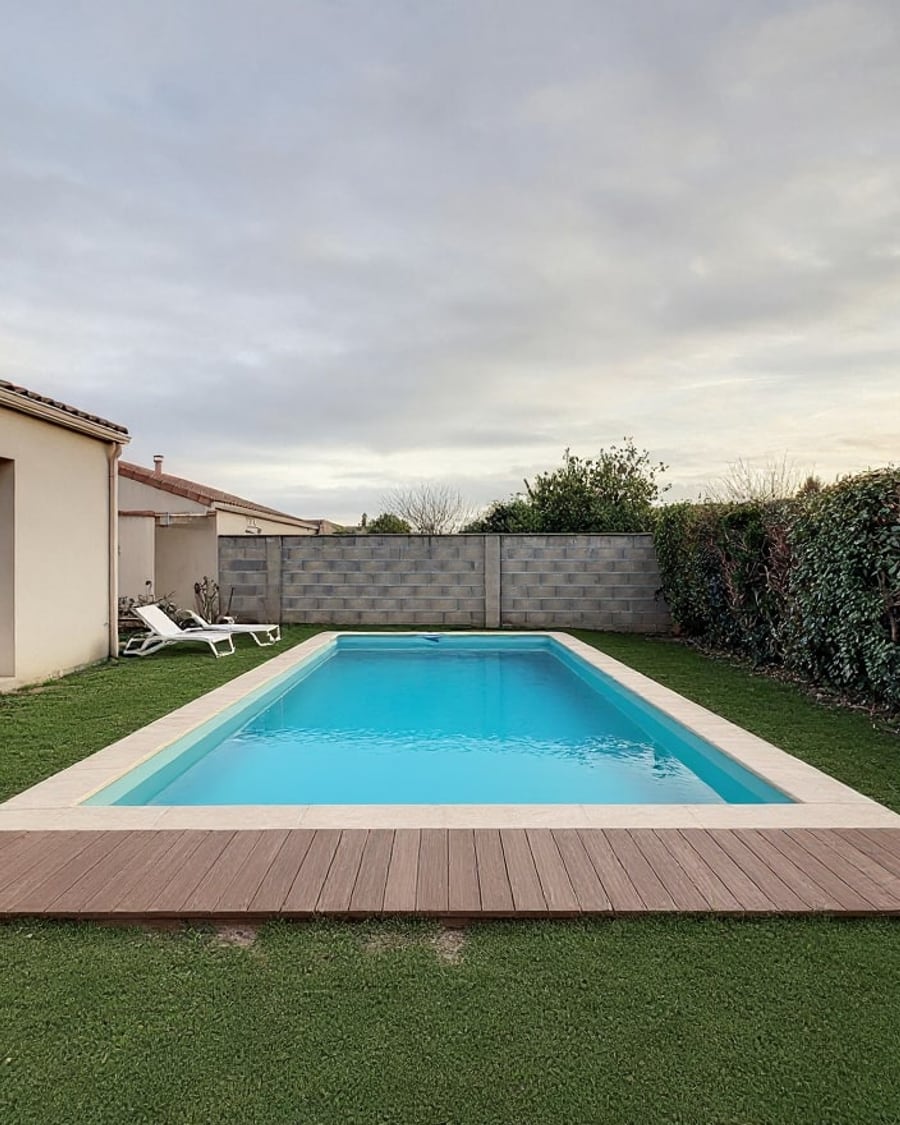
NewPool visualizer
Your garden, two pools
Your garden photo with a rectangular pool and then a natural swimming pond, to scale, house and hedge unchanged. To picture it before the quote. Workflow visible here, no account needed.
Interactive demo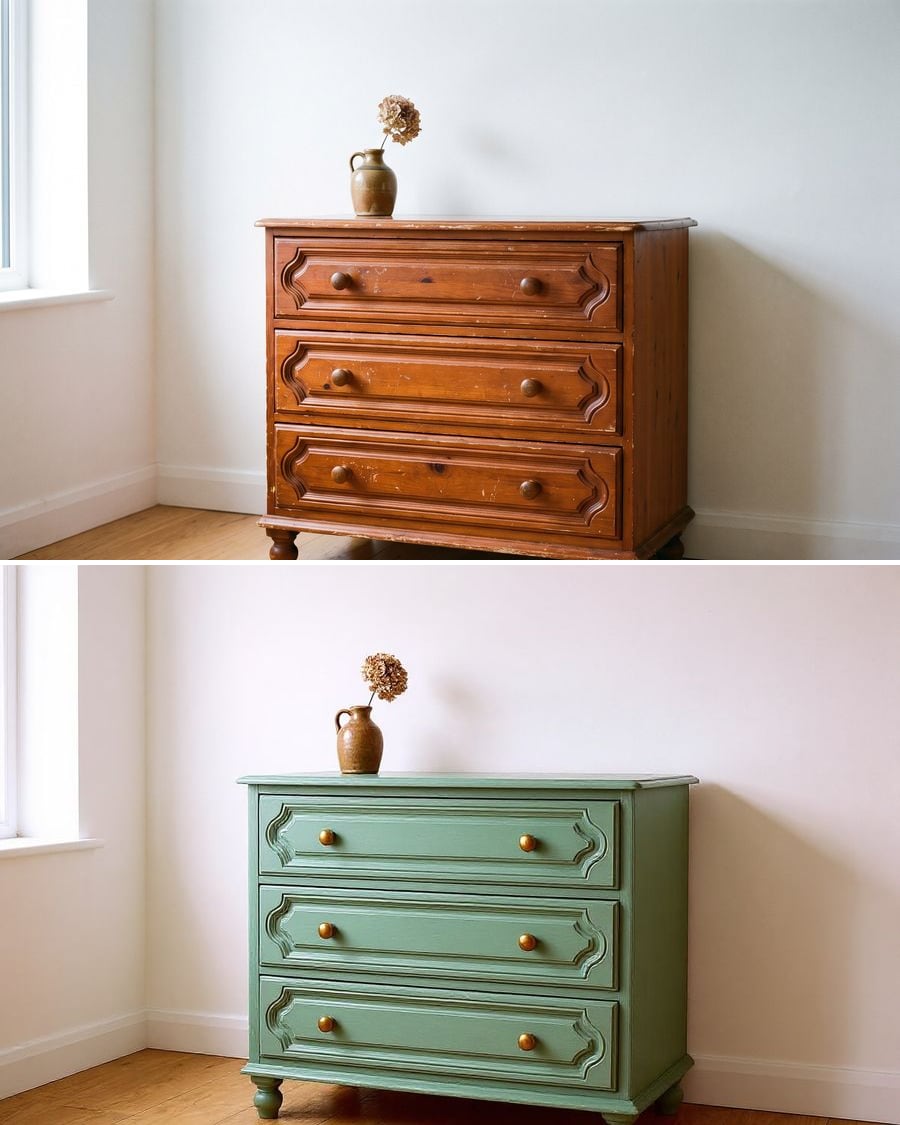 New
NewFurniture makeover
Your furniture, two makeovers
Your old furniture repainted two ways, colour and handles included, without changing its shape. To choose before sanding. Workflow visible here, no account needed.
Interactive demo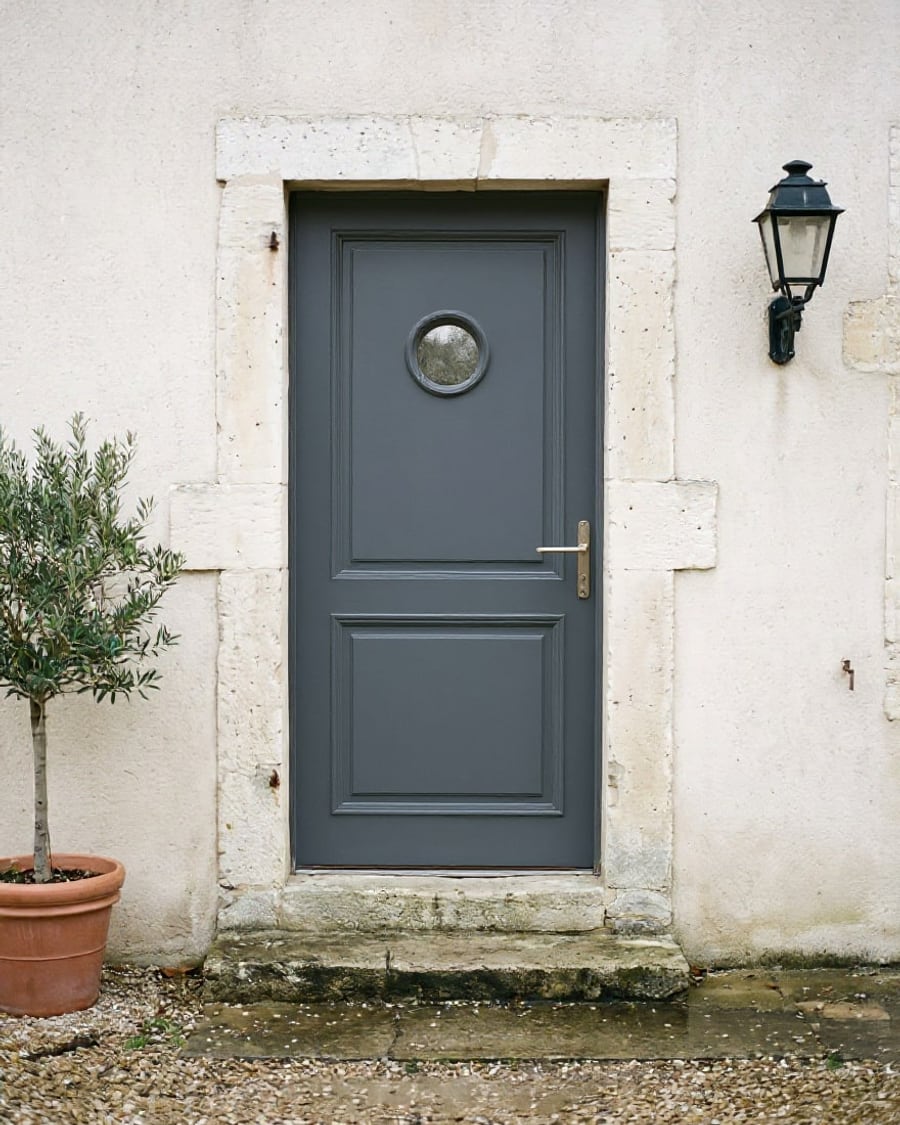 New
NewChange your front door
Your entrance, two doors
Your front door photo with two new designs, fitted in the same opening, wall and step unchanged. To choose colour and style before ordering. Workflow visible here, no account needed.
Interactive demo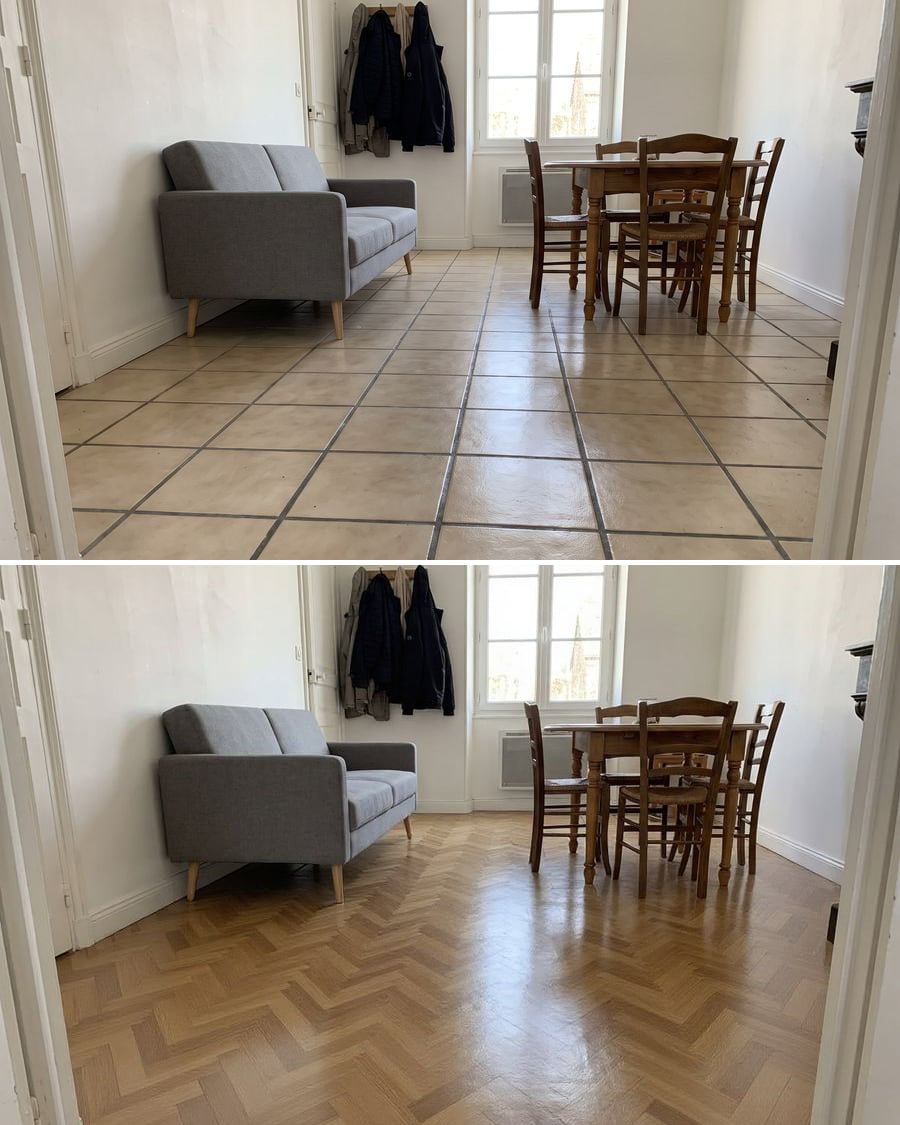 New
NewFloor tile and parquet visualizer
Your room, two floors
The photo of your room with large concrete-look tiles and then oak herringbone parquet, walls and furniture unchanged. To decide before the quote. Workflow visible here, no account.
Interactive demo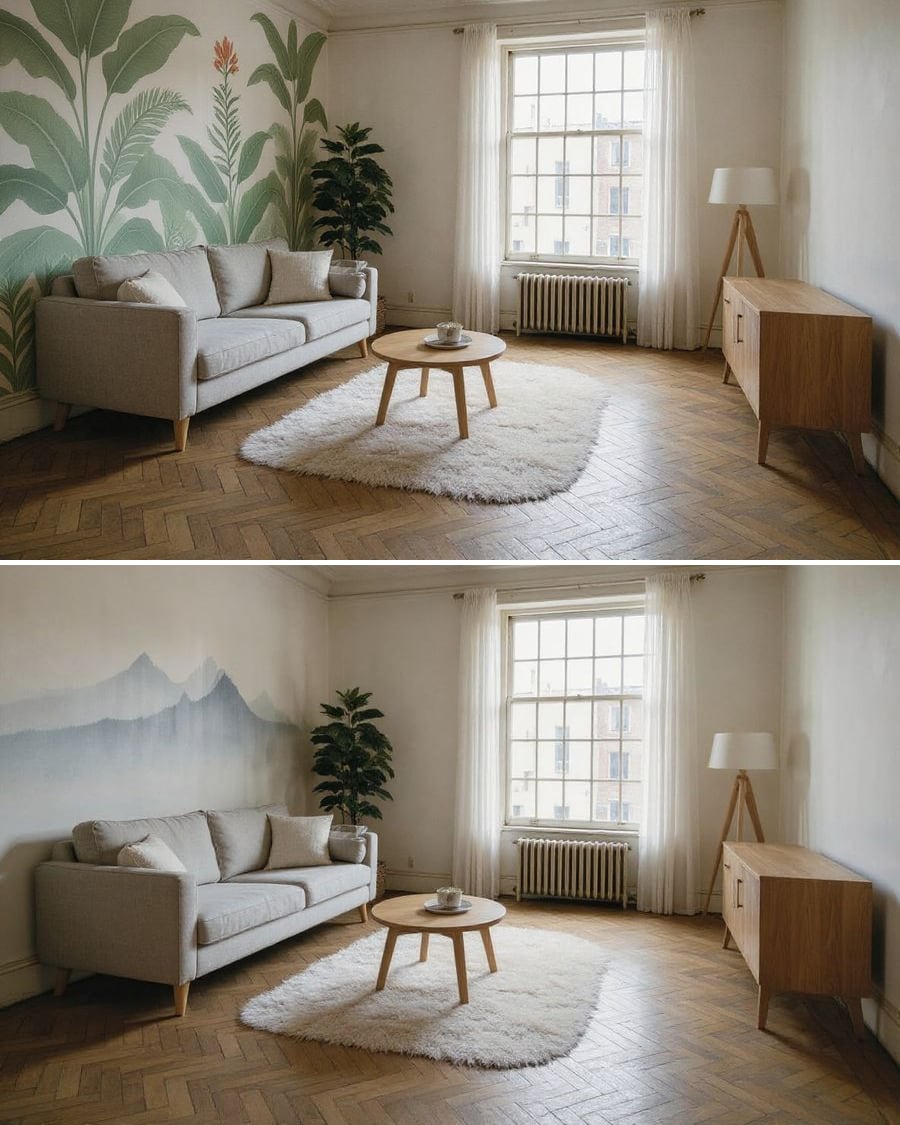 New
NewWall mural and wallpaper
Your wall, two looks
Your room photo with a painted mural and then a panoramic wallpaper on the same wall, furniture and light unchanged. To choose before you order. Workflow visible here, no account needed.
Interactive demo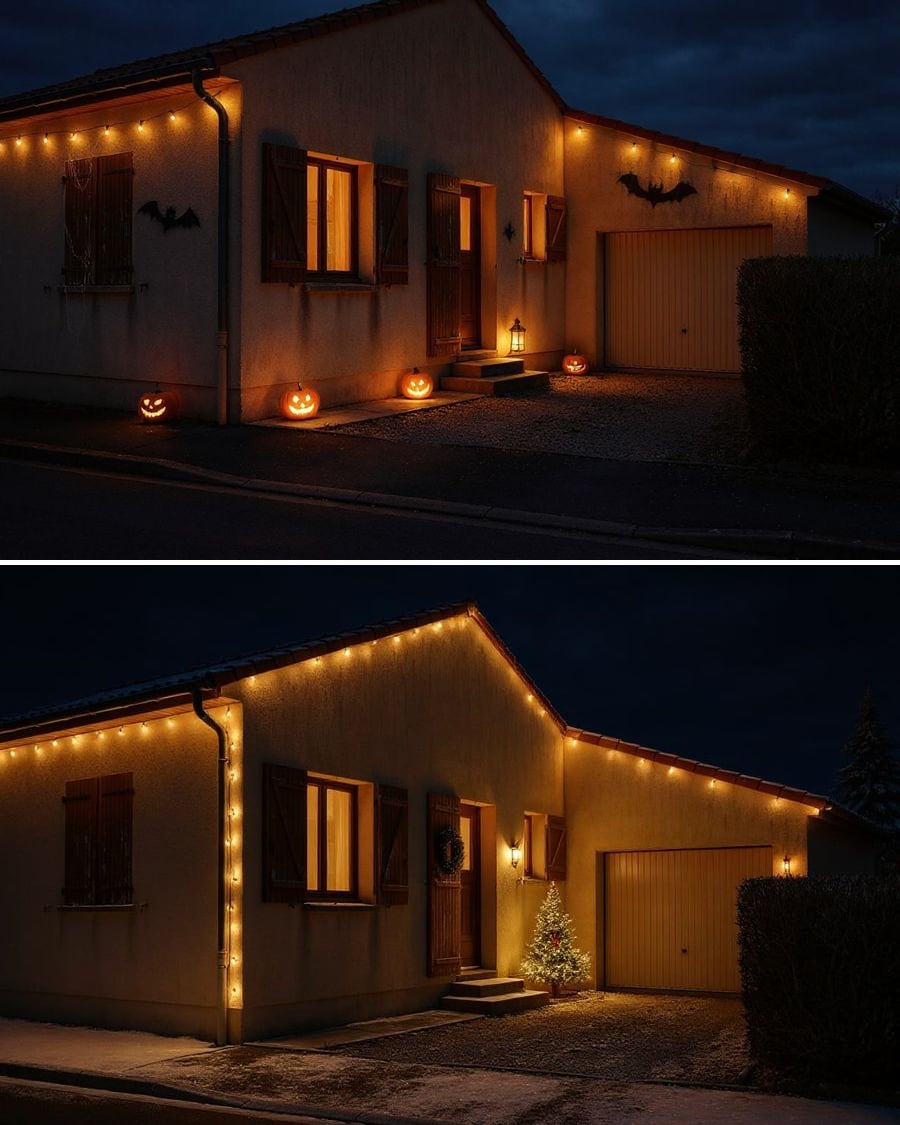 New
NewDecorate your house for the holidays
Your house, Halloween then Christmas
Your house front, decorated for Halloween and then for Christmas, the house unchanged. To choose lights and decorations before you buy. Workflow visible here, no account needed.
Interactive demo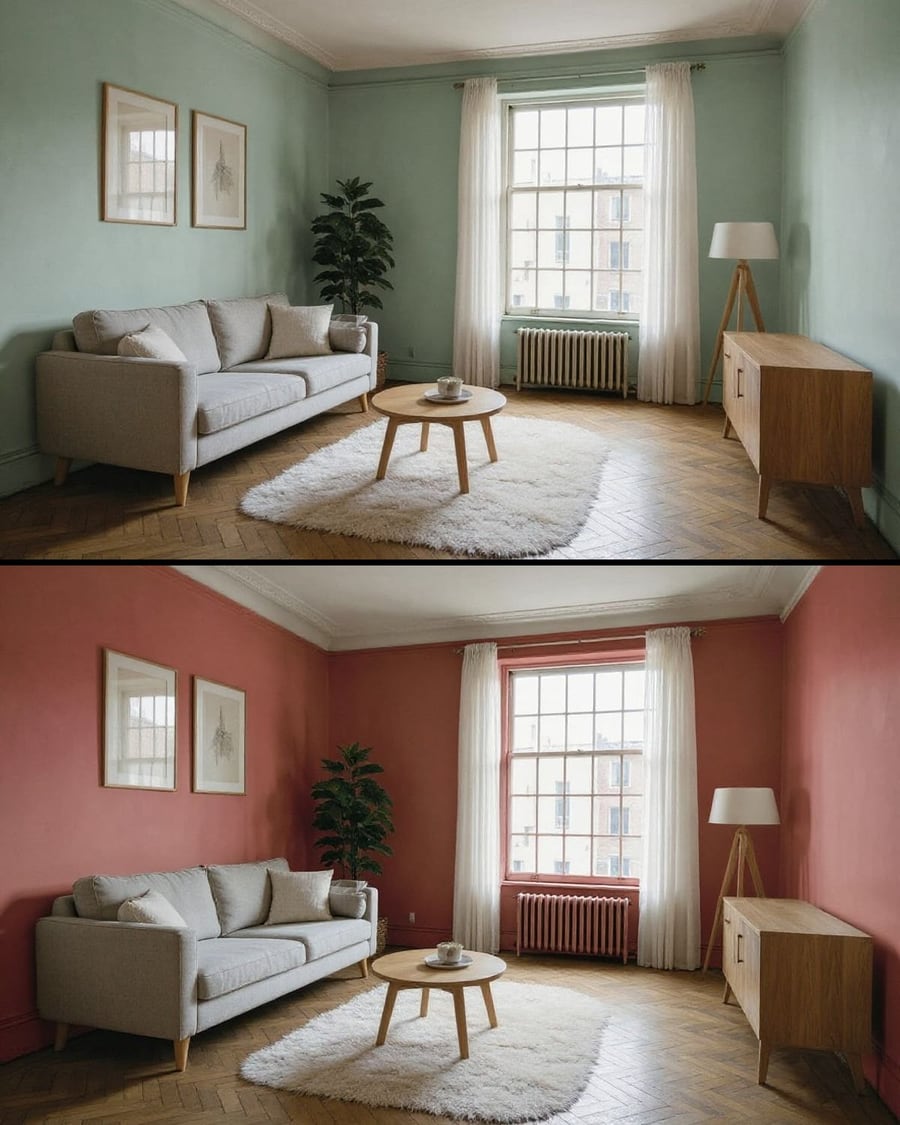 New
NewTest a paint colour
The same room, two wall colours
Your room photo with the walls repainted in two colours, furniture, floor and window unchanged. To pick a colour before buying the paint. Workflow visible here, no account needed.
Interactive demoYour floor plan in 3D
The plan, the model, then the camera
Your 2D floor plan becomes a furnished 3D model seen from above, rooms where the plan puts them, then a video that orbits around it. Workflow visible here, no account needed.
Interactive demoThe video of your listing
Your photos become a walkthrough
Two photos of the property go into two Wan 3.0 nodes as the start image and come back as five second shots, without a single piece of furniture moving. Workflow visible here, no account needed.
Interactive demo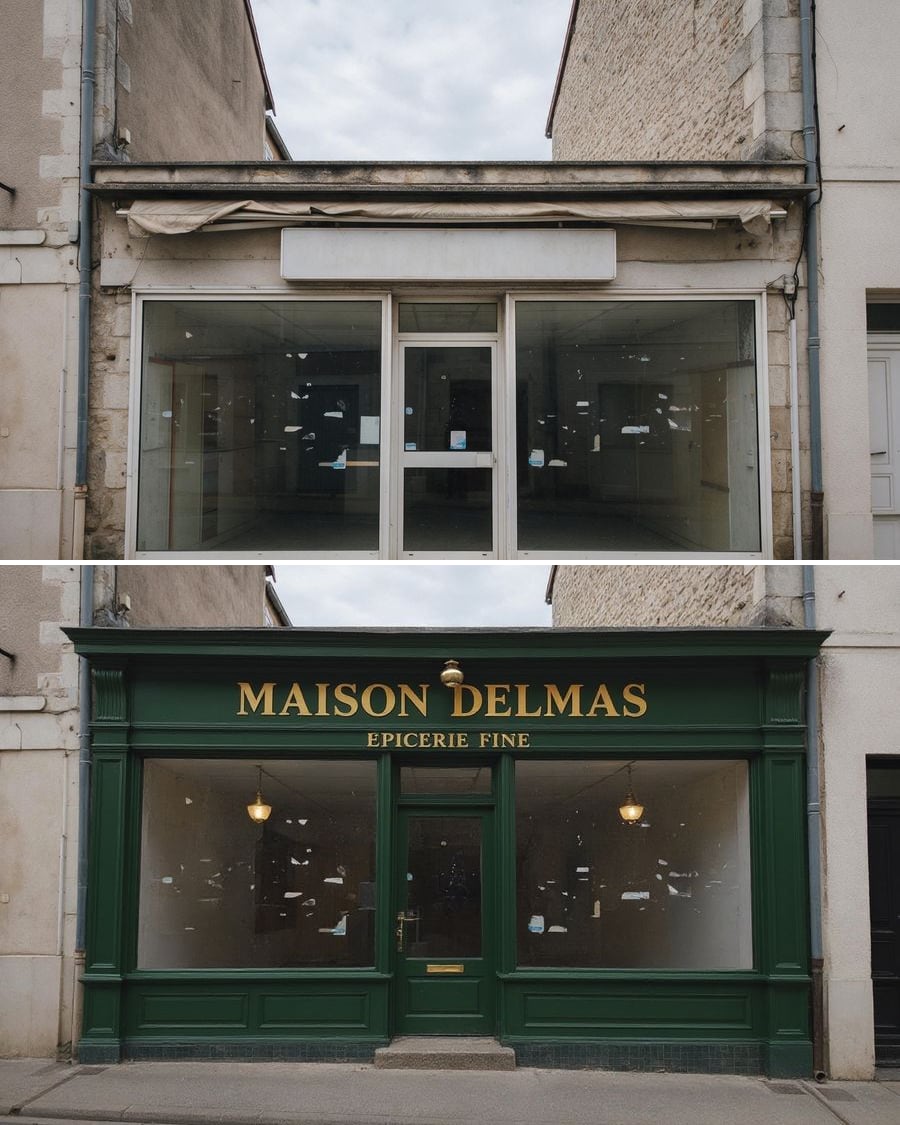 New
NewRedo your shopfront
Three shopfronts, one shop
A photo of your shopfront goes into three Image nodes that redo it three ways: timber and English green, black and brass, cream with a striped awning. The full workflow is visible here, no account needed.
Interactive demo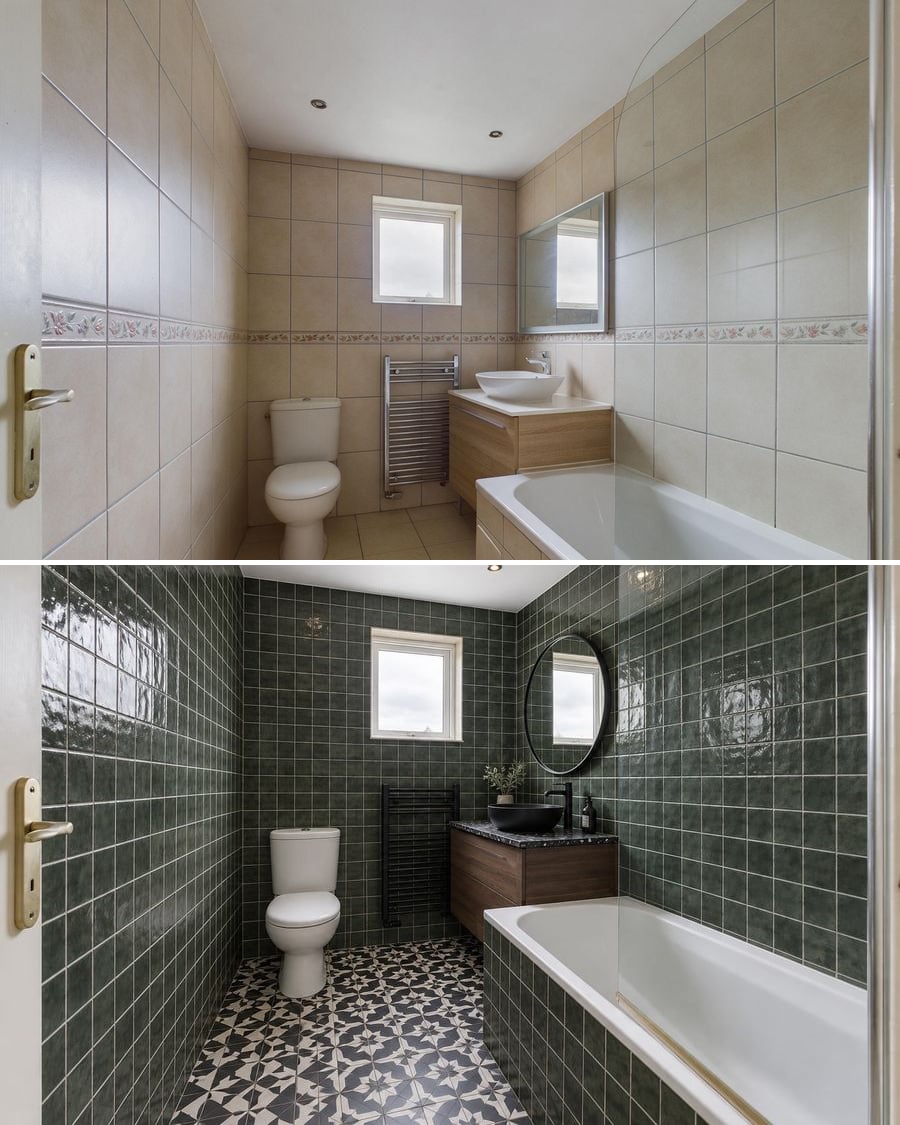 New
NewRenovate your bathroom
Three budgets, one room
A photo of your bathroom goes into three Image nodes that each rework it on a different budget: refresh without breaking anything, rebuild it light, rebuild it dark. The full workflow is visible here, no account needed.
Interactive demo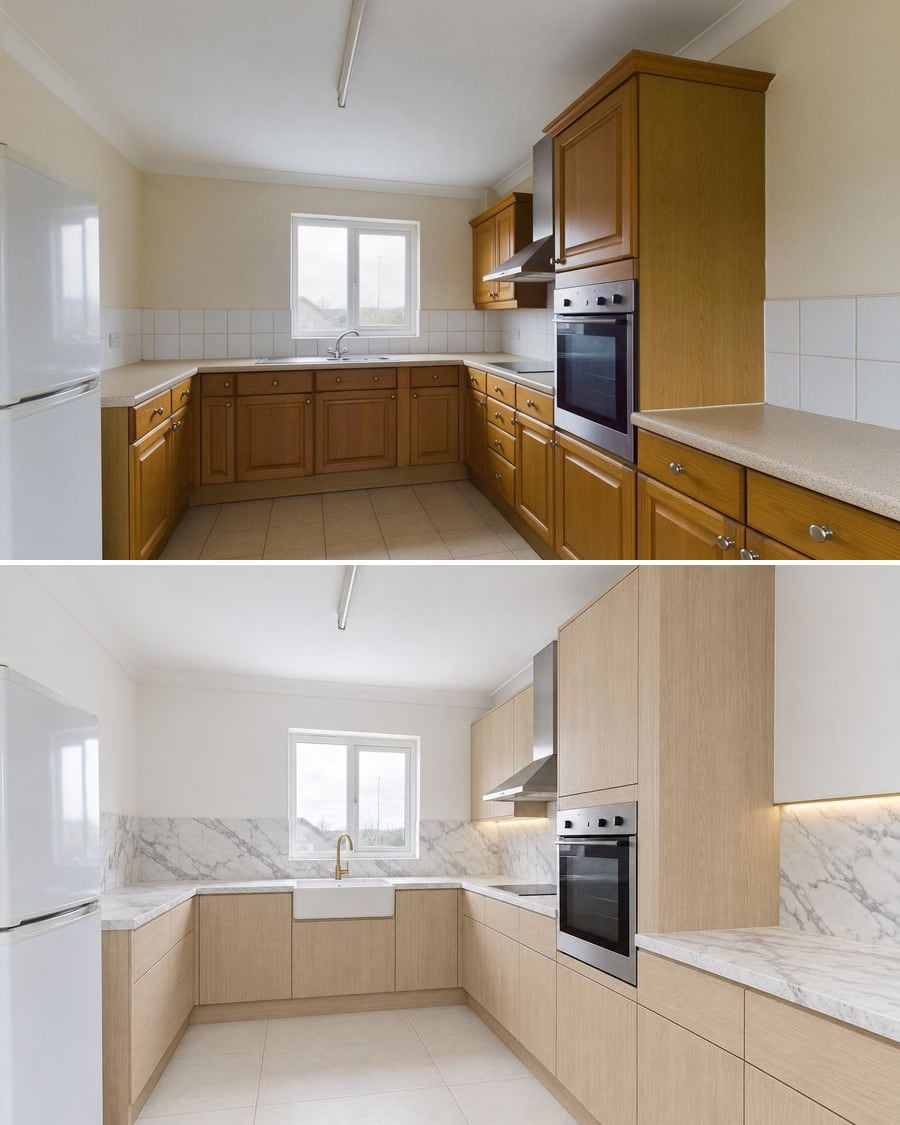 New
NewRedesign your kitchen
Three budgets, one room
A photo of your kitchen goes into three Image nodes that each rework it on a different budget: repaint the doors, rebuild it light, rebuild it dark. The full workflow is visible here, no account needed.
Interactive demo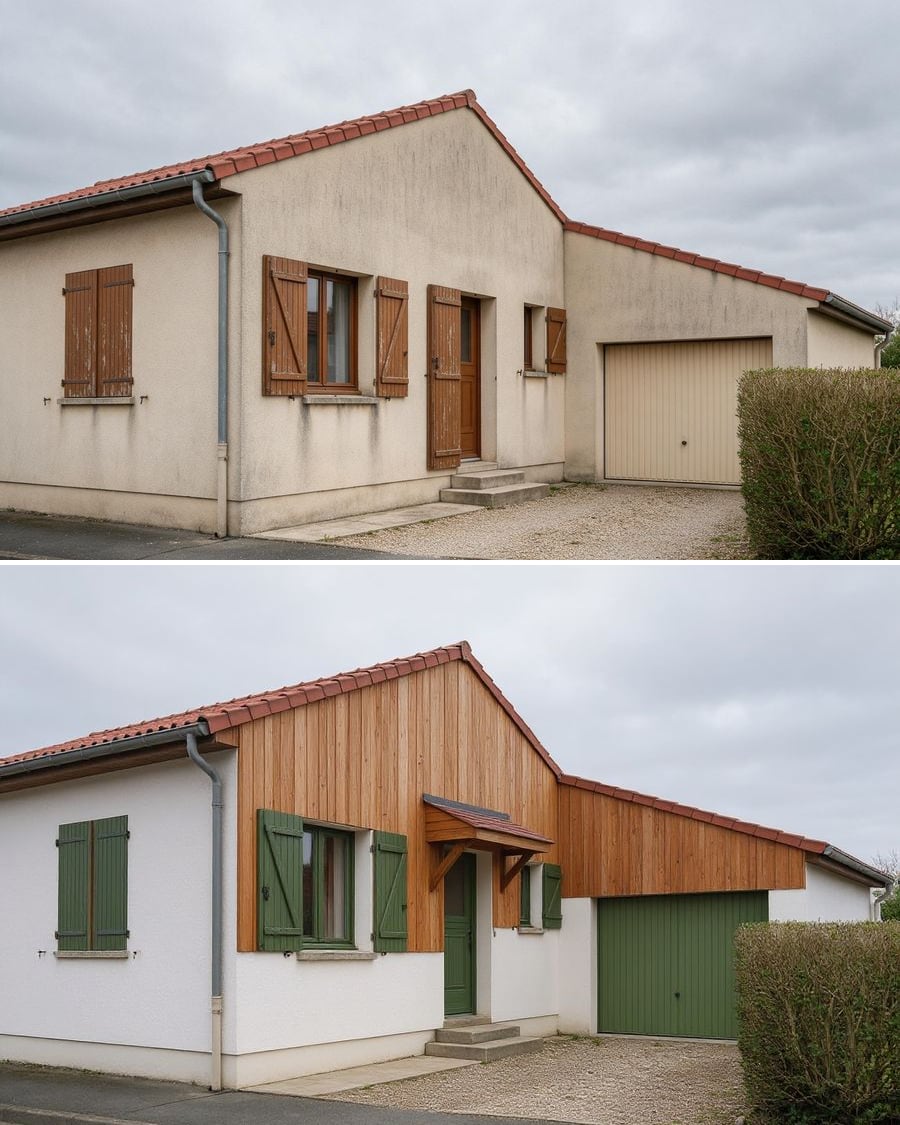 New
NewSimulate a render job
Three projects, one facade
A photo of your house goes into three Image nodes that renovate it three ways: pale render with anthracite joinery, timber cladding, external wall insulation. The full workflow is visible here, no account needed.
Interactive demo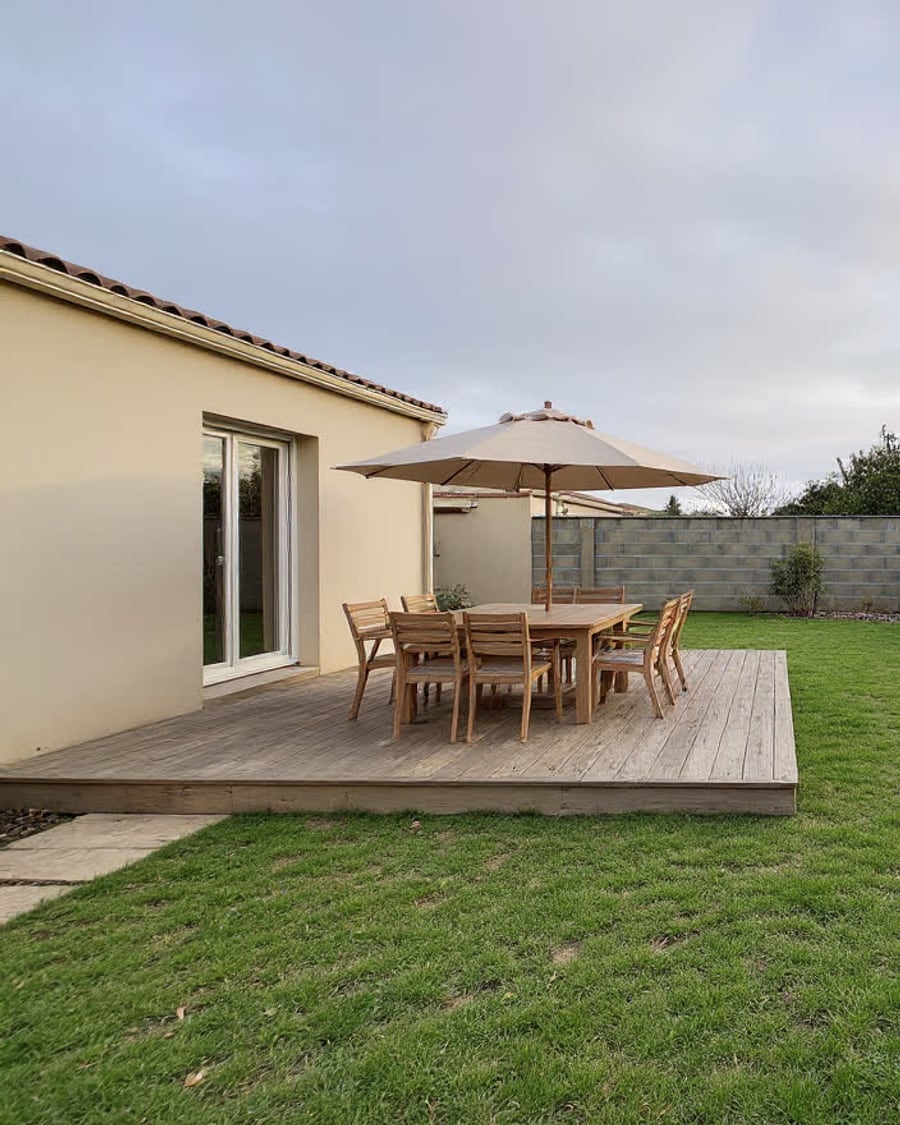 New
NewRedesign your garden
Three projects, one plot
A photo of your garden enters the canvas and comes out as three landscaping projects: deck and dining area, mediterranean garden with no lawn, natural beds. The house stays put, only the ground changes. Visible without an account.
Interactive demo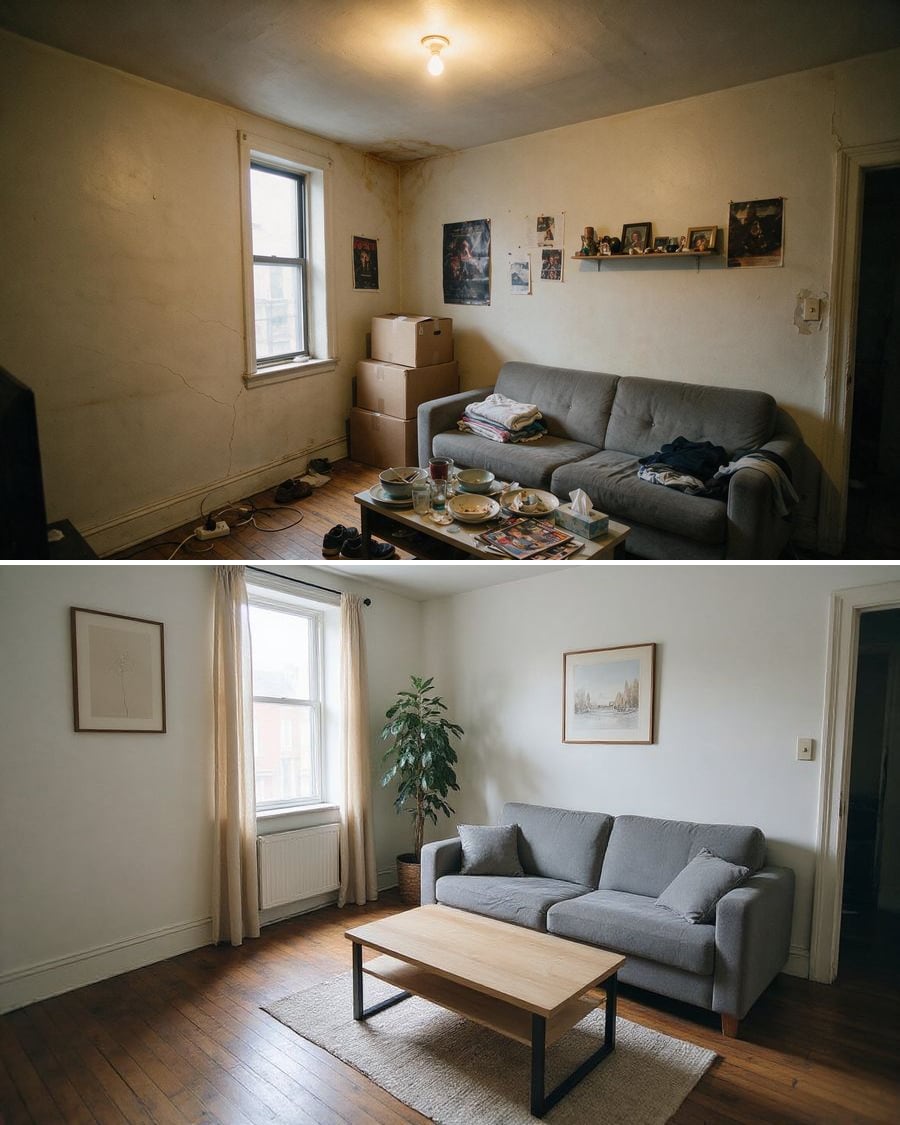 New
NewDeclutter a room
The clutter goes, the flaws stay
A photo of a lived-in interior loses its boxes, laundry and dishes, then catches up on the light. The flaws of the property stay visible. The full workflow, no account needed.
Interactive demo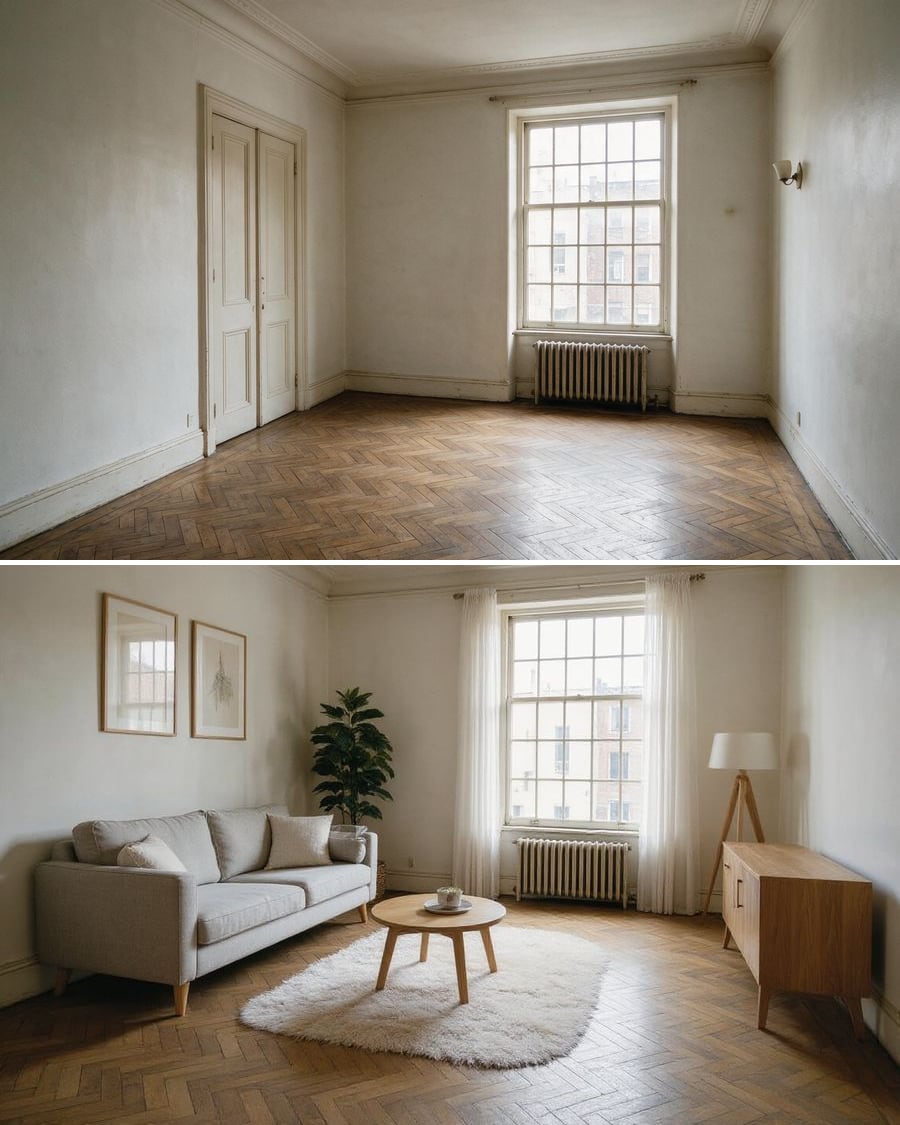 New
NewFurnish an empty room
Three styles for the same bare room
The photo of an empty property, furnished in three styles at once: Scandinavian, family, home office. The building itself stays put, only the furniture changes. The full workflow, no account needed.
Interactive demoRenovate in a photo
A dated interior, renovated on screen
Turn the photo of a dated room into a renovated interior, then generate the transformation video between the before and the after: the tool for property listings that stop the scroll.
Interactive demoE-commerce and product photos
A complete product shoot from two photos, a garment worn without a model, a virtual try-on, a fashion shoot, a dish photo for the menu, a clean secondhand listing, a label or a mockup: these workflows produce the visuals of a product page or a shop.
Unboxing video
The closed box, then the product in hand
The photo of your product becomes a vertical unboxing video: ribbon, lid, tissue paper, then your product in hand. The workflow is shown here, no account needed.
Interactive demo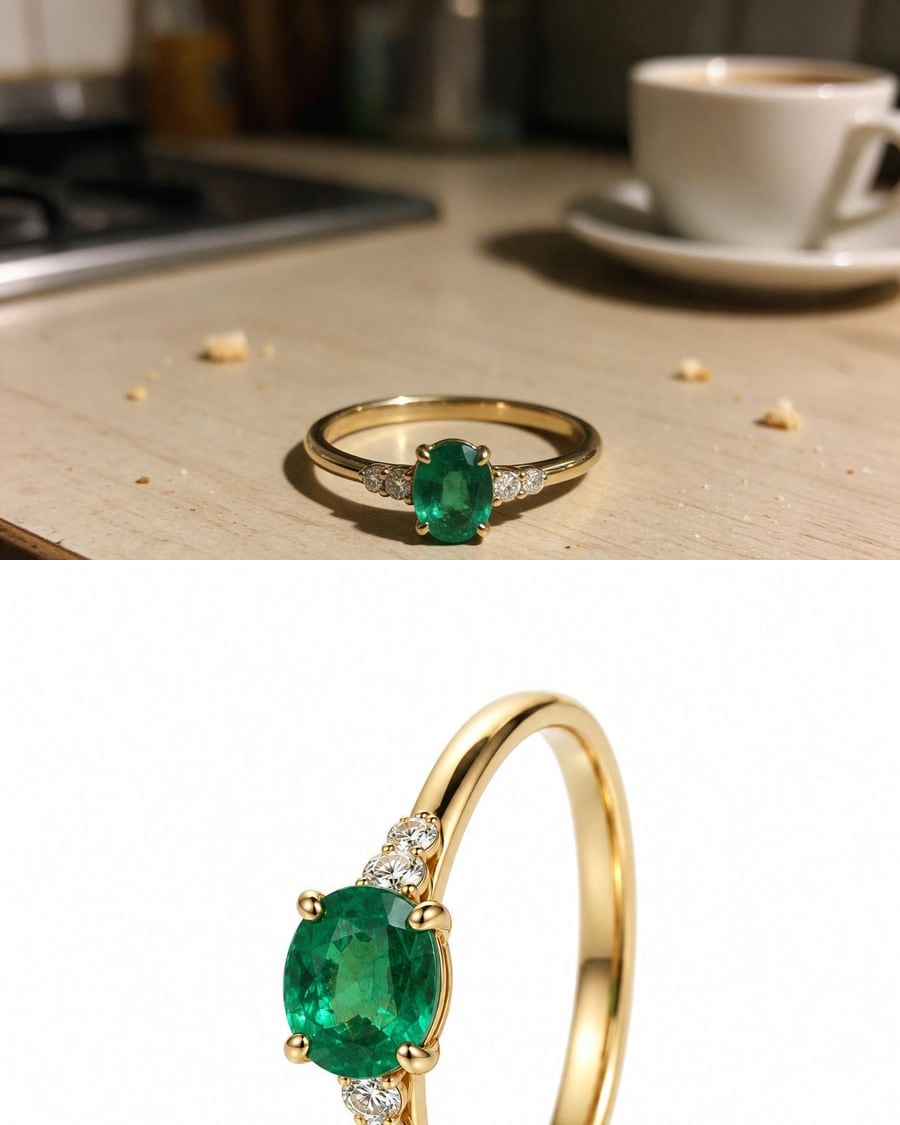 New
NewJewelry photography
The packshot, then the ring worn
A phone photo of a jewel becomes a macro packshot on a white background and a worn photo, same setting and same stones. The workflow is shown here, no account needed.
Interactive demo360° product video
The packshot, then the full turn
The photo of your product becomes a packshot on a podium, then a five-second 360° video, shape and details kept. For a product page or an ad. The workflow is shown here, no account needed.
Interactive demo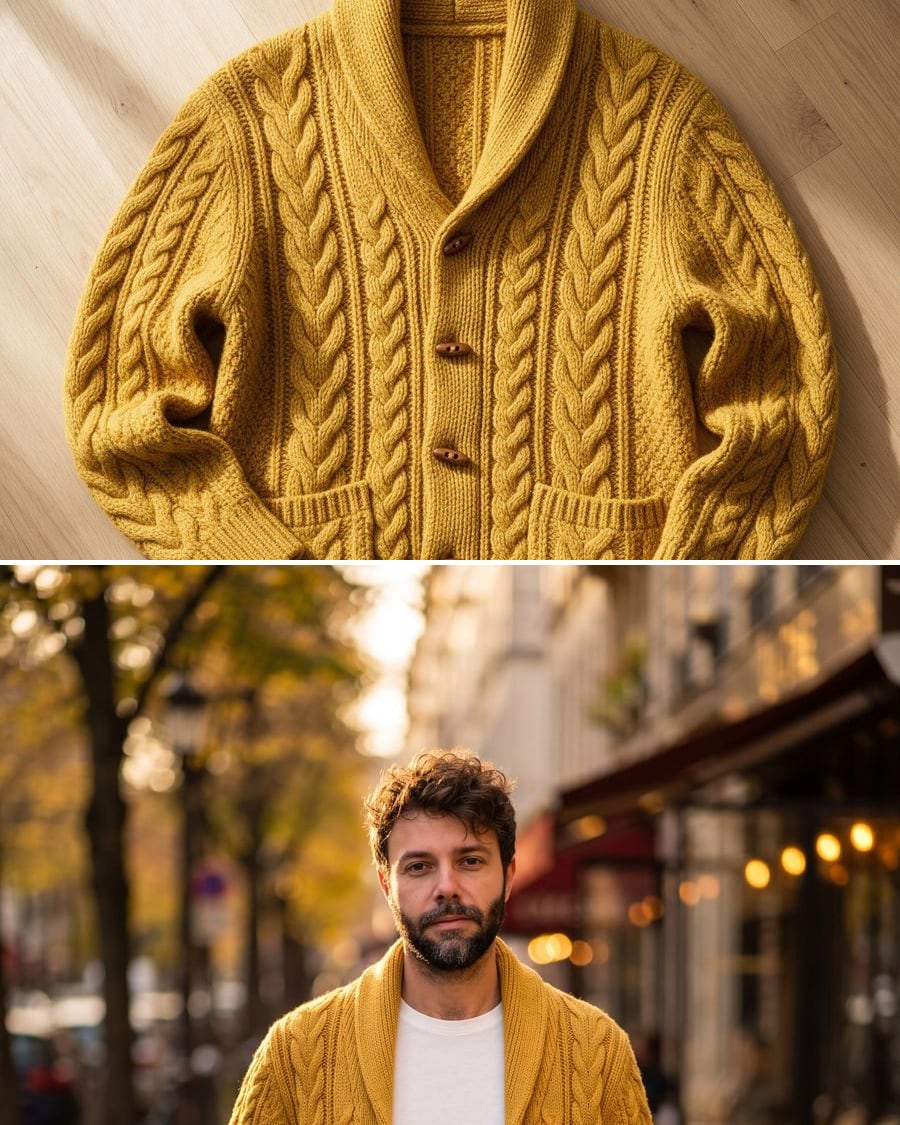 New
NewPut a flat lay garment on a model
From flat to worn, two photos
A photo of a garment laid flat and a photo of a model become a white background product shot and a worn photo outdoors, the garment intact. The workflow is shown here, no account needed.
Interactive demo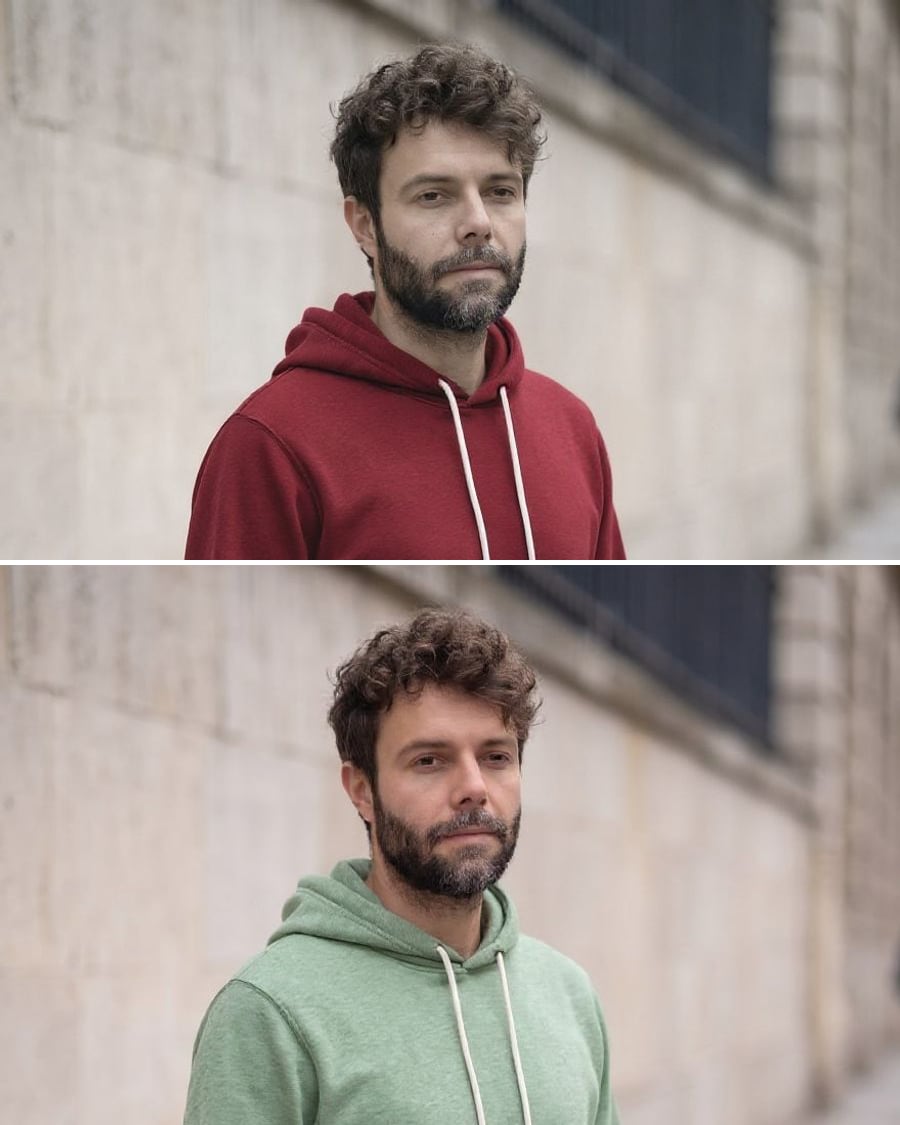 New
NewChange the colour of a garment
The same garment, two colourways
A photo of a worn garment, recoloured in two shades, same cut, same folds, same model. Every colourway of a product page without a new shoot. The workflow is shown here, no account needed.
Interactive demo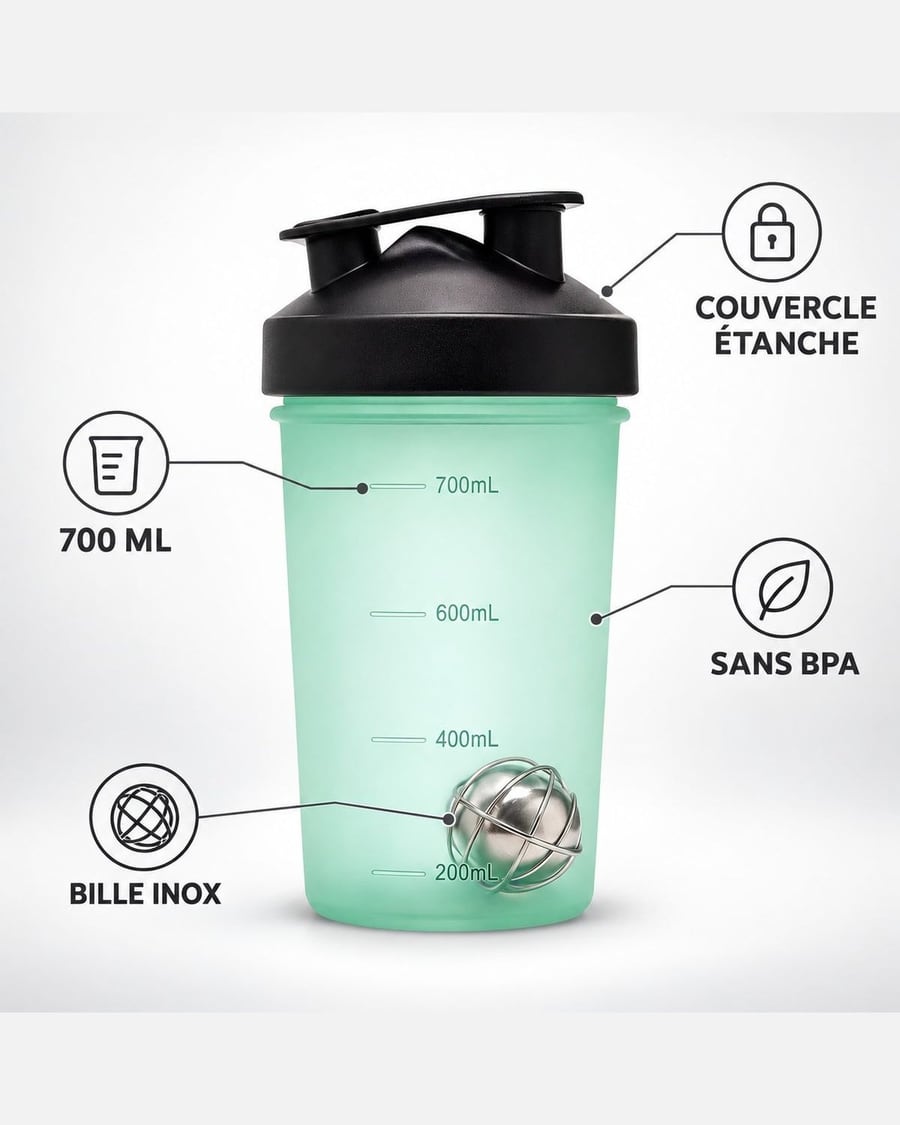 New
NewYour product infographic
The selling points, then the dimensions
Your product photo becomes two listing images: four selling points written around the product, then its dimensions, product unchanged. Workflow visible here, no account needed.
Interactive demo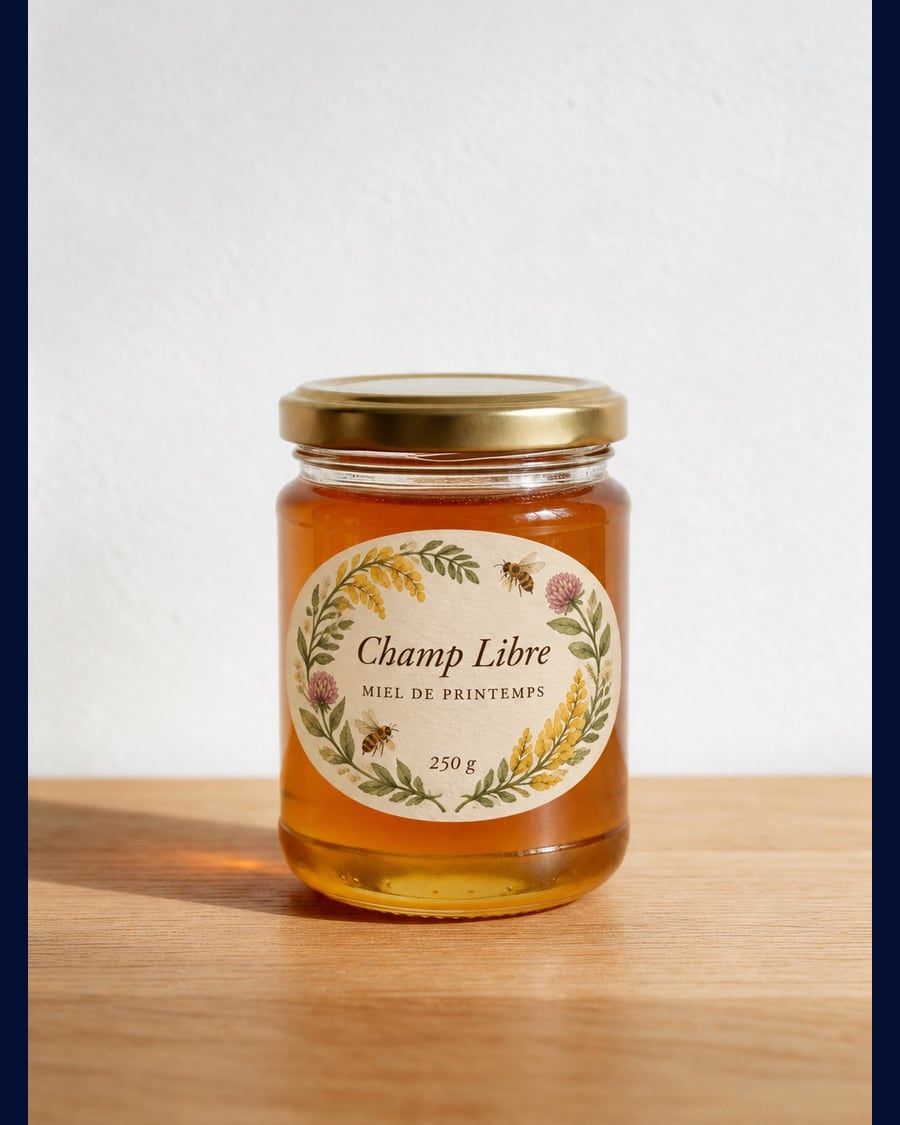 New
NewProduct label
One jar, three labels
The photo of your bare product goes into three Image nodes that put three different labels on it, brand name and wording written into the image: typographic on kraft, botanical watercolour, bold colour block.
Interactive demo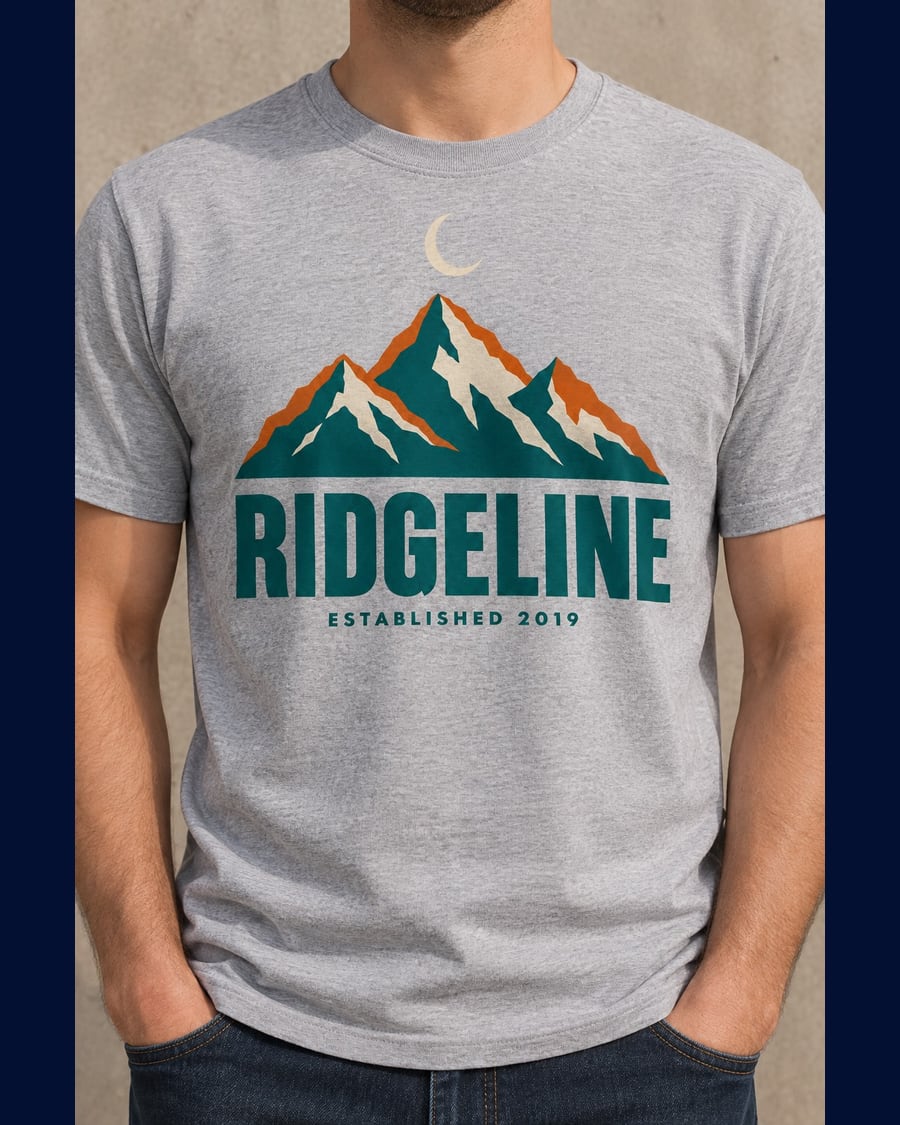 New
NewShop mockups
One artwork, three products
Your artwork goes into three Image nodes that place it on three print on demand products: a worn t-shirt, a tote bag, a mug. The drawing stays yours, pixel for pixel. Workflow visible here, no account needed.
Interactive demo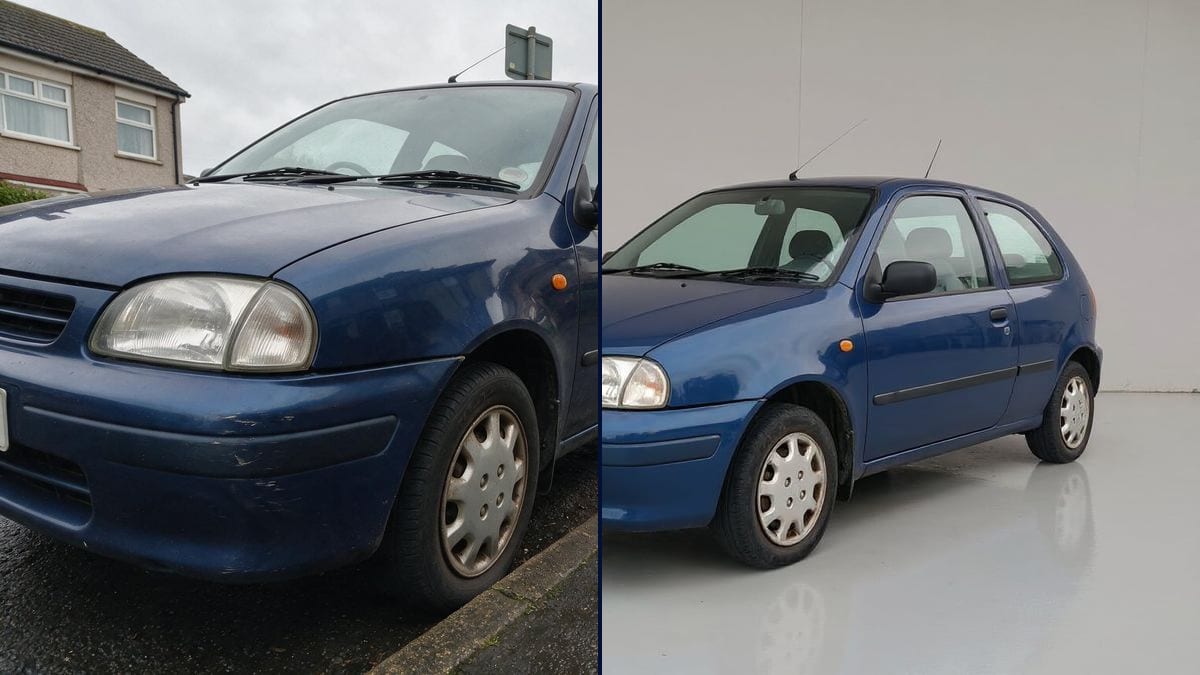 New
NewListing photos
The kerbside snapshot, ready to publish
Drop in the shot you took with your phone: the clutter goes, the light is redone, the number plate stays blank, and what you are selling does not move a pixel. Three listing photos out, workflow visible without an account.
Interactive demo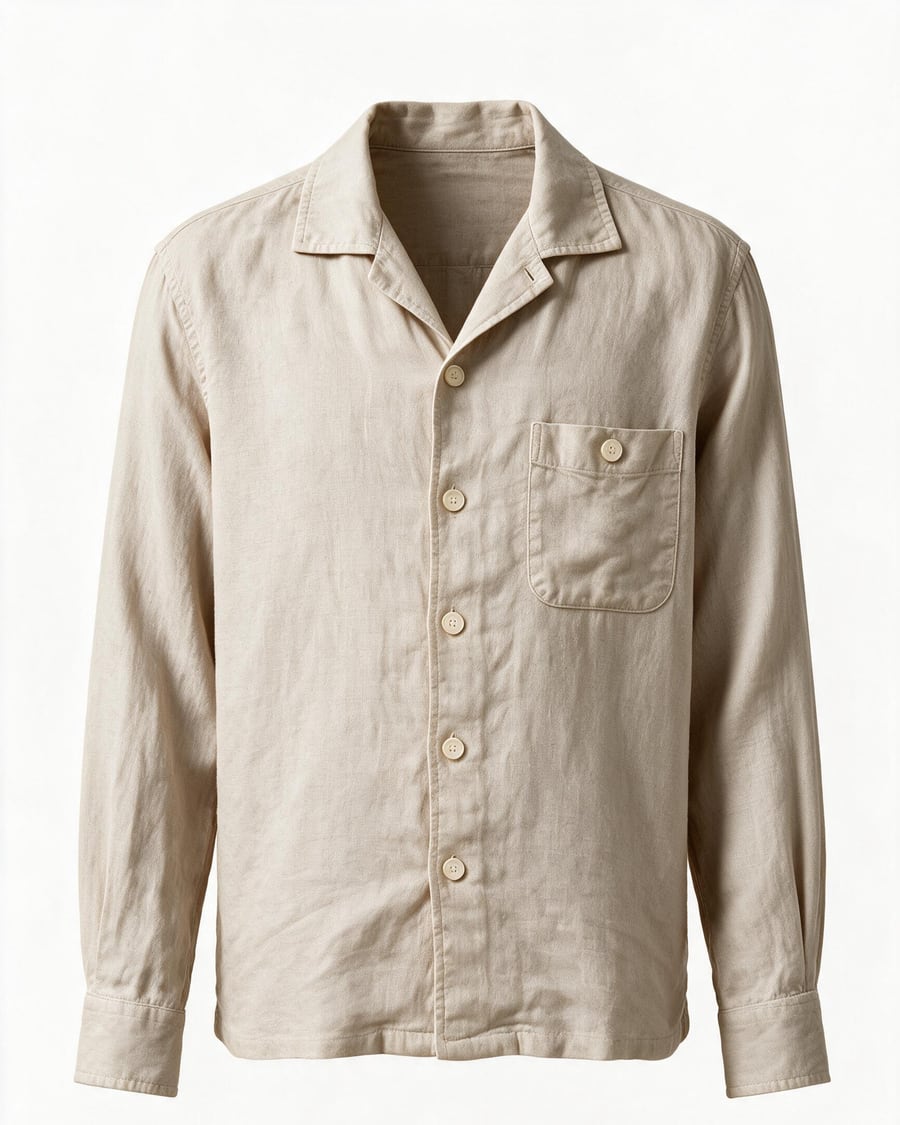
Ghost mannequin
A flat lay, worn by nobody
The garment shot flat comes back worn by a body you cannot see: front, back and collar detail, in the same white studio. The workflow is visible here, without an account.
Interactive demoDish photo
The phone snapshot as a menu shot
The phone snapshot taken in the dining room becomes a menu photograph, then a vertical story, then a shot of rising steam. The dish itself does not change. Visible here without an account.
Interactive demo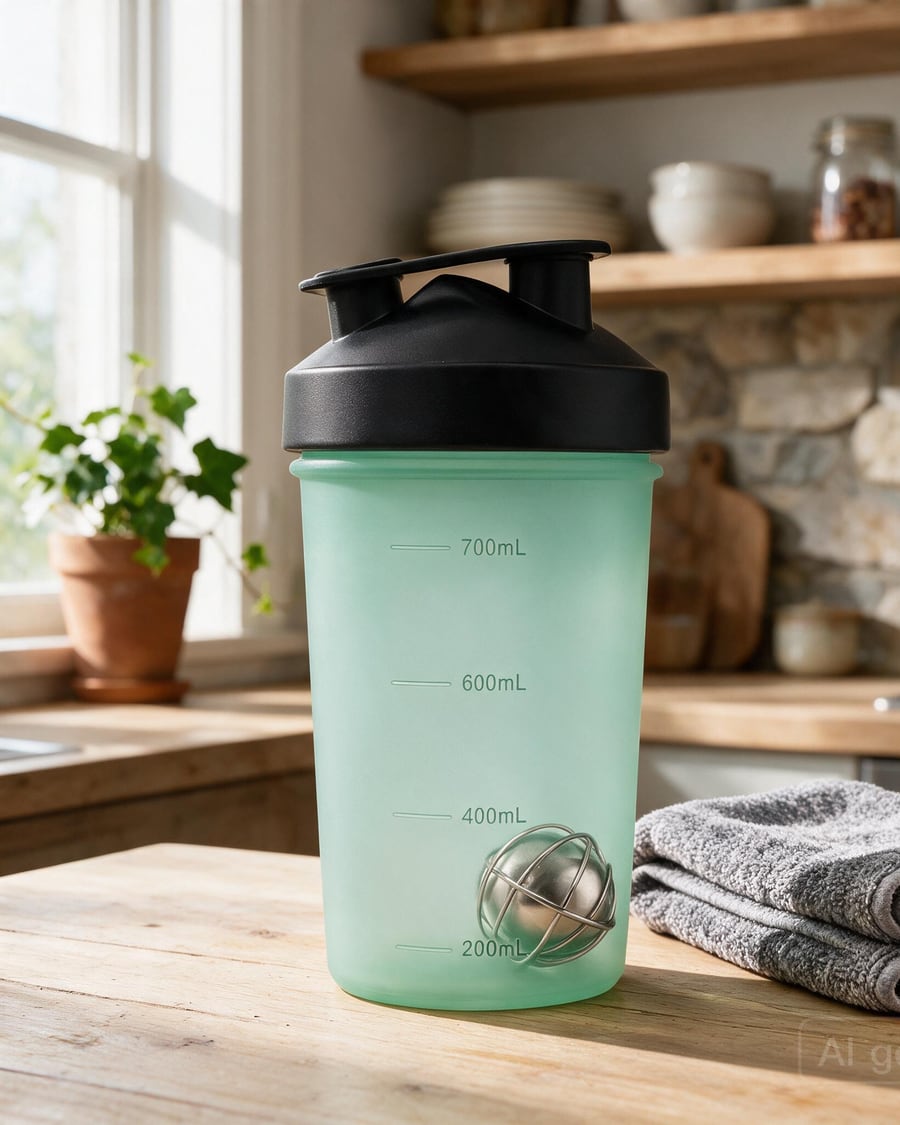
Product photos
Packshot, macro and lifestyle shots
Turn 2 or 3 photos of your product into a complete shoot: white-background packshot, three-quarter view, macro detail, lifestyle scene, plus a studio rotation video.
Interactive demoFashion photoshoot
A full fashion lookbook
Produce a full fashion shoot from one piece: the same model in several poses, a shared art direction, a fabric close-up and a runway walk video.
Interactive demoVirtual try-on
Your garment worn by a model
One person card, one garment card: the AI generates the piece worn in a realistic photo, then animates it into a runway video. The tool for fashion shops that want worn shots without a shoot.
Interactive demoMarketing and social media
Two YouTube thumbnails to compare, a carousel with the text inside the image, an event poster, a logo in four directions, a cinematic ad or a UGC video: these workflows produce the visuals and videos a brand publishes every week.
 New
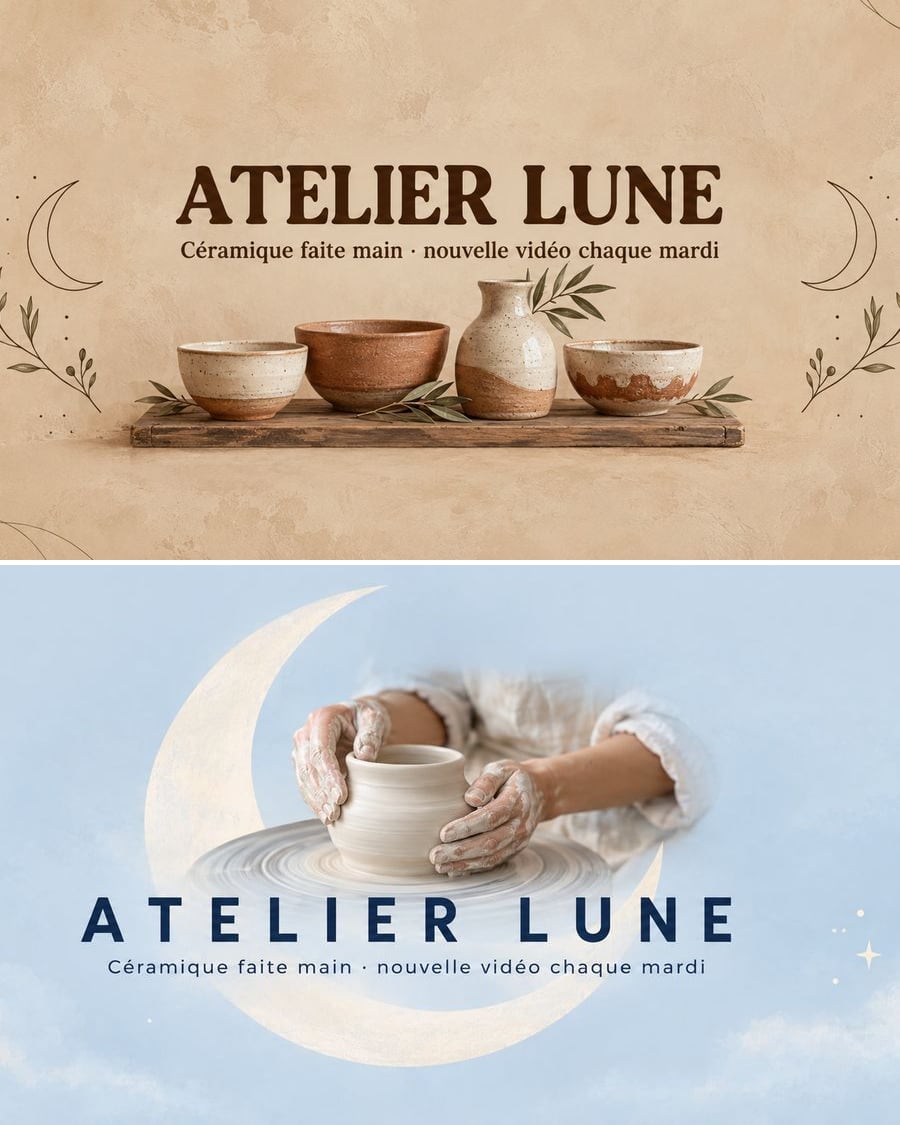
NewYouTube banner
Your channel, a banner that reads everywhere
Two YouTube channel banners with your name and tagline written correctly, the essentials in the area visible on phones. Describe your channel, the workflow does the rest. Visible here, no account needed.
Interactive demo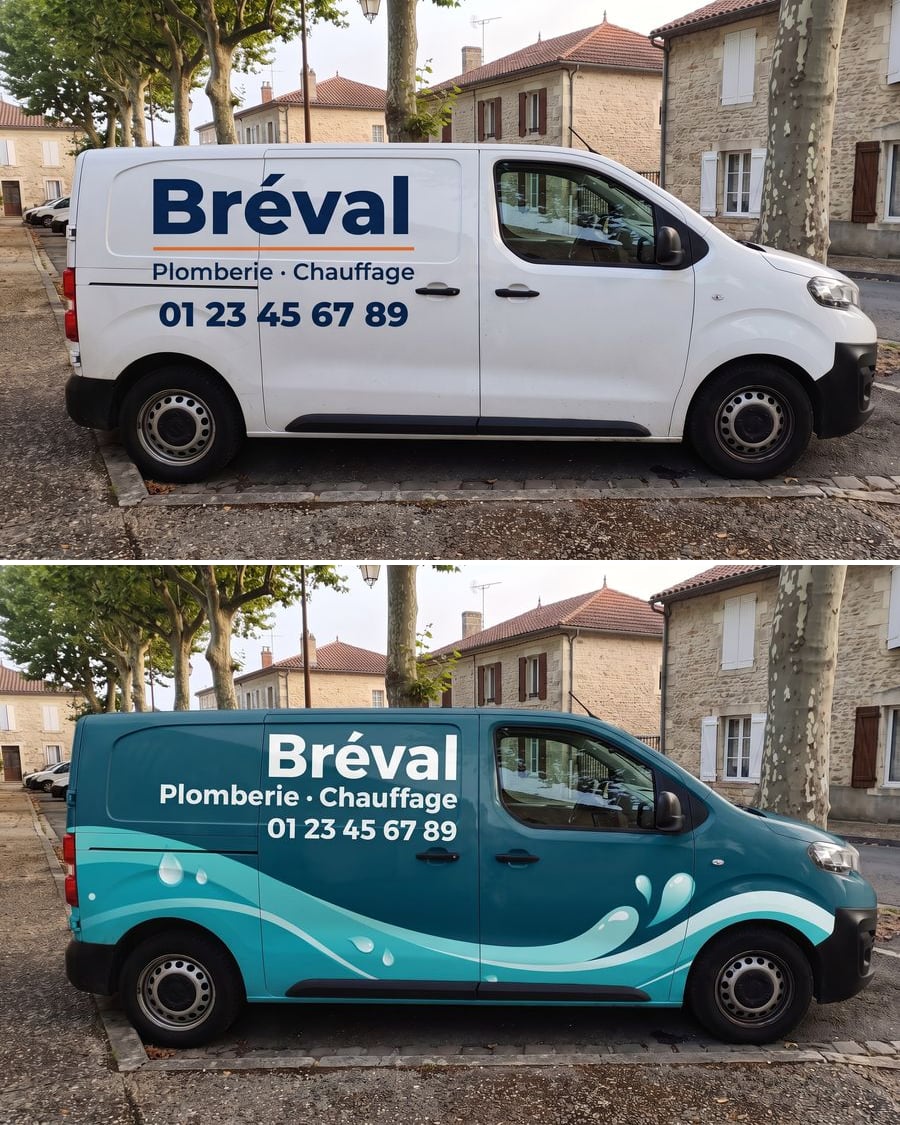 New
NewVan wrap
Your van, your advert
The photo of your van with sober lettering and then a full wrap, name, trade and phone number without a mistake. To decide before you see the sign fitter. Workflow visible here, no account.
Interactive demo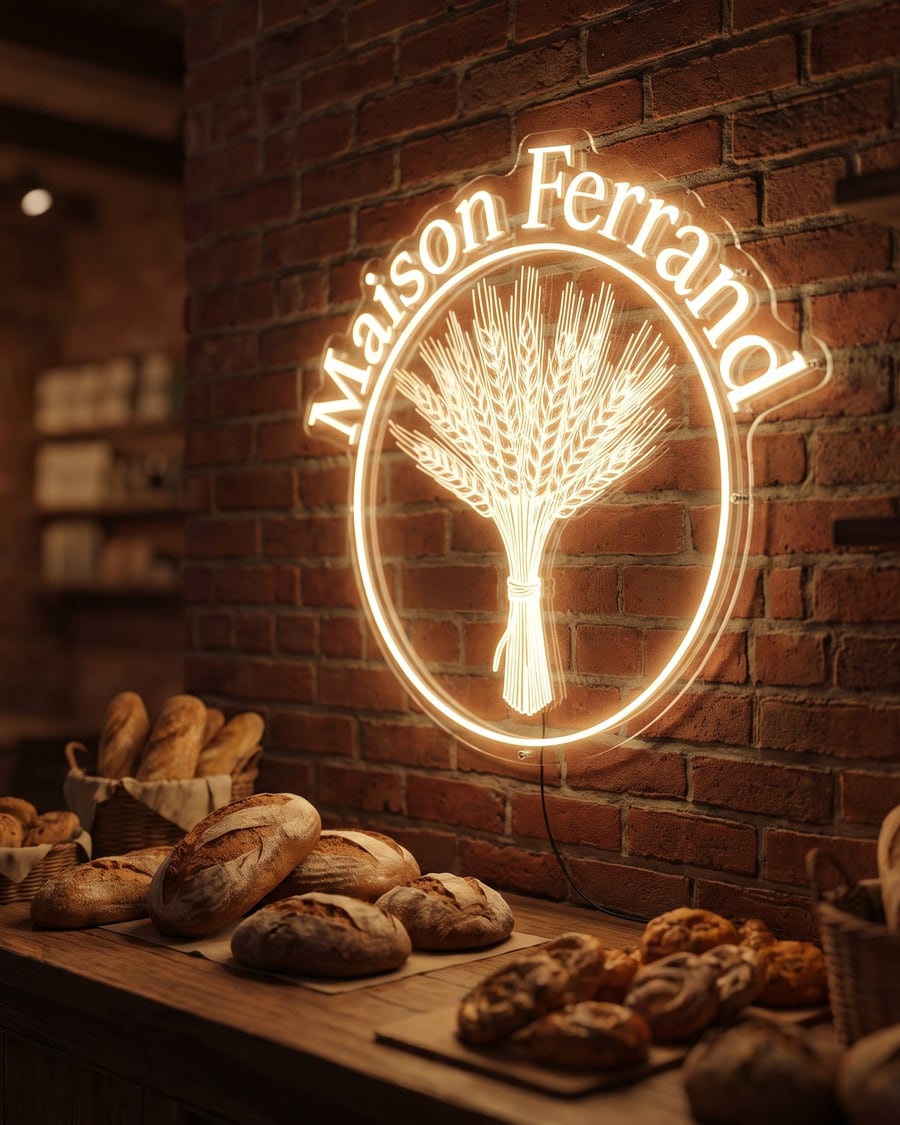 New
NewLogo as a neon sign
Your logo, switched on
Your logo as a real neon sign, tubes lit on a brick wall or a plant wall. To choose colour and placement before ordering. Workflow visible here, no account needed.
Interactive demo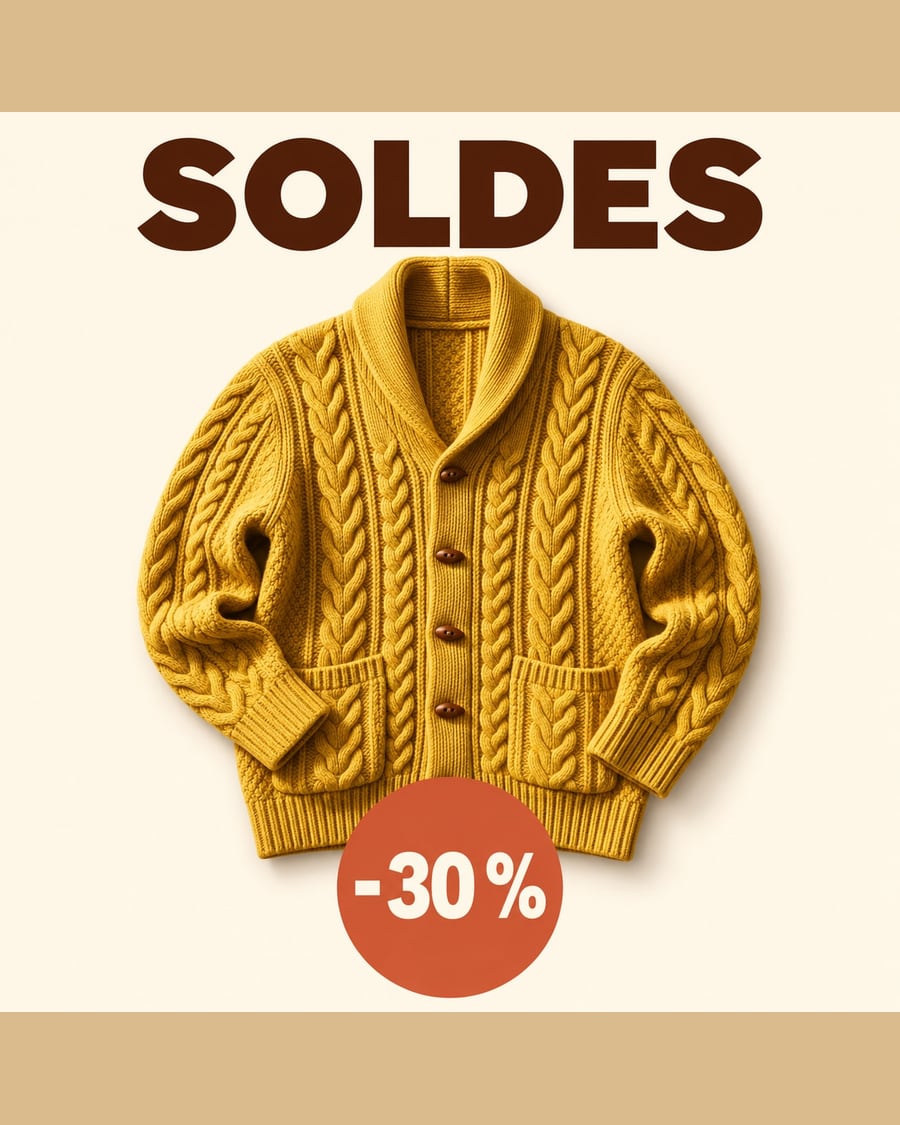 New
NewSale banner
The banner, then the square
The photo of your product becomes a sale banner for your site and a square visual for social media, exact text and identical product. The workflow is shown here, no account needed.
Interactive demo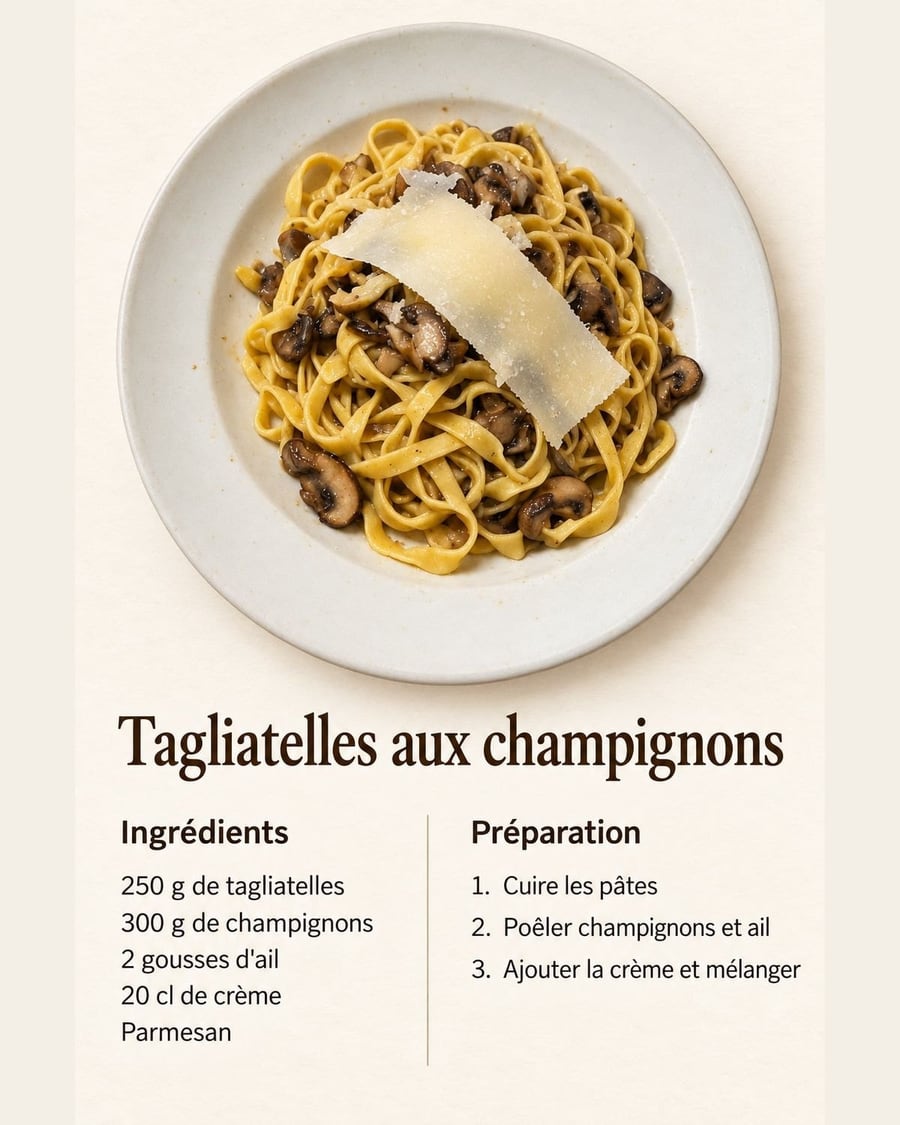 New
NewYour dish's recipe card
The card, then the pin
Your dish photo becomes a recipe card with photo, ingredients and steps, then a Pinterest pin. Workflow visible here, no account needed.
Interactive demoYour brand mascot
The sheet, the pose, then it moves
Your brief becomes the mascot's sheet from every angle, a presentation pose, then five animated seconds, the same mascot everywhere. Workflow visible here, no account needed.
Interactive demo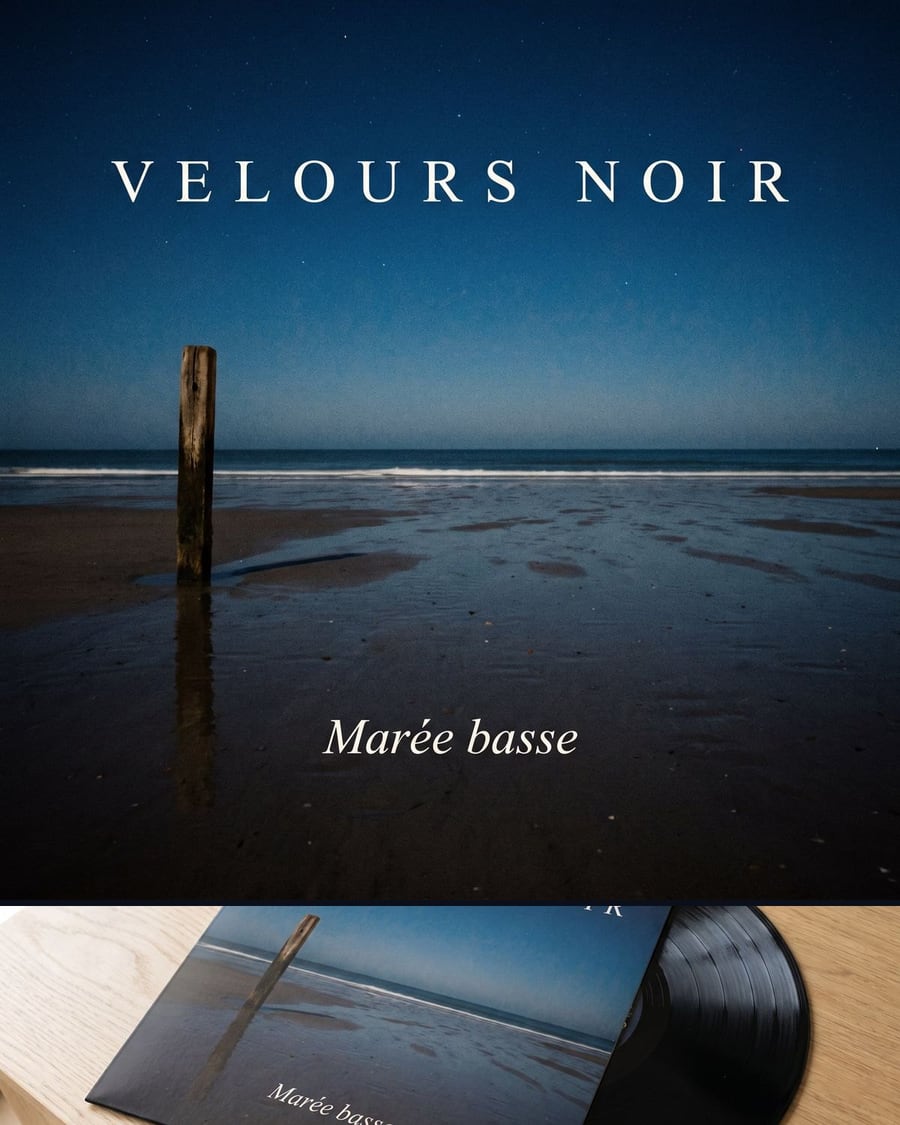 New
NewYour album cover
The cover, then the vinyl that carries it
Artist name, title and mood in a Text node, the square cover by Nano Banana Pro, then the vinyl that carries exactly that artwork. Workflow visible here, no account needed.
Interactive demoThe teaser for your game
Your visuals exist, the video does not
Your key arts go into two Wan 3.0 nodes that animate them, the title card is drawn by an image model, and the Montage cuts twelve seconds with the bed underneath. Workflow visible here, no account needed.
Interactive demoAnimate your logo
The mark stays put, the light does not
Your still logo goes into two Wan 3.0 nodes as the start image and comes back as a five second sting, without a letter moving. Workflow visible here, no account needed.
Interactive demo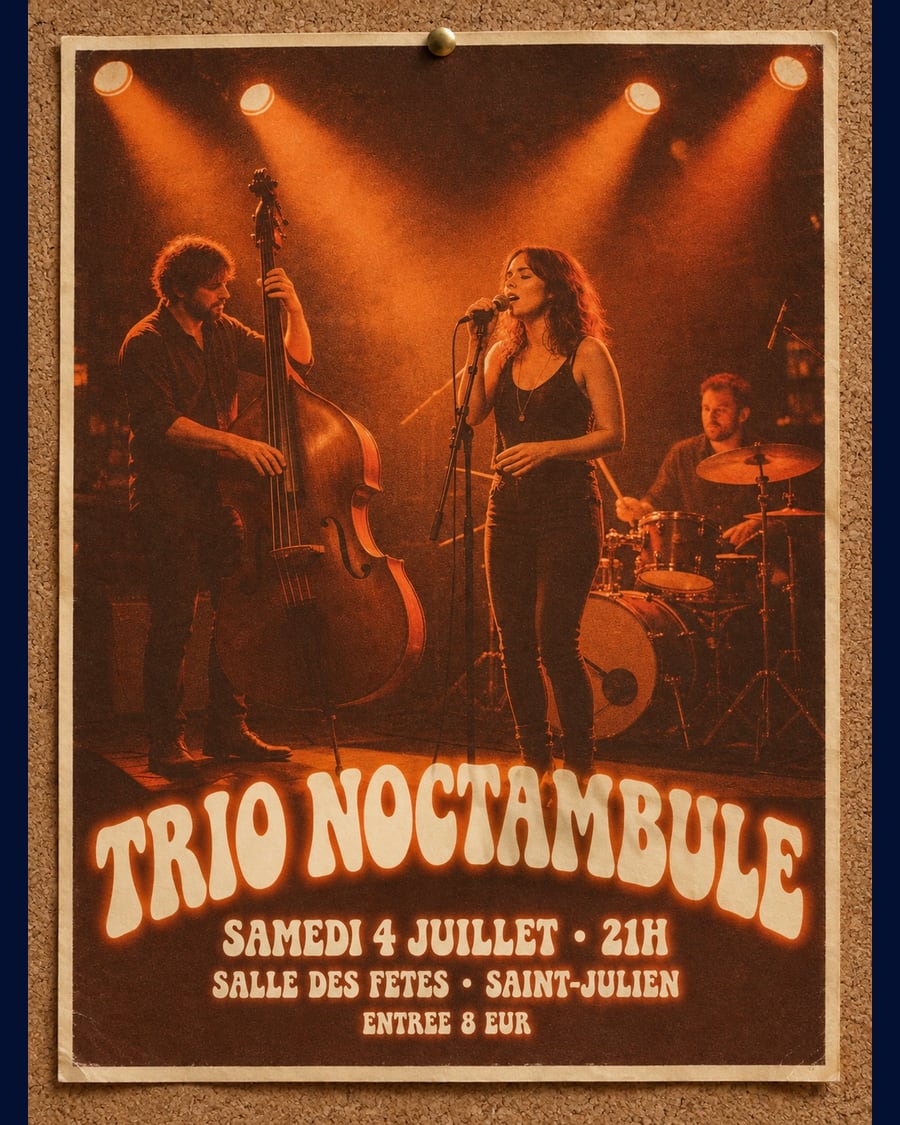 New
NewPoster from your photo
One photo, three posters
A photo of your band, your stall or your venue goes into three Image nodes that turn it into three posters, name, date and place written into the image: raw screen print, retro, modern colour block.
Interactive demo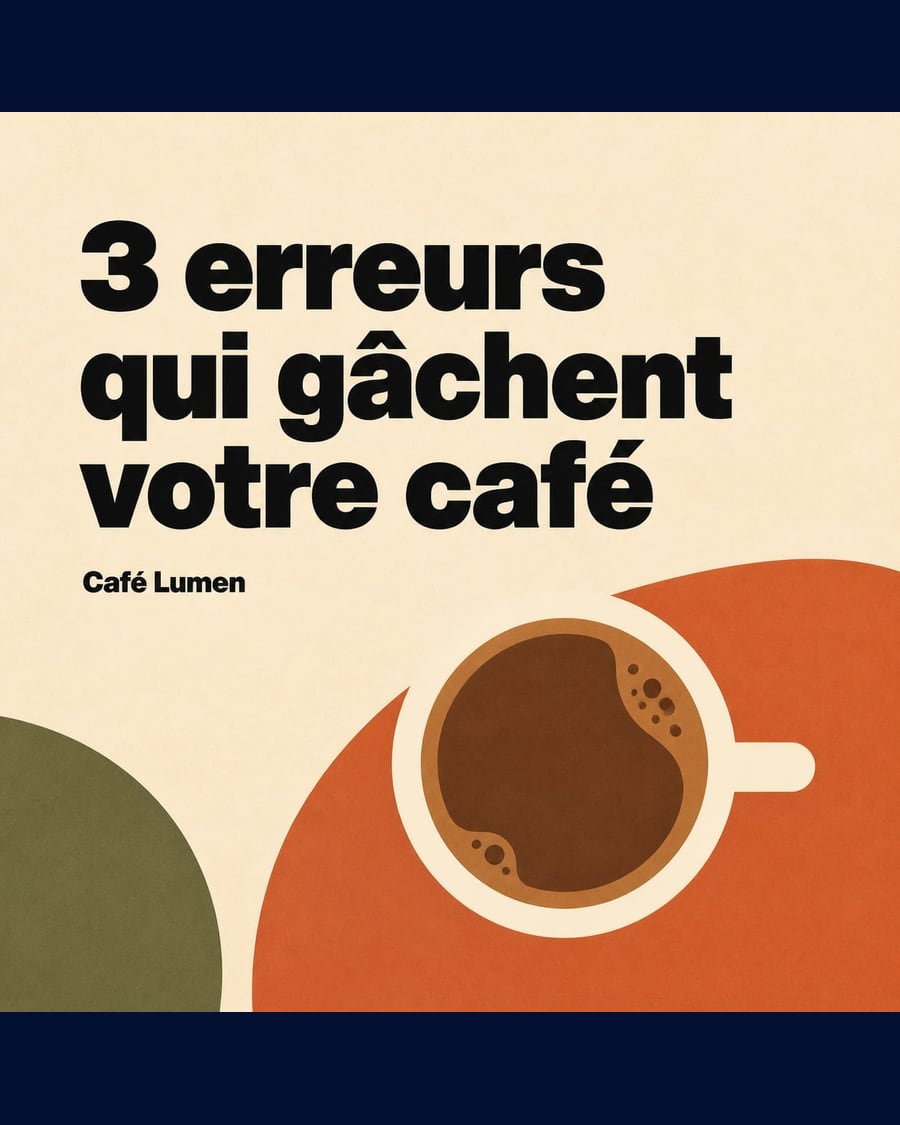 New
NewSocial media carousel
Three visuals, one house style
Three square visuals that read in sequence, cover, tip, call to action, written by GPT Image 2. The art direction is wired to all three. The full workflow is visible without an account.
Interactive demo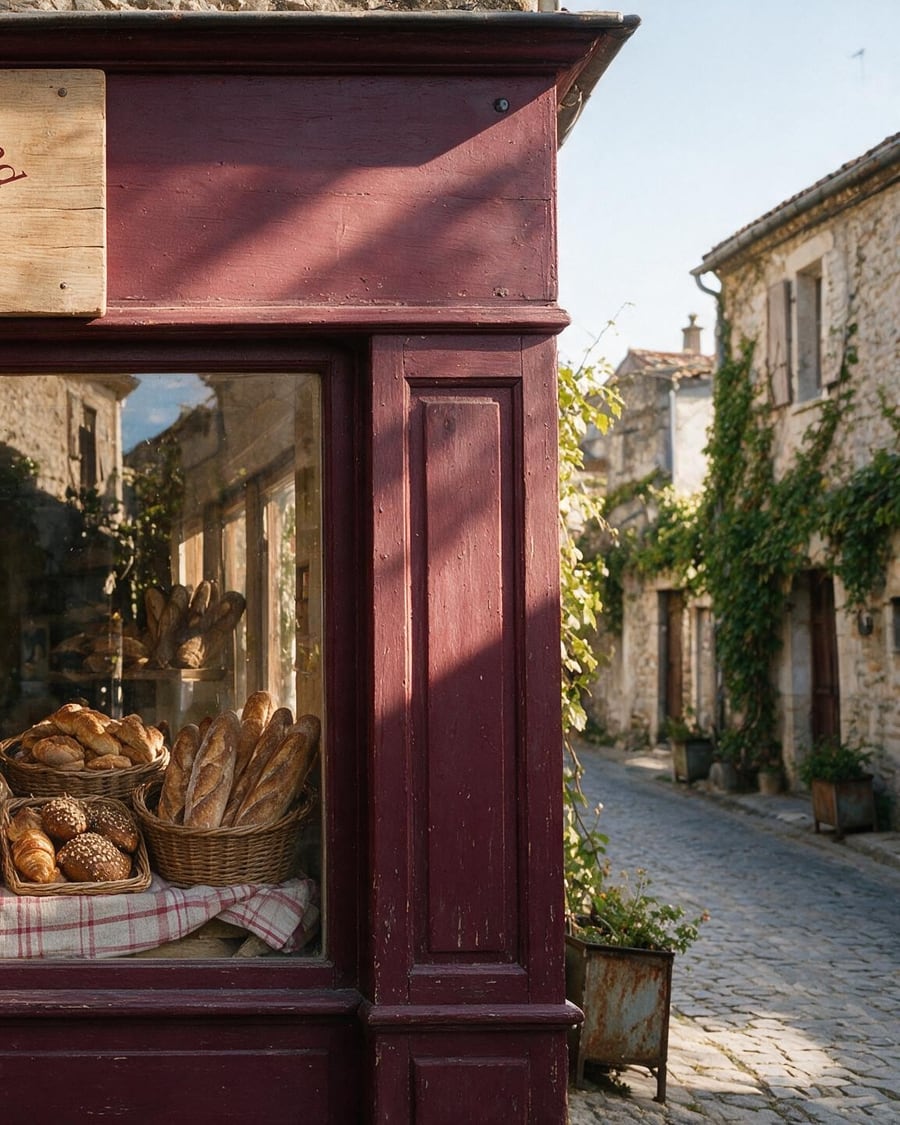 New
NewLogo generator
Four directions, the name spelled right
One brief, four logos generated by Recraft in four directions, emblem, wordmark, pictogram, badge, and the chosen logo placed on a shopfront. The full workflow, no account needed.
 Interactive demo
Cinematic ad
Your product filmed like an advert
Your product filmed like an ad: a Camera node at 85 mm and f/1.4, a slow dolly in, and eight seconds of 1080p video with sound. The full workflow, no account needed.
Interactive demo
YouTube thumbnail
Your face, two A/B variants
Create clickable YouTube thumbnails with your own face: one creator card, your video title, and two 16:9 thumbnails generated side by side so you can compare before publishing.
Interactive demoUGC video
A creator talking about your product
Create UGC videos without a shoot: a consistent virtual creator holds your product and presents it to camera, voice included, in 9:16 ready for TikTok and Reels.
Interactive demo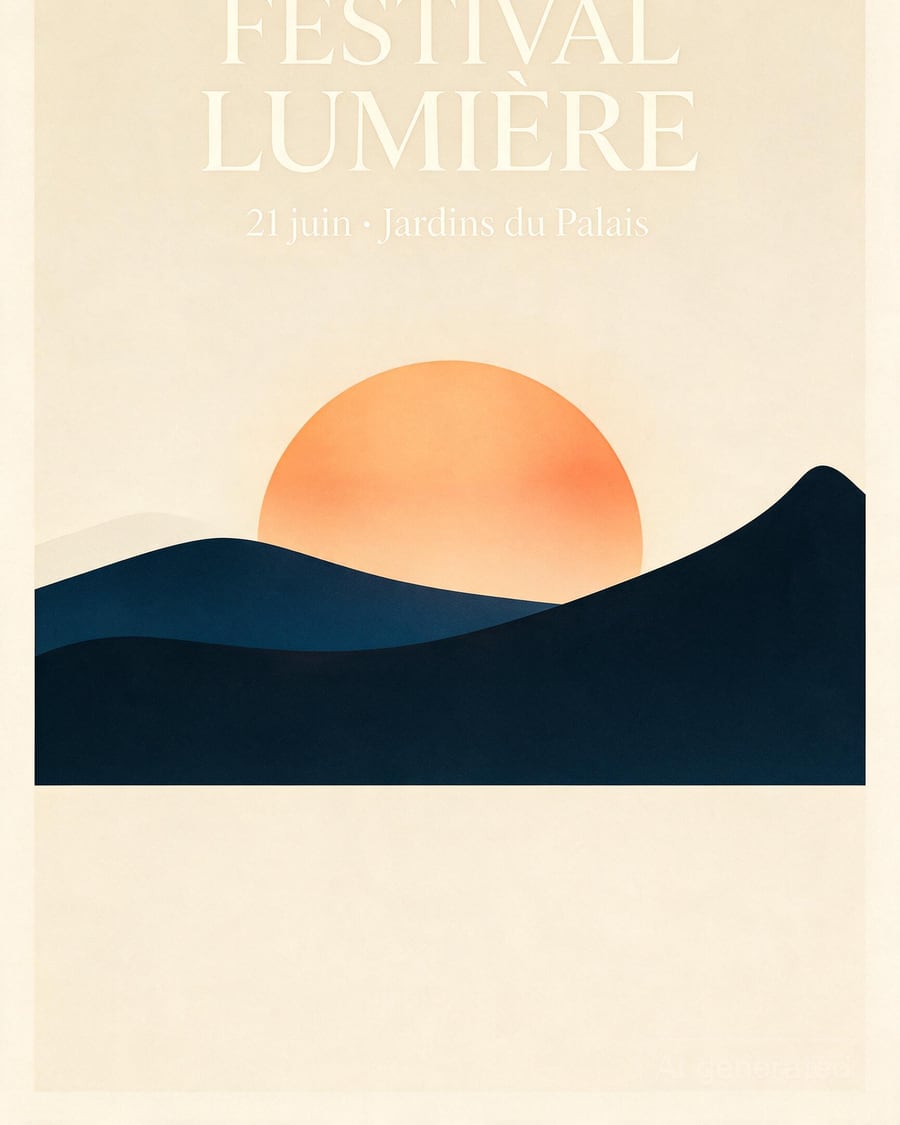
Poster
A poster whose text actually reads
Create a typographic poster from a brief: title, date, venue and art direction are wired into the prompt, and the series extends while keeping the same style.
Interactive demoDesign and print
A restaurant menu from a dish photo, a wedding invitation with your photo, a laid-out CV, a coloring page for three ages, a tattoo placed on your arm, a comic page or an illustrated book with the same hero: these workflows produce printable objects.
 New
NewTradesperson flyer
Your job, your leaflet
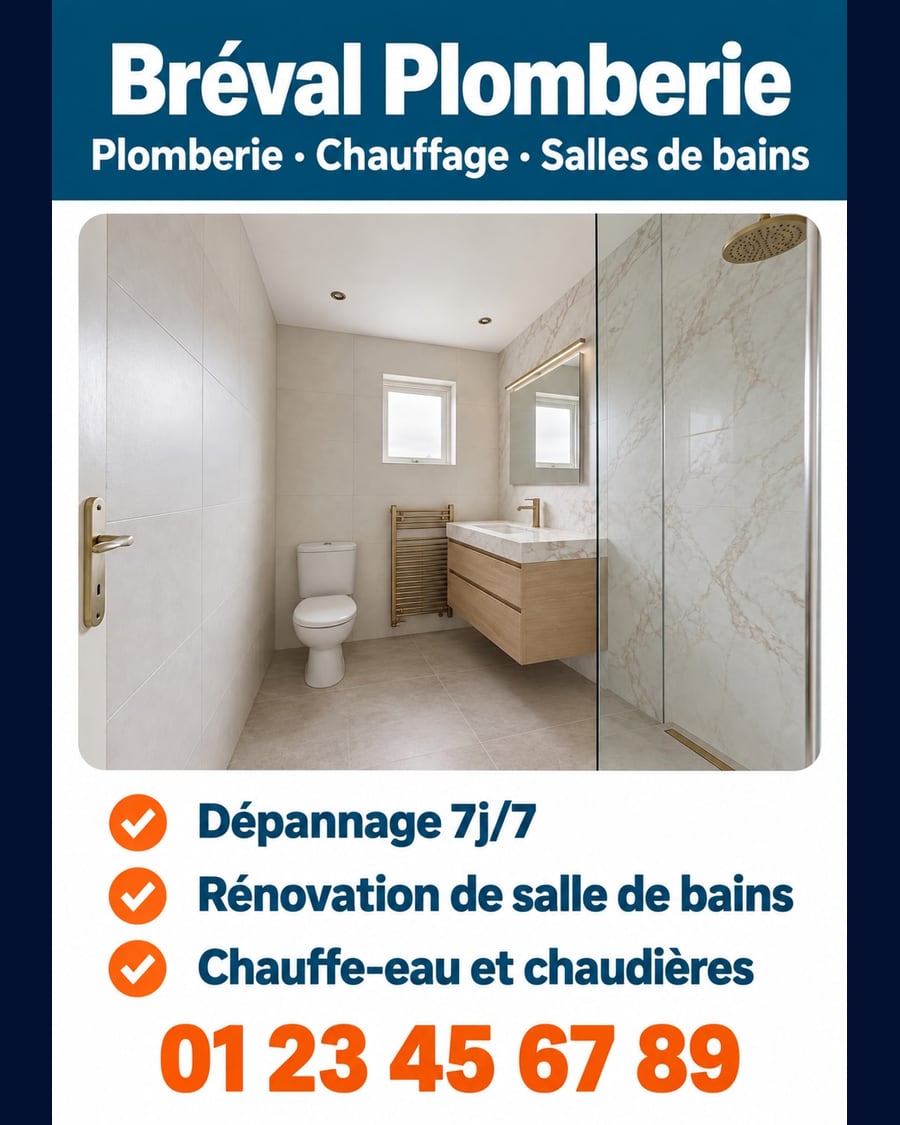
The photo of a finished job becomes two A5 flyers, a list of your services and then a single promise, text and phone number without a mistake. Ready for the printer. Workflow visible here, no account.
Interactive demo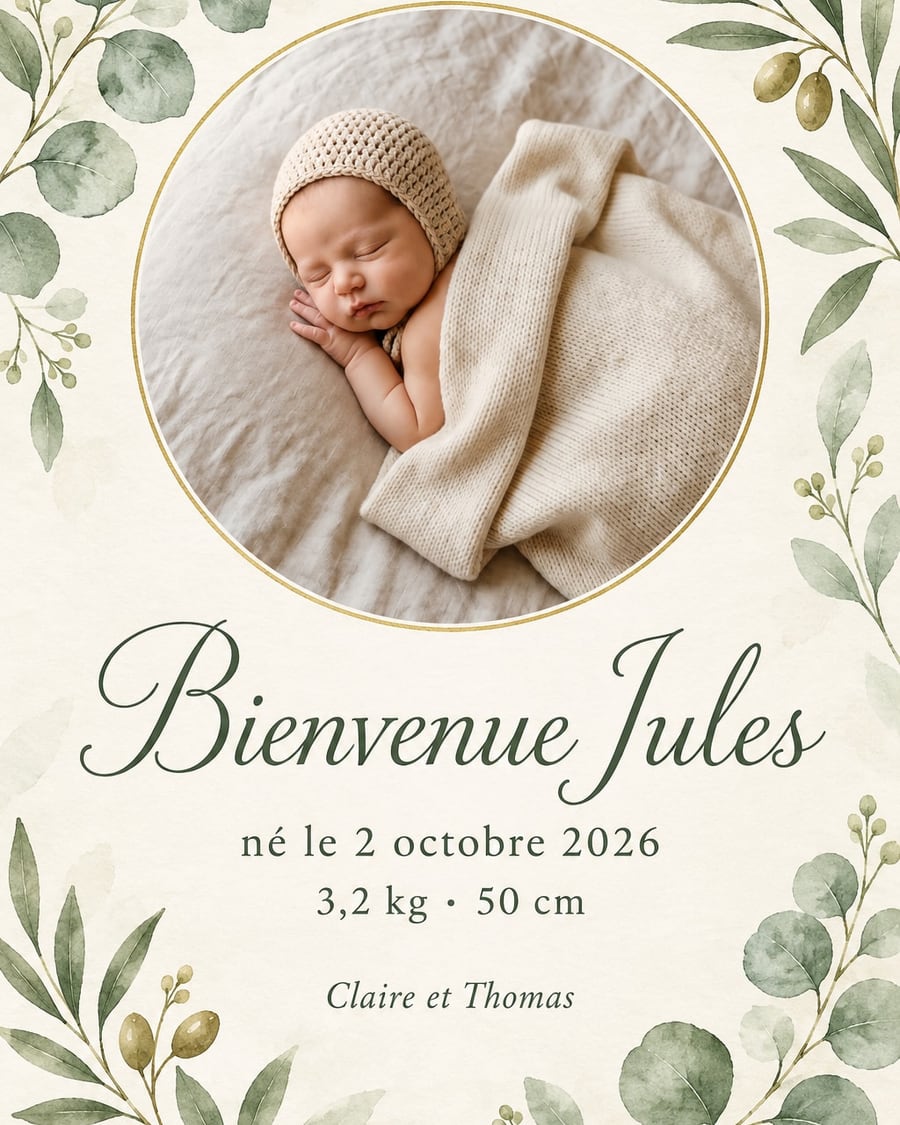 New
NewBirth announcement
Their photo, their name, their arrival
Your baby's photo becomes two birth announcements, watercolour or minimal, with the name, date, weight and length without a mistake. To print or to send. Workflow visible here, no account needed.
Interactive demo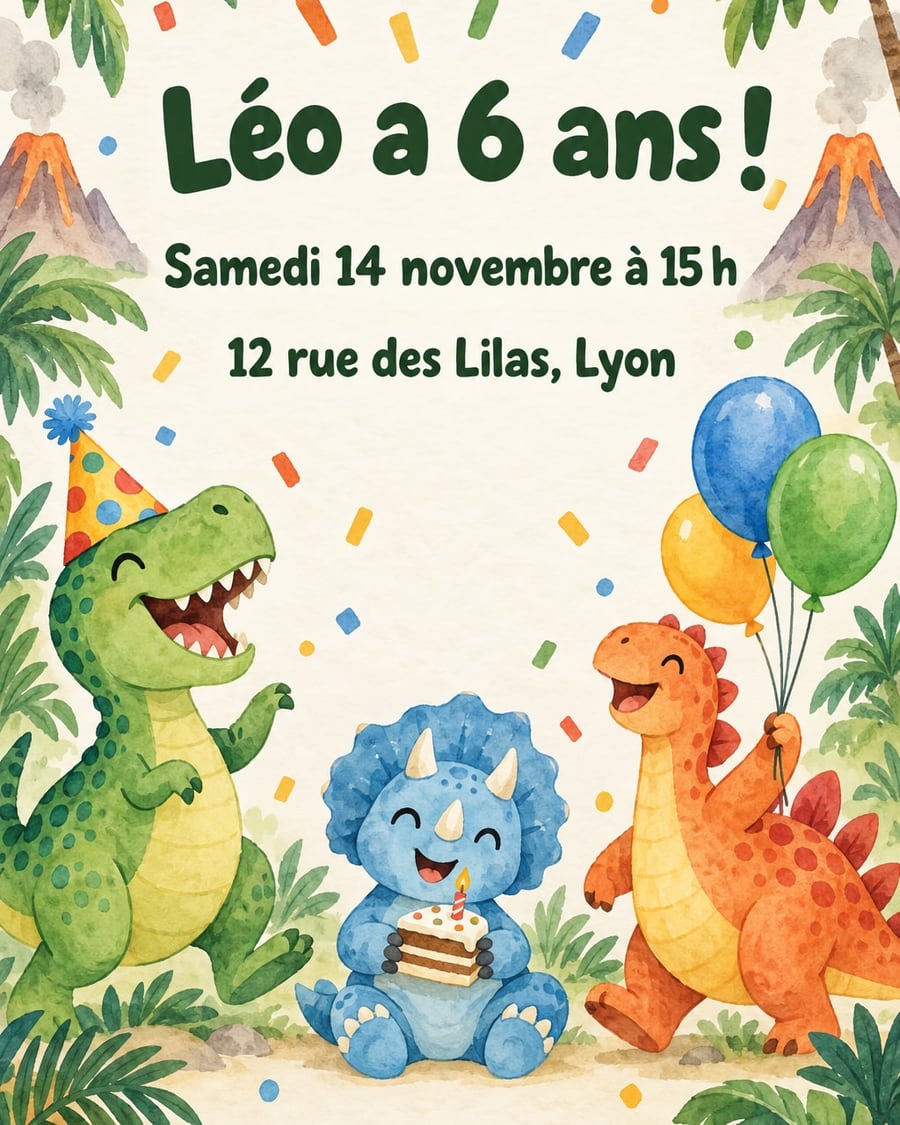 New
NewBirthday invitation
Their name, their age, their party
Two illustrated birthday invitations, dinosaurs or pirates, with the name, age, date and address written without a mistake. To print or to send. Workflow visible here, no account needed.
Interactive demo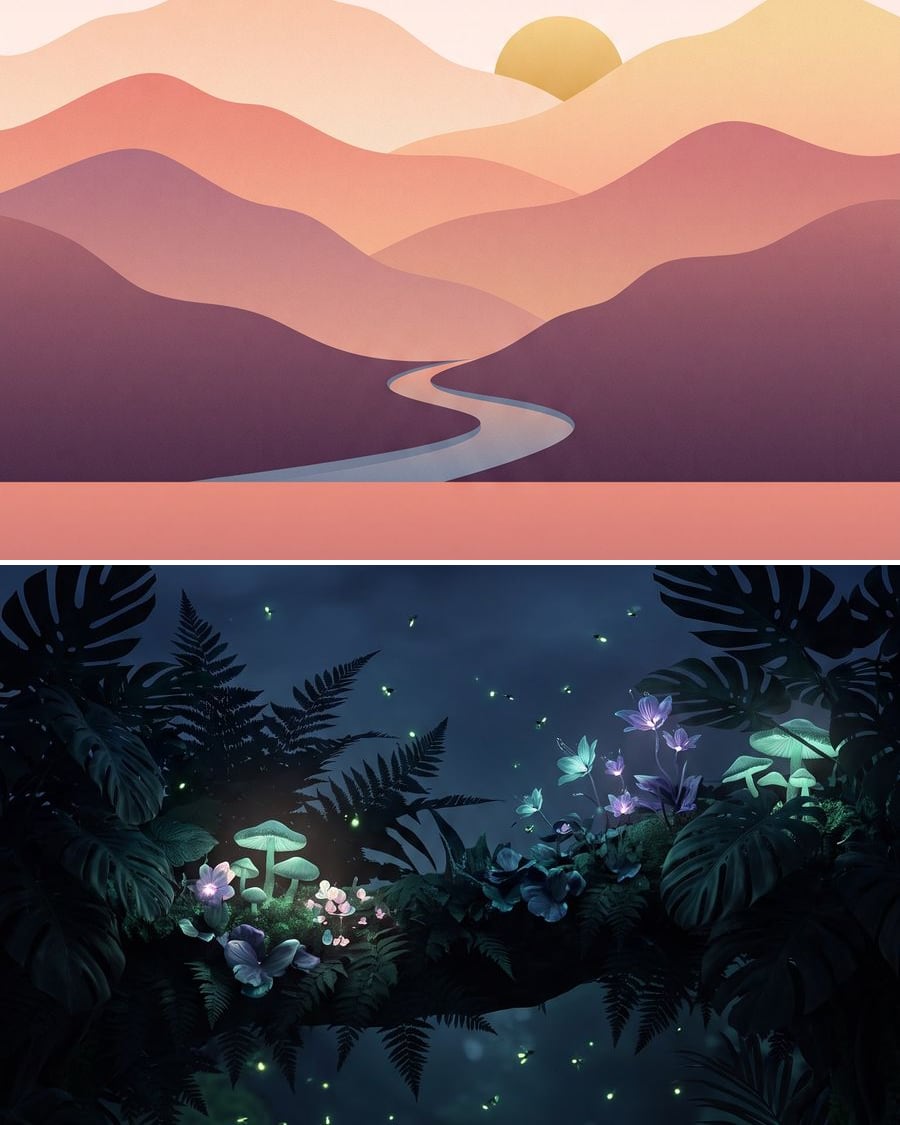 New
NewPhone wallpaper
Your screen, two made-to-measure wallpapers
Two made-to-measure vertical wallpapers, with the top left clear for the clock and the subject in the middle. Describe your idea, the workflow does the rest. Visible here, no account needed.
Interactive demo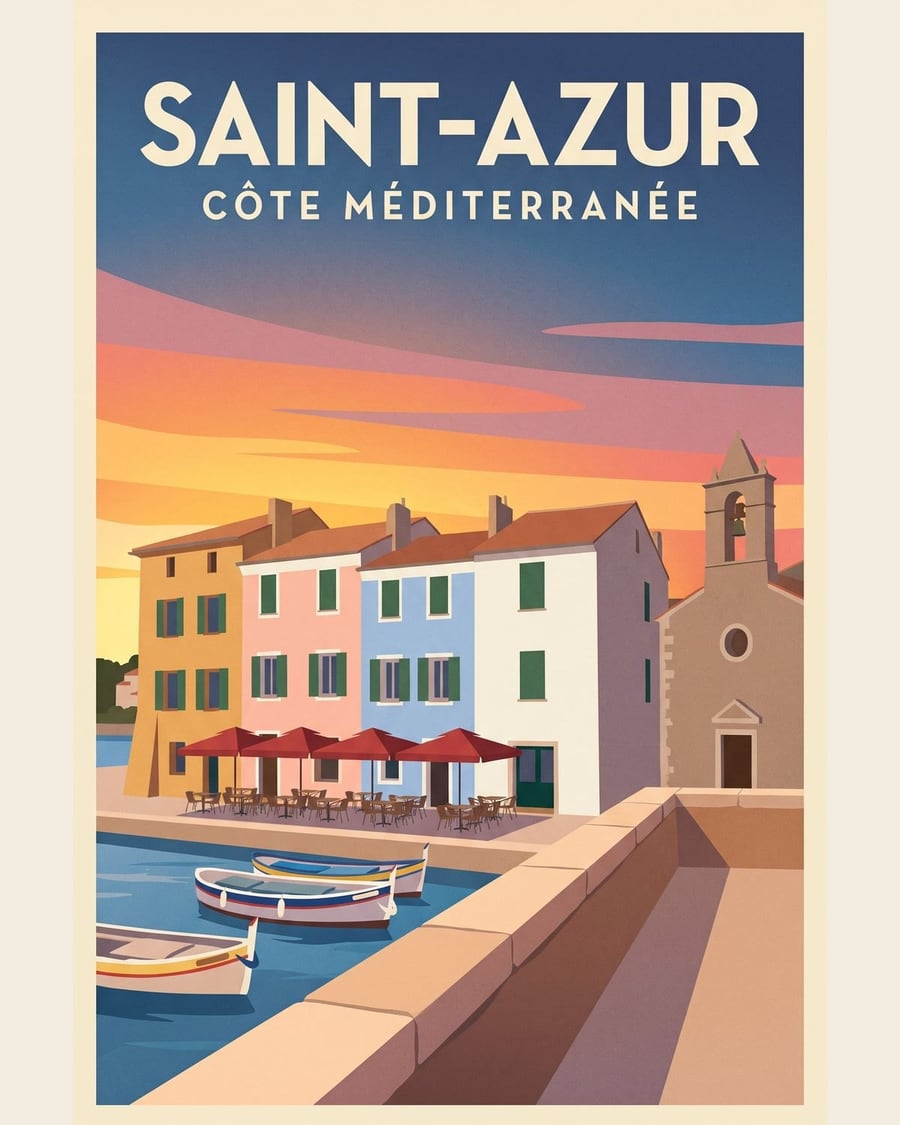 New
NewYour place as a travel poster
Your place, two posters
A photo of a place becomes two travel posters, vintage and minimalist, with its name written on it, the place recognisable. Workflow visible here, no account needed.
Interactive demo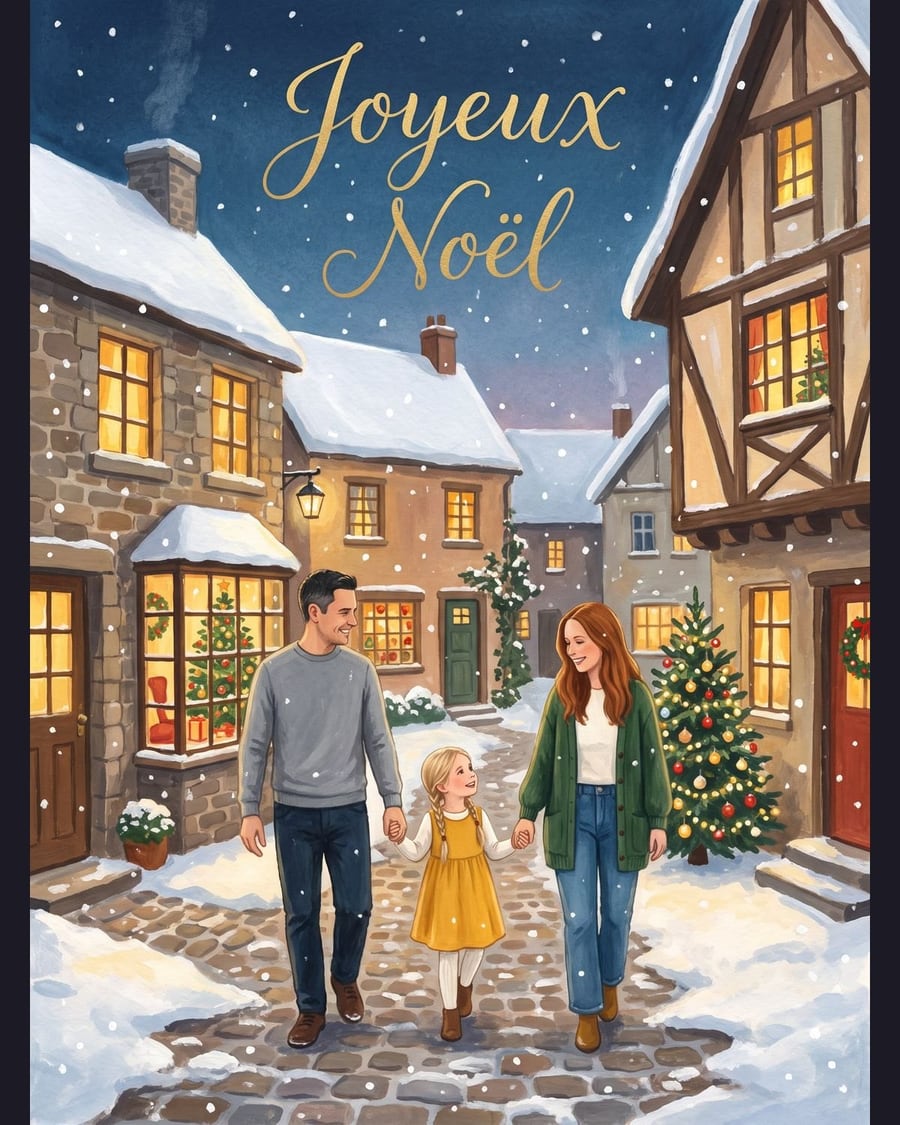 New
NewYour greeting card
Christmas, then New Year, the same family
Your family photo becomes two illustrated cards, Christmas then New Year, with the same faces and a hand lettered message. Workflow visible here, no account needed.
Interactive demo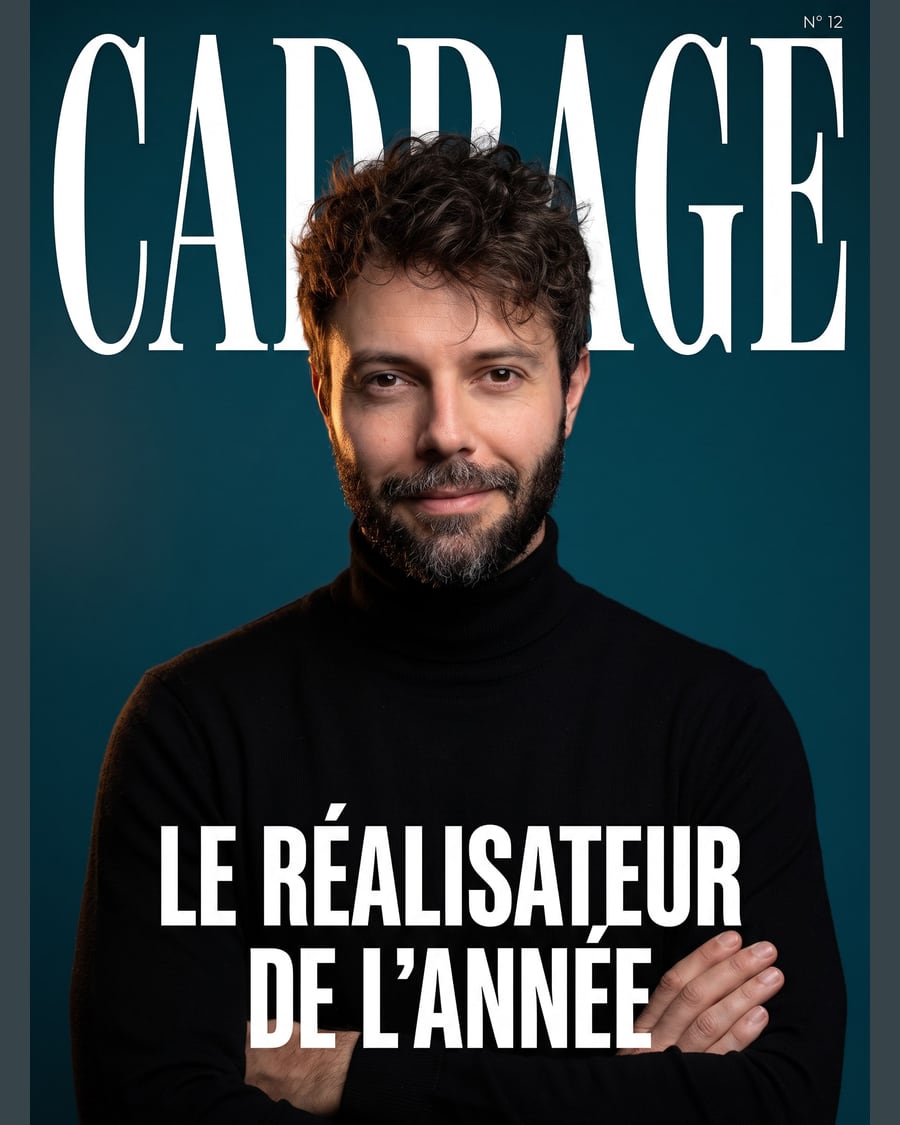 New
NewYour magazine cover
The cover, then the magazine on the table
Your photo becomes a magazine cover with title, cover line and issue number, then a photo of the magazine on a café table. Workflow visible here, no account needed.
Interactive demo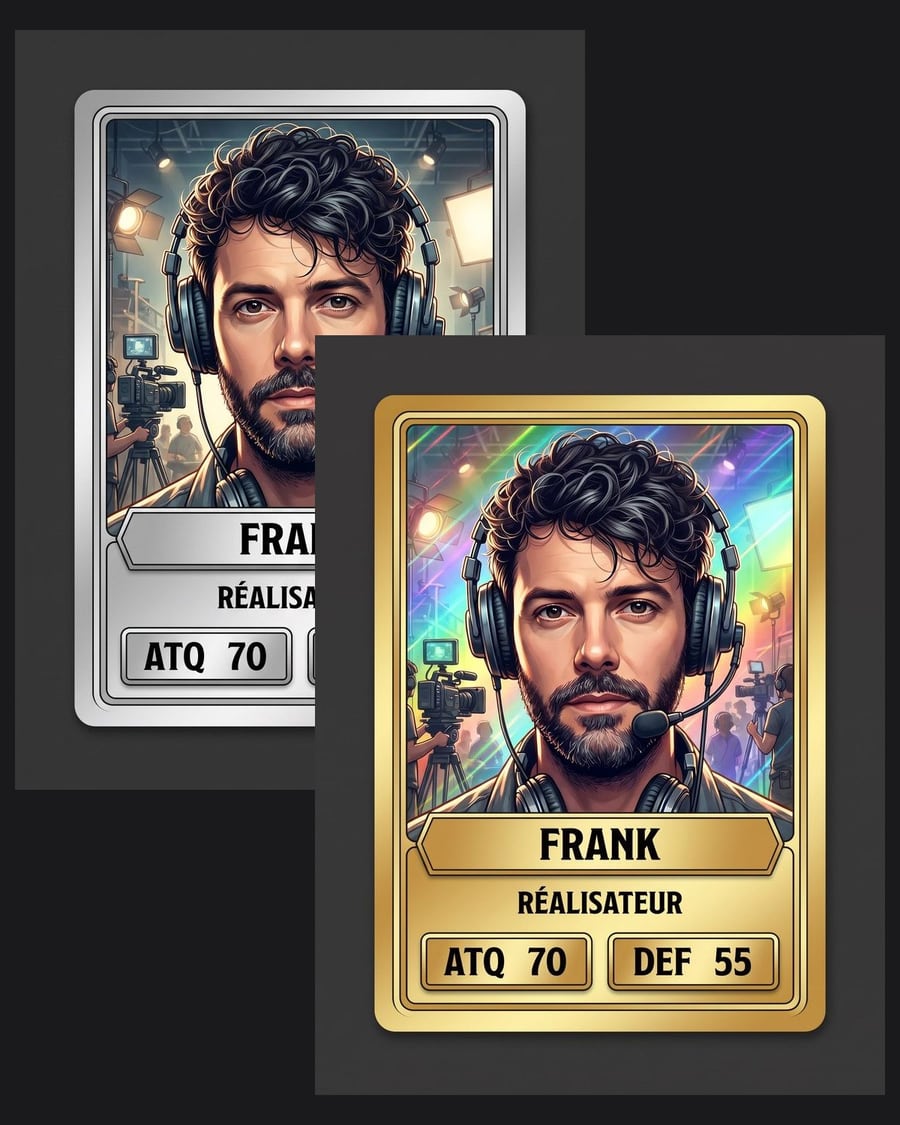 New
NewYour trading card
The common, then the rare, same frame
Your photo becomes a common card with frame, name and stats, then that card becomes the reference for the rare version, same frame and same text. Workflow visible here, no account needed.
Interactive demo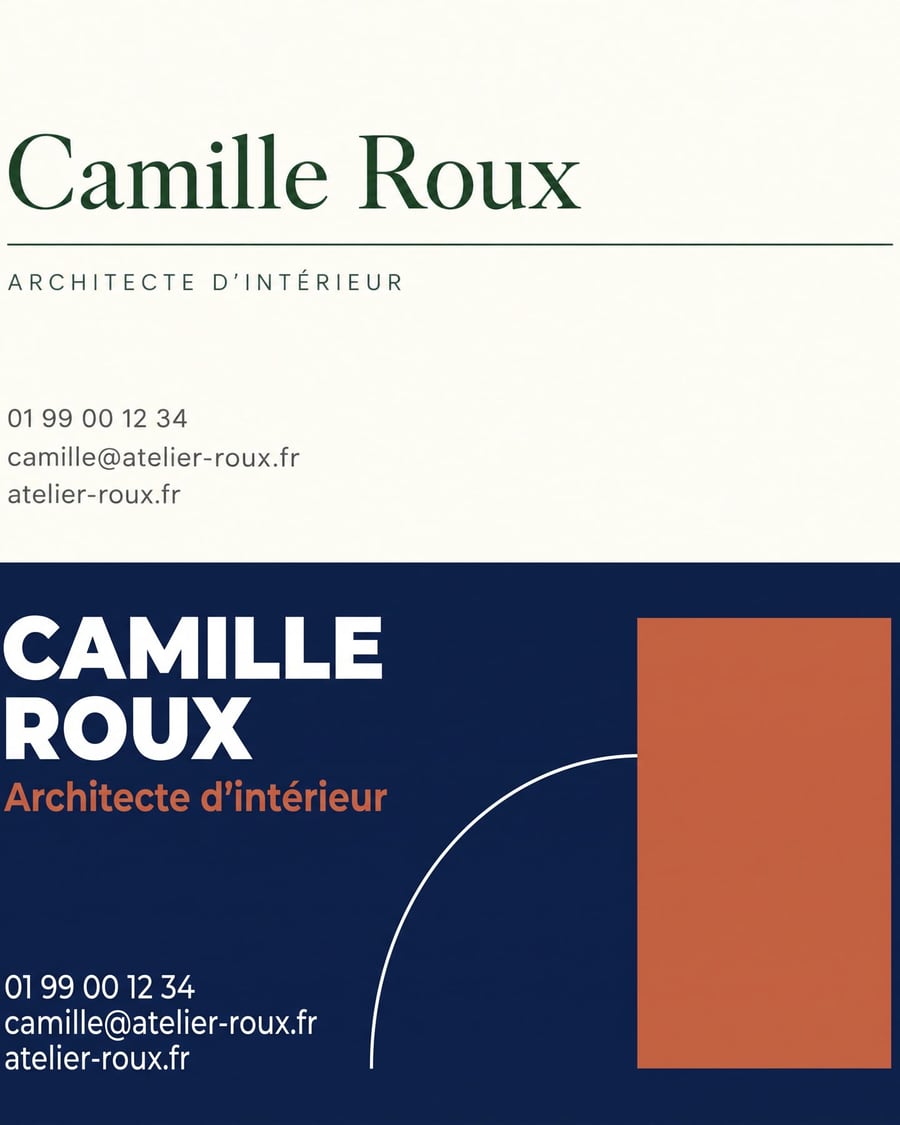 New
NewYour business card
Your details, two styles
Two Text nodes carry your exact details, two Image nodes draw the card flat, one light and one dark, text included. Workflow visible here, no account needed.
Interactive demo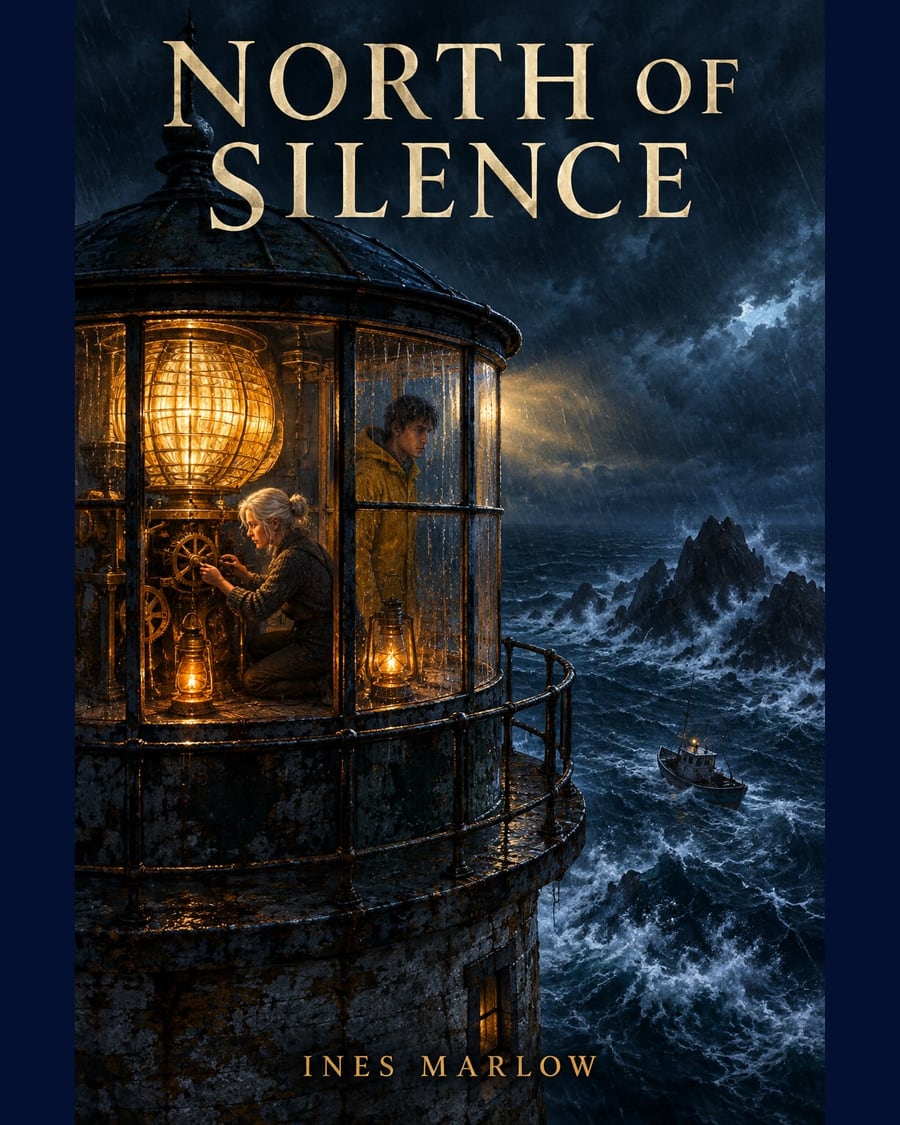 New
NewBook cover
Two concepts, the title written in the image
The manuscript or synopsis in PDF dropped on the canvas: two Text nodes each write a cover concept, one illustrated, one typographic, and two Image nodes on GPT Image 2.5 Flare render them with the title and the author name written inside the image, for two credits each. The whole workflow is visible without an account.
Interactive demo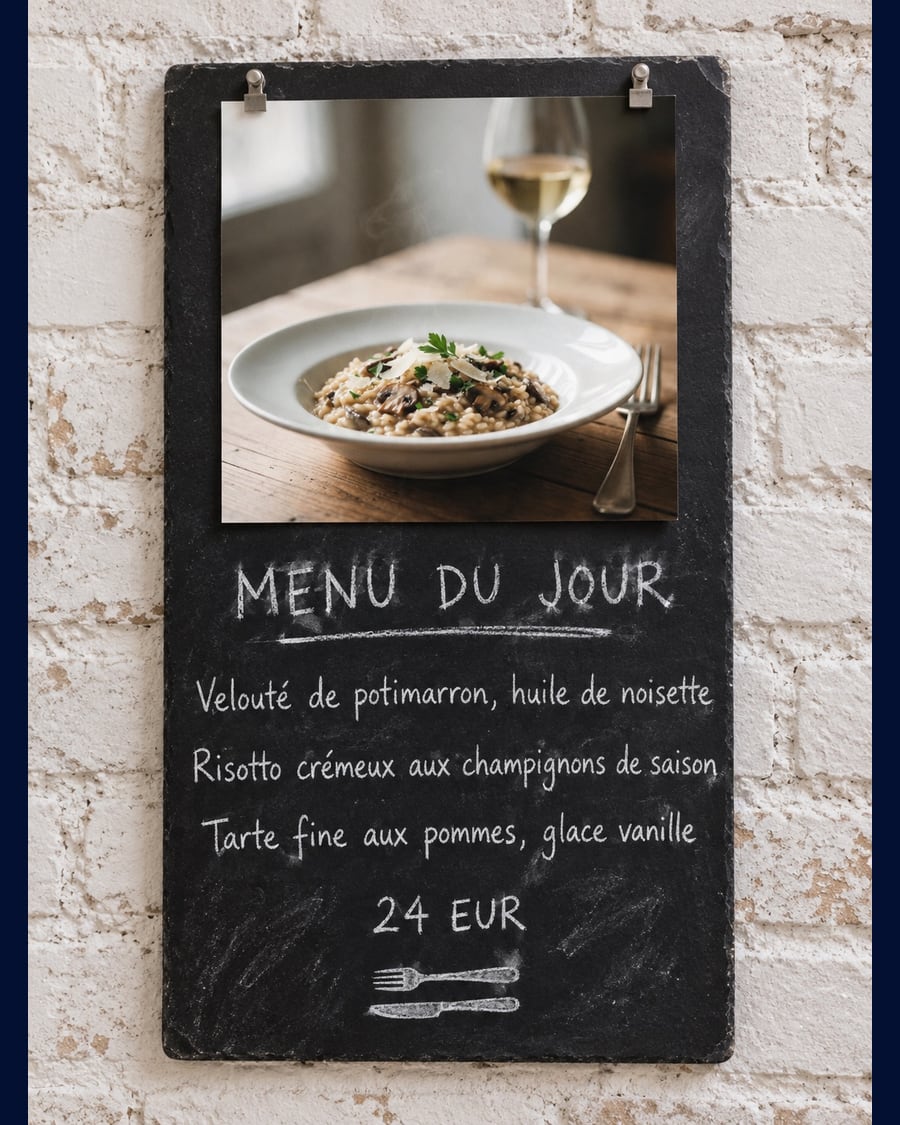 New
NewYour restaurant menu
One dish, three menu cards
A photo of one of your dishes goes into three Image nodes that turn it into three daily menu cards, dishes and price written into the image: bistro slate, elegant card, modern card. The full workflow is visible here, no account needed.
Interactive demo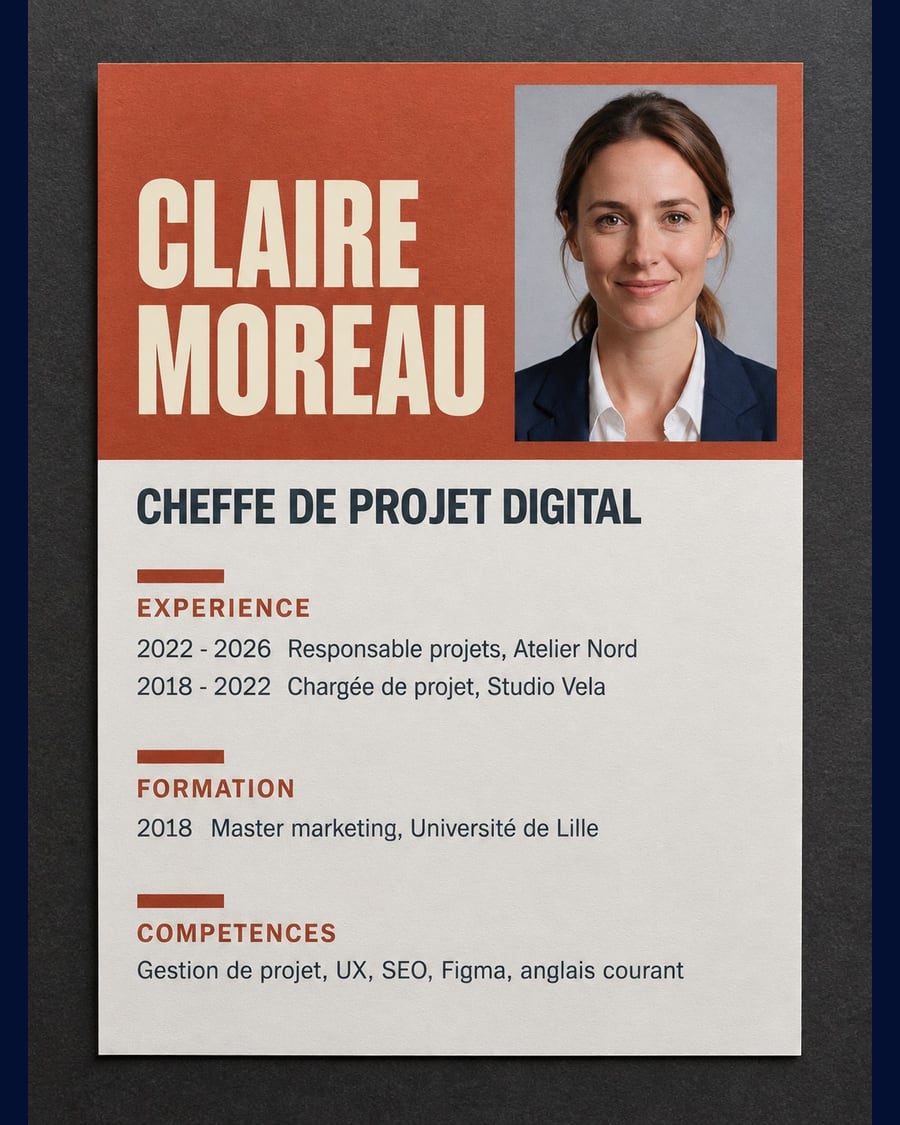 New
NewLay out your CV
One portrait, three layouts
Your ID photo goes into three Image nodes that turn it into three one page CVs, text included: plain with a side band, graphic in two columns, creative with a colour block. The full workflow is visible here, no account needed.
Interactive demo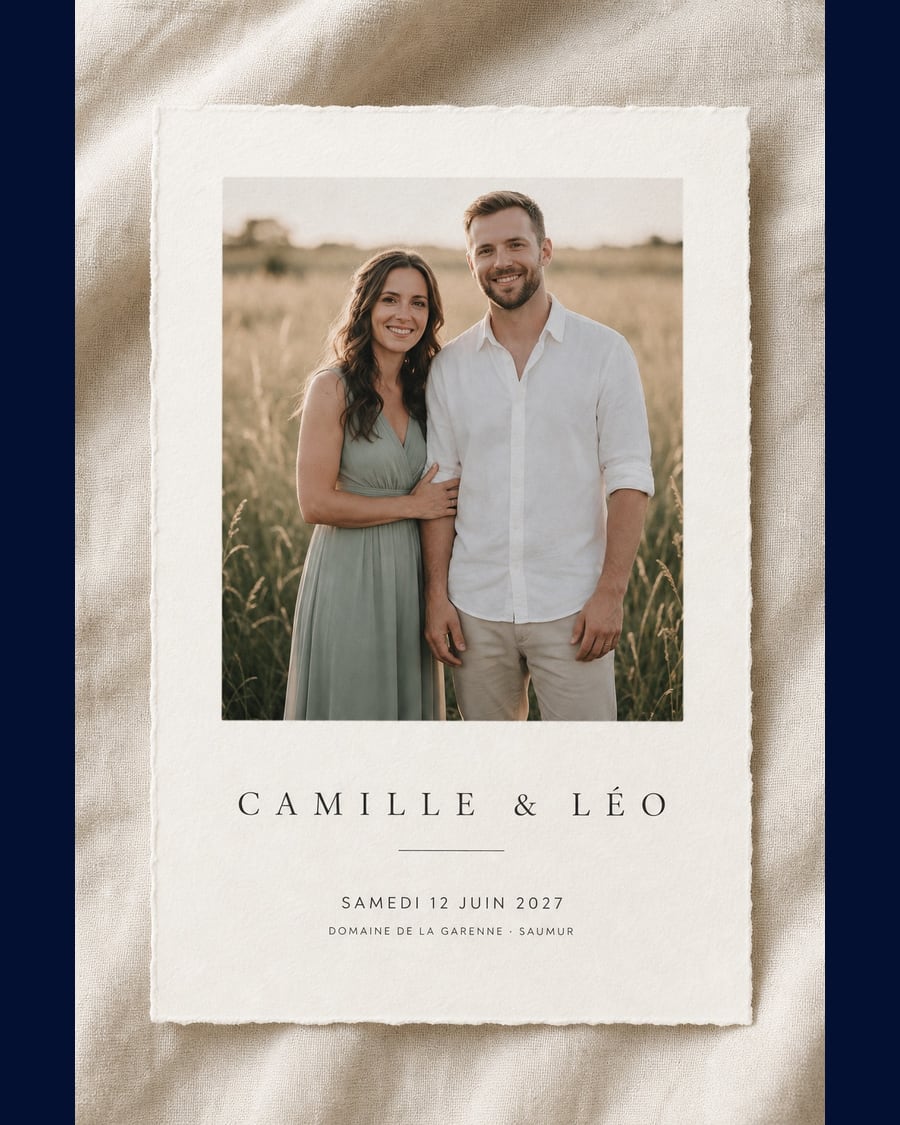 New
NewWedding invitations
One photo, three cards
Your couple photo goes into three Image nodes that turn it into three invitations, with the names, the date and the venue written cleanly into the image: a minimal card, a full page save the date, a floral frame.
Interactive demo New
NewIllustrated children's book
Four pages, the same hero
Four watercolour picture-book pages where the same little hedgehog goes through a story. Character sheet and art direction wired to all four pages. The full workflow is visible without an account.
Interactive demoComic strip
Four panels, one character
Four panels telling one scene, with the same face in all four. The reference sheet holds the character, the art direction holds the inking. The workflow is visible here, without an account.
Interactive demo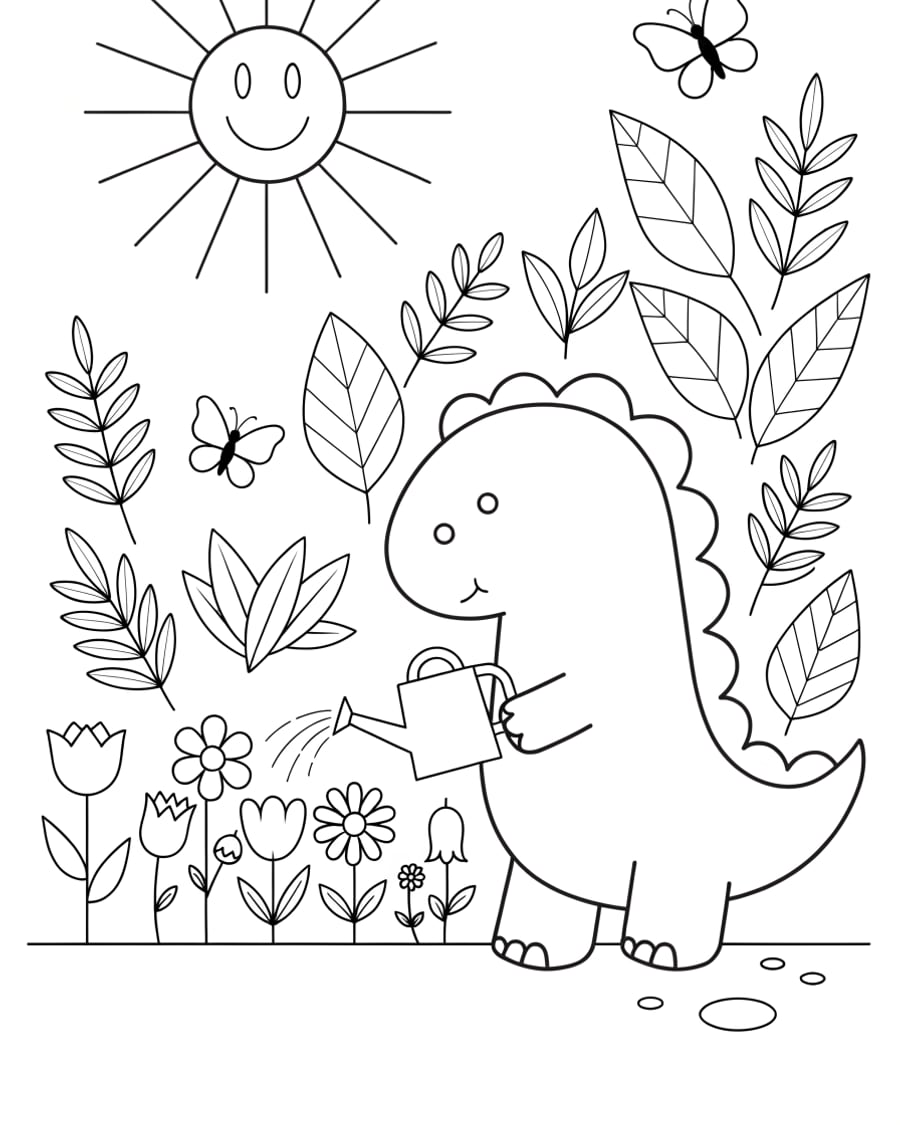
Coloring page
One drawing, three levels to print
The same character on three pages: large shapes for toddlers, a full page for older children, a dense plate for adults. Black line, zero grey. The workflow is visible here, without an account.
Interactive demo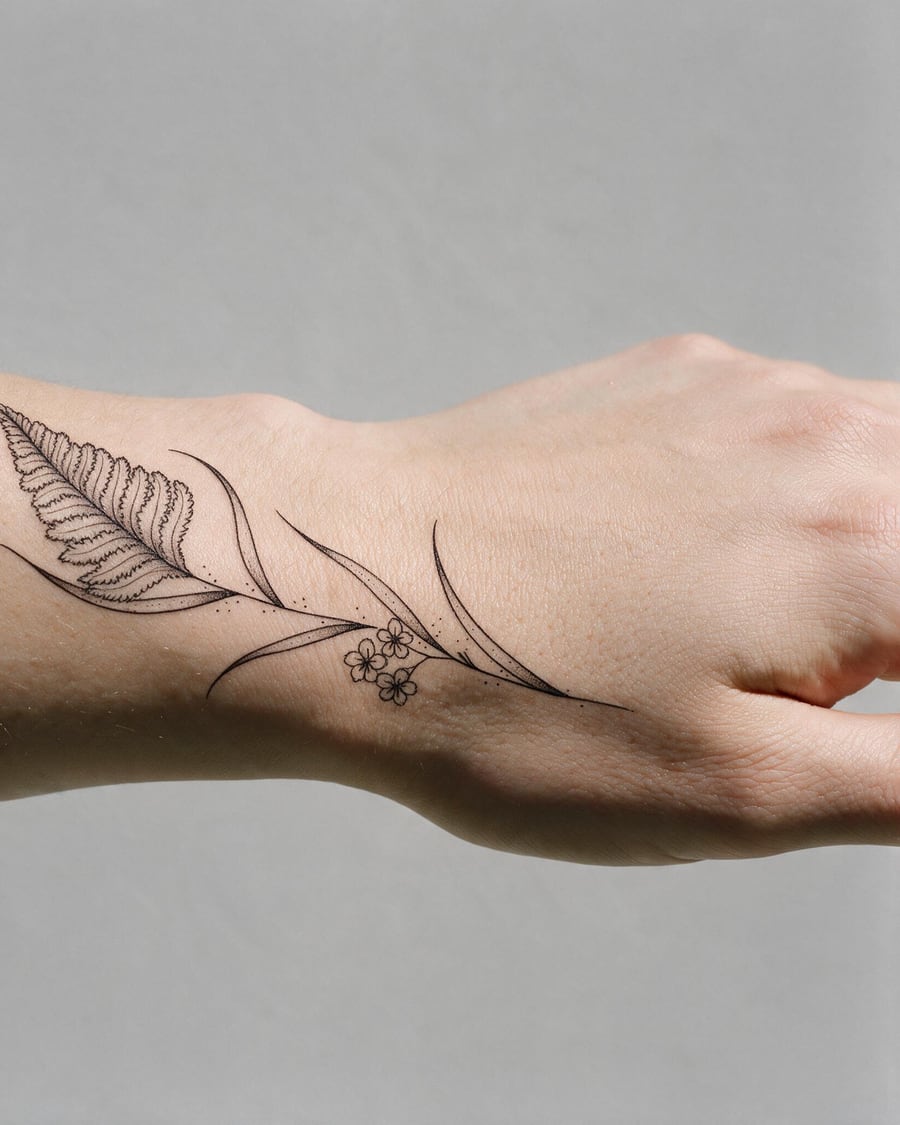
Tattoo
The design, then the design on your arm
The design is drawn as pure line work, then placed on your skin, where you want it and following the curve of the arm. Two inputs into one node. The workflow is visible here, without an account.
Interactive demoDocuments and productivity
A PDF dropped on the canvas is read in full by a Text node: summarized in five points then illustrated, or graded paper by paper with a class report. These workflows start from a document and return useful text, sometimes an image.
 New
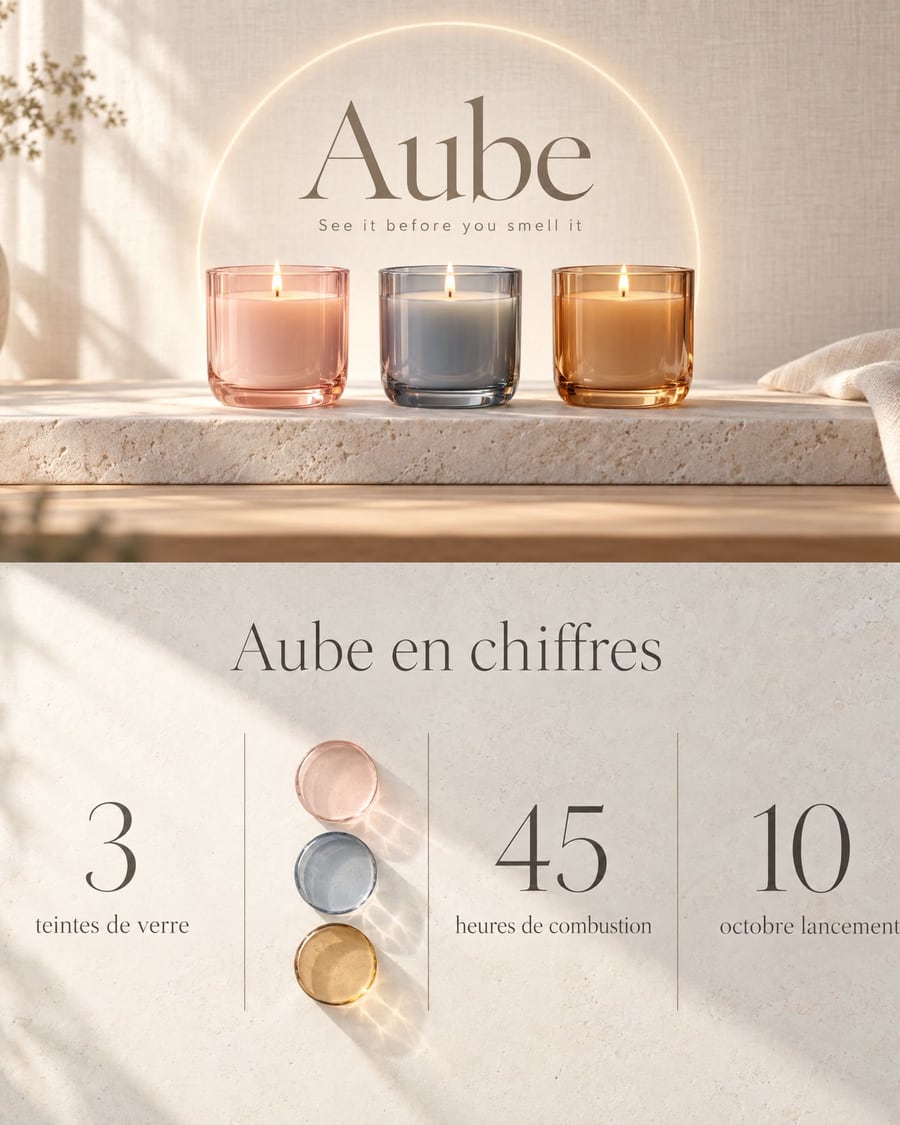
NewA slide deck from a PDF
The document goes in, the slides come out
Your brief in PDF goes to two Text nodes that each write one slide, and GPT Image 2.5 Sunburst draws them in 16:9, text included. Workflow visible here, no account needed.
Interactive demo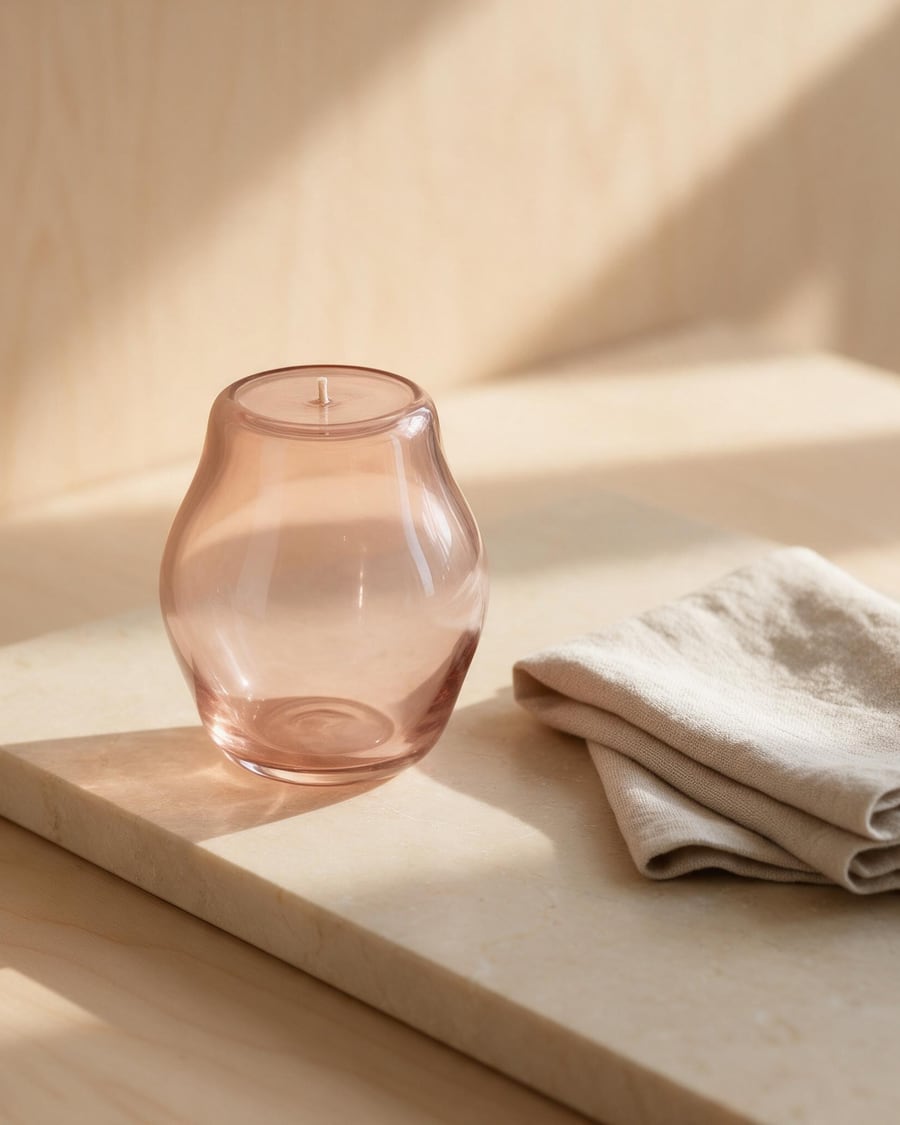 New
NewSummarize a PDF
The document summarized then illustrated
A PDF dropped on the canvas, two Text nodes that read it in full: one summarizes it in five points, the other turns it into an image prompt, and an Image node renders it. The demo brief is included. The whole workflow is visible without an account.
Interactive demo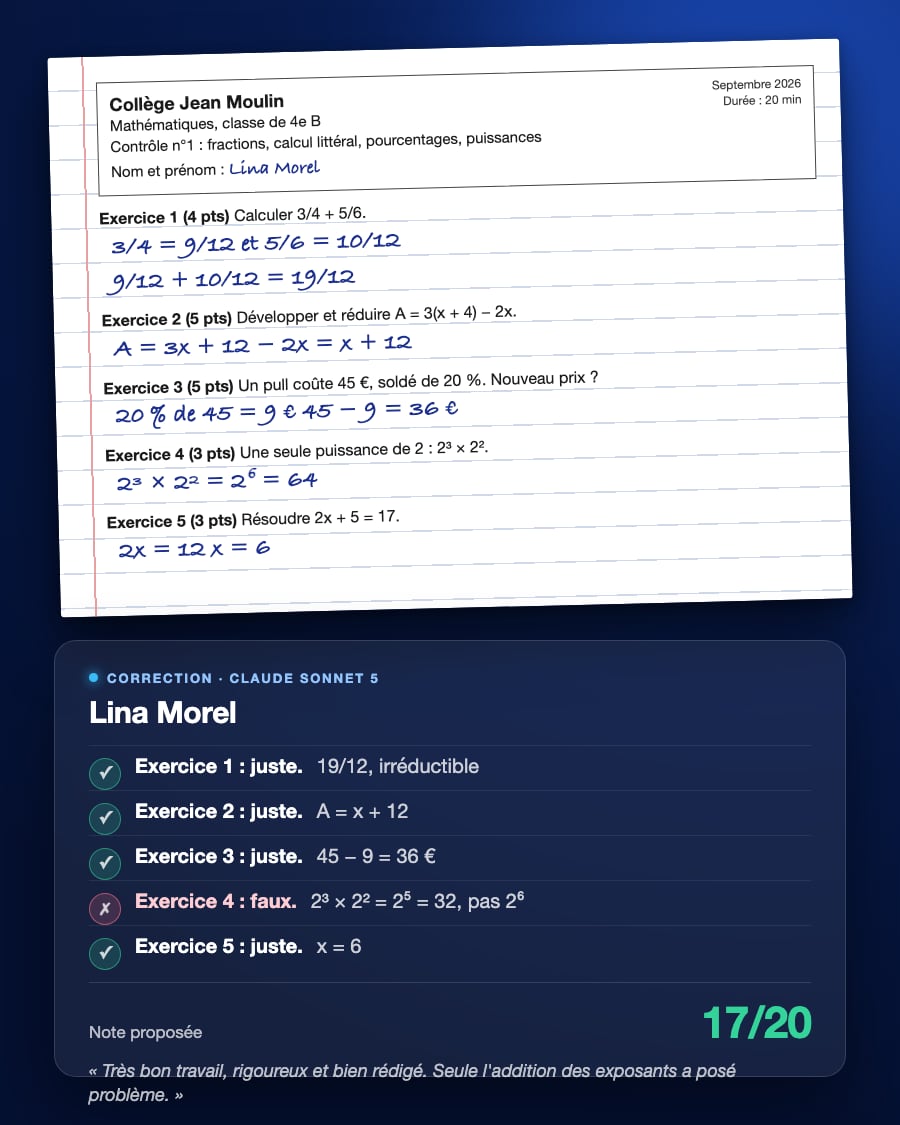
Grade student papers
Every answer judged, a mark proposed
A PDF of student papers dropped on the canvas, two Text nodes that read it in full: one grades paper by paper, what is right, what is wrong, the mistake and a proposed mark; the other writes the class report with remediation exercises. The three demo papers are included. The whole workflow is visible without an account.
Interactive demo