Category
AI voice, audio and music: voice-over, song, podcast, sound effects and audio cleanup
Generate a voice-over, have lyrics sung, produce a two-voice podcast episode, create a sound effect described in one sentence, separate the vocals from a song or clean up a recording: each task has its workflow here, with real audio files to listen to.
The pages often compare several engines on the same text or the same file, with the cost of each. It is the safest way to choose a voice or a method before spending a credit.
What you can do here
- Get a credible voice-over without a mic or a studio
- Set lyrics to music
- Produce a podcast without recording
- Isolate vocals or make a karaoke track
- Remove background noise from a recording
The tools in this category 9 tools
Audiobook
The chapter read aloud, the cover on screen
The chapter in PDF dropped on the canvas: one Text node copies its opening word for word, an ElevenLabs narrator's voice reads it, an instrumental bed plays underneath, and the cover stays on screen in a 16:9 Montage: the video to publish so people can hear the first chapter. The whole workflow is visible without an account.

 Interactive demo
 New
NewScreenplay table read
Ten lines, three voices, one take
The screenplay in PDF dropped on the canvas: one Text node turns it into ten lines ready to read, a narrator for the action and the characters word for word, and a Voice node in dialogue mode performs them in a single take with three ElevenLabs voices. The reading you do with actors, in three clicks. The whole workflow is visible without an account.
Interactive demo New
NewWrite a song
Your lyrics, sung twice
The same lyrics sung twice by ElevenLabs Music: a bright pop track and an acoustic folk take, one minute each. The full workflow is visible without an account, with both songs.
 Interactive demo
 New
NewSound effect generator
Describe the sound, not the picture
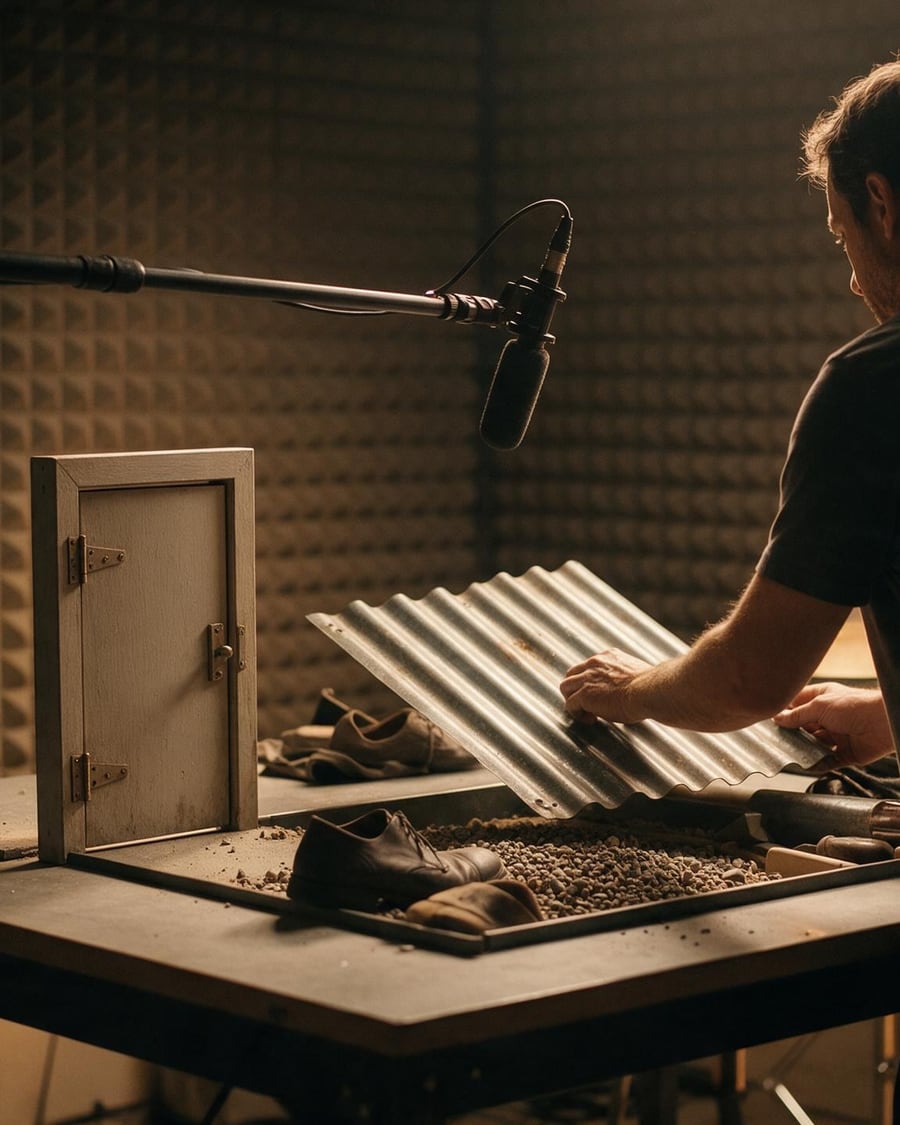
Three sound effects made by ElevenLabs Sound Effects from text: looping rain on a tin roof, a creaking castle door, a stadium erupting. The full workflow, visible without an account.
 Interactive demo
 New
NewTwo-voice podcast
Eight lines, two voices, one take
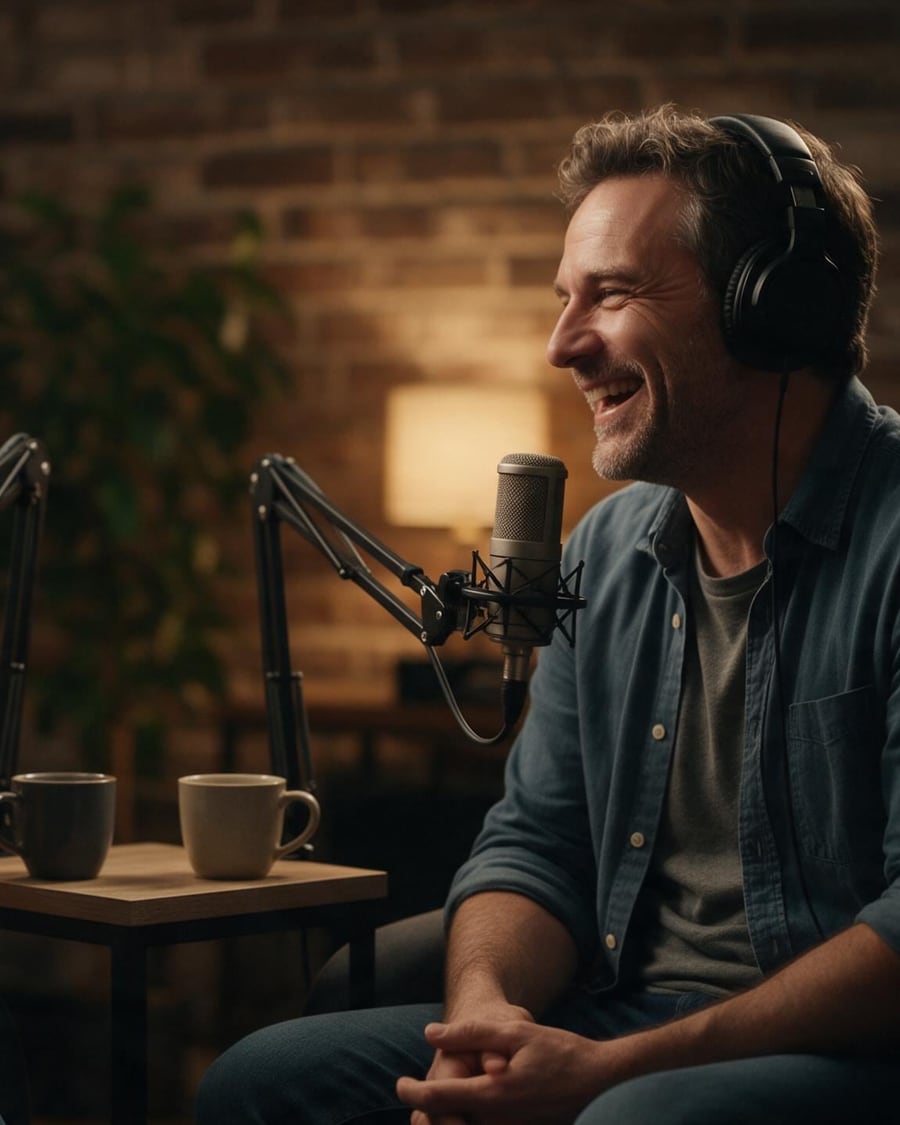
An eight-line exchange between two hosts, performed in a single take by ElevenLabs Dialogue v3: two voices, the hand-offs, the laughs. The full workflow, visible without an account, with the episode.
 Interactive demo
 New
NewChange your voice
Same line, same rhythm, three timbres
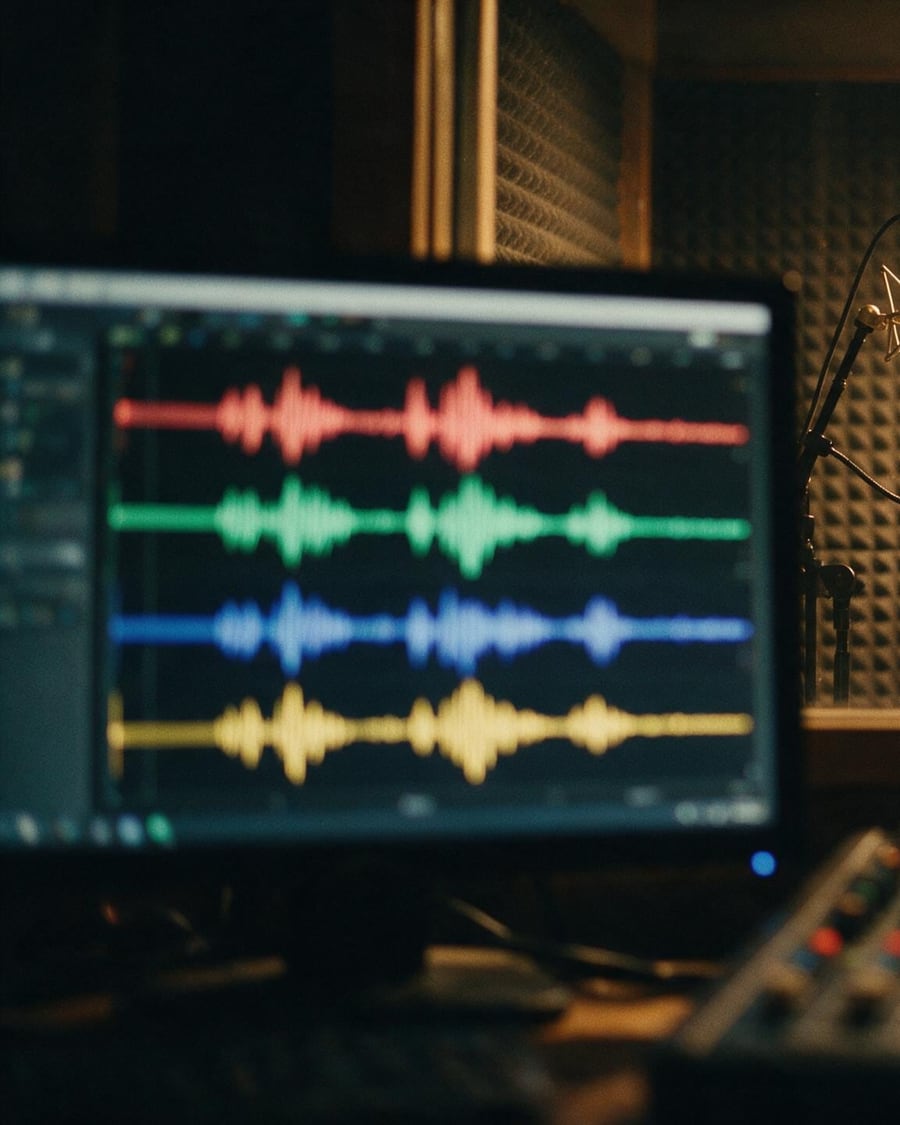
A line spoken by a male voice, replayed by ElevenLabs Voice Changer in three voices, a woman, a young man, an older man, with the original rhythm and intonation. The full workflow, no account needed.
 Interactive demo
 New
NewSplit the vocals from a song
Vocals, drums, bass, and the karaoke
A 30-second song split into four stems by Demucs, vocals, drums, bass and the rest, with the same song run through vocal isolation next to it. The full workflow, no account needed.
Interactive demo New
NewClean up a recording
The voice stays, the street goes
A voice memo dictated on a noisy terrace, run through both noise removers of the catalogue side by side, DeepFilterNet 3 and ElevenLabs Audio Isolation. The full workflow, no account needed.
Interactive demo New
NewVoice-over: three engines
The same text, three voices to compare
The same script read by three speech synthesis engines, ElevenLabs v3, MiniMax Speech 2.8 HD and OpenAI TTS HD, to choose your voice-over by ear. The full workflow, no account needed.
 Interactive demo
Frequently asked questions
Can I listen to the results before generating?
Yes: every page embeds the audio files of its demo, generated by the workflow shown. What you hear is what the node produces.
Can the voices be used commercially?
Generated voices can be used in your projects. Cloning a real voice requires its owner's consent, and the models refuse the voices of well-known people.