Wigglegram
Also calledWiggle GIF, Stereo parallax loop, Nishika loop
A wigglegram is a short looping animation built from a handful of still photographs taken from slightly different horizontal viewpoints at the same moment, then played forward and backward so the parallax between near and far objects creates an illusion of three-dimensional depth. It gives the viewer a stuttering, toy-like sense of depth without 3D glasses, as if a single photograph had been gently rocked side to side.
What it tells
Directors and photographers reach for the wigglegram when a moment should feel handmade and slightly magical rather than smoothly cinematic. Its stepped, juddering motion reads as analog and nostalgic, like flipping through an old stereo photo album, which makes it useful for flashbacks, title sequences, or anything that should feel like a treasured snapshot rather than continuous footage. Because the illusion depends on a still subject, it also has a quiet, held breath quality: time seems paused while the depth of the scene reveals itself, inviting the viewer to look closer.
How it is shot
Classic wigglegrams came from cameras like the Nishika N8000, which fired four lenses spaced about 30 millimeters apart across a single frame of film in one instant. To recreate the effect today, rig 4 to 8 cameras (or rendered viewpoints) along a straight horizontal baseline a few centimeters apart, fire them simultaneously, then sequence the frames in a boomerang order (1-2-3-4-3-2-1) and loop at 8 to 12 frames per second. Keep the subject still and the lighting constant across every frame. Foreground elements shift more than the background, so place something close to the lens to sell the parallax gap.
When to use it
- Opening or closing title cards for a project that should feel like a handmade, nostalgic photo album.
- Flashback or memory inserts where the viewer should sense a treasured, slightly frozen recollection.
- Product reveals that need a tactile sense of physical depth without a full stereoscopic 3D rig.
- Short social loops, GIFs or Boomerang-style posts that reward repeated viewing with a subtle depth trick.
Not to be confused with
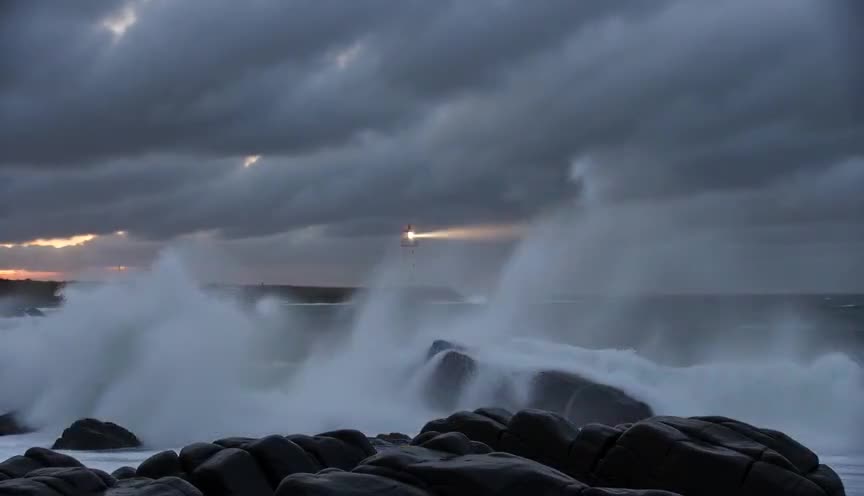
A boomerang loop plays one continuous take forward then backward from a single fixed viewpoint. A wigglegram hops between several distinct viewpoints along a baseline, so its loop is a parallax jump, not a smooth reversal of the same shot.
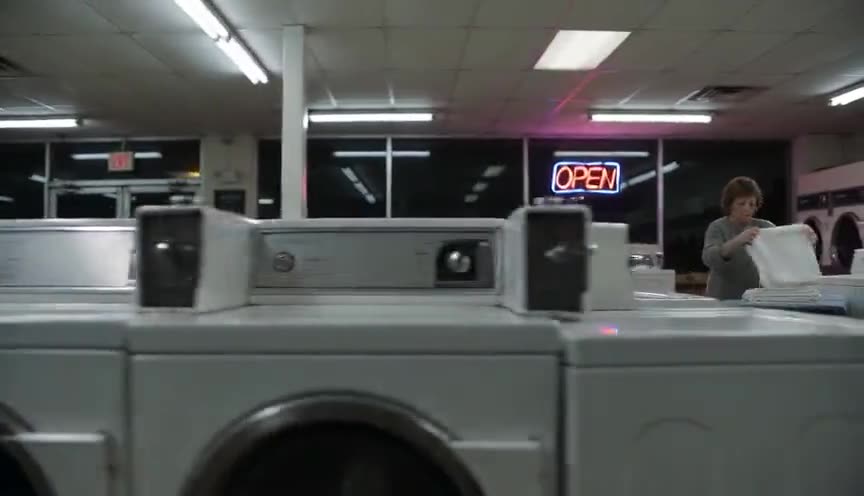
A parallax shot glides the camera smoothly along a continuous path so foreground and background separate in one fluid motion. A wigglegram achieves the same separation with only 4 to 8 discrete frames, producing a stepped, stuttering wiggle instead of a smooth glide.
In film
The Matrix (1999)
Its bullet time rig, an array of still cameras firing in sequence around the actor, is the direct technical ancestor of the wigglegram's multi viewpoint parallax capture.
Swordfish (2001)
The opening explosion uses a time slice still camera array to freeze the blast while the viewpoint moves, applying multi viewpoint parallax like a cinematic wigglegram.
The prompt
Tell the model exactly how many fixed viewpoints to use (four is classic) and that it should hop between them in a boomerang order rather than glide smoothly, since words like 'dolly' or 'pan' push most models toward continuous motion. Specify a close foreground object and a distant background so the parallax gap is visible, and ask for the subject to hold still. Avoid requesting handheld shake or motion blur, since those read as documentary footage rather than the stepped, toy-like wiggle this technique needs.
The exact prompt that rendered the video on this page. Keep the description of the move, change the subject and the setting.
Wigglegram of a narrow medieval stone lane between two-story stone houses, captured from four fixed horizontal viewpoints spaced a few centimeters apart, looping back and forth between the four framings at roughly ten switches per second in a stepped, non-smooth motion. A wrought iron lantern hanging close to the lens swings noticeably between frames while a distant stone archway and cobbled square barely shift. A cloaked merchant with a basket of bread stands motionless in the midground under flat, even daylight, with no motion blur and no camera glide. No text.
Common mistakes
Smoothing the motion
Using a continuous camera move instead of discrete, stepped frames erases the toy-like judder that makes a wigglegram recognizable, turning it into an ordinary parallax pan.
Using too many frames
More than 8 to 10 viewpoints starts to read as a smooth orbit or arc shot instead of a wigglegram, which relies on a visibly small, choppy frame count.
Letting the subject move
If the subject shifts position between frames, the parallax illusion breaks and the loop reads as jittery footage rather than a convincing sense of depth.
Frequently asked questions
What is a wigglegram?
A wigglegram is a short loop made from a few still photos shot from slightly different side to side viewpoints and played back and forth, so nearby and distant objects shift at different speeds and the image appears to have real depth.
How many photos do you need to make a wigglegram?
Four is the classic count, matching the four lenses of the Nishika N8000 stereo camera that popularized the technique. You can use up to 8, but going much higher starts to look like a smooth pan instead of a wiggle.
Can you make a wigglegram with a single camera?
Yes, by photographing a still scene, sliding the camera a few centimeters sideways, and repeating 3 more times, then sequencing the shots in a boomerang order. A multi-lens rig just makes the timing between frames perfectly simultaneous.
Can AI video tools generate a wigglegram?
Yes, if you describe the fixed viewpoints, the boomerang order, and the stepped, non-smooth timing explicitly. On a canvas like Imaginode you can iterate on the prompt until the parallax hop reads clearly in a short loop.