Jump cut
Also calledDiscontinuity cut, Time skip cut
A jump cut is a straight edit between two shots of the same subject and framing that skips a chunk of time, so the subject appears to jump within the frame. It breaks the illusion of continuous action and makes the viewer feel the edit itself.
What it tells
Directors reach for the jump cut when smoothness is not the point. It compresses time fast, signals a character's restlessness or fractured mental state, or simply admits that editing exists instead of hiding it. Used comically it snaps a beat forward for a punchline. Used dramatically it can feel anxious, disorienting or urgent. It became a hallmark of the French New Wave as a rebellion against invisible Hollywood continuity, and it now defines the fast, self aware rhythm of online video.
How it is shot
Two shots share nearly the same camera position, lens and framing, often within the 30 degree rule that continuity editing forbids crossing without a real angle change. Between them, the editor removes a slice of time from the action, so the subject's pose, position or expression shifts abruptly on the cut. There is no dissolve or camera move to soften it, just a hard cut. Lighting and background stay identical so the discontinuity reads clearly. In dialogue or vlog editing, it is often used to remove pauses, filler words or stumbles while keeping the same static or near static shot.
When to use it
- Compressing a long task like packing, cooking or waiting into a few punchy seconds
- Removing dead air and stumbles from a talking head or vlog interview
- Showing a character's agitation, distraction or fractured state of mind
- Building comic rhythm by snapping straight to the payoff of an action
Not to be confused with
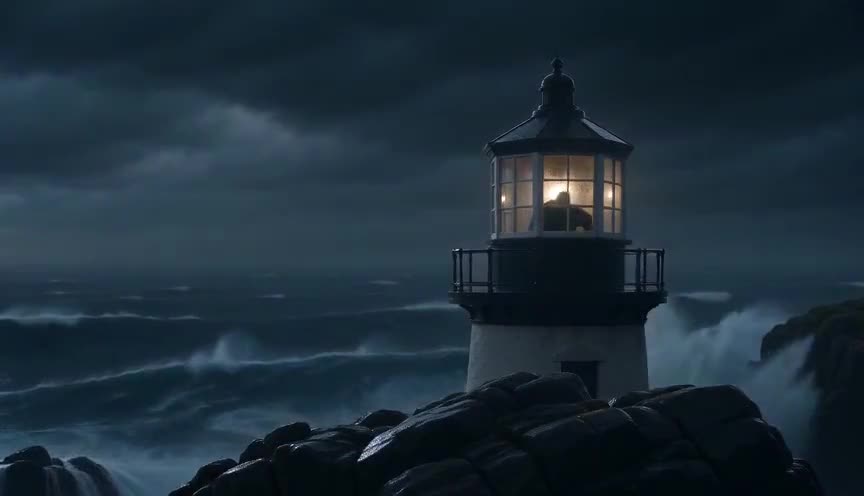
Match on action hides the cut by continuing the same movement across two angles, so the edit feels seamless. A jump cut deliberately keeps the same angle and breaks the movement, making the cut visible.
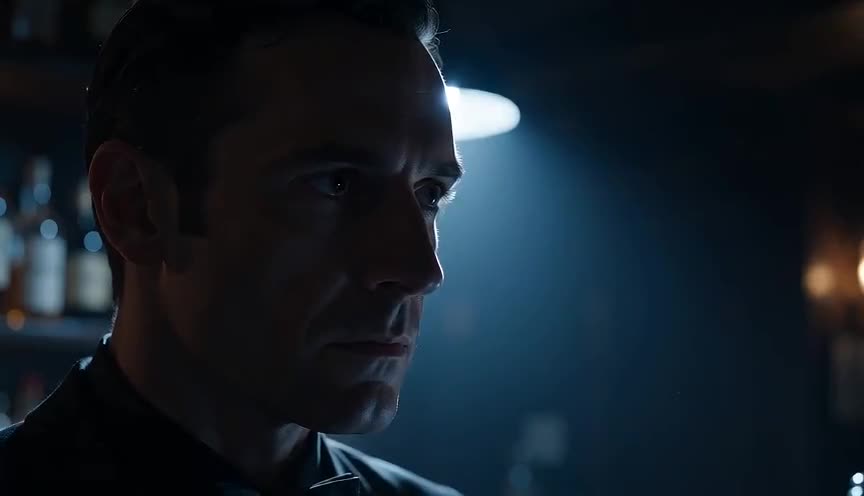
A smash cut jolts the viewer by cutting between two very different scenes or tones with no transition. A jump cut stays on the same subject and framing, only skipping time within one continuous scene.
In film
Breathless (1960)
Godard's Paris car ride with Michel and Patricia cuts across nearly identical framings, skipping bits of conversation and movement, making the edits deliberately visible.
The Royal Tenenbaums (2001)
Richie's bathroom scene uses abrupt cuts in nearly fixed mirror framing as he shaves and cuts his hair, compressing time into visible discontinuities.
The prompt
Describe two distinct moments with the same camera position, lens and background, then state plainly that a hard cut joins them with no dissolve. Name the visible change: a new pose, a moved object, a different action, so the AI model renders an obvious discontinuity rather than a smooth transition. Avoid words like smooth, seamless or blend, since those push the model toward a dissolve or match cut instead of a jarring skip in time.
The exact prompt that rendered the video on this page. Keep the description of the move, change the subject and the setting.
Jump cut: a woman in business attire sits at a desk in a modern glass office tower, afternoon light pouring through floor to ceiling windows behind her. Shot one, medium shot, locked off camera, 35mm lens: she leans forward typing on a laptop, papers stacked loosely to her left. Hard straight cut, no dissolve, to shot two: identical framing, lens and lighting, same desk and window backdrop, but she now leans back holding a coffee cup and the papers are restacked, several seconds of action removed between the two shots. No text.
Common mistakes
Changing the angle too much
If the second shot moves far enough to feel like a new angle, it reads as a normal cut instead of a jarring jump, losing the intended discontinuity.
Softening it with a dissolve
Adding a cross dissolve or fade between the two shots turns the jump cut into a time lapse transition and removes the abrupt, self aware quality that defines it.
Using it by accident in continuity editing
Cutting between two takes of the same shot with only a slight change in position creates an unwanted jump cut that looks like a mistake rather than a choice.
Frequently asked questions
What is a jump cut?
A jump cut is a hard edit between two shots of the same subject and framing that skips part of the action, making the subject appear to jump forward in time and position within the frame.
Is a jump cut a mistake in editing?
It can be either. In continuity editing, an accidental jump cut looks like an error because it breaks the illusion of smooth time. Used on purpose, it is a stylistic tool for pace, comedy or unease.
How do editors avoid unwanted jump cuts?
They cut on a clear change of angle, size or subject, add a cutaway or reaction shot, or use a match on action so the movement across the cut feels continuous instead of discontinuous.
Why do YouTubers use so many jump cuts?
Jump cuts let creators remove pauses, stumbles and filler words from a single static shot while keeping the energy tight, which is why they define the fast rhythm of vlog and tutorial editing.