16 techniques
Editing and transitions: connecting shots with purpose
Editing decisions determine how one shot relates to the next, and that relationship carries as much meaning as anything inside either frame. A match cut connects two shots through shared shape or motion, a jump cut deliberately breaks continuity for jarring effect, and a dissolve blends two images to suggest time passing or a dreamlike connection. The cut itself is a storytelling choice, not just a mechanical splice.
Choose a transition based on the relationship you want the audience to feel between two moments. Use invisible cuts and match on action for seamless continuity, jump cuts or smash cuts for disruption and urgency, cross-cutting to link parallel events happening at the same time. Understanding these helps you plan AI generated shots that will cut together cleanly in post.
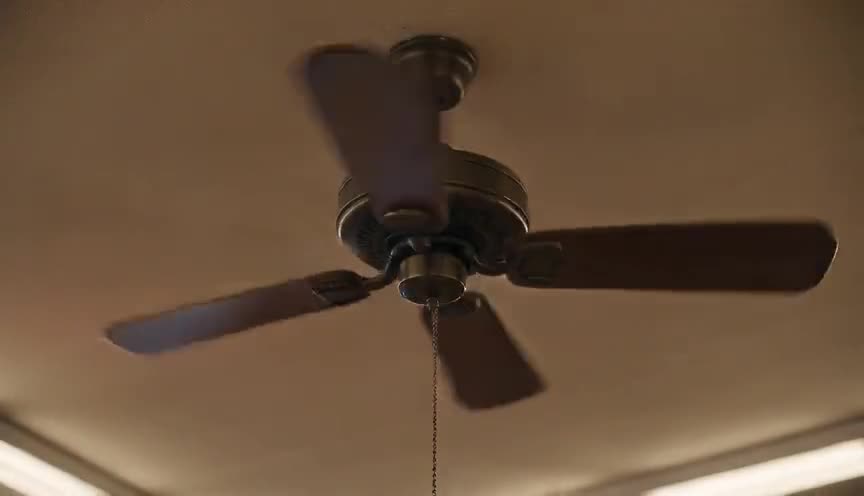
Match cut
A match cut joins two shots that share a strong visual, compositional, or sound similarity, so the cut reads as one image transforming into another rather than a hard break. It bridges two different times, places, or subjects while keeping the viewer inside a single continuous idea.
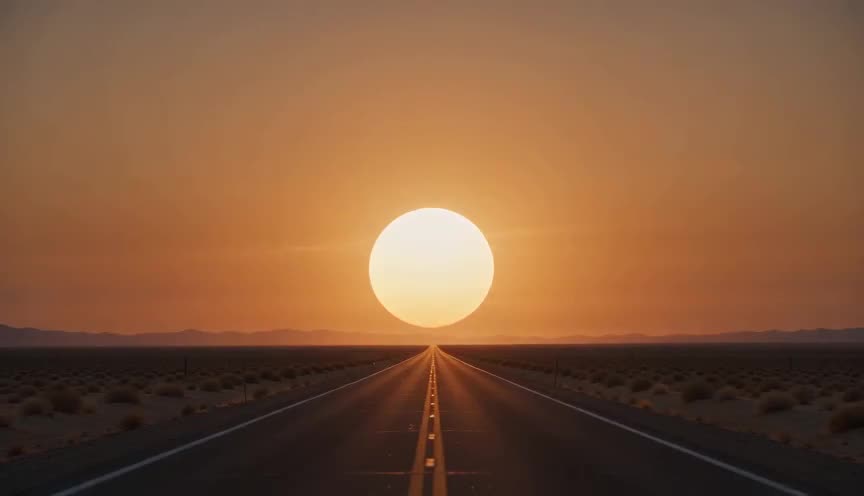
Graphic match
A graphic match is a cut that joins two shots whose shapes, lines, colors, or composition line up almost exactly, so the eye reads continuity across a break in time or place. It lets the editor connect two unrelated moments through pure visual similarity rather than through action or story logic.
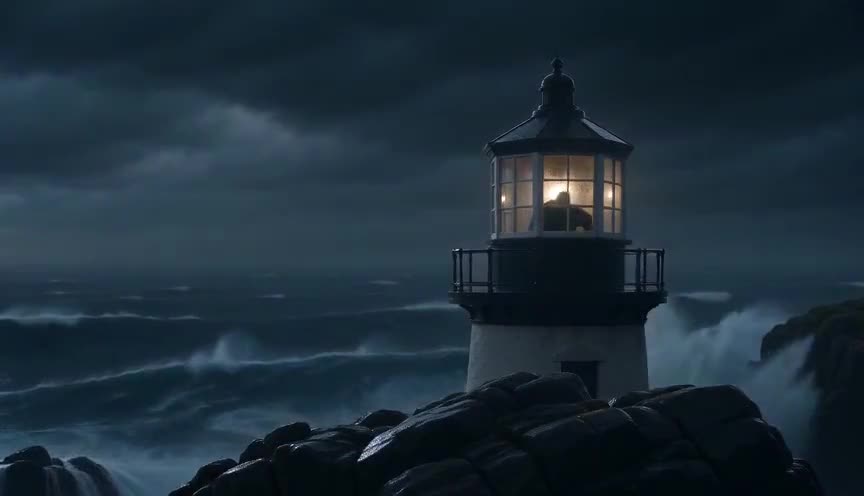
Match on action
Match on action is an editing technique that cuts from one shot to another in the middle of a continuous physical movement, matching the subject's position, direction and speed across the cut. It keeps the viewer inside the motion, so the edit itself disappears and the scene feels like one unbroken piece of time.
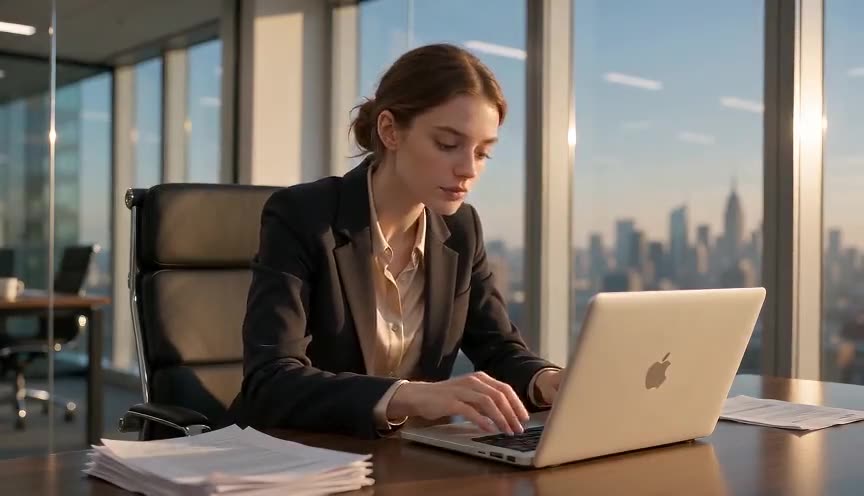
Jump cut
A jump cut is a straight edit between two shots of the same subject and framing that skips a chunk of time, so the subject appears to jump within the frame. It breaks the illusion of continuous action and makes the viewer feel the edit itself.
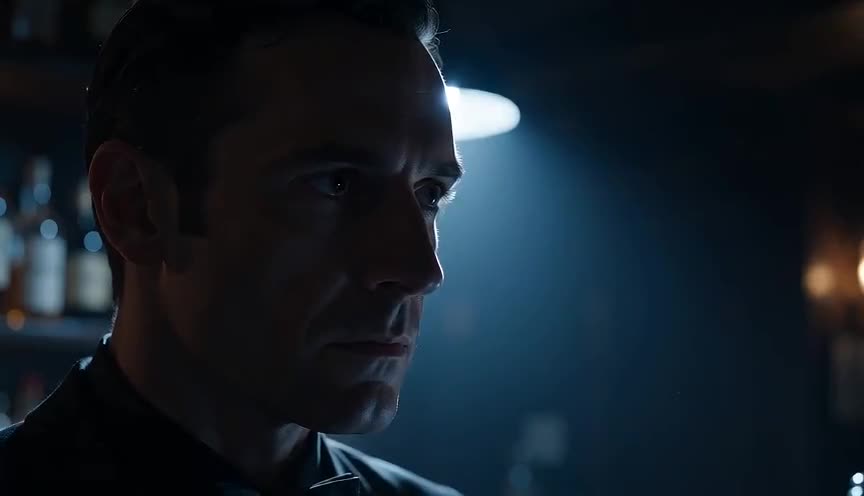
Smash cut
A smash cut is an abrupt, unsoftened cut between two shots or scenes that clash sharply in content, tone, volume or energy. It jolts the viewer with no transitional device to cushion the jump, turning discontinuity itself into the effect.
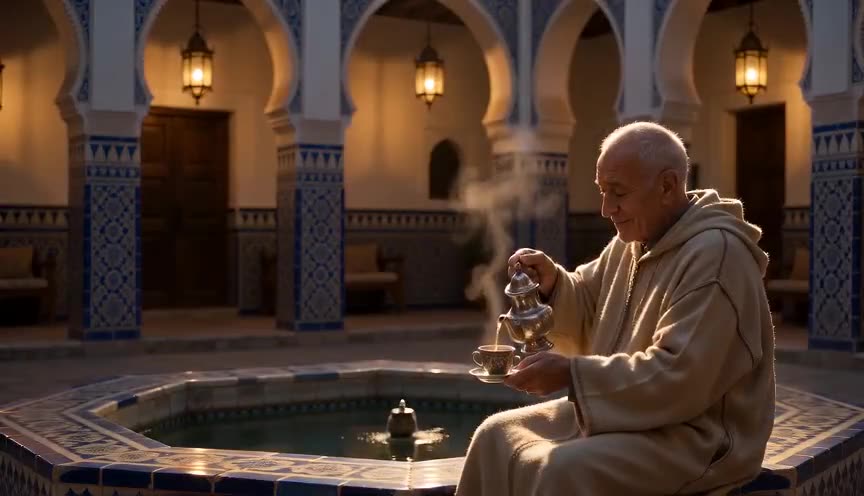
Dissolve
A dissolve is an editing transition where one shot gradually fades out while the next shot fades in, overlapping both images for a moment before the second one takes over. It softens the cut into a blend, telling the viewer that time has passed or that the two images are connected in meaning.

Fade in and fade out
A fade in gradually brings an image up from a black (or white) screen at the start of a scene, while a fade out gradually dims an image down to black at its end. Both give the viewer a clear pause, signaling that time has passed or that a section of the story is fully closed.
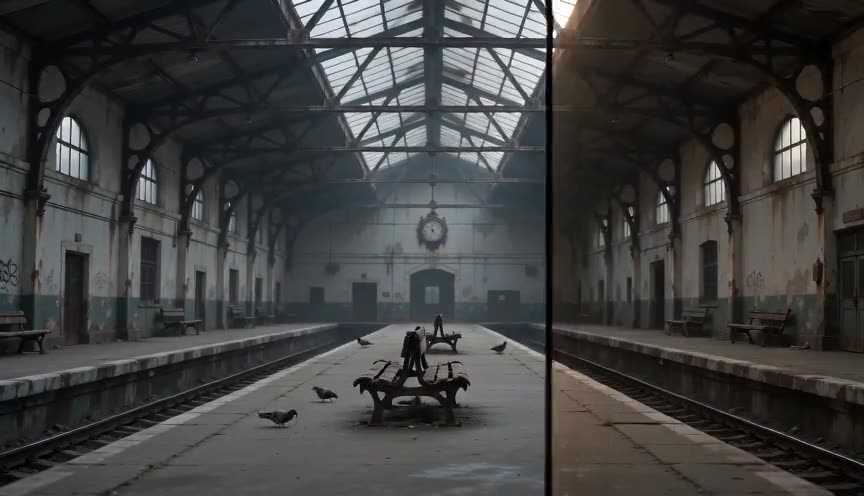
Wipe
A wipe is an editing transition where a line, shape, or pattern sweeps across the frame, pushing the outgoing shot aside as it uncovers the incoming one. It reads as a graphic, deliberate scene break, often signaling a change of location, chapter, or tone rather than continuous time.
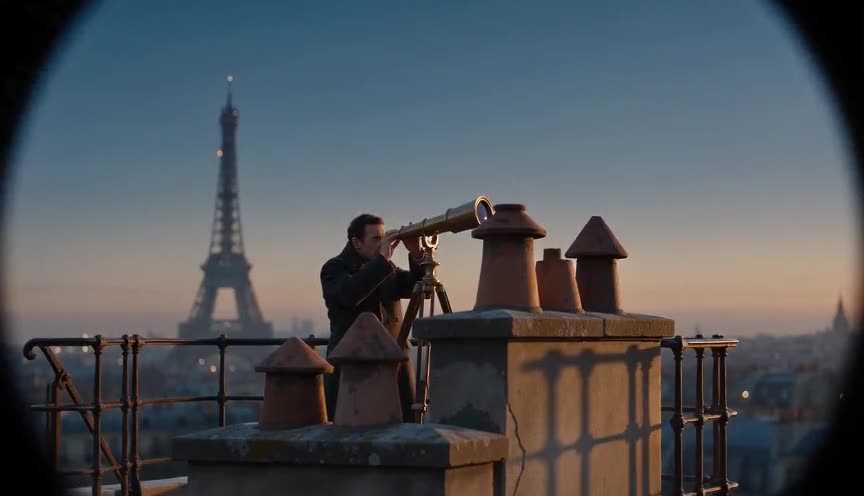
Iris transition
An iris transition is a scene change in which a circular or shaped mask closes down to a single point to end a shot, or opens outward from a point to begin one. It narrows the viewer's attention to one exact detail in the frame and marks the start or end of a scene with a soft, theatrical punctuation instead of a straight cut.
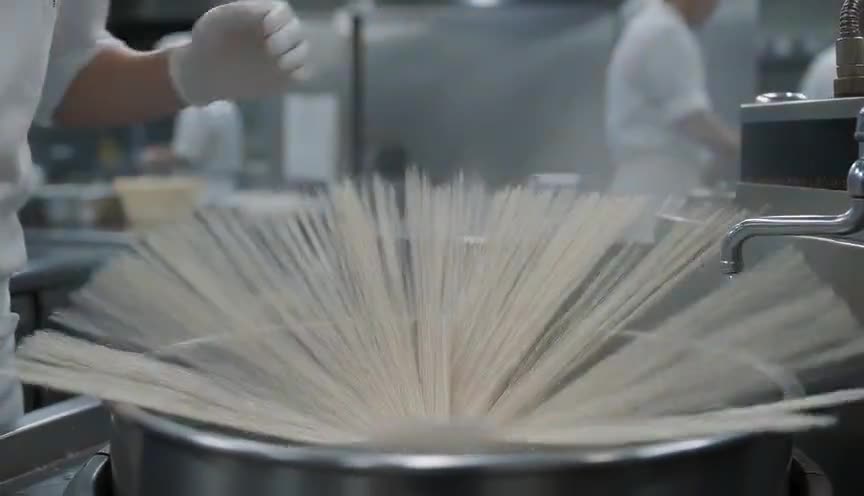
Cross-cutting
Cross-cutting is an editing technique that alternates between two or more separate lines of action, usually happening in different places, to imply they are occurring at the same time. It builds suspense or reveals connection by forcing the viewer to hold multiple storylines in mind at once.
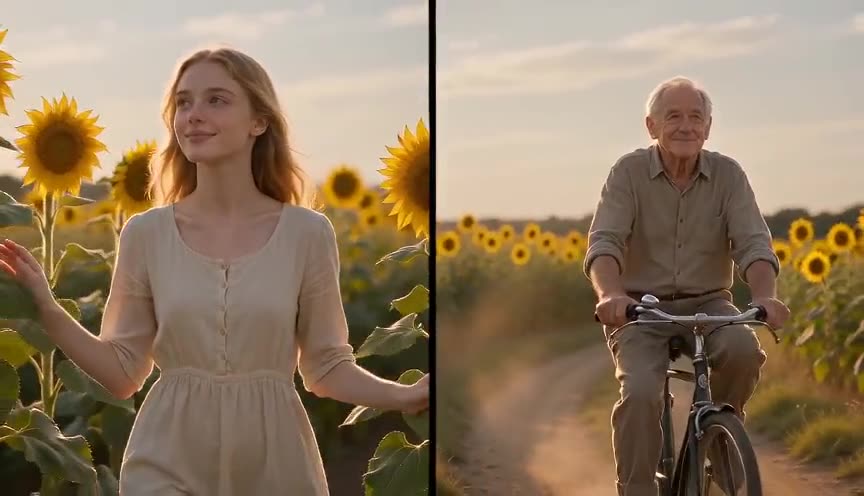
Split screen
Split screen is an editing technique that divides the frame into two or more separate images displayed at the same time, each usually coming from a different camera or shot. It lets the viewer see parallel actions, locations or points of view simultaneously, without waiting for a cut.
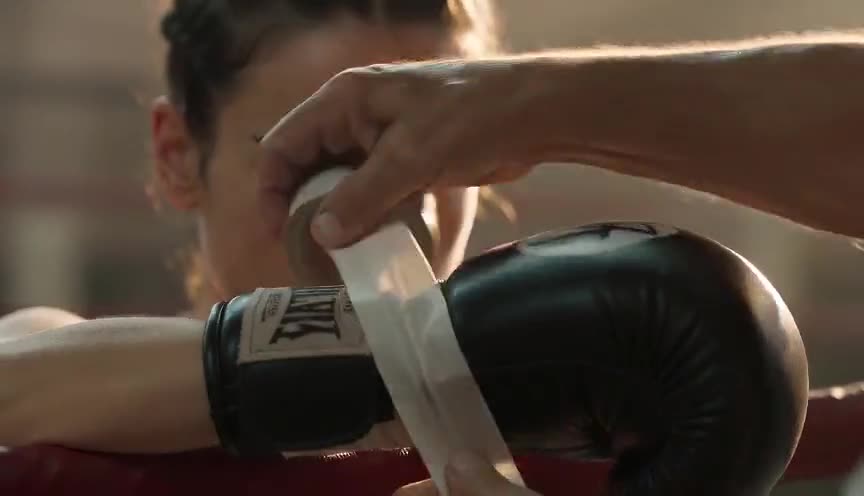
Montage sequence
A montage sequence compresses time by cutting together a series of short shots, often set to music, to show progress, change or transformation in a condensed span. It lets the viewer feel days, weeks or months pass in a matter of seconds.
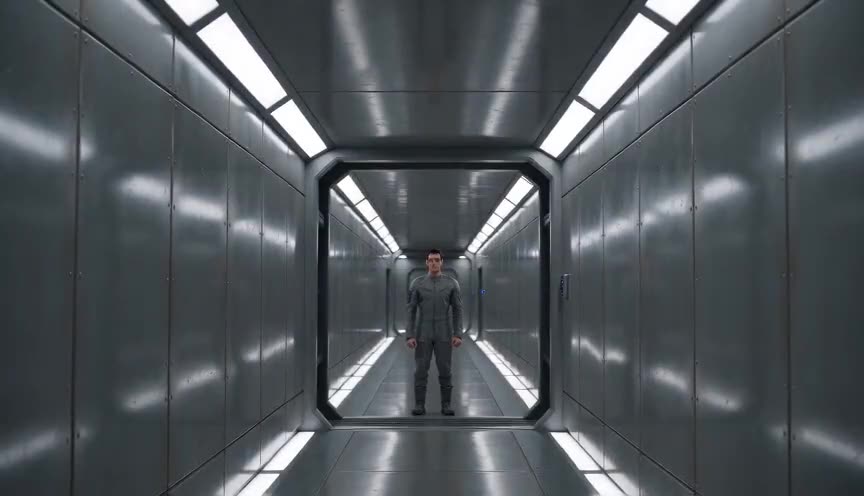
Axial cut
An axial cut is an edit that jumps the camera straight toward or away from the subject on the same lens axis, keeping the same angle but changing the distance in a single cut. It compresses space abruptly, snapping the viewer's attention onto a detail or pulling them back without any camera movement being shown.
Invisible cut
An invisible cut is an edit hidden inside movement, action, or a masking element so the viewer never registers that two separate shots have been joined. It preserves the illusion of one unbroken take even though the camera position, lens, or set has actually changed between shots.
J-cut and L-cut
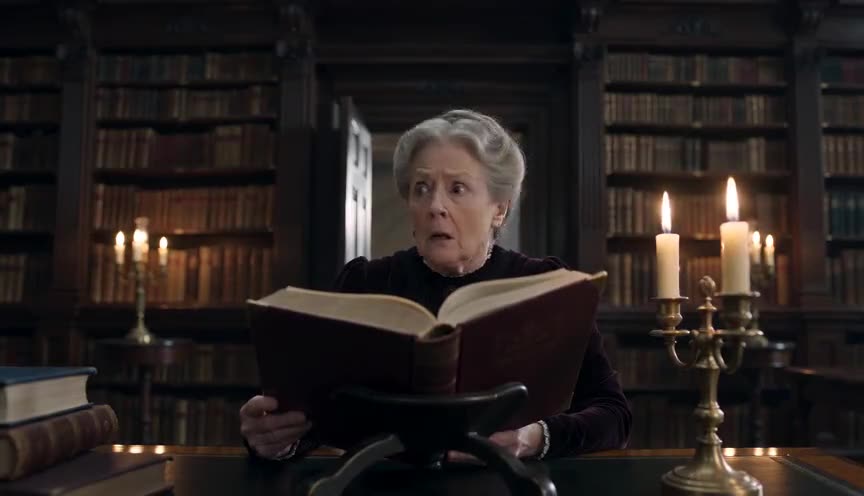
A J-cut and L-cut are editing techniques where sound and picture are cut at different points instead of together, so audio from one shot bleeds into another. In a J-cut the sound of the next scene arrives before its picture; in an L-cut the sound of the previous scene lingers after the picture has already changed.
Flash cut
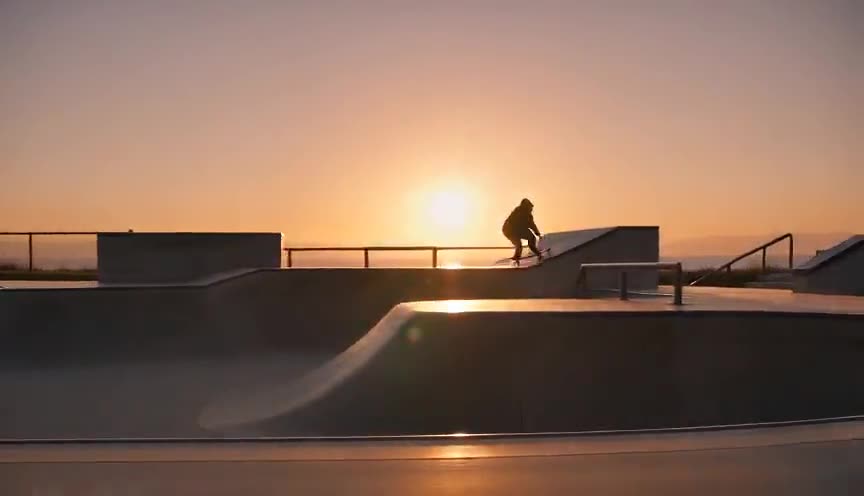
A flash cut is an editing technique that inserts one or a few extremely short shots, sometimes only a handful of frames, into a sequence to create a jolt or a sudden shift in rhythm. It hits the viewer as a physical impact rather than a legible image, because the eye barely has time to register what it saw.
Frequently asked questions
What is the difference between a jump cut and a smash cut?
A jump cut breaks visual continuity within the same scene, often skipping time in a way that feels abrupt on purpose. A smash cut jumps abruptly between two different scenes or tones, usually for shock, contrast, or comedic effect.
What makes a match cut effective?
A match cut works by connecting two shots through shared visual shape, motion, or composition, so the cut itself creates meaning, such as linking two different eras or ideas through a matching gesture or object across the edit.
Do I need to plan for editing when generating shots with AI?
Yes. Planning shot sizes, angles, and movements with editing in mind, such as shooting a clean master shot alongside close-ups, makes it far easier to cut AI generated clips together into a coherent sequence afterward.