Freeze frame
Also calledStill frame, Frozen frame, Photo finish ending
A freeze frame is an editing technique that stops the moving image on a single frame, holding it on screen as if time itself paused. It interrupts the flow of a scene to fix a moment in the viewer's memory, often for emphasis, comedy, or closure.
What it tells
Directors reach for a freeze frame when a moment needs to outlast its natural duration: a punchline that needs a beat to land, a tragedy that needs the audience to sit with it, or an ending that refuses closure. The technique borrows from photography, turning a living instant into a fixed image the viewer can study. It can feel playful, ironic, or devastating depending on what surrounds it: a freeze on a smile reads differently than a freeze mid-fall. Because it breaks the illusion of continuous motion, it always announces itself, so it works best as a deliberate punctuation mark, not a habit.
How it is shot
In camera-original workflows, a freeze frame is built in post: the editor picks one frame from the shot, typically at 24 or 25 frames per second, and holds it for a chosen duration, often one to three seconds, sometimes longer for a final image before credits. Some cinematographers plan the moment on set, cueing the actor to hit a precise pose or expression so the chosen frame reads clearly, then shooting a few extra seconds of that pose for safety. The transition into the freeze can be a hard cut, a slight ramp down in speed before the stop, or a soft dissolve. Sound often keeps running briefly or cuts abruptly, which changes how jarring the pause feels.
When to use it
- To end a sequence on an unresolved image, leaving the audience with a question instead of an answer.
- To punctuate a comedic beat, letting the audience register an expression before the scene moves on.
- To mark a character's death or a life-changing instant, stopping time at the moment of impact.
- To close a film or episode, turning the last shot into a poster-like final image.
Not to be confused with
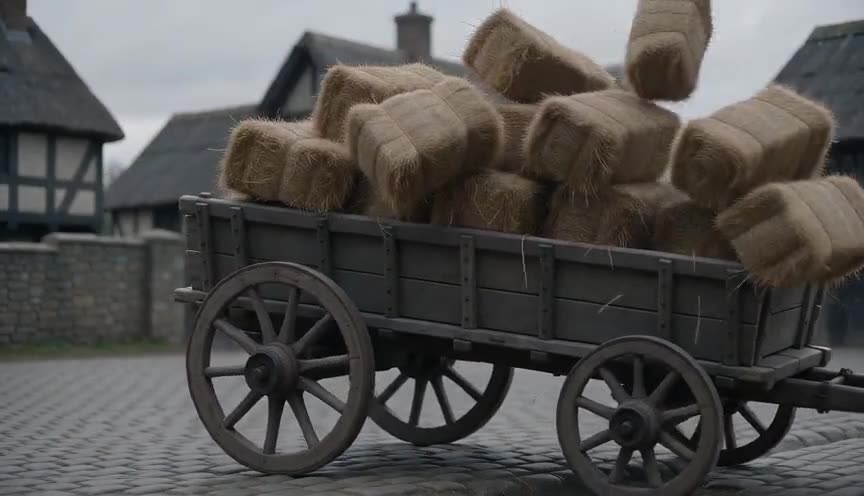
Step printing repeats frames to stretch motion into a stuttering slow motion, while a freeze frame stops on a single frame entirely, holding zero motion for as long as the edit dictates.
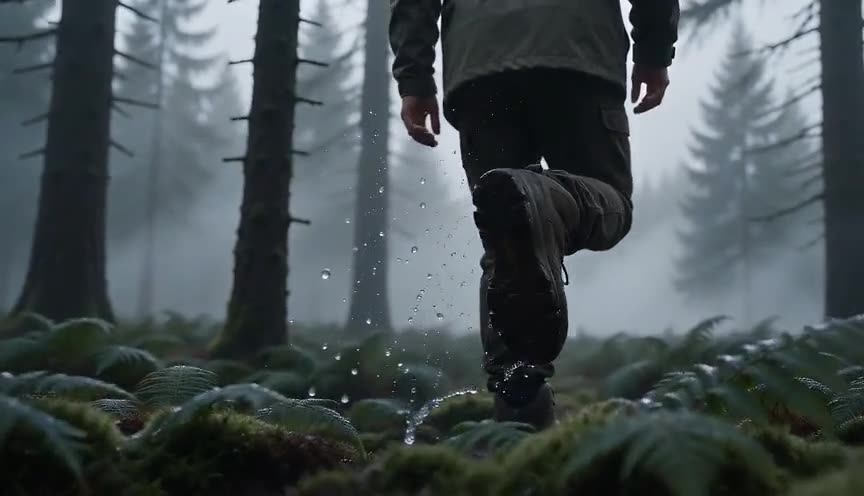
Slow motion keeps the image moving, just more slowly, preserving a sense of ongoing time; a freeze frame removes motion altogether, turning the shot into a still photograph.
In film
The 400 Blows (1959)
The film ends on a freeze frame of Antoine Doinel's face, stopping the story at an ambiguous, unresolved instant.
Butch Cassidy and the Sundance Kid (1969)
The final shootout ends in a freeze frame that turns to sepia, fixing the outlaws mid-charge before their fate.
Thelma & Louise (1991)
The last shot freezes on the car in mid-air over the canyon, refusing to show the impact and leaving the ending open.
The prompt
State the moment to freeze in plain physical terms and specify that motion stops completely while every element in the frame (steam, dust, falling objects) also halts, since AI video models tend to keep background elements drifting unless told otherwise. Describe the action leading into the freeze so the model understands there is a before and an after, and ask for a hard stop rather than a slow fade, which the model may render as a dissolve instead.
The exact prompt that rendered the video on this page. Keep the description of the move, change the subject and the setting.
Freeze frame: a middle-aged male baker in a dim bakery at 5 am tosses a handful of flour into the air above a metal counter, the powder catching the warm overhead light as steam rises from a nearby oven. The camera holds a static medium shot at eye level as his motion suddenly stops, the flour suspended mid-air, his hand frozen in place, all movement in the frame including the steam and falling flour halting instantly like a photograph, held completely still for the final two seconds. No text.
Common mistakes
Holding too long
A freeze that lasts five or ten seconds without music or narration starts to feel like a technical error instead of a deliberate choice, so most freezes hold for one to three seconds.
No lead-in
Cutting straight from full motion to a dead stop with no ramp or clear pose reads as a glitch; give the action a clean, readable shape just before the freeze.
Using it on a busy frame
Freezing a chaotic, cluttered composition hides the moment it should isolate; simplify the frame so the viewer's eye lands exactly where you want it.
Frequently asked questions
What is a freeze frame?
A freeze frame is a shot that stops on a single image and holds it, pausing the action on screen for a chosen length of time. It is used to emphasize a moment, end a scene, or create a photographic effect within a moving picture.
How long should a freeze frame last?
Most freeze frames hold for one to three seconds, long enough to register but short enough to keep momentum; a final freeze before credits can run longer, sometimes five seconds or more.
Does the sound stop during a freeze frame?
It depends on the intent: cutting the sound with the image makes the pause feel absolute, while letting sound continue over the still frame keeps the scene's energy alive and softens the interruption.
Can AI video tools generate a freeze frame?
Yes. Tools like those on Imaginode can render a shot that moves naturally and then locks into a completely still frame if you describe the stop explicitly, including that every element in the frame, not just the main subject, stops moving.