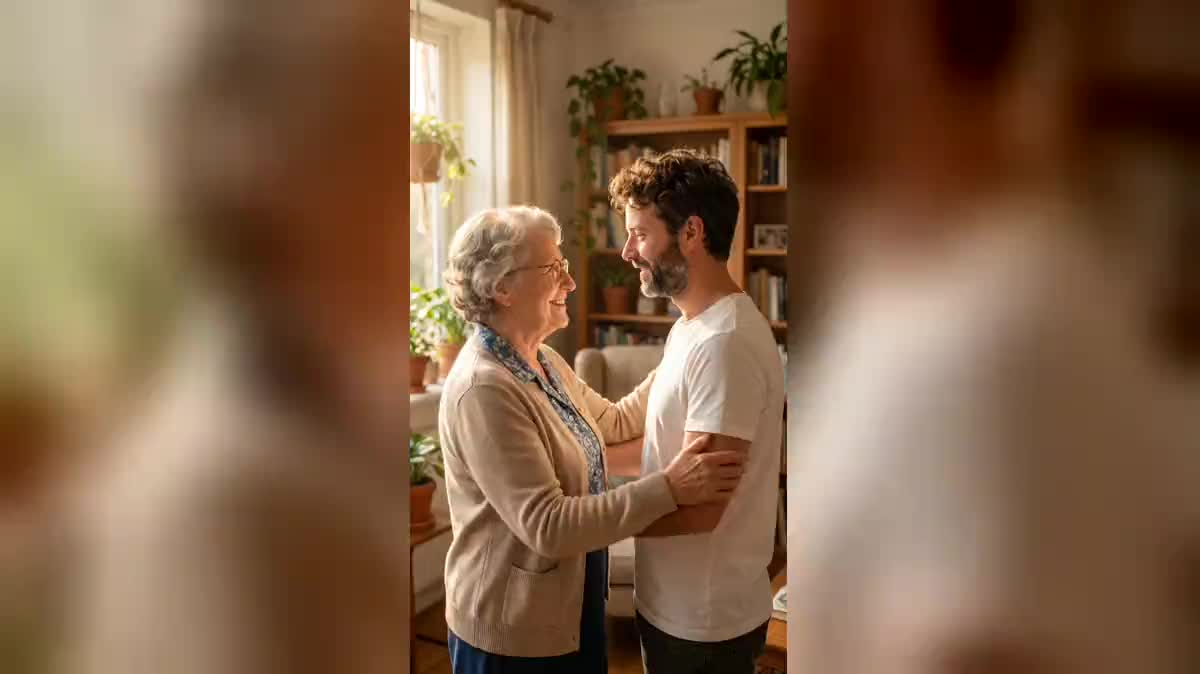
The grandparent who passed away
An old photo of a grandparent who passed away and a selfie of today: the hug that was never photographed, the most shared use of the trend on social media.
Two photos of two people never photographed together become one shared scene, then a video where they hug, faces kept. The workflow is shown here, no account needed.
Real workflow: a selfie of Frank and an old black and white photo of an invented grandmother, brought together in a sunlit living room, then five seconds of hugging. Both faces hold from start to finish.
At a glance
The AI hug video is all over social media: two people who were never photographed together, a grandparent and a grandchild, two distant friends, yourself and a loved one, meet and hug. This workflow starts from two photos and returns the shared scene, then the hug video.
The hard part is merging two photos from different eras and lights, then animating contact without arms melting. Nano Banana Pro first composes a single scene, face to face, under one light; Wan 3.0 starts from that scene and only has the gesture left to invent. Seedance is set aside: it refuses a real person as first frame.
To animate a single old photo, see animate an old photo; to bring three people together in a still photo, the group photo. The scene and the hug cost seventy-nine credits.
These are the files of the workflow above, exactly as the models produced them, unretouched. The starting point is shown when there is one.
Starting point
Render
Families, content creators and people apart who want to bring together two people never photographed together.
Two sharp portraits, front or three quarter, old or recent.
Pick two sharp portraits
Front or three quarter, face clearly visible. A damaged old photo works; a blurred or profile face will be partly reinvented.
Bring them together in one scene
A simple place, the two people face to face about a metre apart, one light. The prompt names each person by their photo.
Check the faces before the video
Compare the scene with both photos. If a face changed, run the image again: the video keeps what it is given.
Start the hug, camera still
A slow, simple gesture: step forward, hug, smile. A still camera keeps the faces readable through the whole movement.
The same canvas, tuned for different needs: each variation is two or three lines of prompt away.
An old photo of a grandparent who passed away and a selfie of today: the hug that was never photographed, the most shared use of the trend on social media.
A childhood photo and a current one: the adult hugs the child they used to be, a widely shared variant that works well for birthdays.
Two friends living in two countries meet for the length of a video, for a birthday, a long-awaited reunion or simply to say they are thinking of each other.
Parents and a child who moved far away, brought together in a short video sent for Mother's Day, Father's Day or a Christmas spent apart.
A loved one missing on the wedding day is brought together with the couple in a short video shown during the party, a moment that moves the whole room.
The AI hug trend redone with your own photos, in vertical 9:16, for TikTok, Reels or Shorts, with a chosen scene rather than a ready-made filter.
The model then invents the scene and loses a face. Composing the scene first leaves it only the gesture.
Spinning, dancing, lifting: the longer the gesture, the more the arms risk melting. A simple hug stays clean.
A tracking shot during the hug turns the faces to profile, and the model reinvents them.
A video of someone who passed away touches other people than you: show it to the family first.
Yes, it is the most common use. Choose a sober scene, and think of those who will see the video before publishing it.
Yes: a childhood photo and a photo of today. Describe the height difference in the scene, the child smaller.
Yes, up to thirty seconds on Wan 3.0, priced by duration. Five seconds are enough for the gesture, ten leave time for a smile.
Seventy-nine credits: nineteen for the scene on Nano Banana Pro, sixty for five seconds of Wan 3.0 in 720p.
Seedance refuses a first frame showing a real person, measured on 24 September 2026. Wan accepts it and keeps faces well.
In the demo, yes, from the start to the end of the hug. They hold because the scene fixes them before the video.
Yes: turn sound on in the Video node and describe the atmosphere, a laugh, soft music. The price does not change on Wan 3.0.
Yes: the scene turns it into natural colours. To keep black and white, say so in the scene prompt.
Make an AI hug video from two photos
Use this workflowFree account, no card required. The workflow opens pre-filled in your canvas.
 Nano Banana Pro
 Wan 3.0
 Kling V3
 Seedance 2.5