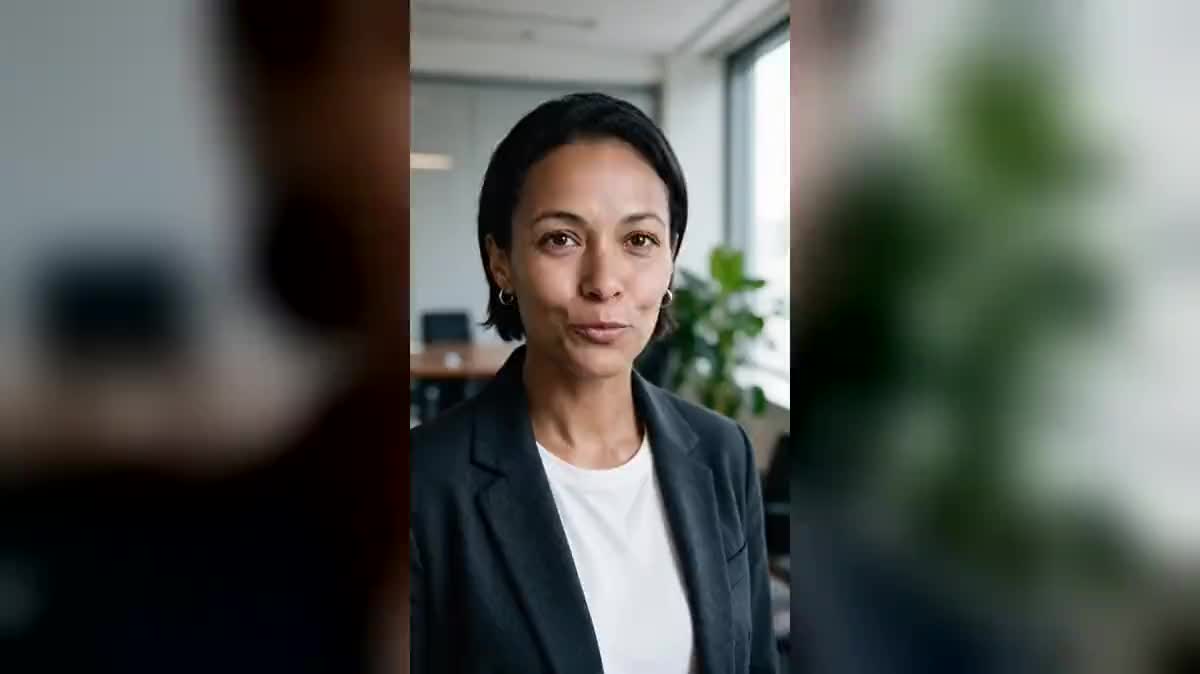
The spot in five languages
An ad shot in French becomes five files: one Voice-over node per language, one Sync Lipsync 3 node per language, the same video as input. The budget reads on each button before launching.
A video where someone speaks, a new voice in another language: Sync Lipsync 3 re-times the lips to the new text. The same shot in English and in Spanish, without reshooting. The whole workflow is visible without an account.
The real workflow: the avatar's video in a Media node, two translations each read by a Voice-over node, and two Video nodes set to Sync Lipsync 3 that receive the video through the video port and the voice through the voice port.
At a glance
A video shot once, delivered in as many languages as needed: that is what dubbing with lip sync does. The person on screen no longer says the original sentence, they say the translation, and their mouth follows the new voice frame by frame. The face, the lighting, the framing stay those of the shoot.
The translated text is read in a Voice-over node, with a catalog voice or a cloned voice, yours for instance. The Video node set to Sync Lipsync 3 receives the video and the voice, and renders the dubbed shot. The price follows the produced duration, measured on your two files, and shows before you click.
The demo starts from the talking avatar video, in French, and renders it in English then in Spanish. A spot, an internal training video, a product presentation: one shoot, one file per market.
These are the files of the workflow above, exactly as the models produced them, unretouched. The starting point is shown when there is one.
Starting point
Render
An mp4 where a single person speaks to camera, mouth visible from start to end, clean sound.
Upload the spoken video
A face seen from the front, well lit, mouth visible, with no hand or microphone in front. Up to two minutes per pass. A shot filmed on a phone works.
Write the translation and pick the voice
Each Voice-over node reads a text in one language. Pick a voice close to the person, or clone theirs to keep their timbre from one language to the next.
Set how the durations meet
By default, the result stops at the shorter of the two durations. If the voice runs past the shot, choose “loop”: the video repeats under the voice, which works well on a to-camera take.
Generate and compare
One node per language, all wired to the same video. The price of each follows its duration. Relaunch only the language you do not like.
The same canvas, tuned for different needs: each variation is two or three lines of prompt away.
An ad shot in French becomes five files: one Voice-over node per language, one Sync Lipsync 3 node per language, the same video as input. The budget reads on each button before launching.
A trainer filmed to camera, the text translated by a Text node, read by a Voice-over node, and the video dubbed for teams abroad. The edit stays the same.
Dubbing also serves in the same language: a sentence said wrong, a price that changed, a name to correct. Rewrite the text, relaunch, the mouth follows.
An authentic testimonial wins a foreign audience without losing the person's face: dub it with a close voice, and keep the subtitles for accessibility.
Start from a video produced by the talking avatar or a UGC ad, and dub it: the synthetic character speaks every language without regenerating the shot.
If you have no starting video, make a photo talk: InfiniTalk invents the face motion from a portrait and a voice.
The model syncs one face. With two people on screen, the result is unpredictable. Frame the one who speaks.
In cut mode, the result stops with the video and the end of the text disappears. Shorten the translation or switch to loop mode.
Hand, microphone, cup: anything passing in front of the mouth breaks the sync on those frames. Keep the face clear when shooting.
The result only contains the voice. Put the music back in the Montage node, otherwise the dubbed version sounds barer than the original.
It can
It cannot
No: that is the whole point. A single video, one Voice-over node per language, and the lips follow each translation.
No, the audio track of the result is the wired voice. To keep music or ambience, put them back in a Montage node over the dubbed video.
Yes: clone your voice in the Voice-over node, write the translation, and the cloned voice reads it. The lips follow.
From one second to two minutes per pass. Beyond that, cut the video in the Montage node and dub the pieces.
The price follows the produced duration, per second, and shows on the button as soon as the video and the voice are wired. A technical failure is refunded automatically.
Yes, as well as on a real shoot. A Wan, Seedance or Veo shot with a frontal face dubs like any video.
Yes: only the mouth is recomputed. Hands, eyebrows, head movements are those of the original take.
A voice in the same register as the person, or their clone. Listen to the voice alone in the Voice-over node before launching the sync.
Dub a video with AI, lips in sync
Use this workflowFree account, no card required. The workflow opens pre-filled in your canvas.
 Sync Lipsync 3
 ElevenLabs v3
 InfiniTalk
 Veo 3.1 Fast